
Every day, millions of Android users install new apps for productivity, entertainment, or social connection. But not all apps are created equal. Some may contain malware, collect personal data without consent, or degrade device performance. Installing apps carelessly can compromise security, privacy, and even financial safety. Following a structured, cautious approach ensures you get the functionality you need without exposing your device to unnecessary risks.
This guide walks through every stage of app installation—from choosing trustworthy sources to managing permissions and verifying authenticity—so you can confidently expand your phone’s capabilities while staying protected.
1. Use Trusted App Sources Only
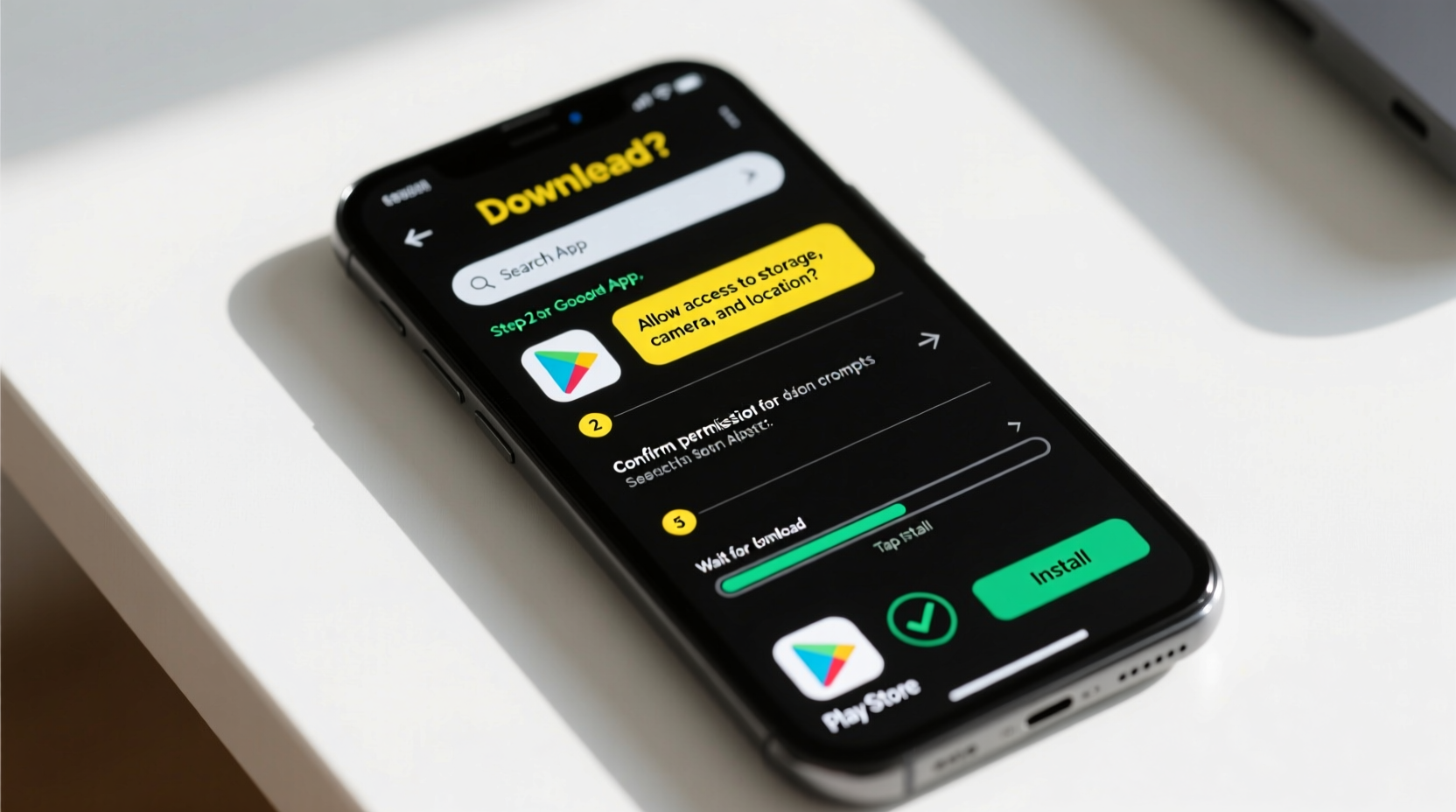
The first and most critical decision is where you download apps from. While Google Play Store is the default and safest option for most users, third-party sources exist—and they come with increased risk.
Google Play Store employs automated scanning (via Google Play Protect), developer verification, and user reviews to filter malicious apps. Even then, some harmful apps slip through, so vigilance remains essential.
Alternative sources like APKMirror, Amazon Appstore, or F-Droid can be safe if used carefully. However, downloading APK files from random websites significantly increases exposure to tampered or fake versions of popular apps.
“Over 90% of mobile malware in 2023 originated from third-party app stores or unauthorized APK downloads.” — Cybersecurity Report, Kaspersky Lab
2. Step-by-Step: How to Download and Install Apps Safely
Follow this sequence every time you install a new app to minimize risk:
- Open Google Play Store (or another trusted platform).
- Search for the app using its exact name or developer.
- Check the developer name—verify it matches the official company (e.g., “WhatsApp LLC,” not “WhatsApp Master” or “Free WhatsApp Pro”).
- Review ratings and reviews: Look for consistent feedback over time. Be wary of sudden spikes in five-star reviews, which may indicate manipulation.
- Examine app permissions before installing—does a flashlight app really need access to your contacts?
- Install the app only after confirming legitimacy.
- After installation, open the app and immediately review its permission requests. Deny any that seem excessive.
If installing from outside the Play Store:
- Go to Settings > Security (or Privacy).
- Enable Install unknown apps only for the specific browser or file manager you’re using—do not grant blanket access.
- Download the APK from a reputable site like APKMirror or the app’s official website.
- Use a file scanner (like VirusTotal) to check the APK hash before opening.
- Install cautiously and monitor behavior post-installation.
3. Evaluate App Safety Before Installation
Not all dangerous apps look suspicious. Sophisticated malware often mimics legitimate software. Use these criteria to assess risk:
| Critera | Safe Sign | Red Flag |
|---|---|---|
| Developer Name | Official entity (e.g., “Spotify AB”) | Vague or copied name (e.g., “Spotify Free Team”) |
| User Reviews | Mixed but authentic feedback over months | Thousands of identical positive comments posted recently |
| Downloads | High volume with steady growth | Over 1 million downloads but few reviews |
| Permissions | Only what’s needed (camera for photo app) | Requests SMS, location, or accessibility services unnecessarily |
| Last Update | Updated within last 30–60 days | No update in over a year despite OS changes |
4. Real Example: The Fake Banking App Trap
In early 2023, several Android users in Australia reported unauthorized transactions shortly after installing what appeared to be their bank’s official app. Investigation revealed they had downloaded a counterfeit version from a third-party store. The fake app mirrored the real one’s interface perfectly but captured login credentials and sent them to attackers.
Key warning signs were overlooked:
- The developer was listed as “Mobile Apps Studio” instead of the actual bank.
- The app requested overlay permissions (allowing it to appear on top of other apps).
- It had fewer than 5,000 downloads despite claiming to represent a major financial institution.
This case underscores why trusting appearance alone is dangerous. Always verify developer identity and prioritize official distribution channels.
5. Manage App Permissions After Installation
Just because an app requests a permission doesn’t mean you must grant it. Android allows granular control over what apps can access.
Navigate to Settings > Apps > [App Name] > Permissions to adjust settings anytime. Common adjustments include:
- Revoking location access from games or utility tools.
- Denying microphone access to calculator or wallpaper apps.
- Limiting background data usage for non-critical apps.
Consider using “Approximate Location” instead of “Precise Location” when possible. This gives apps general area data without revealing exact GPS coordinates.
“Users who regularly audit app permissions reduce their exposure to data harvesting by up to 70%.” — Dr. Lena Torres, Mobile Security Researcher at Stanford University
Essential Safety Checklist Before Installing Any App
Before tapping “Install,” run through this checklist:
- ✅ Is the app available on Google Play Store or another verified platform?
- ✅ Does the developer name match the official brand?
- ✅ Are there genuine user reviews with detailed experiences?
- ✅ Does the app request only necessary permissions?
- ✅ Has it been updated recently?
- ✅ Am I downloading it over a secure Wi-Fi or cellular network?
- ✅ Have I disabled “Unknown Sources” unless absolutely required?
Frequently Asked Questions
Can I get a virus from downloading an app on Android?
While Android doesn’t get traditional “viruses” like computers, it is vulnerable to malware, spyware, and ransomware disguised as apps. These can steal passwords, track activity, or lock your device. Using trusted sources and reviewing permissions greatly reduces this risk.
What should I do if an app behaves strangely after installation?
Uninstall it immediately. Go to Settings > Apps, select the app, and tap Uninstall. Then run a scan using Google Play Protect or a trusted antivirus app. If sensitive data may have been exposed, change relevant passwords and monitor accounts for unusual activity.
Is it safe to install apps from links in emails or messages?
No. This is a common phishing tactic. Scammers send links claiming to be updates for WhatsApp, banking apps, or delivery services. Always download apps directly from the Play Store or official websites. Never click install links from unsolicited messages.
Final Thoughts: Stay Informed, Stay Protected
Your Android phone holds immense personal value—photos, messages, banking details, and daily routines. Every app you install becomes part of that ecosystem. Taking a few extra minutes to verify legitimacy, understand permissions, and rely on trusted sources isn’t just cautious—it’s essential digital hygiene.
Security isn’t a one-time setup; it’s an ongoing practice. Regularly review installed apps, remove those you no longer use, and keep your system updated. With awareness and discipline, you can enjoy the full power of Android without compromising safety.




 浙公网安备
33010002000092号
浙公网安备
33010002000092号 浙B2-20120091-4
Comments
No comments yet. Why don't you start the discussion?