
With over 40 million active users, Cash App has become one of the most popular mobile payment platforms in the U.S. and the U.K. Its debit card—known as the Cash App Card—allows users to spend their balance instantly at stores, online, or through ATM withdrawals. While spending is straightforward, many users still struggle with securely withdrawing cash, especially when avoiding fees or ensuring transaction safety. This guide walks you through the entire process—from checking your balance to getting physical cash—while highlighting best practices for security and cost efficiency.
Understanding Your Cash App Balance and Withdrawal Options
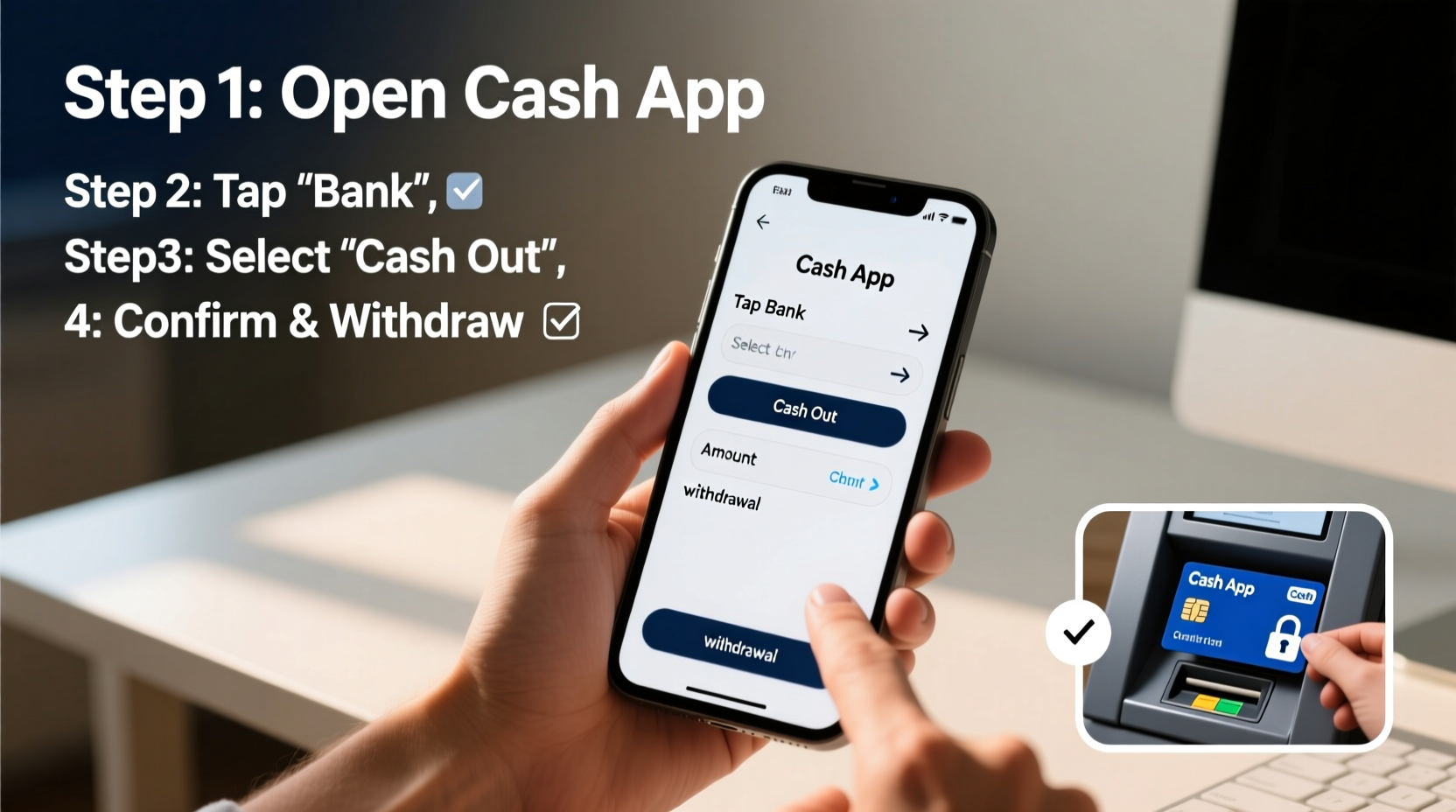
Before initiating a withdrawal, it's essential to understand where your funds are coming from. Cash App supports multiple funding sources: linked bank accounts, direct deposits, Bitcoin wallets, and your Cash App balance. Only funds in your \"Cash App Balance\" or linked bank account can be withdrawn via ATM or transferred back to your bank.
There are two primary ways to access your money:
- ATM Withdrawals: Use your Cash App Card at any ATM that accepts Visa (since the Cash App Card runs on the Visa network).
- Bank Transfers: Move money from your Cash App account directly into your linked bank account.
Each method has different processing times, fee structures, and security considerations. Knowing which option suits your needs helps streamline the process and reduce risks.
Step-by-Step Guide to Withdrawing Cash from an ATM
If you need immediate access to physical cash, using your Cash App Card at an ATM is the fastest option. Follow these steps carefully to complete the transaction securely:
- Verify Your Card Is Active: Open the Cash App, go to the \"Card\" tab, and confirm your card status is active. If not, tap “Activate Card” and follow the prompts.
- Locate a Compatible ATM: Look for ATMs displaying the Visa logo. Most banks, convenience stores, and gas stations have compatible machines.
- Insert or Tap Your Card: Insert your physical Cash App Card or use contactless tap if supported by the terminal.
- Enter Your PIN: Input the four-digit PIN you set up in the Cash App under Settings > Privacy & Security > Cash PIN.
- Select 'Checking' or 'Savings': Choose 'Checking' even though no actual checking account exists—this is standard for prepaid cards.
- Enter Withdrawal Amount: Cash App allows $1,000 per withdrawal and $1,000 daily limit. Start with smaller amounts if unsure.
- Collect Cash and Receipt: Take your money and receipt. Keep the receipt until you verify the transaction in the app.
- Check Transaction in App: Within minutes, review your activity feed to confirm the correct amount was deducted.
Note: Some ATMs charge additional surcharges (typically $2–$5). Cash App does not reimburse these unless you use MoneyPass ATMs within the U.S., which are surcharge-free.
Avoiding Fees and Maximizing Convenience
While Cash App doesn’t charge for standard ATM withdrawals, third-party operators often do. To minimize costs, plan ahead and use fee-free networks whenever possible.
| Withdrawal Method | Cash App Fee | Third-Party Fee | Availability |
|---|---|---|---|
| MoneyPass ATM (U.S.) | $0 | $0 (surcharge-free) | Nationwide |
| Other U.S. ATMs | $0 | $2–$5 average | Widespread |
| Instant Bank Transfer | 1.5% fee (min $0.25, max $25) | $0 | Linked U.S. banks only |
| Standard Bank Transfer | $0 | $0 | 1–3 business days |
“Using surcharge-free ATM networks like MoneyPass can save frequent withdrawers over $100 annually.” — Financial Access Initiative, 2023 Report
Transferring Funds Back to Your Bank Account
If you don’t need cash immediately, transferring money to your bank account is safer and often more practical. Here’s how to do it securely:
- In the Cash App, tap the Banking tab (or Balance screen) and select “Transfer to Bank.”
- Choose between Standard (free, 1–3 days) or Instant (fee applies, under 30 minutes).
- Enter the amount. Ensure it doesn’t exceed your available balance.
- Confirm the transfer using your PIN or Touch ID.
- Wait for confirmation. You’ll receive a notification once completed.
This method avoids physical theft risks and provides a clear digital trail. It’s ideal for larger sums or routine savings transfers.
Security Best Practices When Withdrawing Money
Your financial safety should always come first. Even small oversights—like entering your PIN publicly or using unsecured ATMs—can lead to fraud or loss.
Essential Security Checklist
- ✅ Set a strong, unique 4-digit Cash App PIN (not your birthday or repeating numbers).
- ✅ Never share your PIN, SSN, or login credentials with anyone.
- ✅ Use two-factor authentication (2FA) in Settings > Security.
- ✅ Shield the keypad when entering your PIN at ATMs.
- ✅ Avoid ATMs in isolated or poorly lit areas.
- ✅ Regularly monitor your transaction history for unauthorized activity.
- ✅ Lock your card remotely in the app if lost or stolen.
Cash App offers instant card locking—a critical feature if your card goes missing. Simply open the app, go to the Card tab, and toggle “Lock Card” until recovered or replaced.
Real Example: How Sarah Avoided a Scam
Sarah noticed a $200 ATM withdrawal she didn’t make while reviewing her Cash App activity late one evening. She immediately locked her card via the app and reported the transaction. Cash App’s fraud team investigated and reversed the charge within 48 hours. Because she acted quickly and had 2FA enabled, her account remained secure. Her experience underscores the importance of vigilance and prompt response.
Frequently Asked Questions
Can I withdraw money without a PIN?
No. A PIN is required for both ATM withdrawals and in-store purchases. If you haven’t set one, go to Settings > Privacy & Security > Cash PIN to create it.
Why was my ATM withdrawal declined?
Common reasons include insufficient balance, daily limits exceeded ($1,000), incorrect PIN entry, or temporary security holds. Check your balance and recent activity to diagnose the issue.
Is it safe to use Cash App at gas station ATMs?
Generally yes—but exercise caution. Outdoor ATMs are more vulnerable to skimming devices. Inspect the card slot for loose parts or unusual attachments. Prefer indoor ATMs when possible.
Final Thoughts: Smart, Secure, and Stress-Free Withdrawals
Withdrawing money from your Cash App card doesn’t have to be complicated or risky. By understanding your options, preparing in advance, and following proven security habits, you can access your funds quickly and confidently. Whether you're grabbing cash for groceries or transferring savings to your bank, each step matters—from setting a secure PIN to choosing fee-free ATMs.
The key is consistency: treat every transaction as an opportunity to reinforce good financial hygiene. Over time, these small actions build a safer, more efficient money management routine.




 浙公网安备
33010002000092号
浙公网安备
33010002000092号 浙B2-20120091-4
Comments
No comments yet. Why don't you start the discussion?