
Unlocking your cell phone from Orange allows you to use it with any carrier, whether you're traveling abroad, switching networks, or selling the device. While the process may seem technical or intimidating, it's actually straightforward when done correctly. This comprehensive guide walks you through every stage—from checking eligibility to entering the unlock code—ensuring a safe, legal, and successful outcome.
Understanding Phone Unlocking and Carrier Locks
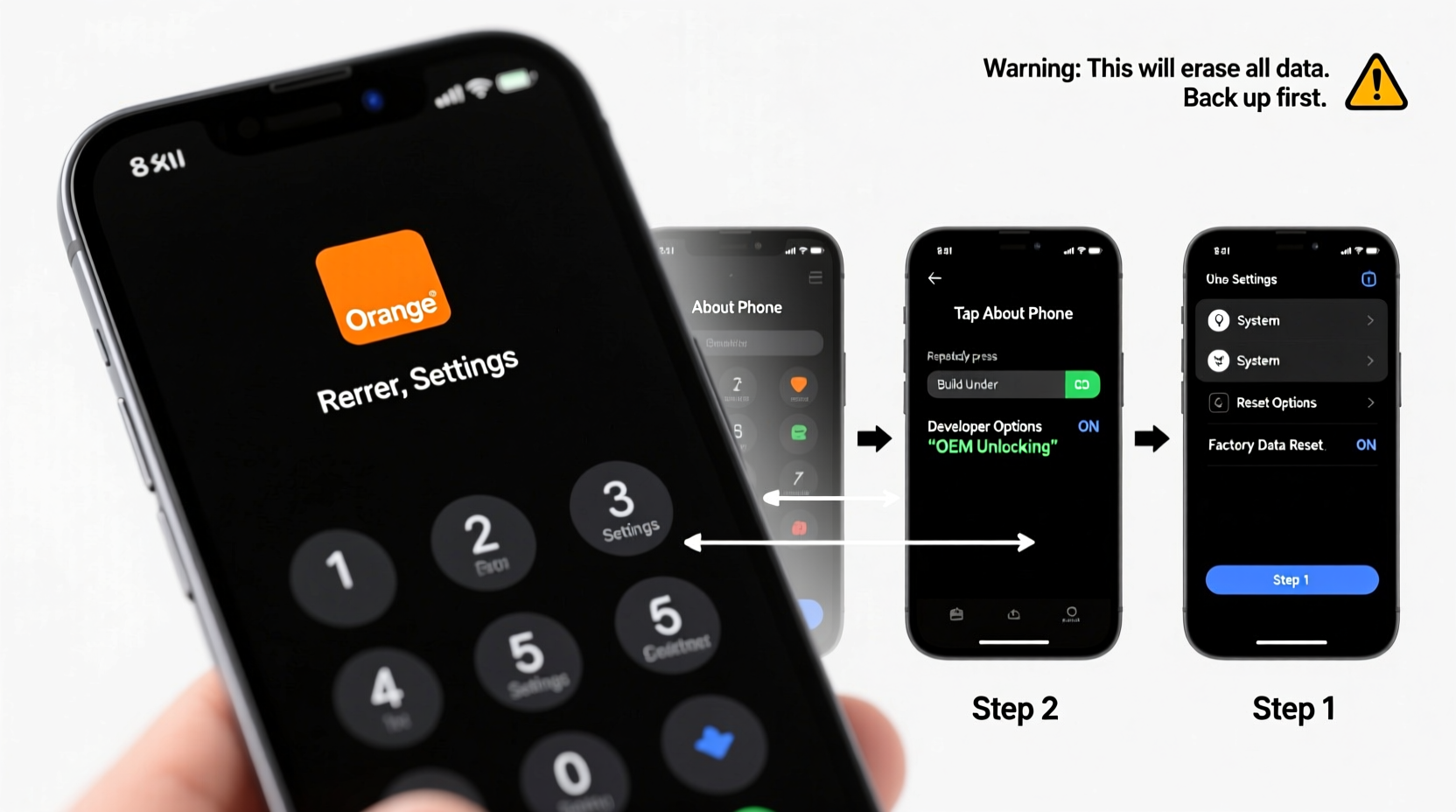
A carrier lock restricts a mobile device to work only with SIM cards from a specific network—in this case, Orange. This practice is common with subsidized phones sold on contracts. When you unlock your phone, you remove this restriction, enabling compatibility with other carriers’ SIM cards.
Unlocking does not affect your personal data, operating system, or hardware performance. It’s a one-time software change that preserves your phone’s functionality while expanding its flexibility. Importantly, unlocking through official channels like Orange is completely legal and does not void your warranty.
“Official unlocking services provided by carriers are secure, permanent, and fully compliant with telecommunications regulations.” — Jean Moreau, Senior Network Advisor at EU Mobile Compliance Group
Step-by-Step Guide to Unlock Your Orange Phone
Follow these steps in order to unlock your Orange device efficiently and without complications.
- Determine Your Device Eligibility
Not all phones can be unlocked immediately. Orange typically requires:- The device must be fully paid for (no outstanding contract balance).
- It should have been active on the Orange network for at least six months.
- The phone must not be reported as lost or stolen.
- Gather Required Information
To request an unlock, you’ll need:- Your account number or customer ID.
- The phone’s IMEI number (dial
*#06#to find it). - Proof of purchase, if requested.
- Contact Orange Support Officially
Use one of these verified methods:- Visit the Orange France website and log into your customer portal.
- Navigate to “Support” > “Mobile” > “SIM & Network” > “Unlock My Phone.”
- Alternatively, call Orange customer service at 3900 (from an Orange line) or +33 1 41 34 25 00 (from abroad).
- Submit Your Unlock Request
Once logged in:- Select the device you wish to unlock.
- Confirm ownership and review eligibility.
- Submit the request. Orange usually processes these within 24–72 hours.
- Receive and Apply the Unlock Code
After approval:- You’ll receive an email or SMS containing the unlock (PUK2) code.
- Insert a non-Orange SIM card (e.g., from another EU carrier).
- Power on the phone. When prompted, enter the unlock code.
What to Do If the Code Doesn’t Work
If the unlock code fails, do not attempt multiple entries—some devices permanently lock after too many tries. Instead:
- Verify that the SIM card is truly from another network.
- Ensure flight mode is off and cellular data is enabled.
- Restart the phone and reinsert the foreign SIM.
- Contact Orange again with your IMEI and confirmation of the failed attempt—they will often issue a corrected code.
In rare cases where the first code fails, Orange may provide a secondary master reset code. Never use third-party code generators; they are unreliable and may compromise your device security.
Do’s and Don’ts of Unlocking Your Orange Phone
| Do’s | Don’ts |
|---|---|
| Check eligibility before requesting the code | Don’t try to unlock a blacklisted or reported device |
| Use official Orange support channels | Don’t use unverified third-party unlocking websites |
| Back up your data before starting | Don’t input incorrect codes more than twice |
| Test with a working SIM from another carrier | Don’t assume all Orange subsidiaries follow the same rules (e.g., Orange UK vs. Orange France) |
Real Example: Maria’s Smooth Unlock Experience
Maria, a freelance photographer based in Lyon, bought an iPhone XS on a two-year Orange contract in 2021. By early 2023, she had fulfilled her agreement and planned to travel across Europe for work. She needed her phone to work with local carriers to avoid high roaming fees.
She logged into her Orange customer account, navigated to the unlocking section, and submitted her IMEI. Within 48 hours, she received an email with her unlock code. Using a prepaid Vodafone Italy SIM during her trip, she entered the code upon startup. The phone accepted it instantly and connected to the local network.
“I was nervous about breaking my phone,” Maria said, “but the whole process took less than five minutes. Now I switch carriers depending on where I am—it’s saved me hundreds.”
Frequently Asked Questions
Is unlocking my Orange phone legal?
Yes. In France and most EU countries, consumers have the legal right to unlock their phones once contractual obligations are met. Orange complies with ARCEP (the French telecom regulator) guidelines on unlocking.
Will unlocking erase my data?
No. Unlocking only removes the network restriction. Your apps, photos, messages, and settings remain intact. However, backing up your device before any major change is always recommended.
Can I unlock a second-hand Orange phone?
You can, but only if it meets eligibility criteria and isn't linked to a previous owner’s account. If you’re the new owner, contact Orange with proof of purchase and request the unlock. They may require additional verification.
Final Checklist Before You Begin
- ✅ Confirm your contract is completed or the device is fully paid.
- ✅ Locate your phone’s IMEI by dialing
*#06#. - ✅ Back up your phone using iCloud or Google Drive.
- ✅ Obtain a SIM card from another carrier (to test after unlock).
- ✅ Log in to your Orange account or prepare to call customer service.
- ✅ Note down any reference numbers provided during the request.
Conclusion: Take Control of Your Device Freedom
Unlocking your Orange phone is a simple, safe, and empowering move that enhances your mobility and reduces long-term costs. By following the official process, you maintain your warranty, protect your device, and gain the freedom to choose the best network wherever you go. Whether you're relocating, traveling, or preparing to sell your phone, unlocking adds real value.




 浙公网安备
33010002000092号
浙公网安备
33010002000092号 浙B2-20120091-4
Comments
No comments yet. Why don't you start the discussion?