
Music transforms a good video into an unforgettable experience. Whether you're creating social media content, promotional reels, documentaries, or vlogs, the right soundtrack can amplify emotion, reinforce pacing, and deepen audience connection. Yet many creators treat music as an afterthought, missing a powerful opportunity to elevate their work. This guide walks through a proven process for selecting, editing, and integrating music that enhances—not distracts from—your message.
Why Music Matters in Video Production
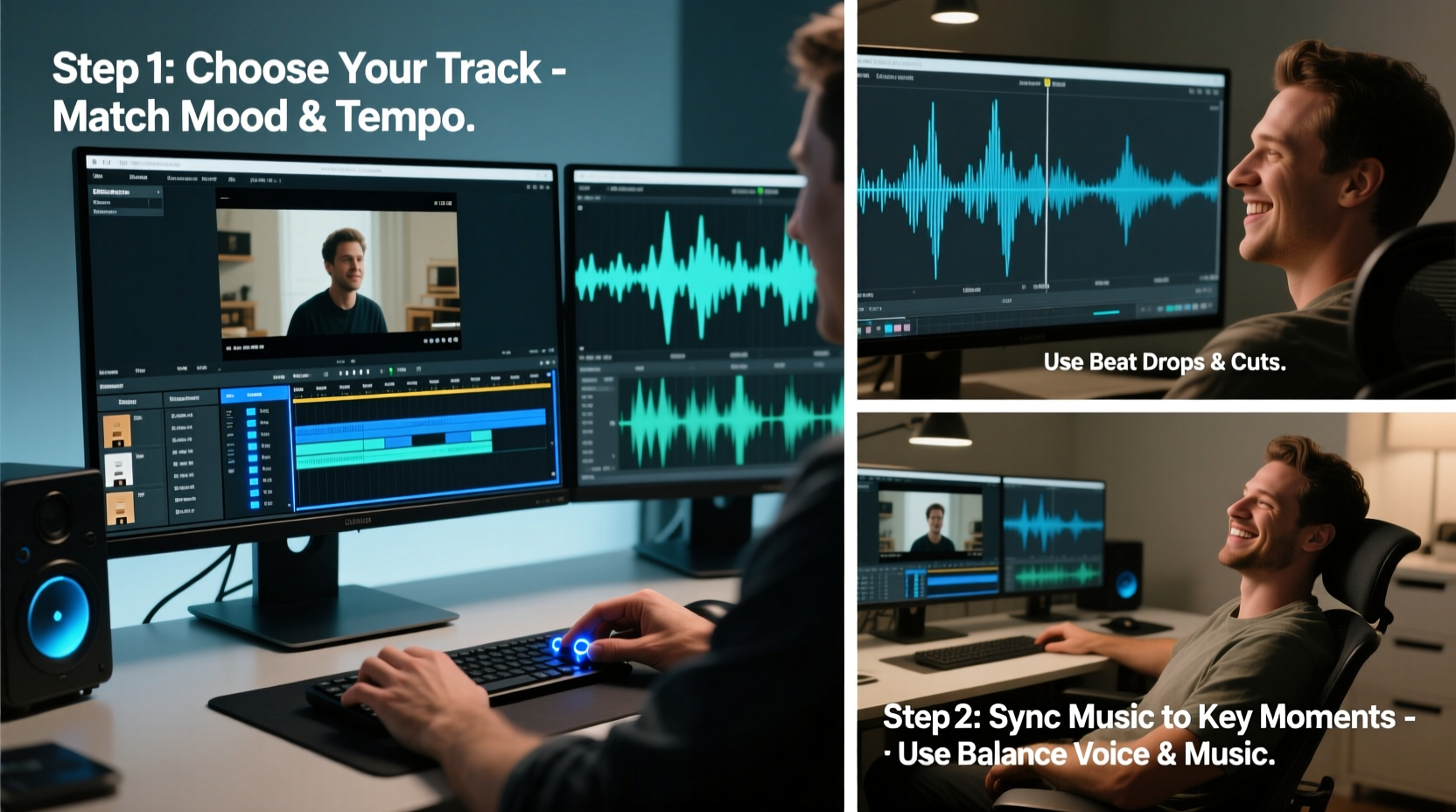
Sound influences perception more than most realize. Studies show that background music affects mood, memory retention, and emotional response. A scene without music feels flat; the same scene with well-chosen audio becomes compelling. Consider film trailers: they rely heavily on music to generate anticipation, tension, or joy—even before dialogue begins.
Effective music use does more than entertain—it supports narrative flow, emphasizes key moments, and helps establish brand identity. For example, upbeat tracks signal energy and positivity, ideal for lifestyle or fitness content. Slower, ambient scores suit introspective stories or educational material. The key is alignment: music must match tone, pacing, and intent.
“Music is the invisible character in every video. When chosen wisely, it guides the viewer’s emotions without them even noticing.” — Lena Torres, Sound Design Director at Frame & Tone Studios
Step-by-Step Process for Adding Music Effectively
1. Define Your Video’s Emotional Goal
Before searching for tracks, clarify the emotional arc of your video. Ask:
- What feeling should viewers have at the end?
- Are there pivotal moments (reveals, transitions, climaxes) that need emphasis?
- Does the music need to reflect a brand voice (e.g., playful, professional, bold)?
This clarity prevents random track selection and ensures cohesion between visuals and sound.
2. Choose the Right Type of Music
Not all music works universally. Match genre and instrumentation to context:
| Video Type | Suitable Music Style | Tempo Range (BPM) |
|---|---|---|
| Corporate Explainer | Upbeat acoustic, light electronic | 90–110 BPM |
| Fitness/Action Clip | Energetic EDM, rock, hip-hop instrumental | 120–140 BPM |
| Travel Vlog | World music, indie folk, ambient pop | 80–100 BPM |
| Emotional Storytelling | Piano-based, cinematic strings | 60–80 BPM |
3. Source High-Quality, Legal Tracks
Avoid copyright strikes by using royalty-free or licensed music. Trusted platforms include:
- Artlist.io – Subscription-based, high-quality cinematic and modern tracks.
- Epidemic Sound – Broad library with precise mood tagging.
- YouTube Audio Library – Free, but limited in variety.
- AudioJungle – Pay-per-track marketplace with diverse options.
4. Edit Music to Fit Your Timeline
Never drop a full song into your timeline unchanged. Trim and shape the audio to serve the story:
- Use only the strongest sections (intro, chorus, bridge).
- Cut before vocals if dialogue overlaps.
- Adjust volume so music supports, not overwhelms, speech.
- Apply crossfades between clips to avoid abrupt shifts.
- Consider layering multiple tracks (e.g., subtle pad under rhythmic beat).
Most editing software—like Adobe Premiere Pro, Final Cut Pro, or DaVinci Resolve—offers audio envelopes and EQ tools. Use them to duck music during narration or boost emotional peaks.
5. Sync Music with Visual Cuts
Timing music cues with visual edits creates rhythm and impact. Common techniques:
- Beat Matching: Cut on beats or downbeats for energetic sequences.
- Hit Points: Align musical accents (drum hits, stings) with on-screen reveals or transitions.
- Risers and Drops: Use rising tones before a big reveal; release tension with a drop on the payoff moment.
This synchronization turns editing into choreography, making content feel dynamic and intentional.
Common Pitfalls to Avoid
Even experienced creators make mistakes when integrating music. These Do’s and Don’ts help prevent missteps:
| Do | Don't |
|---|---|
| Match music tempo to edit pace | Use fast music with slow-motion footage unless intentionally contrasting |
| Fade music out gradually at the end | Cut music abruptly mid-beat |
| Leverage silence strategically before a music swell | Fill every second with sound |
| Check audio levels across devices | Assume volume balance works on all speakers/headphones |
Real-World Example: Travel Vlog Transformation
Jess Chen, a travel content creator, struggled with low engagement despite stunning visuals. Her Bali vlog had crisp drone shots and authentic cultural moments, but viewers often dropped off early. After analyzing her metrics, she realized the audio lacked direction—she used generic tropical beats throughout, regardless of scene tone.
She re-edited the video with a new approach:
- Soft gamelan-inspired instrumental for sunrise temple scenes.
- Upbeat indie-pop during beach exploration and food tasting.
- Silence during a heartfelt interview with a local artisan, then a gentle piano swell afterward.
The revised version saw a 68% increase in average watch time and was shared widely for its “cinematic feel.” Jess later said, “I didn’t change the footage—I changed how people *felt* watching it.”
Essential Checklist Before Publishing
Run through this final checklist to ensure your music integration is polished and effective:
- ✅ Music aligns emotionally with the video’s purpose.
- ✅ Track is properly licensed for your platform (YouTube, Instagram, etc.).
- ✅ Volume levels are balanced—music doesn’t overpower voice or SFX.
- ✅ Transitions between music sections are smooth (crossfades applied).
- ✅ Key moments sync with musical accents (hits, drops, swells).
- ✅ Audio fades out naturally at the end (or cuts cleanly if intentional).
- ✅ Tested playback on mobile, desktop, and headphones.
Frequently Asked Questions
Can I use popular songs from Spotify or Apple Music in my videos?
No, not without explicit licensing. Streaming services grant personal listening rights, not redistribution rights. Using copyrighted music can lead to takedowns, demonetization, or legal action. Always opt for royalty-free or properly cleared tracks.
How loud should background music be?
A general rule: music should sit beneath dialogue or narration. Aim for -18dB to -12dB for music when voice is peaking at -6dB. Use your editor’s audio meters and test on multiple devices to ensure clarity.
Should I use one track or multiple songs per video?
It depends on length and pacing. Short videos (under 60 seconds) usually benefit from one consistent track. Longer videos (3+ minutes) can use multiple tracks to reflect changing moods—but transitions must be seamless to avoid jarring shifts.
Final Thoughts
Music isn’t decoration—it’s a storytelling tool. When thoughtfully selected and precisely edited, it elevates your message, deepens viewer engagement, and leaves a lasting impression. The difference between amateur and professional video often lies not in camera quality, but in sound design.
Take time to explore music libraries, experiment with timing, and listen critically. Small adjustments in volume, timing, or track choice can yield dramatic improvements. Your next video doesn’t just need better visuals—it needs better sound.




 浙公网安备
33010002000092号
浙公网安备
33010002000092号 浙B2-20120091-4
Comments
No comments yet. Why don't you start the discussion?