
An event website is more than a digital flyer—it’s a powerful tool to generate excitement, communicate key details, and convert interest into confirmed attendance. Whether you're organizing a conference, workshop, concert, or community gathering, a well-crafted website can significantly increase turnout. The difference between a forgettable page and one that sells out lies in strategy, clarity, and user experience. This guide walks through the essential steps to build an event website that not only informs but inspires action.
Define Your Goals and Audience
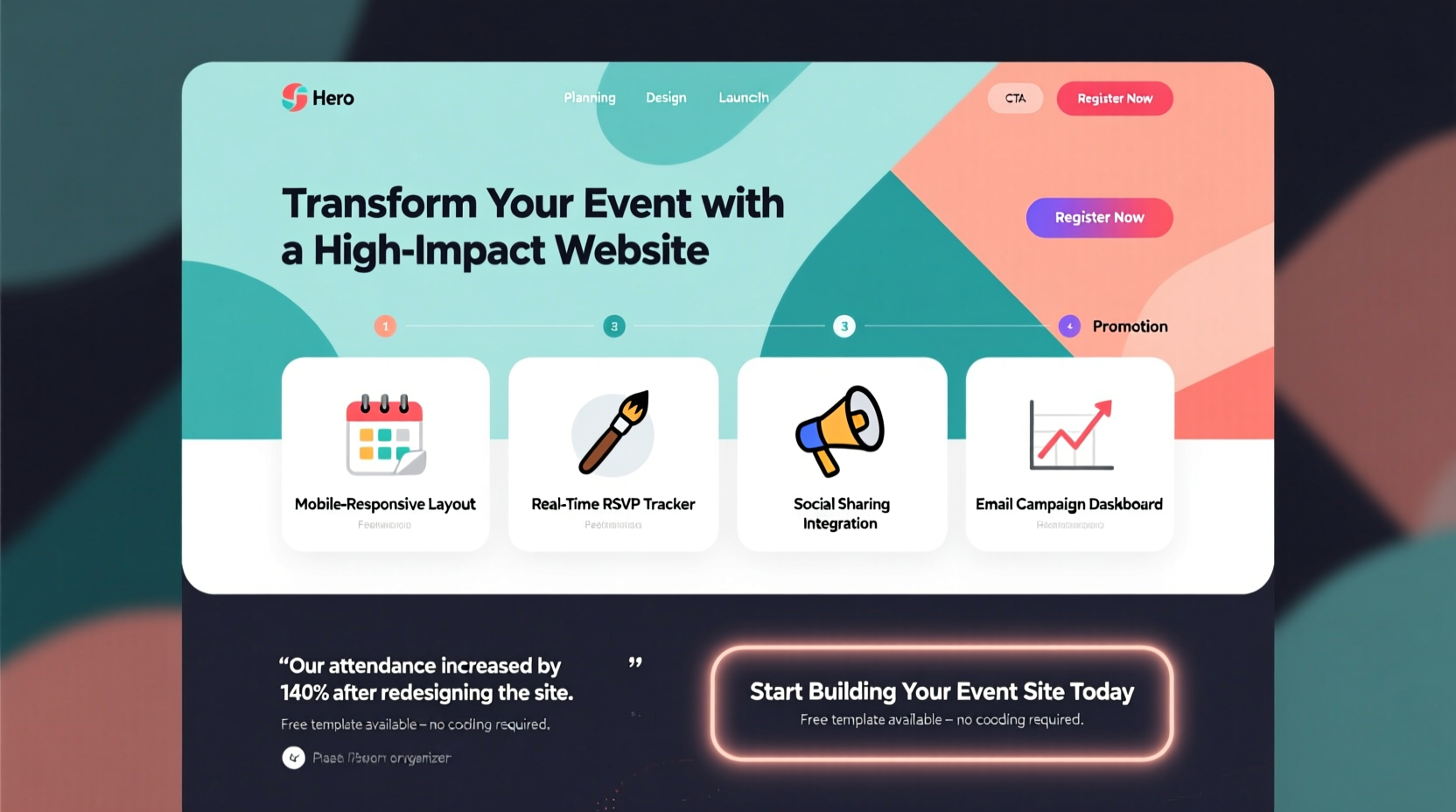
Before writing a single line of code or choosing a color scheme, clarify the purpose of your event and who it's for. A tech startup conference will require a different tone, design, and functionality than a local charity bake sale. Understanding your audience allows you to tailor messaging, layout, and calls to action effectively.
Ask yourself: Who are your ideal attendees? What motivates them to attend events like yours? Are they looking for networking, education, entertainment, or inspiration? Use this insight to shape every element of your site—from the headline on the homepage to the registration form.
Choose the Right Platform and Structure
The foundation of your event website depends on the tools you use. While custom development offers full control, most organizers benefit from user-friendly platforms that balance flexibility and ease of use.
| Platform | Best For | Key Advantage |
|---|---|---|
| WordPress + Event Plugin | Large, complex events | Full customization and scalability |
| Squarespace | Creative or visual events | Beautiful templates, intuitive editor |
| Wix Events | Small to mid-sized events | Drag-and-drop simplicity with built-in RSVP |
| Eventbrite Website Builder | Ticketed events | Seamless ticketing integration |
Your site structure should follow a logical flow. A typical navigation menu includes: Home, About, Agenda/Schedule, Speakers/Guests, Venue, Tickets/Registration, and Contact. Avoid clutter—limit top-level links to six or fewer.
Design for Clarity and Conversion
Visitors decide within seconds whether to stay or leave. Your design must be clean, fast-loading, and mobile-responsive. Over 60% of event registrations happen on mobile devices, so prioritize responsive layouts and touch-friendly buttons.
Use high-contrast colors for calls to action (CTAs), such as “Register Now” or “Get Your Ticket.” Place these above the fold and repeat them throughout the page. Typography should be legible; avoid decorative fonts for body text.
“We redesigned our event site with larger CTAs and simplified the registration path. Attendance increased by 38% year-over-year.” — Lena Torres, Marketing Director at TechSummit Global
Essential Pages and Content
Every effective event website includes core pages that answer critical questions:
- Homepage: Clear headline, date, location, and primary CTA.
- About: Why the event matters and what attendees gain.
- Schedule: Detailed agenda with session times and descriptions.
- Speakers: Photos, bios, and expertise highlights.
- Venue & Travel: Address, parking, accessibility, nearby hotels.
- Tickets: Pricing tiers, early-bird discounts, group rates.
- Contact: Email, social links, FAQ link.
Optimize for Search and Sharing
Your event won’t attract attendees if no one can find it. Implement basic SEO practices to improve visibility in search engines:
- Include the event name, city, and year in the page title and meta description.
- Use header tags (H1, H2) to structure content with relevant keywords (e.g., “Digital Marketing Conference 2024 – New York”).
- Add descriptive alt text to all images.
- Ensure fast load times—compress images and minimize plugins.
- Create shareable social media graphics linked from the site.
Integrate social sharing buttons next to key sections like speaker profiles or registration. Encourage speakers and partners to share the site with their networks. Each external link acts as a signal to search engines and expands your reach organically.
Mini Case Study: Urban Food Fest
The Urban Food Fest in Portland struggled with low online engagement during its first two years. Attendance hovered around 300 despite strong local buzz. In year three, the team rebuilt their website with a clear hierarchy: a bold hero image of past events, a countdown timer, and a prominent “Buy Tickets” button.
They added individual vendor pages with bios and menus, optimized the site for mobile, and launched a hashtag campaign tied to the URL. Organic traffic increased by 150%, and ticket sales rose to over 800—more than doubling previous attendance. The organizers credited the new site structure and improved UX as the main drivers of growth.
Launch and Promote Strategically
Building the site is only half the battle. A successful launch requires coordinated promotion across multiple channels.
📋 **Pre-Launch Checklist**- ✅ Test all forms and payment integrations
- ✅ Confirm mobile responsiveness on iOS and Android
- ✅ Set up Google Analytics and UTM tracking
- ✅ Draft email announcement for subscribers
- ✅ Schedule social media posts across platforms
- ✅ Share preview with speakers and sponsors for amplification
Consider soft-launching the site to a small group for feedback before going public. Fix any broken links or confusing copy. Once live, monitor bounce rates and conversion paths using analytics tools. If users are dropping off at the registration page, simplify the form or reduce required fields.
FAQ
How early should I launch my event website?
For conferences or large gatherings, launch the site 4–6 months in advance. For smaller events, 6–8 weeks is sufficient. Early launches allow time for SEO traction and word-of-mouth buildup.
Do I need a separate domain for my event?
If the event is recurring or brand-building, a standalone domain (e.g., summit2024.com) adds professionalism. For one-time or internal events, a subpage on your main site (yoursite.com/event) is acceptable.
Can I update the site after it goes live?
Absolutely. In fact, you should. Add new speakers, share testimonials, post blog updates, and announce limited-time offers to maintain momentum and encourage return visits.
Conclusion: Turn Interest Into Action
An effective event website doesn’t just present information—it guides visitors toward a decision. By defining your audience, structuring content clearly, designing for conversion, and promoting strategically, you create a digital experience that drives attendance. Every element, from the headline font to the registration button color, plays a role in building trust and urgency.
Don’t wait for perfection. Launch a solid version, gather data, and iterate. The most successful event sites evolve based on real user behavior. Start today: sketch your site map, choose your platform, and write your first headline. Your next sold-out event begins with a single, well-built webpage.




 浙公网安备
33010002000092号
浙公网安备
33010002000092号 浙B2-20120091-4
Comments
No comments yet. Why don't you start the discussion?