
Changing your name is a significant life event—whether due to marriage, divorce, gender transition, or personal preference. One of the most essential updates you’ll need to make is on your driver’s license. This official document is used for identification across countless services, from banking to travel. Getting it updated promptly ensures smooth experiences in daily life. While the process varies slightly by state, the core steps remain consistent. Follow this comprehensive guide to complete the change efficiently, avoid delays, and keep your documentation aligned.
Understand When You Need to Act
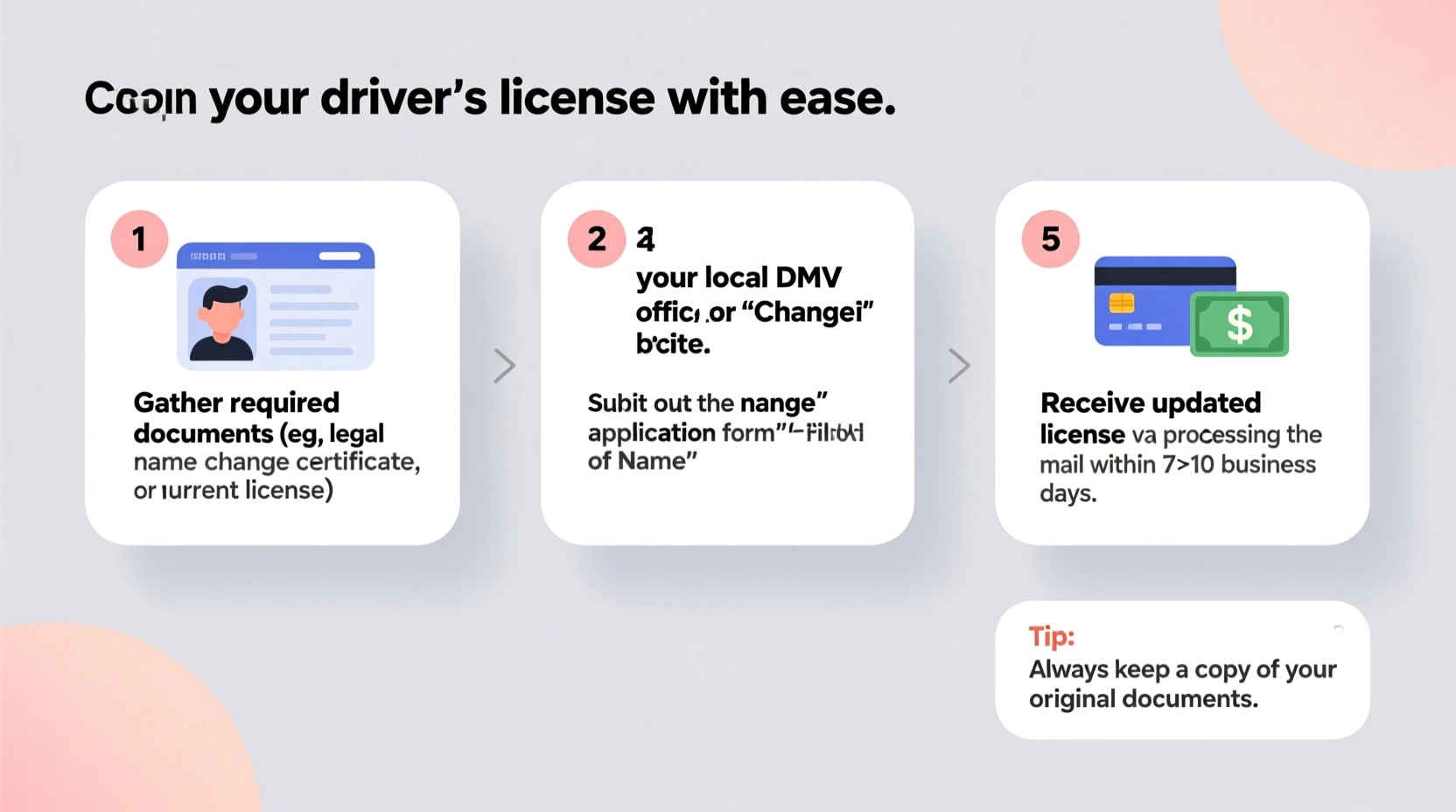
Most states require you to update your driver’s license within a specific window after a legal name change—typically between 30 and 60 days. Failing to comply can result in fines or complications during identity verification. Common triggers for a name change include:
- Marriage or domestic partnership
- Divorce decree restoring a previous name
- Court-ordered legal name change
- Gender-affirming name change
The first step is confirming that your name change is legally finalized. You cannot update your license without official documentation proving the change.
Gather Required Documents
Each state’s Department of Motor Vehicles (DMV) or equivalent agency has specific requirements, but the following documents are commonly needed:
- Proof of Legal Name Change: Marriage certificate, divorce decree, court order, or amended birth certificate.
- Current Driver’s License: Your existing license must be surrendered upon issuance of the new one.
- Proof of Identity: If your current license is expired or not government-issued, bring a passport or other acceptable ID.
- Proof of Residency: Utility bill, bank statement, or lease agreement showing your current address.
- Social Security Card: Updated with your new name. The DMV will verify name and SSN consistency.
Some states allow online updates if you’ve already updated your Social Security record. Others require an in-person visit, especially if a photo needs to be retaken.
| Document | Purpose | Common Acceptance |
|---|---|---|
| Marriage Certificate | Proves name change via marriage | Accepted in all 50 states |
| Divorce Decree | Restores former name post-divorce | Required in family law states |
| Court Order | Validates any legal name change | Universally accepted |
| Updated Social Security Card | Ensures federal alignment | Mandatory in most states |
Step-by-Step Guide to Updating Your License
Follow these seven steps to ensure a seamless name change on your driver’s license:
- Update Your Social Security Record First
Visit the Social Security Administration (SSA) website or local office to update your name. This step is critical—your DMV will cross-check with SSA records. Processing takes 1–2 weeks. - Collect Certified Copies of Your Name Change Document
Obtain at least two certified copies of your marriage certificate, court order, or divorce decree. Keep one as backup; use the other for DMV submission. - Check Your State’s DMV Requirements
Visit your state’s DMV website (e.g., dmv.ca.gov, dmv.ny.gov) to confirm document lists, fees, and appointment policies. Some states like Florida and Texas allow full online renewal with name changes if eligibility criteria are met. - Schedule an Appointment (If Required)
States including California, Virginia, and Illinois require appointments for in-person visits. Booking ahead reduces wait times significantly. - Complete the Application Form
Download and fill out the name change or license renewal form in advance. Many states offer this online. Double-check spelling and date accuracy. - Visit the DMV In Person or Submit Online
Bring all required documents, pay the fee (typically $10–$30), and submit your application. If done in person, expect a new photo. Some states issue temporary paper licenses immediately. - Receive Your New License
The physical card usually arrives by mail within 7–14 business days. Verify all details upon receipt. Report errors immediately.
Real-Life Example: Sarah’s Smooth Transition
Sarah Johnson married in June and wanted to update her name across all documents without hassle. She began by applying for a Social Security card update online, uploading a scanned marriage certificate. Two weeks later, she received her new SS card. She then visited the Massachusetts RMV website, confirmed document requirements, and scheduled an appointment. With her marriage certificate, current license, and SS card in hand, she completed the in-person update in under 30 minutes. Her new license arrived in the mail within nine days. By acting early and preparing thoroughly, Sarah avoided last-minute stress and kept her identification current.
Expert Insight
“Updating your driver’s license promptly after a name change prevents cascading issues with banks, employers, and travel. Treat it as a top priority right after the Social Security update.” — Michael Tran, State DMV Policy Advisor
Checklist: Name Change on Driver’s License
Use this checklist to stay organized:
- ✅ Finalize legal name change (marriage, court order, etc.)
- ✅ Obtain certified copy of name change document
- ✅ Update Social Security record with new name
- ✅ Confirm DMV requirements for your state
- ✅ Gather proof of identity, residency, and current license
- ✅ Schedule DMV appointment (if required)
- ✅ Complete application form in advance
- ✅ Pay applicable fee ($10–$30 average)
- ✅ Receive and verify new license in mail
Frequently Asked Questions
Can I change my name on my license without updating Social Security first?
No. The DMV verifies your name and Social Security number with federal databases. If they don’t match, your application will be rejected. Always update the SSA first.
How much does it cost to change my name on my license?
Most states charge a standard renewal or duplicate license fee, ranging from $10 to $30. A few states, like Oregon, waive the fee for name changes due to marriage or court order.
What if I made a typo on my new license?
Contact your state’s DMV immediately. Most offer free corrections for printing errors. You may need to return the incorrect license and provide proof of the correct name.
Final Steps and Ongoing Updates
Updating your driver’s license is a key milestone, but it’s not the end. Once your license reflects your new name, use it to update other accounts and records:
- Passport
- Bank accounts and credit cards
- Employer HR records
- Insurance policies (auto, health, home)
- Voter registration
Keep a master list of institutions you notify, along with dates and confirmation numbers. This log helps resolve discrepancies and speeds up future verifications.
Conclusion
Changing your name on your driver’s license doesn’t have to be overwhelming. With clear preparation, attention to detail, and adherence to state-specific rules, the process can be straightforward and stress-free. Start with the Social Security Administration, gather your documents, and follow through methodically. Millions update their licenses each year—by taking it one step at a time, you’ll join them with confidence and clarity.




 浙公网安备
33010002000092号
浙公网安备
33010002000092号 浙B2-20120091-4
Comments
No comments yet. Why don't you start the discussion?