
Closing a credit card account can be a smart financial move—whether you're eliminating unused credit lines, avoiding annual fees, or streamlining your finances. However, doing it incorrectly can lead to unexpected credit score impacts or lingering charges. Credit One Bank, known for its accessible credit products, doesn’t offer a direct “close account” button in its online portal, which can make the process confusing. This guide walks you through every necessary step to close your Credit One account securely and efficiently, minimizing risk and ensuring a clean financial transition.
Why Closing Your Credit One Account Requires Care
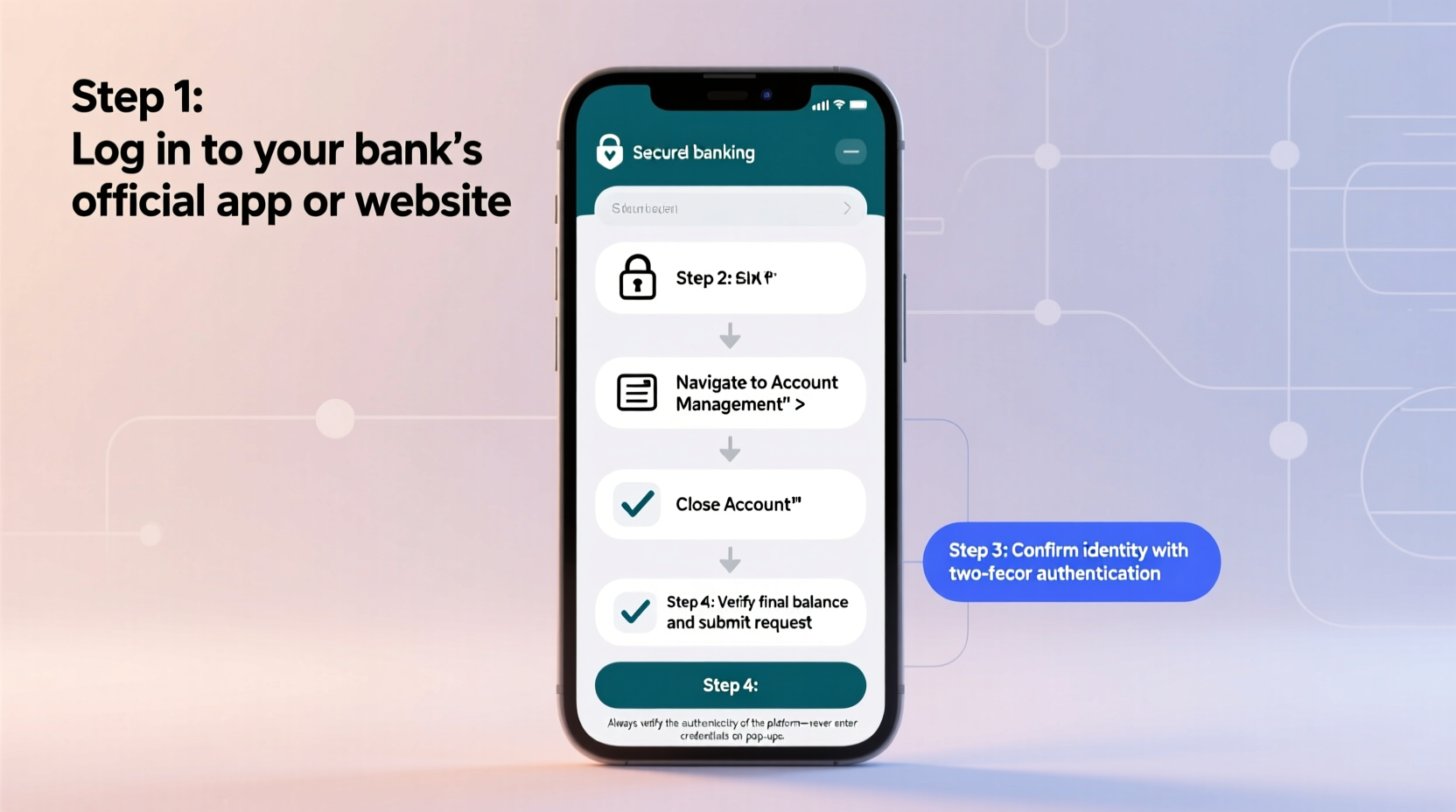
Before initiating closure, it's important to understand how this action affects your financial profile. Canceling a credit card influences two key components of your credit score: credit utilization and credit history length. If the Credit One card is one of your older accounts or has a high credit limit, closing it could increase your utilization ratio—potentially lowering your score temporarily.
Additionally, some users assume they can simply stop using the card and let it go inactive. But inactivity doesn’t equal closure. The account remains open, possibly accruing fees or being reported to credit bureaus as active. To truly sever the relationship, you must formally request closure—and confirm it was processed correctly.
Step-by-Step Guide to Closing Your Credit One Account
- Check Your Current Balance
Log into your Credit One online account at creditonebank.com. Confirm whether your balance is $0. If not, pay it off in full. Even a small remaining balance can delay closure or result in interest charges during processing. - Redeem Any Rewards or Cash Back
If your card offers cash back or rewards, use them before closing. Once the account is closed, unredeemed rewards are typically forfeited. Check your rewards dashboard and apply them to your statement or request a payout if eligible. - Review Pending and Recurring Transactions
Ensure no automatic payments (subscriptions, utilities, etc.) are linked to the card. Cancel or update these services with an alternate payment method. Also, wait 7–10 days after your last transaction to ensure all charges have posted and cleared. - Contact Credit One Customer Service
Since there’s no self-service closure option online, call the customer service number on the back of your card: 1-877-825-3242. Request to speak with a representative about permanently closing your account. - Verify Identity and Confirm Closure Intent
The agent will ask security questions (last four digits of SSN, date of birth, recent transaction details). Clearly state: “I would like to permanently close my Credit One account with no possibility of reopening.” Avoid phrases like “cancel” or “inactivate,” which may not result in full closure. - Request Written Confirmation
Ask the representative to send written confirmation of the closure via email or postal mail. This serves as proof if disputes arise later. Also, note the agent’s name, ID, and the time/date of the call. - Follow Up with a Creditor Letter (Optional but Recommended)
Send a certified letter reiterating your closure request. Include your full name, account number, and the date of your phone call. Keep a copy for your records. This creates a paper trail for future disputes. - Monitor Your Credit Report
After 30–60 days, check your credit reports at annualcreditreport.com. Verify that the account shows as “Closed by Consumer” or “Closed at Borrower’s Request.” If it still appears open, contact Credit One and the credit bureau to correct the record.
Do’s and Don’ts When Closing a Credit Card
| Do’s | Don’ts |
|---|---|
| Pay off the balance in full before calling | Close your only credit card without a backup |
| Cancel recurring payments tied to the card | Assume inactivity closes the account |
| Request written confirmation of closure | Use vague language like “cancel” instead of “close” |
| Check your credit report post-closure | Forget to redeem rewards or cash back |
| Keep notes from your customer service call | Close multiple cards at once (can hurt credit utilization) |
Real Example: How Sarah Closed Her Credit One Card Without a Hitch
Sarah had a Credit One Platinum Visa she used for gas purchases. After switching to a rewards card with better benefits, she decided to close the old account to avoid temptation and eliminate the $39 annual fee. She logged in, paid her $24.50 balance, and canceled her gym membership autopay. The next day, she called customer service during business hours and clearly stated her intent to close the account permanently. The agent confirmed the zero balance, processed the closure, and emailed her a confirmation within 24 hours. Two weeks later, Sarah checked her Experian report and saw the account listed as “Closed by Consumer.” By following each step carefully, she avoided credit score damage and ensured a clean exit.
“Closing a credit card isn’t just about stopping usage—it’s about formalizing the end of the credit relationship. Verbal confirmation plus documentation is essential.” — Marcus Lin, Consumer Credit Advisor, National Financial Wellness Institute
Frequently Asked Questions
Can I close my Credit One account online?
No, Credit One does not allow account closure through its online portal or mobile app. You must call customer service at 1-877-825-3242 to initiate the process. Online tools let you view balances and manage payments, but not close accounts.
Will closing my Credit One card hurt my credit score?
Potentially, yes—but usually only temporarily. The impact depends on your overall credit profile. If this is your only card or one of your oldest accounts, closure may reduce your average account age and increase utilization. If you have other open credit lines with low balances, the effect is likely minimal.
What happens if I don’t get confirmation of closure?
Without confirmation, you risk the account remaining open, accruing fees, or being inaccurately reported to credit bureaus. Always follow up with a certified letter and monitor your credit report. If the account still shows as open, file a dispute with the credit bureau and provide your call records.
Final Checklist Before You Call
- ✅ Balance paid in full
- ✅ Rewards redeemed or transferred
- ✅ All automatic payments updated
- ✅ No pending transactions (wait 7–10 days after last use)
- ✅ Customer service number ready (1-877-825-3242)
- ✅ Pen and paper to record agent details
- ✅ Plan to request email confirmation
Take Control of Your Financial Future
Closing a credit card doesn’t have to be stressful or risky. With the right preparation and clear communication, you can exit your Credit One relationship confidently and securely. Remember: the goal isn’t just to stop using the card, but to officially terminate the account and protect your credit standing. By following this guide, you’re not just closing an account—you’re taking a deliberate step toward smarter financial management.




 浙公网安备
33010002000092号
浙公网安备
33010002000092号 浙B2-20120091-4
Comments
No comments yet. Why don't you start the discussion?