
Creating a Facebook page is more than just setting up a profile. It's about building a digital storefront that reflects your brand, connects with customers, and drives real results. With over 2.9 billion monthly active users, Facebook remains one of the most powerful platforms for small and medium-sized businesses to increase visibility, build trust, and generate leads. But a poorly optimized or inactive page won’t deliver value. This guide walks you through every essential step—from creation to optimization—with actionable strategies to ensure your page stands out and performs.
1. Set Up Your Facebook Business Page Correctly
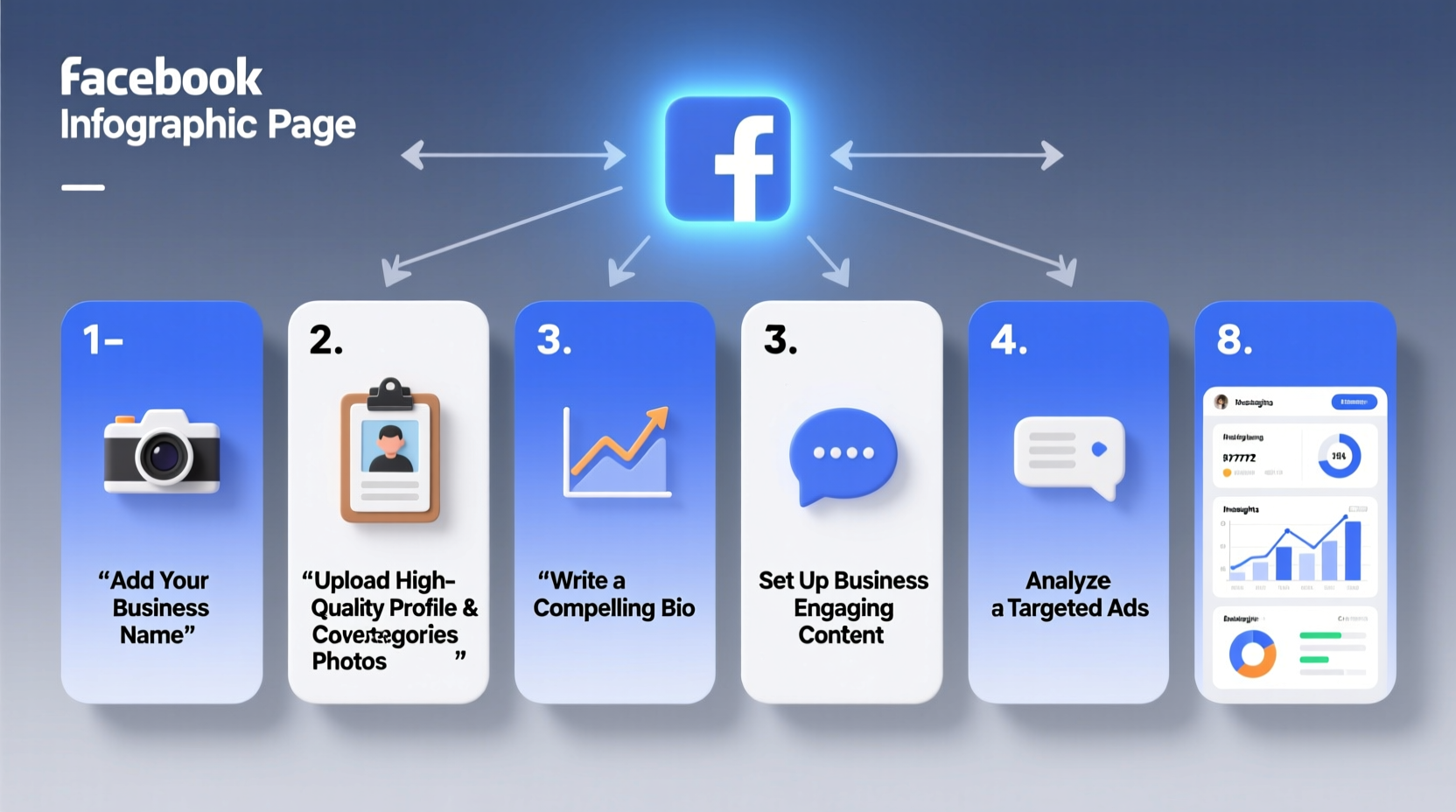
The foundation of success starts with proper setup. A well-structured page ensures clarity, professionalism, and discoverability.
- Log in to your personal Facebook account. You need a personal profile to create and manage a business page.
- Navigate to facebook.com/pages/create. Choose between “Business or Brand” or “Community or Public Figure.” For most companies, select “Business or Brand.”
- Enter your business name, category, and address. Use your legal business name unless you operate under a DBA (Doing Business As). Select the most accurate category—this affects how your page appears in searches.
- Add contact information. Include phone number, email, website, and hours of operation if applicable.
- Upload your profile picture and cover photo. Use a high-resolution logo (170x170 px) for the profile image and a branded cover image (820x312 px) that communicates your value proposition.
2. Optimize Key On-Page Elements for Visibility
Facebook treats your page like a mini-website. Optimizing each section improves search ranking both within Facebook and on external search engines like Google.
About Section Optimization
Your About section is prime real estate. It should clearly explain what your business does, who it serves, and how customers can reach you.
- Write a concise yet compelling description (max 255 characters visible without clicking “See More”).
- Include relevant keywords naturally—e.g., “local bakery in Austin,” “eco-friendly cleaning service.”
- Update all fields: mission statement, story, products/services, and price range if applicable.
Call-to-Action (CTA) Button
Use the CTA button strategically. Options include “Contact Us,” “Book Now,” “Shop Now,” or “Sign Up.” Link it directly to your booking system, website, or Messenger for immediate engagement.
Username and Permalink
After creating your page, go to Settings > Username to claim a custom URL (e.g., facebook.com/yourbusinessname). This makes sharing easier and boosts credibility.
| Element | Best Practice | Avoid |
|---|---|---|
| Profile Picture | Logo (170x170 px, clear, centered) | Crowded logos or low-res images |
| Cover Photo | Branded visual with tagline or offer (820x312 px) | Text-heavy designs that get cut off on mobile |
| About Description | Keyword-rich, customer-focused summary | Vague statements like “We do great things” |
| Contact Info | Complete: website, phone, email, location | Leaving fields blank |
3. Publish Consistently with Strategic Content
A page with zero posts signals neglect. Regular posting keeps your audience engaged and improves algorithmic visibility.
Content Mix That Works
- Educational: Tips, how-tos, industry insights.
- Promotional: Sales, new products, limited-time offers.
- Engagement-driven: Questions, polls, user-generated content.
- Behind-the-scenes: Team introductions, office tours, daily operations.
Post 3–5 times per week. Use Facebook’s built-in scheduler (under Create Post > Schedule) to maintain consistency without daily effort.
4. Grow Engagement and Build Community
Facebook rewards pages that spark conversations. Passive scrolling doesn’t build loyalty—interaction does.
Respond to All Comments and Messages
Set up instant replies via Messenger settings. Aim to respond to all inquiries within 24 hours. Pages displaying “Very Responsive to Messages” earn higher trust indicators.
Encourage Reviews
Positive reviews improve local SEO and social proof. Politely ask satisfied customers to leave feedback. Never incentivize reviews—this violates Facebook’s policies.
Run Targeted Contests
Example: “Tag two friends and follow our page to win a $100 gift card.” Ensure rules comply with Facebook’s promotion guidelines to avoid penalties.
“Pages that reply to over 90% of messages see up to 3x more inbound leads than those that don’t.” — Social Media Today, 2023 Industry Report
5. Monitor Performance and Refine Strategy
You can’t improve what you don’t measure. Facebook Insights provides free analytics to track growth and engagement.
Key Metrics to Watch
- Reach and Impressions: How many people saw your content?
- Engagement Rate: Likes, comments, shares per post.
- Follower Growth: Weekly net gain or loss.
- Top Posts: Identify high-performing content types.
- Customer Actions: Clicks to website, calls, direction requests.
Review Insights monthly. Double down on content themes that drive engagement and phase out underperforming formats.
Mini Case Study: Bella’s Boutique
Bella’s Boutique, a women’s clothing store in Denver, launched their Facebook page with minimal effort—just weekly product photos. After three months, engagement remained below 1%. They revamped their strategy: added behind-the-scenes videos, shared styling tips, responded to every comment, and used targeted CTAs. Within eight weeks, their engagement tripled, website clicks increased by 140%, and they gained 500 new followers. Their key insight? Value-driven content builds relationships faster than constant sales pitches.
Checklist: Launch & Optimize Your Facebook Page
- ✅ Choose the correct page type (Business or Brand)
- ✅ Enter accurate business name, category, and contact details
- ✅ Upload professional logo and cover image
- ✅ Write a keyword-rich, compelling About section
- ✅ Claim a custom username (facebook.com/yourbusiness)
- ✅ Add a Call-to-Action button linked to website or Messenger
- ✅ Publish 3–5 diverse posts per week
- ✅ Respond to all messages and comments promptly
- ✅ Enable and monitor Facebook Insights
- ✅ Run occasional contests or promotions to boost reach
Frequently Asked Questions
Can I create a Facebook business page without a personal account?
No. Facebook requires a verified personal profile to create and manage a business page. However, once created, you can assign other team members as admins without giving them access to your personal account.
How often should I post on my business page?
3 to 5 times per week is ideal for most businesses. Quality matters more than quantity—focus on valuable, engaging content rather than overposting.
Why isn’t my page showing up in search results?
This could be due to incomplete information, lack of engagement, or not having a custom username. Ensure your page is published, fully filled out, and actively posting. It may take a few weeks to gain indexing traction.
Final Thoughts: Turn Your Page Into a Growth Engine
A Facebook page isn’t a one-time setup project—it’s an ongoing marketing asset. From the initial creation to continuous optimization, each step compounds your online presence. By following this guide, you’re not just checking boxes; you’re laying the groundwork for customer relationships, brand authority, and measurable business growth.




 浙公网安备
33010002000092号
浙公网安备
33010002000092号 浙B2-20120091-4
Comments
No comments yet. Why don't you start the discussion?