
Building a custom mobile operating system is one of the most ambitious yet rewarding projects in computer science. While it may seem reserved for large corporations like Google or Apple, dedicated developers with the right knowledge can create a functional, secure, and efficient OS tailored to specific hardware or use cases. This guide walks through the entire process—from concept to bootable system—with practical insights, technical depth, and real-world considerations.
Understanding the Scope and Prerequisites
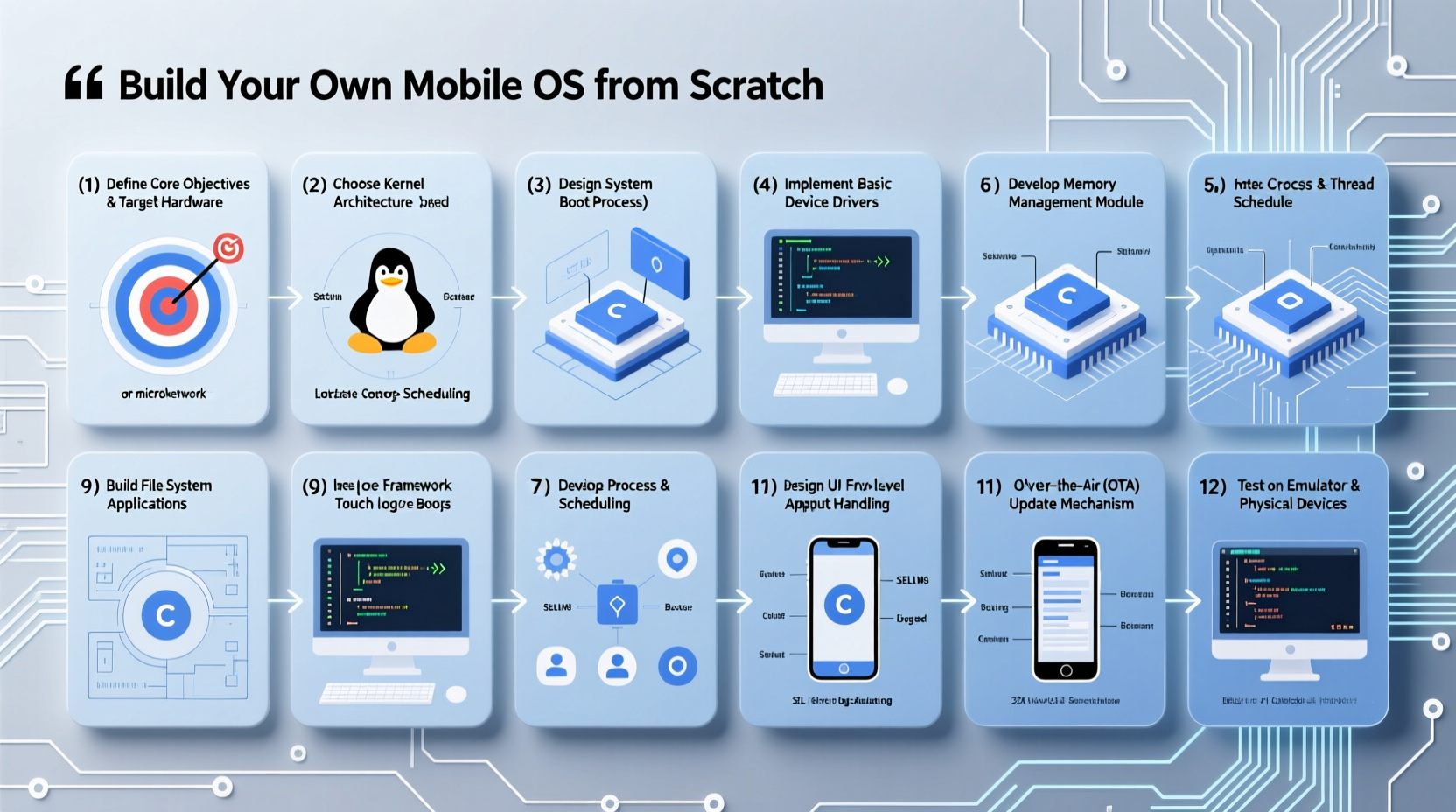
A mobile operating system manages hardware resources, runs applications, and provides a user interface. Unlike desktop systems, mobile OSes must prioritize power efficiency, security, touch interaction, and compact design. Before diving into development, ensure you have:
- Familiarity with C/C++ and assembly language
- Understanding of operating system fundamentals (process scheduling, memory management, file systems)
- Access to target hardware or an emulator (e.g., Raspberry Pi, Android-compatible board)
- Development environment: Linux-based system with GCC, Make, QEMU, and Git
- Patience—this project can take months or even years to mature
Phase 1: Designing the Kernel Architecture
The kernel is the core of any OS. For a mobile system, a microkernel or hybrid kernel model is often preferred due to modularity and security. Key decisions include:
- Monolithic vs. Microkernel: Monolithic kernels (like Linux) integrate drivers and services in kernel space; microkernels (like L4) run them in user space for better fault isolation.
- Architecture support: Decide whether your OS will support ARM32, ARM64, or both. Most modern smartphones use ARM64.
- Bootloader compatibility: Ensure your kernel can be loaded via U-Boot, Fastboot, or another standard mobile bootloader.
Begin by writing a basic kernel entry point in assembly, setting up stack space, enabling MMU (Memory Management Unit), and jumping to C code. Implement essential services such as interrupt handling, timer interrupts for preemptive multitasking, and basic process control blocks (PCBs).
“Designing a kernel isn’t about coding—it’s about making trade-offs between performance, security, and maintainability.” — Dr. Linus Akesson, Embedded Systems Researcher
Phase 2: Hardware Abstraction and Driver Development
Mobile devices contain diverse components: display controllers, touchscreens, Wi-Fi chips, GPS, cameras, and sensors. Each requires a driver. To manage complexity, create a Hardware Abstraction Layer (HAL) that isolates hardware-specific code from the core OS.
Start with critical peripherals:
- UART/Serial Console: Enables debugging output during early boot.
- GPIO and Clocks: Initialize CPU clocks and configure general-purpose I/O pins.
- Framebuffer: Allow the kernel to draw pixels on screen for UI feedback.
- Power Management: Implement CPU sleep states and dynamic voltage scaling to conserve battery.
Use device tree files (common in ARM systems) to describe hardware layout without hardcoding addresses. Write modular drivers that register with the kernel’s device manager and expose standardized interfaces.
Phase 3: Building System Services and Memory Management
Once the kernel boots and interacts with hardware, add higher-level services:
- Virtual Memory: Set up page tables, enable paging, and implement demand paging if needed.
- Process Scheduler: Use a priority-based or CFS-like (Completely Fair Scheduler) algorithm suitable for interactive workloads.
- Inter-Process Communication (IPC): Essential for app-to-system communication. Message-passing works well in microkernels.
- File System: Support ext4, F2FS (Flash-Friendly File System), or design a lightweight journaling system optimized for flash storage.
| Component | Purpose | Implementation Tip |
|---|---|---|
| Scheduler | Manages CPU time across processes | Use round-robin for real-time tasks, fair-share for background |
| Memory Manager | Handles allocation and protection | Implement slab allocator for small object efficiency |
| Device Manager | Loads/unloads drivers dynamically | Use sysfs-like interface for runtime control |
Phase 4: User Interface and Application Framework
A mobile OS needs a responsive, touch-friendly interface. You have two options:
- Native UI Engine: Write a lightweight graphics compositor using direct framebuffer access or Vulkan/Mali drivers.
- Leverage Existing Toolkits: Port frameworks like Qt, LVGL, or embed a stripped-down web engine for HTML-based apps.
Design a window manager that supports gestures, animations, and multi-touch. Define an application model—will apps be native binaries, sandboxed scripts, or containerized packages? Create a simple API layer so developers can write basic apps (e.g., calculator, settings panel).
Mini Case Study: The Replicant Project
Replicant is a free Android-based OS that replaces proprietary components with open-source alternatives. Started in 2010, it targeted Samsung Galaxy phones and focused on freedom and transparency. Despite limited developer resources, the team reverse-engineered firmware blobs and built open drivers for audio and Wi-Fi. Though not fully functional on all devices, Replicant proved that community-driven OS development is feasible—even under hardware constraints.
This shows that persistence, collaboration, and incremental progress can yield tangible results, even without corporate backing.
Phase 5: Security, Testing, and Deployment
No mobile OS is complete without robust security. Implement:
- Secure boot chain with cryptographic verification of each stage
- User permission model (similar to Android’s runtime permissions)
- SELinux or custom mandatory access control (MAC) policies
- Sandboxing for applications using namespaces and cgroups
Test extensively using emulators like QEMU for ARM, then move to real hardware. Monitor boot logs, stress-test concurrency, and profile battery usage. Once stable, generate a flashable image (e.g., .img file) compatible with fastboot or Odin.
📋 Checklist: Launch-Ready Mobile OS- ✅ Boots on target hardware
- ✅ Displays output via framebuffer or HDMI
- ✅ Responds to touch or input events
- ✅ Runs at least one user application
- ✅ Enforces basic user permissions
- ✅ Supports persistent storage (flash or SD card)
- ✅ Includes recovery mode or failsafe boot
Frequently Asked Questions
Can I build a mobile OS without knowing assembly?
While possible to rely on existing bootloaders and compilers, understanding assembly—especially ARM—is crucial for debugging low-level issues, managing registers, and optimizing performance. It’s highly recommended.
Is it legal to create a custom mobile OS?
Yes, as long as you don’t infringe on patents or use copyrighted code without permission. Using open-source tools and writing original drivers ensures compliance. Reverse engineering for interoperability is protected in many jurisdictions under fair use doctrines.
How do I get apps to run on my OS?
You’ll need to either develop a native SDK for developers or emulate an existing ecosystem. Some choose to port Linux apps via Wayland or adapt Android APKs by implementing a minimal Dalvik/ART runtime—but this adds significant complexity.
Conclusion: Turn Vision into Reality
Creating a custom mobile operating system is not just a technical challenge—it’s a statement of independence, innovation, and deep understanding of computing fundamentals. From initializing a CPU register to rendering a button press, every line of code brings you closer to a fully autonomous digital environment.
Start small, document every decision, engage with open-source communities, and iterate relentlessly. Whether your goal is educational, experimental, or entrepreneurial, the journey of building an OS equips you with unparalleled skills. The next great mobile platform might not come from Silicon Valley—it could start in your garage.




 浙公网安备
33010002000092号
浙公网安备
33010002000092号 浙B2-20120091-4
Comments
No comments yet. Why don't you start the discussion?