
A vision board is more than just a collage of inspiring images—it’s a visual representation of your goals, aspirations, and the life you’re actively working toward. While physical boards have long been popular, digital vision boards offer flexibility, portability, and ease of updating. The best part? You don’t need expensive software or design skills. With free tools available online, anyone can create a dynamic, personalized vision board in under an hour.
Digital vision boards are ideal for those who want to keep their goals visible on smartphones, tablets, or computers. They’re also perfect for remote workers, travelers, or anyone embracing a minimalist lifestyle. This guide walks through the entire process—from defining your intentions to sharing your board as wallpaper or social inspiration—using only free, accessible platforms.
Why Go Digital?
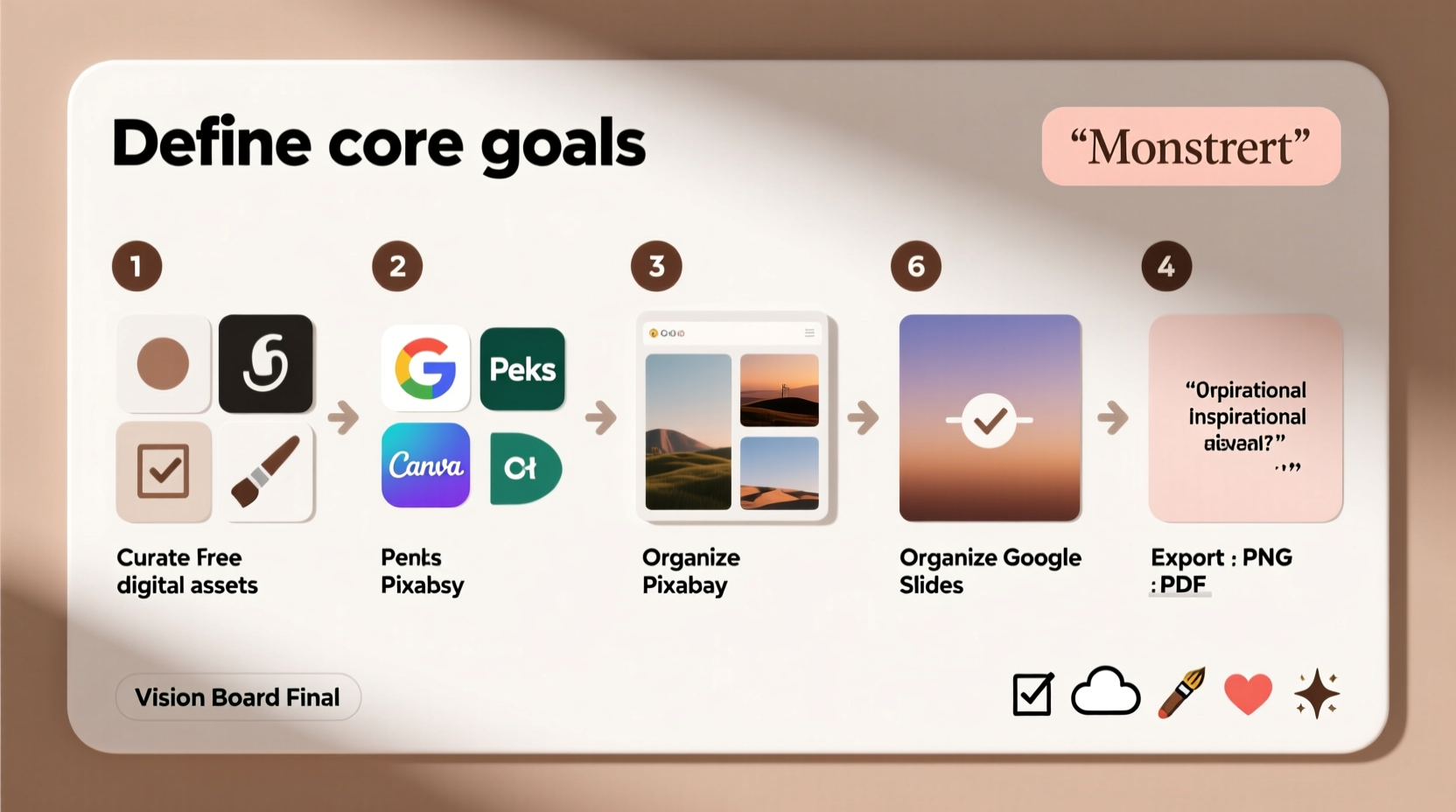
Creating a vision board digitally offers several advantages over traditional cork-and-pin versions:
- Always accessible: Keep your board on your phone’s home screen or as a desktop background for daily motivation.
- No clutter: Avoid taking up physical space while still maintaining visual focus.
- Easy to edit: Update goals seasonally without starting from scratch.
- Shareable: Export and share with accountability partners or coaches.
- Cost-effective: All tools used in this guide are completely free for basic use.
Selecting the Right Free Tools
Not all digital tools are created equal when it comes to creative freedom and usability. Below is a comparison of four reliable, no-cost platforms ideal for building a vision board.
| Tool | Best For | Key Features | Limitations |
|---|---|---|---|
| Canva | Beginners & mobile users | Drag-and-drop editor, thousands of templates, cloud saving | Premium elements require Pro subscription (but basics are free) |
| Pixlr E | Advanced customization | Layer support, filters, blending modes | Steeper learning curve; browser-based only |
| Fotor | Quick collages & photo editing | Auto-collage layouts, AI enhancements | Limited canvas size on free tier |
| Google Photos + Slides | Integration with existing media | Seamless access to personal photos, collaborative sharing | Less design flexibility than dedicated graphic tools |
For this guide, we’ll use Canva as our primary platform due to its intuitive interface, responsive design across devices, and robust free plan. However, the principles apply across all listed tools.
Step-by-Step Guide to Building Your Digital Vision Board
- Clarify Your Focus Areas
Before opening any app, spend 10–15 minutes journaling your current goals. Break them into categories such as:- Career & income
- Health & fitness
- Relationships & community
- Personal growth & learning
- Travel & experiences
- Home & environment
- Gather Visual Inspiration
Search for images that resonate emotionally with your goals. Use keywords like:- \"peaceful morning routine\"
- \"modern home office setup\"
- \"women hiking mountain summit\"
- \"minimalist apartment interior\"
- Create a New Project in Canva
Go to canva.com and sign up (or log in). Click “Create a design” and choose “Custom dimensions.” Enter 1920 x 1080 pixels for a standard HD display, or 1080 x 1920 for a vertical mobile board.
Alternatively, search “vision board” in the template bar and select a blank or inspirational starter layout. - Build Your Layout
Drag and drop your saved images onto the canvas. Arrange them intuitively:- Place central goals (e.g., dream home) in the middle
- Group related themes together (e.g., health images in one quadrant)
- Use transparency or borders to distinguish overlapping elements
- “I am capable of earning $10K/month”
- “My body is strong and energized”
- “I speak confidently in meetings”
- Incorporate Motion and Depth (Optional)
Canva allows embedding GIFs or animated elements. Search “motivation animation” in the elements tab to add subtle motion—like falling stars or flowing water—that draws attention without overwhelming.
You can also apply light filters (e.g., soft glow, warm tone) to unify the aesthetic across varied image sources. - Save, Export, and Display
Once satisfied, click “Share” > “Download.” Choose PNG format for highest quality. Save to your device.
Then:- Set as phone wallpaper (iOS/Android settings > Wallpaper > Choose Photo)
- Add to a desktop slideshow (Windows: Right-click > Set as slideshow; Mac: Use Preview or Screensaver settings)
- Email to a mentor or accountability partner
Checklist: Build Your Vision Board in One Sitting
- ☐ Define 3–6 key life areas you want to focus on
- ☐ Spend 10 minutes brainstorming specific goals within each area
- ☐ Collect 15–20 high-quality, emotionally resonant images
- ☐ Open Canva and start a custom-sized design (1920x1080 or 1080x1920)
- ☐ Upload or drag in your selected images
- ☐ Arrange visually—group themes, emphasize top priorities
- ☐ Add short affirmation texts in bold, readable fonts
- ☐ Apply consistent color filters or borders if desired
- ☐ Download as PNG and save to your device
- ☐ Set as wallpaper or add to daily screensaver rotation
Real Example: How Maria Used a Digital Vision Board to Land Her Dream Job
Maria, a 32-year-old project coordinator in Austin, felt stuck in her career. She wanted to transition into UX design but lacked confidence and direction. After reading about vision boards, she decided to try a digital version using Canva.
She began by listing her goal: “Become a mid-level UX designer at a remote-first tech company by Q3.” She then collected images representing:
- A woman working from a Bali co-working space
- A clean Figma interface screenshot
- The logo of a company she admired
- A certificate labeled “Google UX Certificate”
- An affirmation: “I solve user problems with empathy and clarity”
She arranged these into a vertical board and set it as her phone lock screen. Every time she unlocked her phone, she saw her goal. Within two weeks, she enrolled in an online course. By month three, she had completed her portfolio. Six months later, she accepted a remote UX role at a startup whose logo she’d included on her board.
“It wasn’t magic,” she said. “But seeing that board every day reminded me to take one small action. It kept my intention alive when motivation faded.”
“We visualize not to predict the future, but to commit to it.” — Dr. Linda Graham, Neuropsychologist and Mindset Researcher
Do’s and Don’ts of Digital Vision Boards
| Do’s | Don’ts |
|---|---|
| Use emotionally charged images – Pick pictures that spark joy, pride, or determination. | Clutter the board – Too many elements dilute focus. Stick to 8–12 core visuals. |
| Include present-tense affirmations – Phrase goals as if they’re already happening. | Rely solely on stock photos – Mix in personal photos (e.g., you running, your ideal workspace). |
| Update quarterly – Reflect progress and shift focus as needed. | Keep it hidden – Share with someone supportive to increase accountability. |
| Align visuals with values – If peace matters, include calm nature scenes, not just luxury items. | Wait for perfection – A rough draft today is better than a perfect board next year. |
Frequently Asked Questions
How often should I update my digital vision board?
Review your board every 90 days. Life evolves, and so should your visual goals. Updating doesn’t mean discarding past dreams—it means honoring progress and recalibrating focus. Some people maintain a “legacy board” archive to track growth over time.
Can I make a collaborative vision board with my partner or team?
Absolutely. In Canva, click “Share” and invite others via email or link. Choose “Edit” permissions to allow real-time collaboration. Couples might create a joint board for travel or home goals, while teams can align around project milestones or company culture values.
Is it better to use personal photos or curated images?
A mix works best. Personal photos (e.g., you completing a race, your current living space) ground the board in reality. Curated images help you stretch beyond current circumstances. For example, use a photo of your face overlaid on a speaker at a conference to visualize public speaking success.
Conclusion: Turn Vision Into Action
A digital vision board is not passive decoration—it’s an active tool for subconscious reprogramming and daily alignment. By investing a single focused session into creating yours, you establish a visual compass that guides decisions, boosts motivation, and clarifies what truly matters.
The tools are free. The time required is minimal. The potential impact is significant. Whether you’re aiming for career advancement, improved well-being, or deeper relationships, your vision deserves visibility. Start today: open a blank canvas, gather a few meaningful images, and begin shaping the life you’re building—one pixel at a time.




 浙公网安备
33010002000092号
浙公网安备
33010002000092号 浙B2-20120091-4
Comments
No comments yet. Why don't you start the discussion?