
YouTube remains the second-largest search engine in the world, with over 2.7 billion logged-in monthly users. Whether you're an aspiring creator, entrepreneur, educator, or hobbyist, building a presence on YouTube offers unparalleled opportunities for visibility, engagement, and income. But success doesn’t come from simply uploading videos—it starts with a solid foundation. From setting up your account correctly to crafting a brand-aligned channel optimized for discovery, every early decision shapes your long-term trajectory.
Create Your YouTube Account: The First Steps
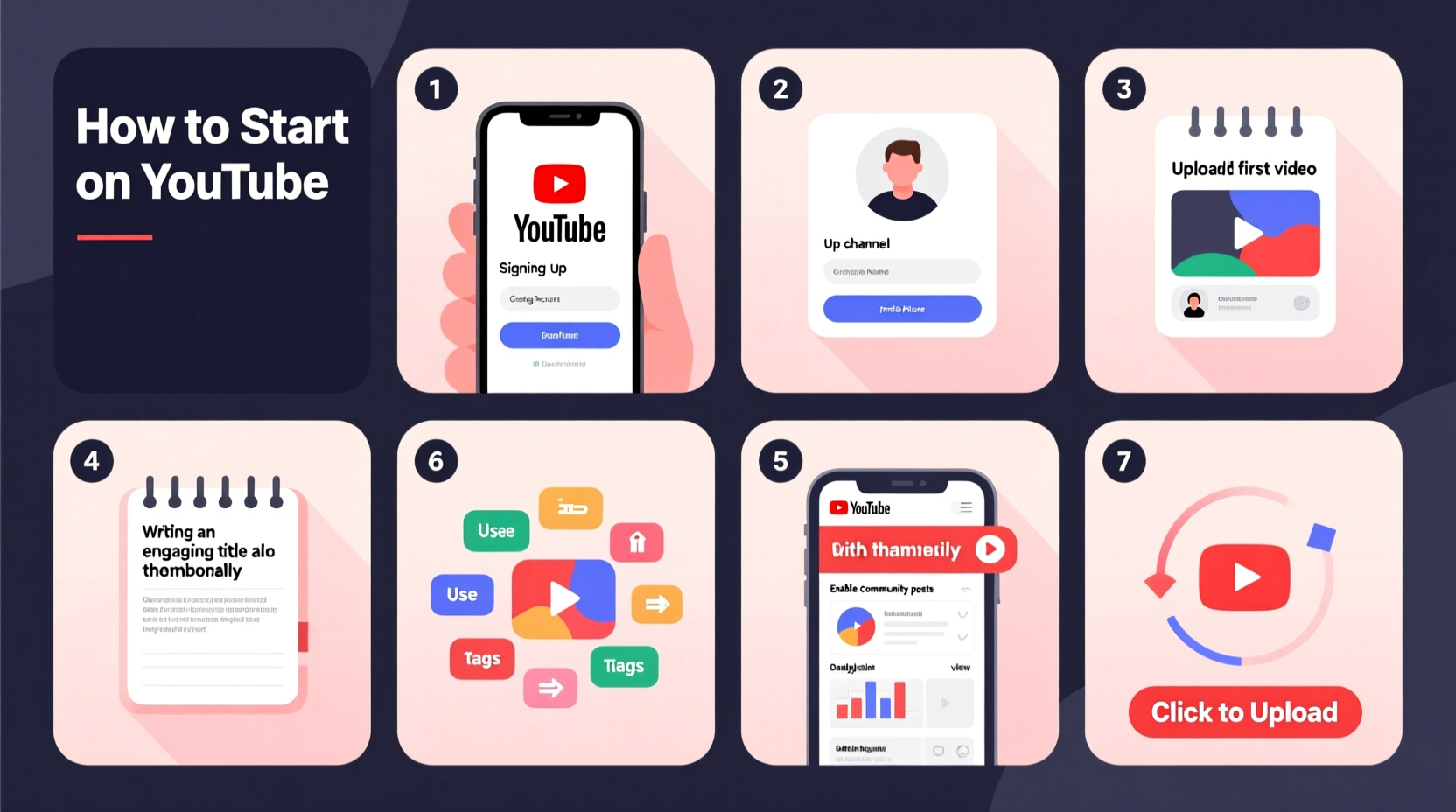
Creating a YouTube account is straightforward, but it’s essential to do it right the first time. YouTube operates through Google accounts, so your journey begins there.
- Sign in to Google: Go to google.com and sign in with an existing Gmail account. If you don’t have one, create a new email specifically for your channel to maintain professionalism.
- Navigate to YouTube: Visit youtube.com and click “Sign In” in the top-right corner. Use your Google credentials.
- Create a Channel: Once logged in, click your profile icon, then “Create a channel.” You’ll be prompted to name your channel. Choose wisely—this name should reflect your niche and be easy to remember.
- Verify Your Account: Google requires phone verification to prevent spam. Have a working phone number ready to complete this step.
Optimize Your Channel Branding for Recognition
Your channel is your digital storefront. A professional appearance builds trust and encourages viewers to subscribe. Focus on three core elements: profile picture, banner, and channel description.
- Profile Picture: Use a high-resolution image (800x800 pixels) that’s clearly visible even at small sizes. For individuals, a clean headshot works best. Brands should use their logo.
- Channel Banner: Design a visually compelling banner (2560x1440 pixels) that includes your channel name, tagline, upload schedule, or social handles. Tools like Canva offer free YouTube banner templates.
- About Section: Write a concise, keyword-rich description explaining who you are, what your channel offers, and why viewers should care. Include relevant links to your website or social media.
| Element | Recommended Size | Best Practices |
|---|---|---|
| Profile Picture | 800x800 px | Clean, recognizable, consistent with brand colors |
| Banner Image | 2560x1440 px | Mobile-friendly layout; key info in center safe zone |
| Trailer Video | 30–60 seconds | Showcase best content; include a clear CTA to subscribe |
Set Up Content Structure and Playlists
Organization influences viewer retention. A well-structured channel keeps audiences engaged longer by guiding them from one video to the next.
Start by creating themed playlists. Group videos by topic—such as “Beginner Tutorials,” “Product Reviews,” or “Weekly Vlogs.” This not only improves user experience but also helps YouTube’s algorithm understand your content better.
“Channels with organized playlists see up to 40% higher session duration.” — YouTube Creator Academy
Next, customize your channel layout. Under “Customization” in YouTube Studio, arrange sections like “Popular Uploads,” “Playlists,” and “About” to highlight your best content. Pin a strong starter video at the top of your homepage to give new visitors a clear entry point.
Mini Case Study: How ‘Urban Gardening Hub’ Grew in 90 Days
When Sarah launched her gardening channel, she uploaded sporadically and used inconsistent thumbnails. After three months, she had only 80 subscribers. She revisited her strategy: rebranded with a cohesive color scheme, created playlists for “Indoor Plants,” “Composting Tips,” and “Seasonal Guides,” and pinned a welcome video explaining her mission. Within 90 days, her subscriber count jumped to 3,200, with average watch time increasing by 65%.
Master YouTube SEO for Maximum Visibility
Even great content won’t succeed if no one can find it. YouTube SEO ensures your videos appear in search results and recommendations.
Focus on these four pillars:
- Titles: Keep them under 60 characters, include primary keywords, and spark curiosity. Example: “5 Easy Indoor Herbs Anyone Can Grow (No Garden Needed)” instead of “My Herb Garden.”
- Descriptions: Write at least 200 words. The first two lines are visible in search results—use them to hook viewers and include your main keyword. Add timestamps, links, and related hashtags.
- Tags: Use a mix of broad and specific tags (e.g., “beginner gardening,” “grow basil indoors,” “urban farming tips”). Limit to 10–15 relevant tags per video.
- Thumbnails: Design custom thumbnails with bold text, high contrast, and expressive faces when applicable. Avoid misleading imagery—clickbait damages long-term credibility.
Essential Optimization Checklist
Before publishing your first video, run through this checklist to ensure maximum impact:
- ✅ Channel name reflects niche and is available on social platforms
- ✅ Profile photo and banner are high-quality and on-brand
- ✅ About section includes keywords, contact info, and links
- ✅ Channel trailer introduces new viewers to your content
- ✅ Playlists are created and named logically
- ✅ First 3 videos cover foundational topics in your niche
- ✅ All videos have custom thumbnails and keyword-rich titles
- ✅ Description includes timestamped chapters and resource links
- ✅ Subtitles or closed captions are added for accessibility
- ✅ End screen and cards are used to promote other videos or subscriptions
Frequently Asked Questions
Can I change my YouTube channel name later?
Yes, you can change your channel name through YouTube Studio under “Customization > Basic Info.” However, frequent changes may confuse your audience. Choose a name you can grow with.
Do I need a business email for YouTube?
Not required, but highly recommended. A professional email (e.g., hello@yourchannel.com) enhances credibility and separates your brand from personal communications.
How often should I upload to grow faster?
Consistency matters more than frequency. Starting with one high-quality video per week is better than uploading three poorly made ones. As you build momentum, aim for a sustainable rhythm.
Conclusion: Turn Setup Into Momentum
Creating a YouTube account takes minutes, but building a successful channel demands intention and strategy. Every element—from your profile image to your video descriptions—shapes how viewers perceive and interact with your content. By following this structured approach, you’re not just launching a channel; you’re laying the groundwork for a scalable, discoverable, and engaging platform.
The most successful creators didn’t start with millions of views. They started with clarity, consistency, and care. Now that your foundation is solid, focus on creating value-driven content, listening to your audience, and refining your craft with each upload.




 浙公网安备
33010002000092号
浙公网安备
33010002000092号 浙B2-20120091-4
Comments
No comments yet. Why don't you start the discussion?