
A well-crafted welcome channel is the digital front door of your Discord server. It sets the tone, guides new members, and helps them feel included from their first moment. Yet, many servers overlook its potential, relying on a single message or default settings. An effective welcome experience doesn’t just greet—it informs, excites, and integrates. This guide walks through the essential steps to build a welcoming environment that turns newcomers into active participants.
1. Define Your Welcome Goals
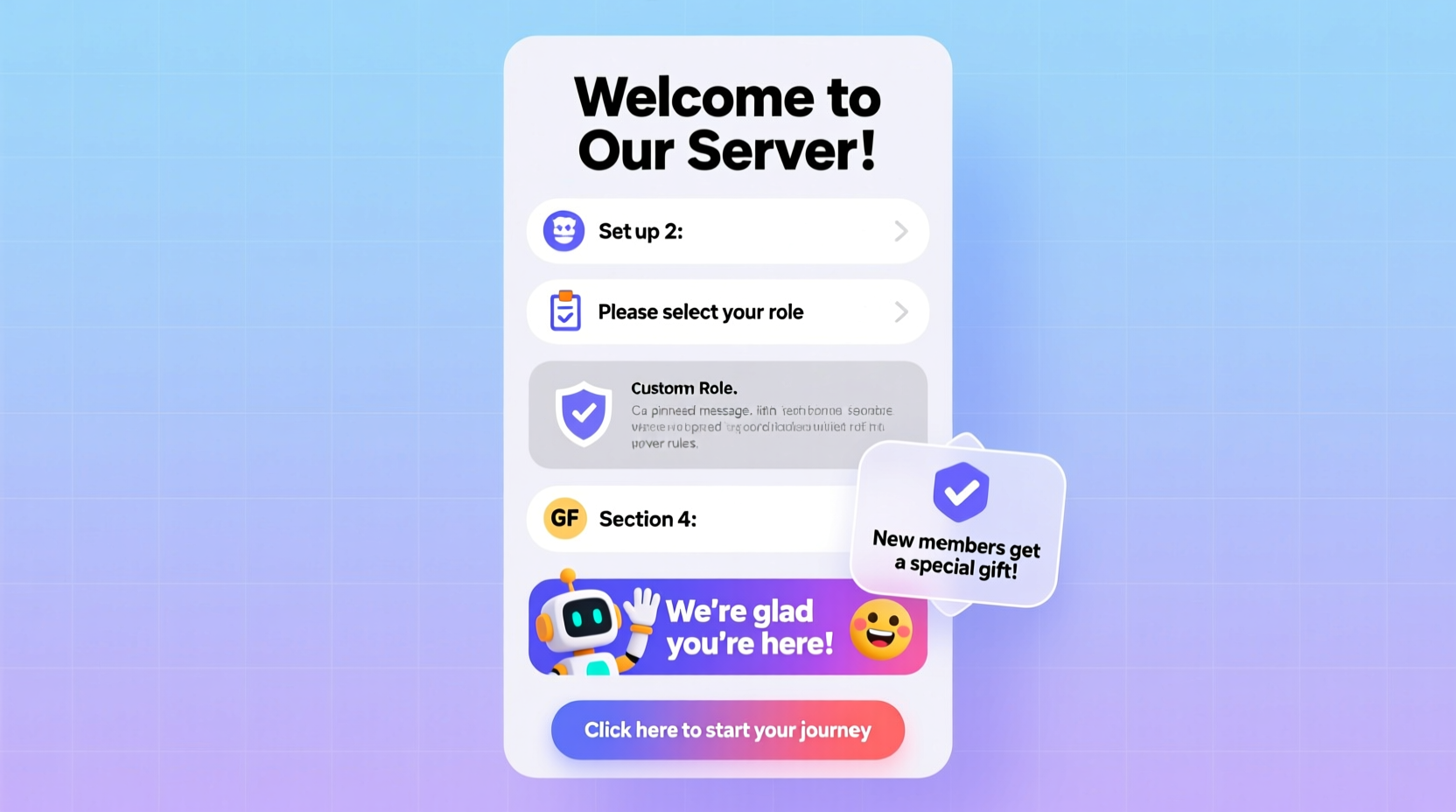
Before configuring channels or writing messages, clarify what you want your welcome process to achieve. Is it about reducing confusion? Encouraging rule compliance? Prompting engagement? Defining goals shapes every decision—from message tone to automation tools.
- Reduce initial hesitation among new members
- Clearly communicate server rules and expectations
- Guide users toward key areas (e.g., introduction channels, roles, resources)
- Promote early interaction to increase retention
Without clear objectives, even the most visually appealing welcome may fail to drive meaningful outcomes. Align your strategy with your community’s culture—whether casual, professional, or creative.
2. Structure Your Welcome Channel Layout
The layout determines how information is consumed. A cluttered or disorganized channel overwhelms new members. Instead, structure content in digestible sections using pinned messages, bots, and formatting.
- Welcome Message: A warm greeting with the server name and a thank-you for joining.
- Server Purpose: One sentence explaining why the server exists (e.g., “A space for indie game developers to collaborate”).
- Key Rules Summary: Highlight 3–5 core rules with brief explanations.
- How to Get Started: Clear instructions—introduce yourself, claim roles, read guidelines.
- Important Links: Invite to voice chats, resource hubs, or external websites.
Use Discord’s formatting tools to enhance readability. For example:
*Welcome, {{user}}! 👋*
We’re thrilled you’re here at **Pixel Forge**, a community for game artists and designers.

📌 *Quick Start:*
1. Introduce yourself in #introductions
2. Pick your roles in #role-center
3. Read #rules before chatting

Need help? Ping @Moderator!
Do’s and Don’ts of Welcome Channel Design
| Do’s | Don’ts |
|---|---|
| Use emojis sparingly to highlight key actions | Overload with text or multiple long messages |
| Pin the main welcome message | Allow off-topic discussions to bury the welcome post |
| Break content into short paragraphs | Use complex jargon unfamiliar to newcomers |
| Include visual separators like `---` or `▶️` | Assume users will read every word |
3. Automate Onboarding with Bots
Manual welcomes don’t scale. Automation ensures consistency and frees moderators for higher-value tasks. Bots like MEE6, Carl-bot, or Dyno can deliver personalized messages, assign roles, and log joins.
Setting Up a Bot Welcome Sequence
- Invite a bot with welcome capabilities to your server.
- Navigate to the bot’s dashboard and locate the “Welcome” or “Join Messages” section.
- Customize the message using variables like `{{user}}`, `{{server}}`, and `{{count}}`.
- Choose delivery method: send via DM or public channel.
- Set up a role assignment upon join (e.g., “New Member” or “Guest”).
- Test the setup by joining with an alternate account.
Example automated message:
Hello {{user}}! Welcome to {{server}} 🎉
You're member #{{count}}!

👉 Please:
• Read #rules
• Say hi in #welcome-chat
• Grab roles in #roles

We’re glad you’re here!
4. Incorporate Interactive Elements
Engagement begins with action. Passive reading leads to quick exits. Guide users to interact immediately through structured prompts.
- Add a dedicated #introductions channel where new members share their interests.
- Use reaction roles so users can self-assign based on hobbies, games, or expertise.
- Create a simple challenge: “React with 🎮 if you’ve played Elden Ring.”
- Feature a “New Here?” thread with FAQs and moderator availability hours.
Interactive onboarding increases psychological investment. When someone takes an action—even clicking a reaction—they’re more likely to stay.
“Communities that guide new members through micro-actions within the first five minutes see up to 70% higher 7-day retention.” — Lena Torres, Community Growth Analyst at Discord Insights Group
5. Real Example: How “DevHaven” Transformed Their Onboarding
DevHaven, a programming community with 8,000+ members, struggled with low engagement. Over 60% of new users never posted a message. After revamping their welcome system, they saw a dramatic shift.
Their changes included:
- Replacing a generic “Welcome!” with a structured pin in #welcome explaining next steps.
- Using Carl-bot to send a DM with links to learning paths and mentorship sign-ups.
- Adding a reaction-based role system for languages (Python, JavaScript, etc.).
- Creating a weekly “First Post Friday” event highlighted in the welcome message.
Within two months, first-message rates rose from 38% to 64%, and reported user satisfaction increased significantly in surveys.
Essential Checklist for Launching Your Welcome Channel
- Created a dedicated #welcome or #join-here channel
- Wrote a clear, friendly welcome message with server purpose
- Included a summary of top 3–5 rules
- Added instructions for introductions and role selection
- Integrated a bot for automated DMs or announcements
- Set up reaction roles for easy access
- Pinned the welcome message
- Tested the flow using a secondary account
- Assigned a moderator to monitor new joiners for the first week
Frequently Asked Questions
Should I send welcome messages via DM or in-channel?
Both have value. DMs feel personal and reduce noise, ideal for instructions. In-channel messages foster visibility and community warmth—great for encouraging reactions and replies. Many communities use both: a DM for guidance and a public message for celebration.
How often should I update the welcome channel?
Review it monthly or whenever major server changes occur (new rules, events, or structure). Stale links or outdated references create friction. Assign a moderator to audit the channel quarterly.
Can too much information scare off new members?
Absolutely. Prioritize clarity over completeness. Focus on immediate next steps, not every detail. Use linked channels or threads for deeper information. The goal is orientation, not overload.
Final Thoughts: Turn First Impressions Into Lasting Engagement
A thoughtful welcome channel isn’t just a courtesy—it’s a strategic tool for growth. Every new member represents potential: a contributor, a friend, a future leader. By guiding them clearly and warmly, you lower the barrier to participation and amplify their sense of belonging.
The most vibrant Discord servers don’t just grow in size—they deepen in connection. And it starts the moment someone joins. Revisit your welcome process regularly, gather feedback, and refine it as your community evolves.




 浙公网安备
33010002000092号
浙公网安备
33010002000092号 浙B2-20120091-4
Comments
No comments yet. Why don't you start the discussion?