
Facebook remains one of the most powerful platforms for building brand awareness, connecting with audiences, and driving engagement. With over 2.9 billion monthly active users, a well-optimized Facebook Page can significantly boost visibility and customer loyalty. However, simply creating a page isn’t enough. To stand out in an overcrowded digital space, you need a strategic approach—from setup to ongoing optimization. This guide walks through every essential step to build and refine a high-performing Facebook Page that attracts attention and fosters real interaction.
1. Set Up Your Facebook Page Correctly
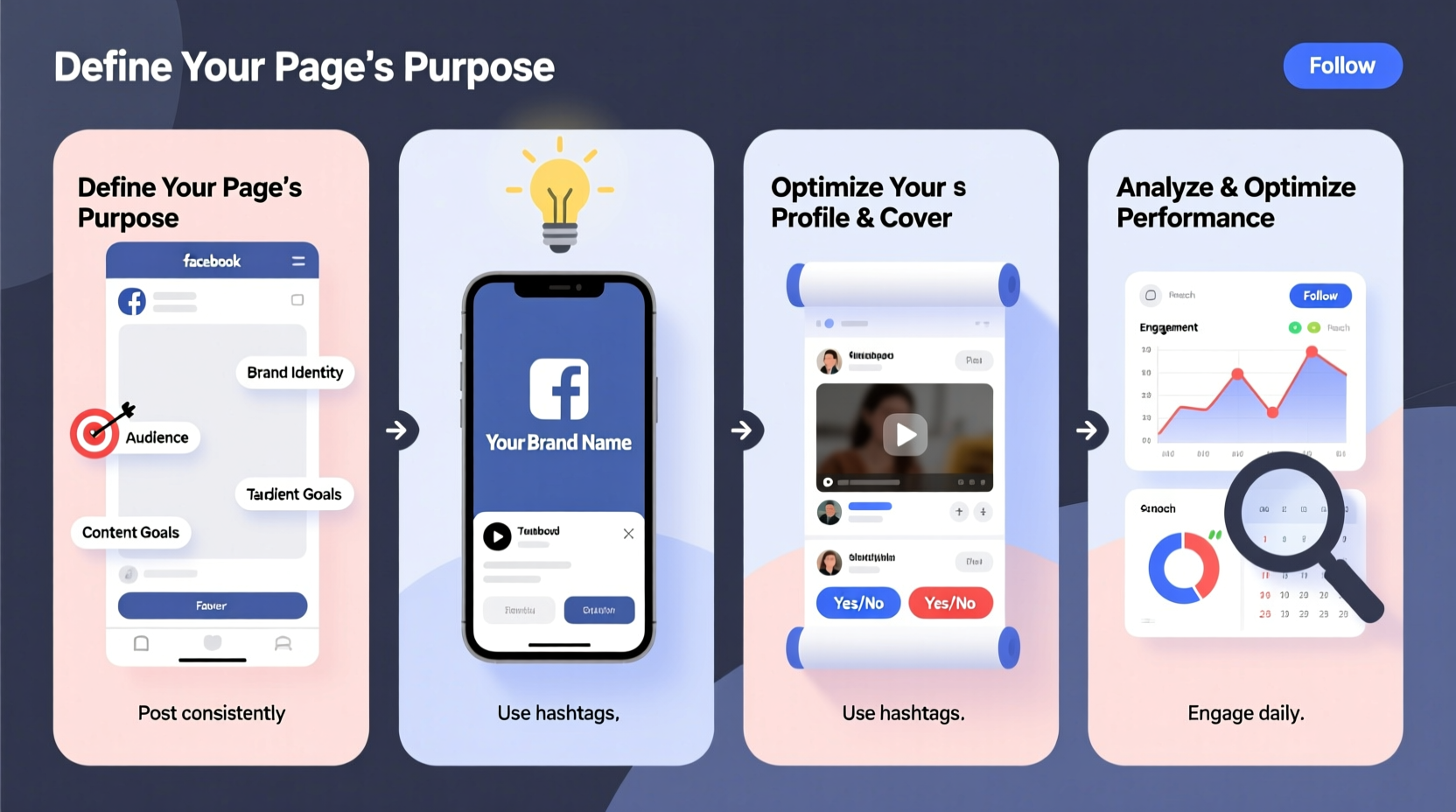
The foundation of any successful Facebook presence starts with proper setup. A professionally structured page builds trust and makes it easier for customers to find and connect with you.
- Choose the Right Category: Whether you're a local business, public figure, or nonprofit, select the most accurate category during creation. This affects how your page appears in search and recommendations.
- Use High-Quality Visuals: Upload a clear profile picture (ideally your logo) and a cover photo that reflects your brand identity. The ideal cover image size is 820 x 312 pixels for optimal display across devices.
- Complete All Page Info: Fill out every section—contact details, address, website, hours of operation, and description. Pages with complete information are ranked higher in Facebook’s algorithm.
2. Optimize Content Strategy for Engagement
Content is the engine of engagement. Posting regularly with purpose—not just frequency—drives likes, shares, comments, and follows.
- Variety Matters: Mix photos, short videos, text posts, polls, and stories to keep your audience engaged. Video content, especially live streams, generates up to 6 times more interactions than static posts.
- Post at Optimal Times: While best times vary by audience, general peak engagement occurs between 9 AM and 1 PM on weekdays. Use Facebook Insights to determine when your followers are most active.
- Write Compelling Captions: Ask questions, use emojis sparingly, and include clear calls-to-action like “Tag a friend” or “Share your thoughts.”
| Content Type | Avg. Engagement Rate | Best Practice |
|---|---|---|
| Live Videos | 4.5% | Host Q&A sessions or behind-the-scenes tours |
| User-Generated Content | 3.8% | Repost customer photos with credit |
| Polls & Questions | 3.2% | Use in Stories or main feed to spark conversation |
| Promotional Posts | 1.1% | Limited to 20% of total content to avoid fatigue |
3. Leverage Facebook Features Strategically
Few businesses fully utilize all the tools Facebook offers. Mastering native features can dramatically increase reach and community involvement.
- Facebook Stories: Share time-sensitive updates, flash sales, or daily highlights. They appear at the top of users’ feeds and encourage quick engagement.
- Call-to-Action Button: Place a visible button under your cover photo—options include “Contact Us,” “Shop Now,” or “Watch Video.” This increases conversion rates by guiding user behavior.
- Groups Integration: Link your page to a branded community group to deepen relationships. Encourage discussions, offer exclusive content, and gather feedback directly from loyal fans.
“Pages that actively engage using Stories and Reels see up to 70% more follower retention within the first 90 days.” — Sarah Lin, Social Media Strategist at BrandBoost Digital
4. Analyze and Adapt Using Insights
Optimization doesn’t end after publishing. Regular analysis ensures your strategy evolves with audience preferences.
Navigate to Meta Business Suite > Insights to access data on post performance, audience demographics, and peak activity times. Focus on three key metrics:
- Reach & Impressions: How many people saw your content? Low reach may indicate poor timing or declining algorithm favor.
- Engagement Rate: (Likes + Comments + Shares) / Reach x 100. Aim for at least 3% as a benchmark for strong performance.
- Follower Growth: Track weekly changes. Sudden drops may signal overposting or irrelevant content.
Mini Case Study: Local Bakery Boosts Sales via Facebook
Bella Crumb, a small artisan bakery in Portland, struggled with low foot traffic despite having quality products. After launching a new Facebook Page focused on storytelling, they began posting daily reels showing bread being baked, sharing customer testimonials, and running weekend polls (“Which flavor should we bake tomorrow?”).
Within two months, their engagement rate rose from 1.4% to 4.9%, and they reported a 35% increase in weekend sales. Their secret? Consistent, authentic content paired with timely responses to every comment and message.
5. Build Community Through Interaction
Facebook rewards pages that foster two-way communication. Passive broadcasting leads to stagnation; active dialogue builds loyalty.
- Respond to comments within 2–4 hours when possible. Facebook’s algorithm favors pages with fast response times.
- Pin positive customer reviews or user-generated content to the top of your feed.
- Address negative feedback publicly but professionally—showing accountability enhances credibility.
Checklist: Monthly Facebook Optimization Routine
- ✅ Audit top 5 performing posts and replicate their format
- ✅ Update contact info and business hours if needed
- ✅ Respond to all unanswered messages and reviews
- ✅ Post at least one live video or interactive story
- ✅ Review audience demographics and refine targeting
- ✅ Schedule next month’s content using a content calendar
FAQ
How often should I post on my Facebook Page?
For most businesses, 3–5 times per week is sufficient. Quality outweighs quantity. Overposting can lead to unfollows, while underposting reduces visibility. Monitor your Insights to find your audience’s sweet spot.
Do Facebook ads help organic growth?
Yes. Strategic boosting of high-performing organic posts introduces your page to lookalike audiences. Even a small budget ($5–$10 per post) can amplify reach and attract new followers who are more likely to engage.
Can I manage multiple Facebook Pages from one account?
Absolutely. Use Meta Business Suite to manage multiple pages under one dashboard. Assign team members roles (admin, editor, moderator) to streamline collaboration securely.
Conclusion: Turn Followers Into a Loyal Community
Creating a Facebook Page is just the beginning. True success comes from consistent optimization, meaningful content, and genuine interaction. By following these steps—setting up your page correctly, crafting engaging posts, leveraging built-in tools, analyzing performance, and nurturing community—you position your brand to not only survive but thrive on Facebook.
The platform favors authenticity and responsiveness. Every comment replied to, every story shared, and every insight reviewed brings you closer to a dynamic, engaged audience. Don’t wait for perfection—start applying these strategies today and watch your page evolve into a hub of connection and growth.




 浙公网安备
33010002000092号
浙公网安备
33010002000092号 浙B2-20120091-4
Comments
No comments yet. Why don't you start the discussion?