
Creating compelling YouTube content no longer requires expensive cameras or studio setups. With modern smartphones offering high-resolution video, stabilization, and powerful editing apps, anyone can produce professional-looking videos from their living room. This guide walks through the full process—from planning to publishing—using only a smartphone, natural resources, and free tools.
1. Plan Your Content with Purpose
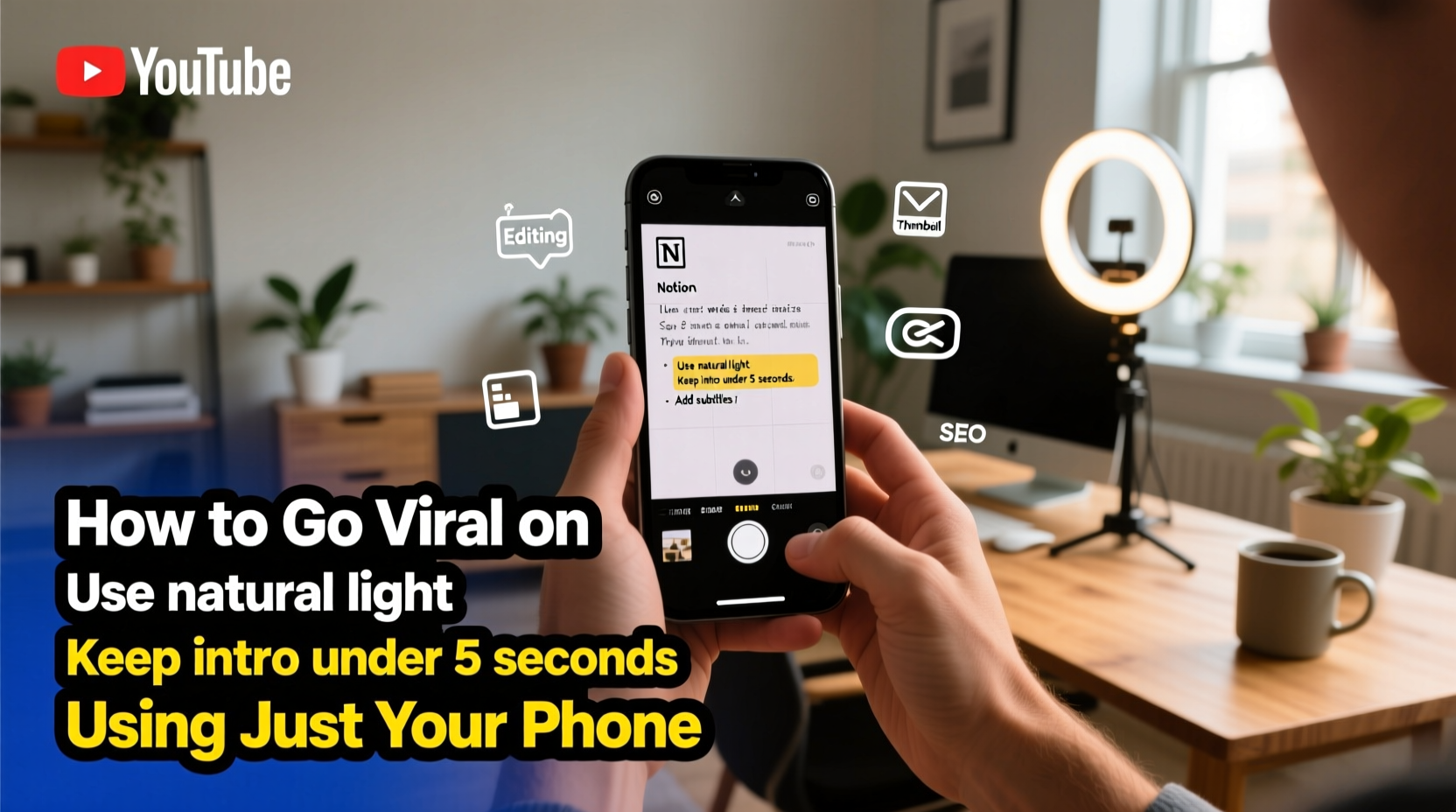
Before pressing record, define what your video will deliver. Viewers stay for value: education, entertainment, or inspiration. Start by identifying your niche—cooking, tech reviews, fitness, personal finance—and ask: What problem does this solve? What emotion does it evoke?
Create a simple script or bullet-point outline. Even unscripted vlogs benefit from structure. Break your video into three parts: an attention-grabbing opening (first 10 seconds), the core message, and a clear call-to-action (like, subscribe, comment).
Choose a Consistent Format
Consistency builds audience recognition. Decide whether you’ll do talking-head videos, screen recordings, walk-and-talk segments, or B-roll montages. Stick to one primary format per series to build viewer expectations.
“Your first 1,000 subscribers come from consistency, not perfection.” — Casey Neistat, filmmaker and YouTuber
2. Optimize Lighting and Framing
Lighting makes or breaks mobile video quality. Natural light is your best ally. Position yourself facing a window during daylight hours, avoiding direct sunlight that creates harsh shadows. If shooting indoors at night, use affordable LED ring lights or soft lamps placed slightly above eye level.
Frame your shot using the rule of thirds. Enable grid lines in your phone’s camera settings and align your eyes along the top horizontal line. Leave space in front of you if you’re looking to one side. Keep the background clean and relevant—avoid clutter or distractions.
| Situation | Best Practice | Avoid |
|---|---|---|
| Morning indoor shoot | Face a north-facing window | Backlighting (window behind you) |
| Nighttime recording | Use two soft lights at 45-degree angles | Overhead ceiling lights (causes shadows) |
| Outdoor filming | Shoot in open shade (under trees or awnings) | Harsh midday sun |
3. Capture Clear Audio
Poor audio drives viewers away faster than low-resolution video. Built-in phone mics pick up ambient noise and handling sounds. Improve clarity by speaking directly into the mic, staying within 3–4 feet of the device, and minimizing background noise (fans, traffic, appliances).
For better results, use wired earbuds with a built-in mic—they’re often clearer than the phone’s rear microphone. For serious creators, consider a lavalier mic under $20 that connects via USB-C or Lightning. These plug directly into your phone and dramatically improve vocal presence.
Reduce Handling Noise
If filming handheld, grip the phone gently. Better yet, use a mini tripod or rest it on a stable surface. Even slight movements create distracting vibrations. Avoid touching the phone during recording.
4. Edit Like a Pro Using Mobile Apps
Editing transforms raw footage into engaging content. Free mobile apps like CapCut, InShot, and VN Video Editor offer intuitive interfaces with features once limited to desktop software: trimming, transitions, text overlays, music, and speed adjustments.
Start by importing clips into your chosen app. Trim out pauses, mistakes, and dead air. Use jump cuts to maintain pace. Add subtle background music (ensure it’s royalty-free) at 20–30% volume so your voice remains clear. Insert captions—over 70% of mobile viewers watch without sound initially.
- Import footage and arrange clips in order
- Trim silence and tighten dialogue
- Add background music (lower volume)
- Insert subtitles or on-screen text
- Apply color correction if lighting looks uneven
- Export in 1080p or higher resolution
“Editing isn’t about making things perfect—it’s about guiding attention.” — Peter McKinnon, visual storyteller
5. Publish and Promote Strategically
Your video isn’t finished until it’s optimized for discovery. Craft a compelling title using keywords your audience searches for—e.g., “Easy Phone Cooking Hack” instead of “What I Made Today.” Write a detailed description with timestamps, links, and hashtags. Design a custom thumbnail using Canva or Adobe Express; even text-based thumbnails with bold fonts perform well.
Schedule uploads consistently—once a week or biweekly—to build algorithmic trust. Share your video across social platforms, but tailor the message: Instagram favors short previews, Twitter works with direct links, and Facebook groups respond to personal notes.
Mini Case Study: From Zero to 10K Subscribers
Lena, a college student in Portland, started a YouTube channel reviewing budget skincare using only her iPhone 12. She filmed in her dorm room using a $15 tripod and natural light from a large window. Her first videos had shaky audio and plain titles like “My Routine.” After studying top beauty creators, she improved her audio with a $18 lavalier mic, added subtitles, and renamed videos with search-friendly titles like “$5 Drugstore Moisturizer That Works Better Than CeraVe.” Within six months, her channel grew to over 10,000 subscribers—all using just her phone and free apps.
Essential Checklist Before Uploading
- ✅ Script or outline reviewed and ready
- ✅ Lighting tested and balanced
- ✅ Audio clear and free of background noise
- ✅ Video framed using rule of thirds
- ✅ Edited with cuts, music, and subtitles
- ✅ Title includes keyword and hooks curiosity
- ✅ Description has details, links, and hashtags
- ✅ Thumbnail is high-contrast and readable at small size
Frequently Asked Questions
Can I make good YouTube videos with an older phone?
Absolutely. Even phones from 2018 or earlier can shoot 1080p video suitable for YouTube. Focus on lighting, audio, and storytelling—these matter more than megapixels. Clean your lens regularly and avoid digital zoom, which degrades quality.
How long should my videos be?
Beginners should aim for 3–6 minutes. Shorter videos are easier to produce consistently and retain attention. As your audience grows, analyze watch time in YouTube Analytics. If viewers drop off after 2 minutes, refine your pacing or hook.
Do I need to show my face?
No. Many successful channels use voiceovers with B-roll, screen recordings, or animations. Tutorials, listicles, and explainer videos often work better without a host on camera. Choose the format that fits your comfort and content type.
Final Thoughts
Smartphones have democratized video creation. The barrier isn’t equipment—it’s execution. By mastering lighting, audio, editing, and consistency, you can build a loyal audience without spending a dollar on gear. Your phone already has the tools; now it’s about using them with intention.




 浙公网安备
33010002000092号
浙公网安备
33010002000092号 浙B2-20120091-4
Comments
No comments yet. Why don't you start the discussion?