
Creating a video game has long been seen as a pursuit reserved for programmers and developers fluent in complex languages. But today, anyone with a creative idea and basic computer skills can bring a game to life—no coding required. Thanks to intuitive game development platforms and visual scripting tools, aspiring creators can design, build, and publish their own games from scratch. This guide walks you through the entire process, offering practical steps, real-world examples, and expert-backed strategies to help you launch your first game confidently.
Why No-Code Game Development Is Accessible Now
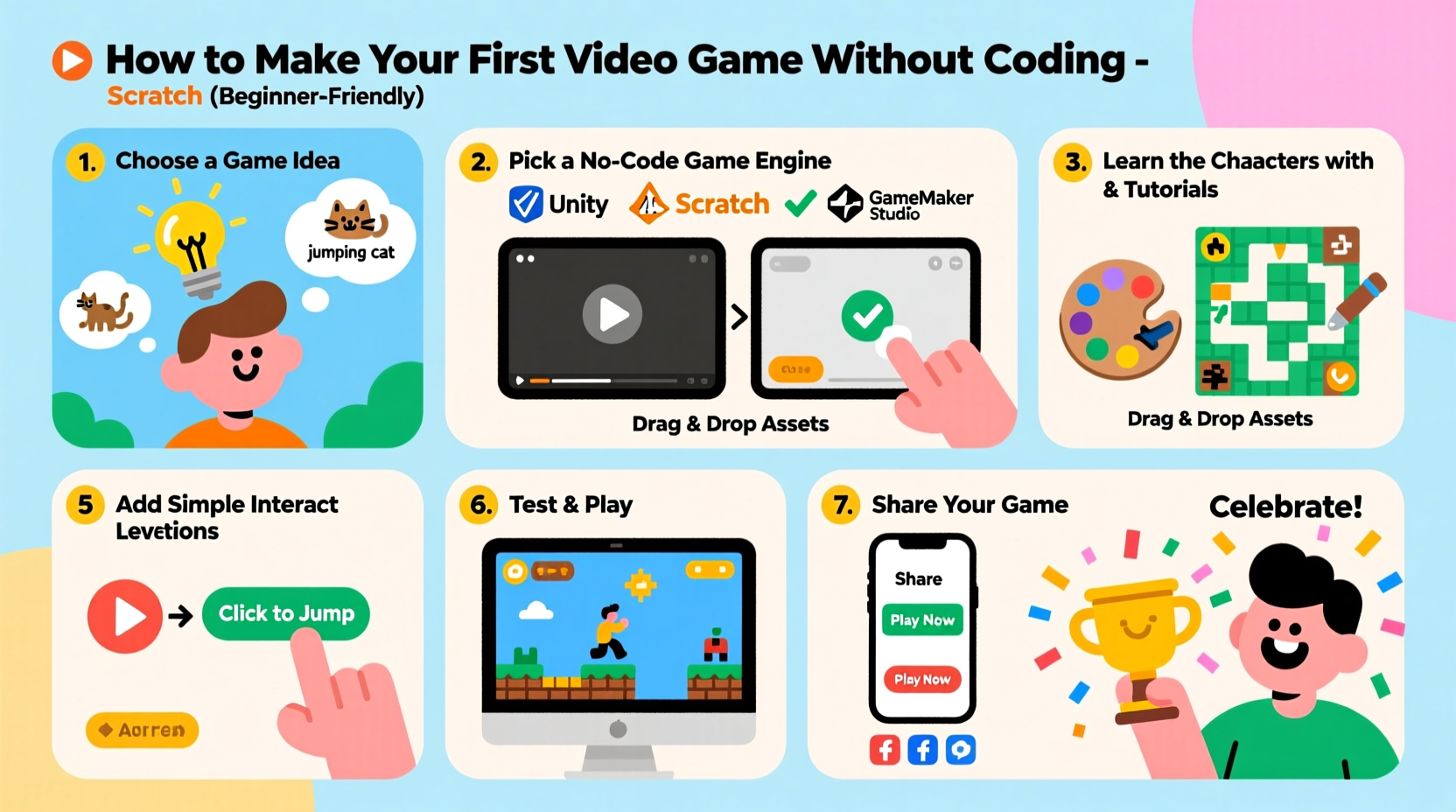
The rise of no-code and low-code platforms has democratized digital creation across industries, and gaming is no exception. These tools replace traditional programming with drag-and-drop interfaces, behavior trees, and pre-built logic blocks that allow users to define how characters move, how levels progress, and how players interact—all without writing a single line of code.
Platforms like Construct, GDevelop, and Unity with Playmaker are designed specifically for non-programmers. They offer extensive libraries of assets, behaviors, and templates that accelerate development while minimizing technical barriers.
“Game development isn’t about knowing C++ anymore—it’s about creativity, iteration, and understanding player experience.” — Lena Torres, Indie Developer & Educator
Step-by-Step Guide to Building Your First Game
Follow this structured timeline to go from idea to playable prototype in under four weeks.
- Week 1: Define Your Game Concept
Select a simple genre (e.g., platformer, puzzle, or clicker). Focus on one core mechanic—like jumping between platforms or matching colors. - Week 2: Choose a No-Code Tool
Download and install a beginner-friendly engine such as GDevelop or Construct. Spend time exploring its interface and sample projects. - Week 3: Design Core Gameplay
Create your main character, set up movement controls, add obstacles, and implement win/lose conditions using visual event sheets. - Week 4: Polish and Publish
Add sound effects, background music, and UI elements. Test the game thoroughly, then export it for web or mobile sharing.
Choosing the Right No-Code Platform
Not all game builders are equal. The best choice depends on your goals, preferred output (web, mobile, desktop), and comfort level with visual logic systems.
| Platform | Best For | Export Options | Learning Curve |
|---|---|---|---|
| GDevelop | 2D games, browser exports, education | Web, Windows, macOS, Android | Low – ideal for absolute beginners |
| Construct 3 | HTML5 games, fast prototyping | Web, Steam, iOS, Android | Moderate – requires some logic thinking |
| Stencyl | Cross-platform publishing, tile-based games | iOS, Android, Desktop, Web | Moderate – uses block-based scripting |
| Buildbox | Endless runners, ad-supported mobile games | iOS, Android | Low – fully visual workflow |
If you're new to game design, start with GDevelop. It's free, open-source, and offers a robust event system that lets you control gameplay through conditional logic—like “When player touches coin, increase score by 1.”
Real Example: How Sarah Built Her First Game in Three Weeks
Sarah, a high school art teacher with no programming background, wanted to create a simple educational game for her students. She decided on a space-themed quiz where players pilot a spaceship and answer science questions to earn fuel.
Using GDevelop, she imported free spaceship sprites, added physics behavior for smooth movement, and created multiple-choice pop-ups triggered when colliding with floating planets. Each correct answer increased fuel; wrong answers caused minor delays. She used the platform’s built-in text and timer objects to display questions and track progress.
In just 15 hours over three weekends, Sarah had a working prototype. She shared it with her class via a web link, and students played it directly in their browsers. The project boosted engagement and inspired two students to start building their own games.
Sarah’s success wasn’t due to technical expertise—it came from clarity of purpose and consistent use of beginner tools.
Essential Checklist Before Publishing
Before sharing your game with the world, ensure it meets basic quality standards. Use this checklist to verify key components are in place:
- ✅ Game starts with clear instructions or tutorial prompt
- ✅ Player can restart or return to menu after winning or losing
- ✅ All interactive elements respond consistently
- ✅ Text is readable and free of spelling errors
- ✅ Sound effects enhance experience without being overwhelming
- ✅ Game runs smoothly on target device (test on actual phone or browser)
- ✅ Final build includes credits screen (even if it's just “By [Your Name]”)
Publishing a polished experience—even if it's only five minutes long—builds credibility and encourages others to play and share your work.
Frequently Asked Questions
Can I make money from a no-code game?
Yes. Many developers monetize no-code games through ads (using platforms like AdMob), selling on app stores, or offering premium versions. While high earnings require marketing and audience building, small revenue is achievable even with simple titles.
Do I need to pay to publish my game?
It depends on the platform. Web exports from GDevelop or Construct are free to host on sites like itch.io. Publishing on Google Play requires a one-time $25 developer fee. Apple’s App Store charges $99 annually. For beginners, itch.io is the most accessible option.
What if I want to add more advanced features later?
Some no-code tools allow limited JavaScript extensions. Alternatively, you can transition to engines like Unity or Godot once you’re ready to learn coding. Starting no-code doesn’t lock you out—it builds foundational design skills that transfer seamlessly.
Final Thoughts and Next Steps
Creating your first video game without coding is not only possible—it’s empowering. You’ll gain problem-solving skills, learn how to structure interactive experiences, and join a global community of independent creators. The barrier to entry has never been lower, and the tools have never been better.
Your game doesn’t need 3D graphics or online multiplayer to be meaningful. What matters is that it exists, that someone can play it, and that you learned something along the way. Every expert developer started exactly where you are now: with an idea and the courage to try.




 浙公网安备
33010002000092号
浙公网安备
33010002000092号 浙B2-20120091-4
Comments
No comments yet. Why don't you start the discussion?