
Remote work demands clarity, focus, and organization. Without the structure of a physical office, it’s easy to lose track of tasks, meeting notes, or project updates. Digital note taking isn’t just about recording information—it’s a strategic tool that helps remote professionals stay aligned, reduce mental clutter, and maintain accountability. When done right, it transforms scattered thoughts into actionable knowledge. Yet many remote workers still treat note taking as an afterthought, relying on fragmented tools or inconsistent habits. This guide walks through a structured approach to mastering digital note taking, from choosing the right tools to building sustainable systems that scale with your workload.
Why Digital Note Taking Matters for Remote Workers
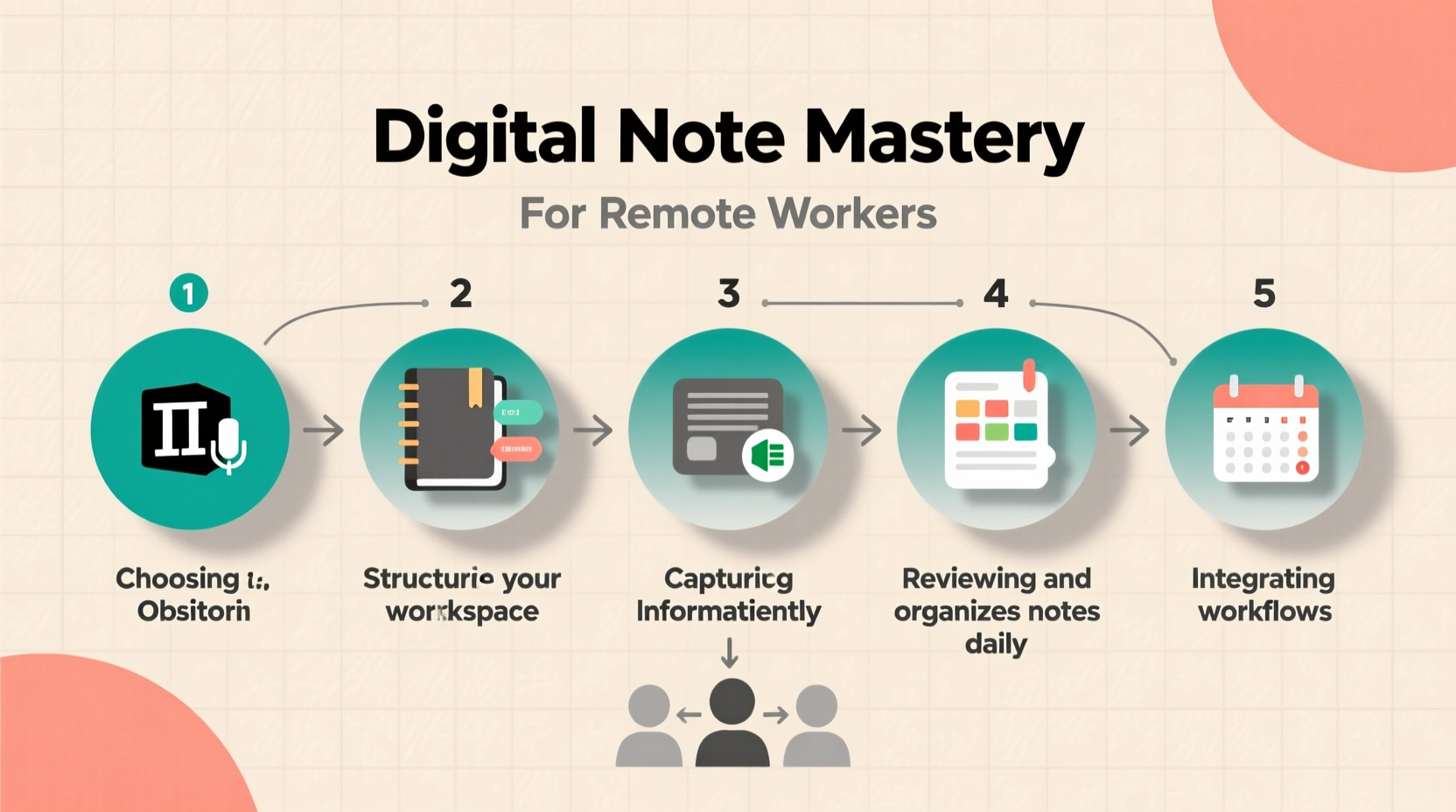
In a distributed work environment, communication happens asynchronously across chat apps, emails, video calls, and project boards. Information is rarely centralized, which increases the risk of misalignment and forgotten details. Digital notes act as a personal and shared knowledge base, capturing decisions, action items, and insights in real time. Unlike paper notebooks, digital notes are searchable, shareable, and syncable across devices—critical advantages for anyone working remotely across time zones.
Effective note taking also supports cognitive offloading. Instead of trying to remember every detail from a team call or client meeting, you can capture it once and retrieve it instantly when needed. This reduces stress and improves decision-making. Over time, well-maintained notes become a compounding asset—helping you spot patterns, refine workflows, and onboard faster into new projects.
Selecting the Right Tools and Platforms
Not all note-taking apps are created equal. The best choice depends on your workflow, collaboration needs, and preferred format (text-heavy, visual, voice-based, etc.). Below is a comparison of top platforms used by remote professionals:
| Tool | Best For | Key Features | Collaboration? |
|---|---|---|---|
| Notion | Project tracking + knowledge bases | Databases, templates, kanban boards | Yes, robust sharing & permissions |
| Obsidian | Personal knowledge management | Local-first, backlinking, graph view | Limited (requires plugins) |
| Evernote | Capturing web clippings & quick notes | Web clipper, OCR search, cross-device sync | Basic sharing available |
| OneNote | Freeform note takers, Microsoft users | Handwriting support, nested sections | Good integration with Teams/Office |
| Google Keep | Simple reminders and checklists | Color-coded labels, voice notes | Lightweight sharing only |
The key is not to collect tools but to commit to one primary system. Start simple. If you're overwhelmed, begin with Google Docs or Apple Notes—tools already integrated into your ecosystem—then migrate to a more advanced platform once your needs grow.
“Your note-taking system should serve your thinking, not distract from it.” — Tiago Forte, productivity expert and author of *Building a Second Brain*
A Step-by-Step System for Effective Digital Note Taking
Adopting a repeatable process ensures consistency and quality in your notes. Follow this six-step framework to build a reliable practice:
- Prepare Before Meetings or Tasks
Create a blank note template labeled with the date, topic, and attendees. Include placeholders for decisions, action items, and open questions. This primes your mind to listen actively rather than scramble to catch up. - Capture in Real Time
During meetings, focus on summarizing key points instead of transcribing everything. Use bullet points and abbreviations where helpful. Prioritize:- Decisions made
- Ownership of next steps
- Deadlines and deliverables
- Use Structured Templates
Standardize your note formats. For example:Meeting: [Topic] Date: [MM/DD/YYYY] Attendees: [Names] Agenda Items: - [Item 1] - [Item 2] Key Decisions: - Decision 1 → Owner: @Name | Due: MM/DD Action Items: - [Task] → Assigned to: @Name | Deadline: MM/DD - Edit Within 24 Hours
Review and refine raw notes while memory is fresh. Clarify ambiguous phrases, remove redundancies, and highlight critical items. This turns rough input into reliable output. - Tag and Organize Strategically
Apply consistent tags such as #project-clientX, #decision, #waiting-on, or #idea. Avoid over-tagging; stick to 3–5 core categories that align with your work streams. - Link Related Notes
If a meeting discusses a task tracked elsewhere, link directly to that note or document. This creates a web of interconnected knowledge, making retrieval faster and context richer.
Integrating Notes Into Your Daily Workflow
Digital notes shouldn’t live in isolation. To maximize their value, integrate them into your existing routines:
- Morning Review: Scan yesterday’s notes for pending actions before starting your day.
- Task Management Sync: Pull action items from meeting notes into your task manager (e.g., Todoist, Trello, Asana).
- End-of-Day Wrap-Up: Spend 10 minutes summarizing accomplishments and capturing insights in a daily log.
- Weekly Planning: Consolidate notes from the week into a weekly digest, highlighting progress and blockers.
For teams, consider maintaining a shared “meeting archive” where finalized notes are stored and indexed. This prevents repeated questions like “What did we decide about X?” and empowers new members to get up to speed quickly.
Mini Case Study: How a Freelance Developer Scaled Client Communication
Sophia, a freelance full-stack developer based in Lisbon, used to rely on Slack messages and email threads to track client feedback. After missing two minor feature deadlines due to overlooked comments, she implemented a Notion-based note system. For each client, she created a master project page with sub-pages for requirements, meeting logs, and change requests. Every call ended with a structured note summarizing decisions and next steps, linked directly to her calendar event.
Within three months, her clients reported feeling more informed and aligned. Internal rework dropped by 40%, and onboarding new subcontractors became significantly faster. By treating notes as living documents—not disposable records—Sophia turned disorganized communication into a scalable workflow.
Common Pitfalls and How to Avoid Them
Even with the best intentions, remote workers often fall into counterproductive habits. Here are frequent mistakes and how to fix them:
| Pitfall | Why It’s Harmful | Solution |
|---|---|---|
| Taking notes in multiple apps | Fragmented search, lost context | Pick one primary tool and consolidate |
| Never reviewing old notes | Missed insights, repeated discussions | Schedule monthly audits of key projects |
| Writing overly long notes | Low readability, poor retention | Summarize in bullets; use headings |
| Not sharing notes with stakeholders | Information silos, misalignment | Share summaries post-meeting via link |
“Clarity comes from engagement, not just collection. A note you never revisit is just digital litter.” — Anne-Laure Le Cunff, cognitive scientist and creator of Ness Labs
Essential Checklist for Building Your System
Use this checklist to audit and improve your current note-taking practice:
- ✅ Choose one primary digital note-taking app and stick with it for at least 3 months
- ✅ Create reusable templates for recurring meeting types (e.g., 1:1s, sprint planning)
- ✅ Enable sync across all your devices (phone, tablet, laptop)
- ✅ Set up a naming convention (e.g., YYYY-MM-DD_MeetingTopic)
- ✅ Apply consistent tags for projects, people, and priorities
- ✅ Schedule a weekly 30-minute session to clean up and connect notes
- ✅ Share finalized notes with relevant team members within 24 hours
- ✅ Back up your notes regularly (export to PDF or cloud storage)
Frequently Asked Questions
How detailed should my meeting notes be?
Focus on outcomes, not transcripts. Capture decisions, action items, owners, and deadlines. Avoid writing down every comment. If someone says, “We should consider improving load time,” convert that into: “Explore performance optimization → Owner: @DevLead | Status: Idea.”
Should I take notes during video calls or listen fully?
Balance both. Use active listening first, then summarize key moments. If possible, rotate note-taking responsibility in team meetings. Alternatively, record the call (with consent) and annotate afterward using voice-to-text tools.
How do I keep my notes organized long-term?
Adopt a “progressive summarization” method: highlight the most important lines in each note, then create executive summaries for longer documents. Archive inactive projects quarterly to reduce clutter. Use search-friendly titles and keywords.
Conclusion: Turn Notes Into Action
Digital note taking is more than a passive record—it’s an active lever for productivity, clarity, and professional growth. Remote workers who master this skill gain a quiet advantage: they remember more, communicate better, and move faster because they’re not constantly rediscovering what they already knew. The system doesn’t need to be perfect; it just needs to be consistent. Start small. Implement one change this week—whether it’s standardizing your meeting template or cleaning up your note repository. Build momentum gradually, and over time, your digital notes will evolve from scattered fragments into a powerful extension of your mind.




 浙公网安备
33010002000092号
浙公网安备
33010002000092号 浙B2-20120091-4
Comments
No comments yet. Why don't you start the discussion?