
In today’s digital world, accessing government services online has become not only convenient but often the fastest option. One of the most common requests is replacing or obtaining a state-issued identification card—whether it’s a driver’s license, state ID, or renewal. Many states now allow residents to order their ID online, saving time, avoiding in-person lines, and reducing errors. However, doing so requires careful attention to eligibility, document preparation, and cybersecurity. This guide walks you through every essential step to complete the process safely and successfully.
Check Your Eligibility First
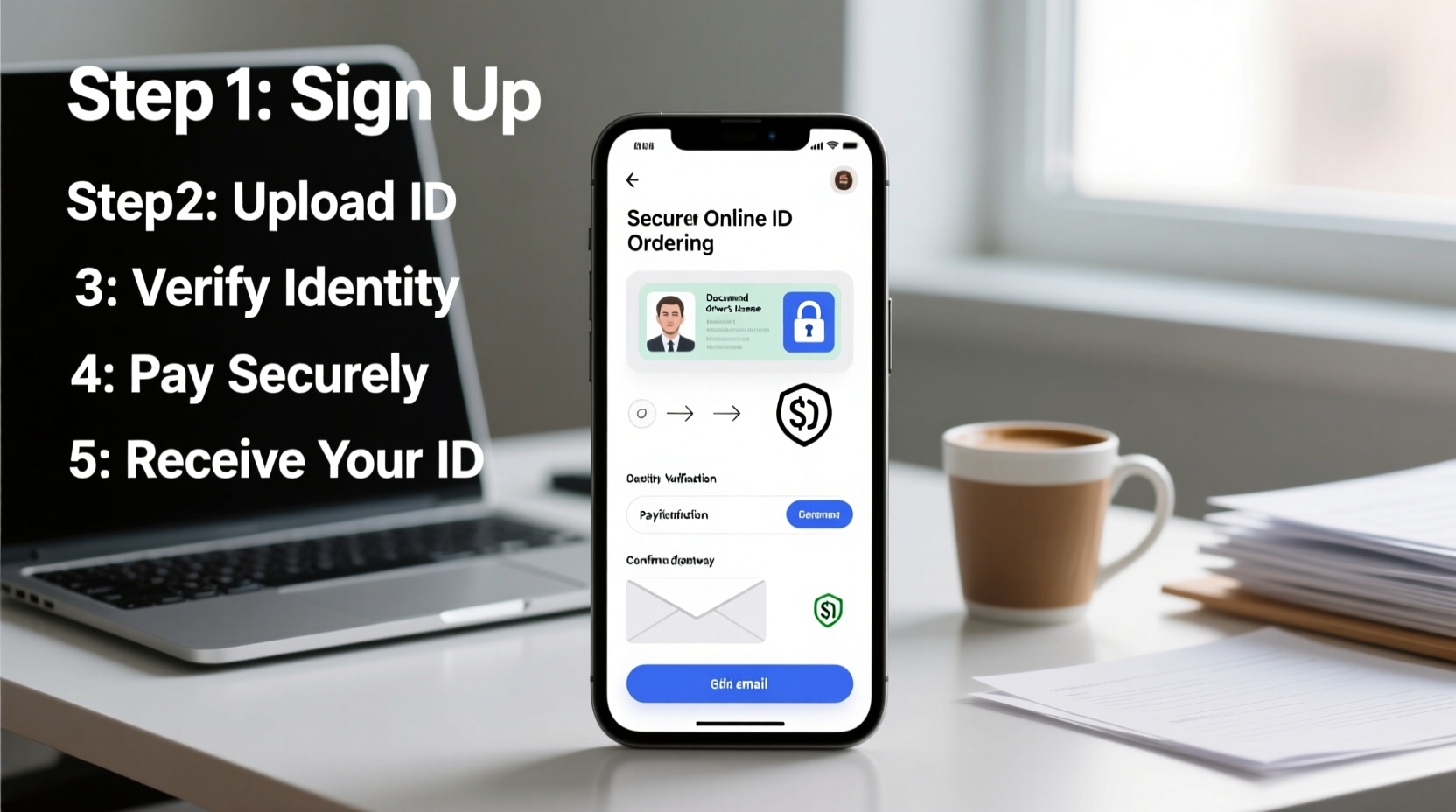
Not everyone qualifies to order an ID online. Requirements vary by state, but common restrictions include:
- You must be renewing an existing ID or license (first-time applicants may need to appear in person).
- Your previous ID was issued within the last 8–10 years.
- You haven’t changed your name, address, or other identifying information since your last ID.
- You don’t require vision testing, signature updates, or special endorsements.
- You are not under 18 or over a certain age threshold requiring in-person verification.
Gather Required Documents and Information
Even if applying online, you’ll still need to provide proof of identity, residency, and legal presence. Having these ready ensures a smooth application. Commonly required documents include:
| Document Type | Purpose | Format Accepted Online |
|---|---|---|
| Current ID or Driver’s License | Verify identity and photo | Scanned copy or clear photo |
| Proof of Residency | Show current address | Utility bill, bank statement, lease agreement (PDF or image) |
| Social Security Number | Federal verification | SSN card or W-2 form |
| Legal Name Change Proof (if applicable) | Marriage certificate, court order | Official certified copy |
Scan or photograph each document using a smartphone or scanner. Ensure text is legible, corners are visible, and no glare obscures details. Save files in JPEG, PNG, or PDF format as specified by your state’s portal.
“Digital document submission reduces processing delays, but only if files meet quality standards.” — Sarah Lin, State DMV Digital Services Coordinator
Follow the Step-by-Step Online Application Process
Once eligible and prepared, follow this structured timeline to complete your ID order:
- Visit the Official Government Website: Never use third-party sites that charge convenience fees. Search for “[Your State] DMV online ID renewal” to find the correct portal (e.g., dmv.ca.gov, mydmv.oregon.gov).
- Create or Log Into Your Account: Most states require a secure login with email, password, and security questions. Enable two-factor authentication if available.
- Select ID Type and Service: Choose “Renew State ID” or “Replace Lost ID” based on your need.
- Enter Personal Information: Confirm your full name, date of birth, address, and SSN. Make sure it matches your documents exactly.
- Upload Required Documents: Follow prompts to attach scanned copies. Preview each file before submitting.
- Review Photo Guidelines: Some states let you upload a new photo; others reuse your existing one. If uploading, ensure it meets requirements: neutral expression, plain background, no hats or glasses.
- Pay the Fee Securely: Use a credit or debit card on a secure connection (look for HTTPS and a padlock icon). Fees typically range from $20 to $50 depending on state and ID type.
- Confirm Submission: After payment, you’ll receive a confirmation number and email. Save this for tracking.
Protect Your Data and Avoid Scams
Ordering an ID online involves sharing sensitive personal information. Cybercriminals often target DMV portals through phishing emails, fake websites, and social engineering. Stay safe with these best practices:
- Always type the official DMV URL directly into your browser—don’t click links from unsolicited emails.
- Ensure the site uses HTTPS encryption (check for the padlock symbol in the address bar).
- Never use public Wi-Fi when submitting personal data. Use a private, password-protected network.
- Verify email senders: Official agencies won’t ask for your SSN or payment details via email.
- Monitor your inbox and mail for confirmation notices and delivery updates.
If you receive a message claiming your ID application failed and urging immediate action, do not click any links. Instead, log in directly to your account on the official site to check status.
Real Example: Maria’s Smooth Renewal Process
Maria, a resident of Colorado, needed to renew her state ID before traveling. She visited dmv.colorado.gov, confirmed she was eligible for online renewal, and gathered her current ID, recent utility bill, and SSN card. She created an account, uploaded clear photos of her documents, paid the $21 fee with her Visa card over her home Wi-Fi, and submitted her application—all within 20 minutes. Three days later, she received an email confirming her new ID was in transit. It arrived by standard mail within a week, undamaged and accurate.
Frequently Asked Questions
Can I order a first-time state ID online?
Generally, no. First-time applicants are usually required to visit a DMV office in person to verify identity with original documents and have their photo taken. Check your state’s rules for exceptions.
How long does it take to receive my ID after ordering online?
Processing and mailing typically take 7 to 14 business days. Expedited options may be available for an additional fee, cutting delivery time to 3–5 days.
What should I do if my ID arrives with incorrect information?
Contact your state’s DMV immediately. Most agencies offer free corrections for errors caused during processing. You may need to submit a correction form and return the incorrect ID.
Final Checklist Before You Apply
- ✅ Confirm eligibility for online service
- Check age, renewal status, and document history.
- ✅ Collect all required documents
- ID, proof of address, SSN, and legal change records if applicable.
- ✅ Prepare high-quality digital copies
- Clear, well-lit scans or photos without shadows or reflections.
- ✅ Use a secure device and network
- Avoid public computers or unsecured Wi-Fi.
- ✅ Have payment method ready
- Credit/debit card with sufficient funds.
- ✅ Review everything before submitting
- Double-check spelling, dates, and uploaded files.
Conclusion
Ordering your ID online doesn’t have to be stressful or risky. With the right preparation, awareness of eligibility, and commitment to data security, you can complete the process efficiently from home. Millions of Americans already use online DMV services successfully—saving time, reducing paperwork, and receiving accurate IDs on schedule. Don’t wait until the last minute. Take control of your identification needs today by following these proven steps and enjoy the peace of mind that comes with a secure, hassle-free transaction.




 浙公网安备
33010002000092号
浙公网安备
33010002000092号 浙B2-20120091-4
Comments
No comments yet. Why don't you start the discussion?