
Deciding to close your Etsy shop is a significant step, whether due to shifting priorities, business changes, or personal reasons. While the platform makes it easy to pause operations, permanently deleting your shop requires careful planning—especially if you want to retain valuable sales records, customer insights, and tax-related information. Unlike deactivating listings, permanent deletion removes your shop from Etsy’s ecosystem entirely. Once completed, you cannot recover shop data through the platform.
This guide walks you through the entire process with precision: how to back up every critical piece of information before initiating deletion, what to expect during Etsy’s closure workflow, and how to maintain long-term access to your financial history. Done correctly, you can shut down your shop confidently, knowing your data remains secure and organized for future use.
Why Preserve Sales Data Before Closure?
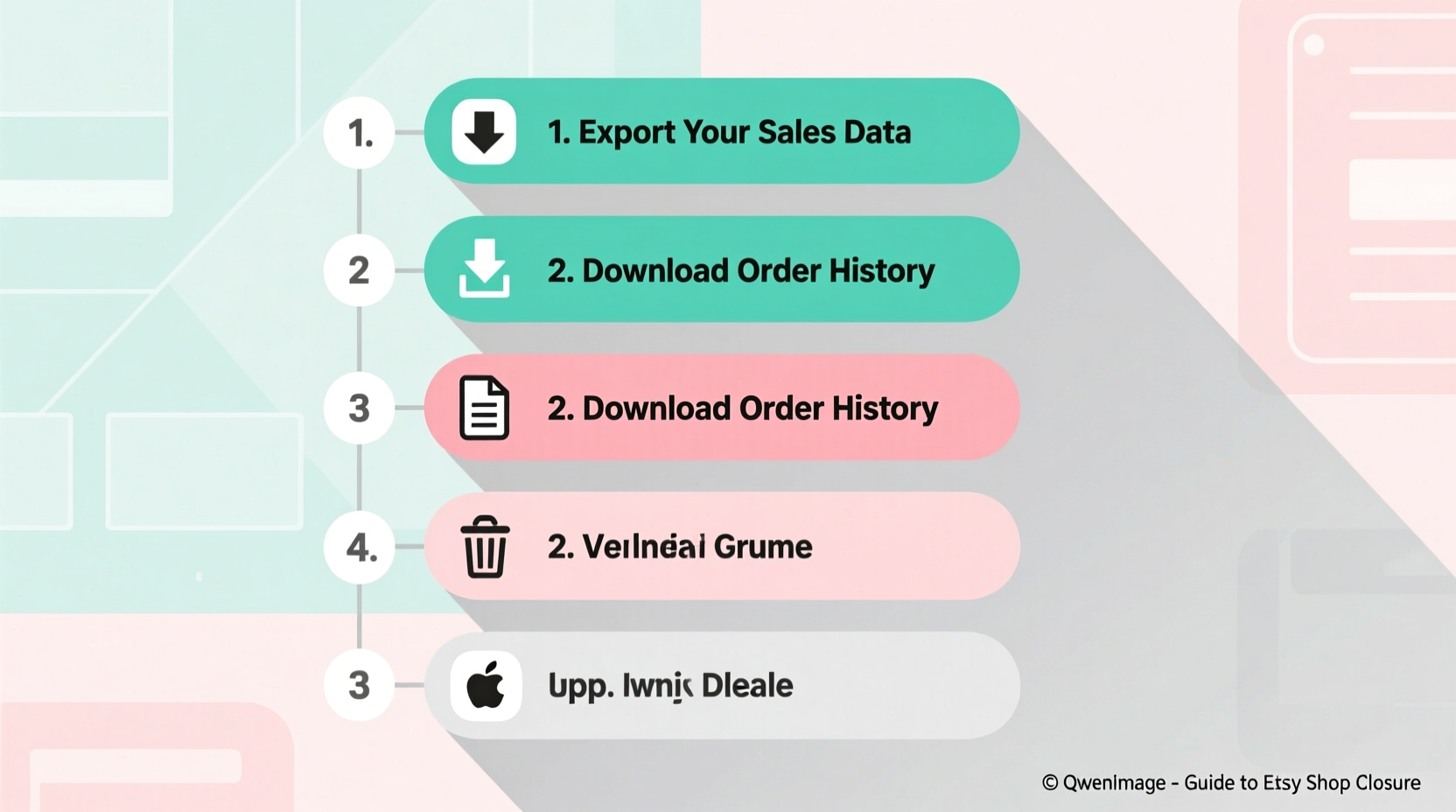
Sales records are more than just transaction logs—they’re essential for tax reporting, business analysis, and potential relaunches. Etsy does not provide automatic archives after shop deletion. Once your shop is gone, access to order details, shipping labels, customer messages, and revenue summaries vanishes permanently.
Tax authorities like the IRS or HMRC may require documentation of income for up to seven years. Without proper backups, reconstructing annual earnings becomes difficult, if not impossible. Additionally, if you ever consider reopening under a new brand or platform, historical data helps identify best-selling items, peak seasons, and pricing strategies that worked.
“Never assume platform data will be available later. Proactive archiving is part of responsible digital entrepreneurship.” — Lena Patel, E-Commerce Compliance Advisor
Step-by-Step Timeline to Delete Your Etsy Shop Safely
Follow this structured timeline over 7–10 days to ensure no detail is missed. Rushing increases the risk of irreversible data loss.
- Day 1–2: Finalize Active Orders – Complete all pending orders, issue refunds if needed, and respond to open buyer messages. Ensure no transactions remain unresolved.
- Day 3: Export All Financial Reports – Navigate to Finances > Payment Account > Statements and download CSV files for each fiscal year. Include payment details, fees, and disbursement dates.
- Day 4: Download Full Order History – Go to Seller Dashboard > Orders & Shipping > Export Orders. Choose “All Orders” and format as CSV. This includes buyer names (optional), item details, prices, shipping addresses, and order status.
- Day 5: Save Listings and Media – Manually save product titles, descriptions, tags, photos, and pricing. Use a spreadsheet or document to organize them. Consider downloading high-resolution images to a local folder or cloud storage.
- Day 6: Archive Conversations – In the Messages section, review important buyer interactions. Copy-paste key conversations into a secure file, especially those involving custom requests or disputes.
- Day 7: Confirm Backups Are Complete – Verify all files are saved in multiple locations (e.g., external drive and Google Drive). Test opening a few CSVs to confirm readability.
- Day 8: Initiate Shop Deletion – Visit Etsy’s account settings, navigate to shop closure options, and follow prompts to delete permanently.
Data Preservation Checklist
Use this checklist before proceeding with deletion. Print or digitally mark off each task to avoid oversight.
- ✅ All orders shipped or canceled
- ✅ Final payout received and recorded
- ✅ Yearly financial statements downloaded (CSV/PDF)
- ✅ Complete order history exported
- ✅ Product listings documented with images saved
- ✅ Customer service conversations archived
- ✅ Backup files stored in at least two separate locations
- ✅ Tax documents updated with final Etsy income
- ✅ Domain (if custom) redirected or deactivated
- ✅ Social media links updated to reflect shop closure
What Happens After You Delete Your Shop?
Etsy’s deletion process isn’t instant. After confirmation, your shop enters a 30-day grace period during which you can cancel the request. This safety net allows reversal if you change your mind. However, once the period ends, Etsy permanently removes your shop profile, listings, reviews, and seller metrics.
Note: Your username remains reserved and cannot be reused—even for a new shop. If you plan to return to Etsy later, consider creating a new account with a different email and username.
Deleted shops do not appear in search results, and existing URLs redirect to generic Etsy pages. Buyers who bookmarked your shop will no longer access your products. For this reason, sending a final announcement to followers via Etsy updates or email newsletters is recommended.
| Action | Reversible? | Data Access After? |
|---|---|---|
| Deactivate Listings | Yes, anytime | Full access retained |
| Close Shop Temporarily | Yes, within account | Yes, including messages |
| Permanently Delete Shop | No, after 30 days | No—data lost forever |
Real Example: Sarah’s Smooth Exit Strategy
Sarah ran a handmade candle shop on Etsy for five years. When she decided to shift focus to wholesale, she knew she needed clean closure without sacrificing her business records. She began by exporting three years of financial data and organizing it by quarter. Using Etsy’s bulk export tool, she downloaded 478 orders into a single spreadsheet, filtering duplicates and adding notes on repeat customers.
She saved all product images to a dedicated folder labeled “Etsy Archive” and uploaded copies to Dropbox and an external hard drive. Before initiating deletion, she sent a final update: “Thank you for supporting my journey—while I’m closing my Etsy shop, I’ll continue crafting through my new website.”
Two months later, when preparing her annual taxes, Sarah accessed her local CSV files effortlessly. Her accountant praised the clarity of the records. By taking time upfront, Sarah avoided stress and maintained full compliance—all without relying on Etsy’s servers.
Frequently Asked Questions
Can I reopen my shop after permanent deletion?
No. Once deleted, your shop cannot be restored. You must create a new account with a different email and username. Previous listings, reviews, and stats are lost permanently.
Will buyers still see my reviews?
No. Deleting your shop removes all associated content, including reviews. Former buyers may still have transaction records on their accounts, but public visibility ends.
How long should I keep my Etsy backups?
Retain financial records for at least seven years for tax purposes. Store them securely, preferably encrypted if on shared devices.
Final Steps and Confirmation
To initiate deletion, log in to your Etsy account, go to Your Account > Settings > Close your shop. Etsy will prompt you to confirm multiple times. You must also acknowledge that:
- You understand data will be permanently erased
- All unpaid balances must be resolved
- The action cannot be undone after 30 days
After submission, Etsy sends a confirmation email. During the cooling-off period, avoid logging out or changing passwords unnecessarily to prevent accidental lockout. If you decide to halt deletion, return to settings and cancel the request.
Take Control of Your Digital Legacy
Closing your Etsy shop doesn’t mean erasing your entrepreneurial story. With deliberate preparation, you can preserve every meaningful metric, protect your financial integrity, and close the chapter with confidence. The effort invested in archiving today saves hours of frustration tomorrow—whether facing an audit, launching a new brand, or simply reflecting on your creative journey.




 浙公网安备
33010002000092号
浙公网安备
33010002000092号 浙B2-20120091-4
Comments
No comments yet. Why don't you start the discussion?