
If your Toyota key fob has started acting sluggish—unlocking doors slower than usual, failing to start the car remotely, or not responding at all—the culprit is often a dying battery. Replacing it is one of the simplest and most cost-effective maintenance tasks you can perform on your vehicle. Most Toyota key fobs use a standard CR2032 lithium coin cell battery, which costs under $5 and takes less than five minutes to replace. With no special tools required, this is a perfect DIY job for any car owner.
Why Your Key Fob Battery Dies
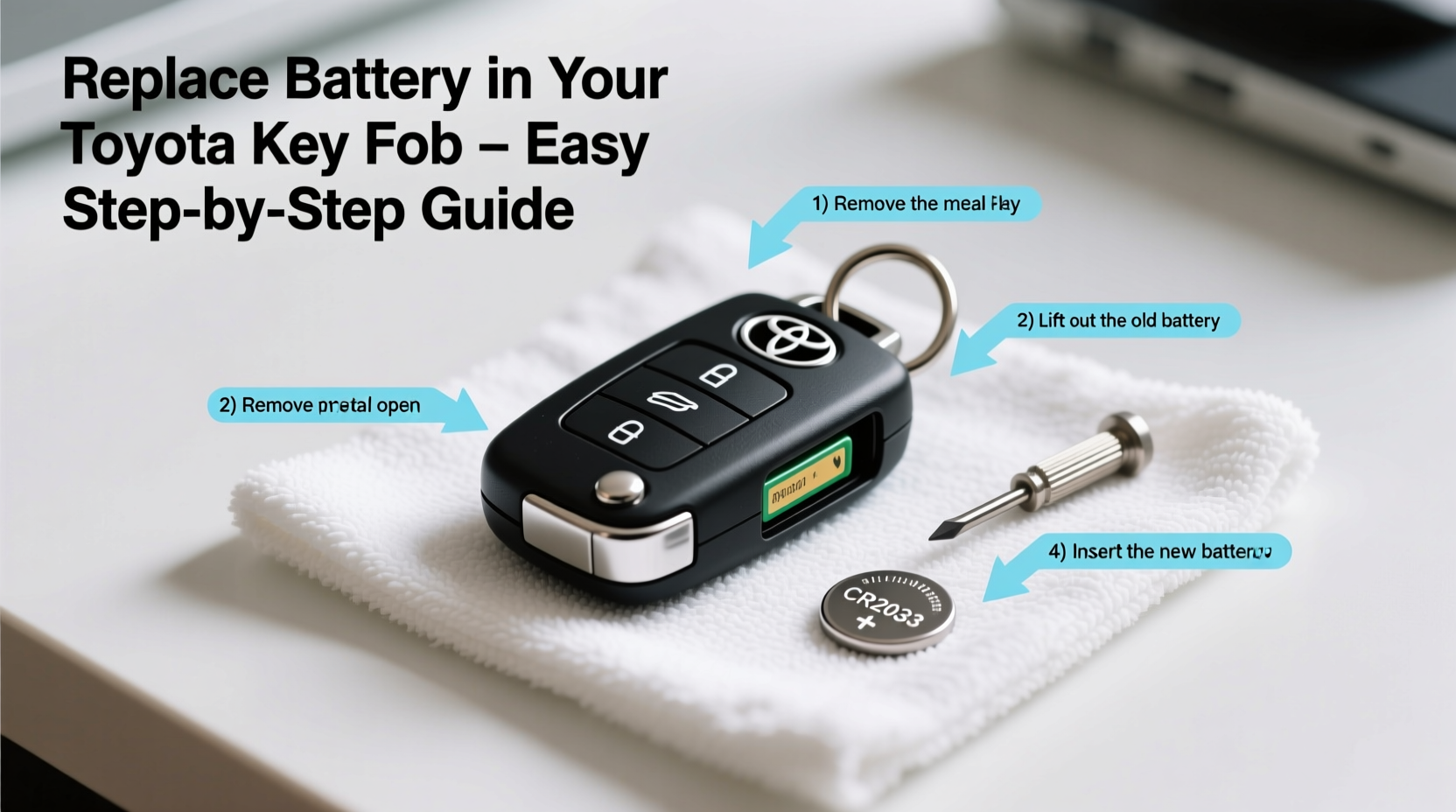
Key fob batteries typically last between 2 and 4 years, depending on usage. Frequent use of remote start, lock/unlock functions, or leaving the fob near signal-interfering devices can shorten its lifespan. Environmental factors like extreme heat or cold may also impact performance. When the battery weakens, the signal range drops significantly—you might need to stand right next to your car for the fob to work.
Toyota vehicles often display a low-battery warning on the dashboard when the key fob signal is weak. Some models even prompt you with a message such as “Key Battery Low” or show a reduced battery icon next to the key symbol.
What You’ll Need to Replace the Battery
The good news is that replacing a Toyota key fob battery requires minimal supplies. In most cases, you won’t even need tools. Here’s what to gather before starting:
- One CR2032 3V lithium coin battery (available at drugstores, supermarkets, or online)
- A clean, flat workspace with good lighting
- A small flat-head screwdriver or coin (optional, for prying open certain models)
- A soft cloth to protect the fob surface
Ensure you purchase a high-quality battery from a reputable brand like Panasonic, Duracell, or Energizer. Cheap knock-offs may have lower voltage output or shorter lifespans.
Step-by-Step Guide to Opening and Replacing the Battery
Different Toyota key fob models open in slightly different ways. The two most common designs are the slide-open type and the snap-open type. Follow these universal steps tailored to both:
- Locate the seam – Examine your key fob for a visible line where the two halves meet. On newer models, there’s often a small notch near the key ring attachment.
- Insert a tool if needed – For fobs that don’t slide apart, gently insert a flat-head screwdriver or a coin into the notch. Twist slightly to create separation between the plastic halves.
- Separate the casing – Once the first clip releases, carefully work your way around the edges until both halves come apart. Avoid using excessive force—these clips are durable but can break if over-stressed.
- Remove the old battery – The battery sits in a metal or plastic cradle. Gently pry it out using your fingertip or a plastic tool. Note the orientation: the positive side (+) should face up in most models.
- Insert the new battery – Place the fresh CR2032 battery into the holder with the positive side facing up. Press it down until secure.
- Reassemble the fob – Align the two halves and press them together firmly around the edges until all clips snap into place.
- Test the fob – Stand near your vehicle and press the lock or unlock button. You should hear the doors respond immediately.
Common Key Fob Models and Their Battery Replacement Methods
While most Toyota key fobs use the same battery, access methods vary slightly. This table outlines popular models and their opening techniques:
| Model Year & Type | Battery Type | Opening Method | Notes |
|---|---|---|---|
| 2010–2019 Smart Key (with flip key) | CR2032 | Slide mechanism via key release button | Press button to eject mechanical key, then slide top half off |
| 2020+ Toyota Remote Transmitter (push-button start) | CR2032 | Snap-open with screwdriver | Use coin at base notch; avoid scratching finish |
| Older Keyless Entry Fob (pre-2010) | CR2016 or CR2032 | Screw-secured back panel | Requires small Phillips screwdriver |
| Remote Start Fob (Hybrid models) | CR2032 | Snap-open with gentle pressure | Do not twist—pry evenly along edges |
Troubleshooting Tips After Battery Replacement
If your key fob still doesn’t work after installing a new battery, consider these possibilities:
- Battery orientation: Double-check that the positive side is facing up. Installing it backward prevents operation.
- Dirty contacts: Use a cotton swab lightly dampened with rubbing alcohol to clean the battery terminals.
- Signal interference: Move away from electronic devices, microwaves, or metal structures that may block the signal.
- Need for resyncing: Some Toyota models require the fob to be re-paired after battery replacement.
“Many customers come to us thinking their key fob is broken, only to find it was just a $3 battery. A quick replacement saves hundreds compared to buying a new fob.” — Mark Reynolds, ASE-Certified Auto Technician
When to Resync Your Key Fob
After replacing the battery, some Toyota models—especially those from 2016 onward—may require a quick resynchronization. This process resets communication between the fob and the vehicle’s receiver.
To resync:
- Sit in the driver’s seat with all doors closed.
- Press and release the Lock button on the key fob.
- Within five seconds, turn the ignition to ON (not start), then back to OFF.
- Repeat steps 2 and 3 three more times (total of four cycles).
- On the fourth cycle, press the Lock button again. The doors should lock and unlock automatically, confirming sync.
If this doesn’t work, consult your owner’s manual for model-specific instructions or contact your dealership for guidance.
Mini Case Study: Sarah’s Weekend Fix
Sarah, a Toyota Camry owner from Austin, noticed her key fob wasn’t unlocking the car unless she stood directly beside it. She assumed she’d need a costly replacement. Instead, she searched online and found that her 2017 model used a CR2032 battery. Using a coin from her kitchen drawer, she opened the fob in under two minutes, replaced the battery, and had full function restored. Total cost: $3.99. “I saved over $100 and felt great doing it myself,” she said.
Frequently Asked Questions
How do I know if my key fob battery is low?
You may notice reduced response range, delayed door locking, inconsistent remote start function, or a dashboard warning on newer Toyota models indicating low key battery.
Can I damage the key fob while opening it?
It’s unlikely if you use proper technique. Always apply pressure at designated seams and avoid twisting metal tools inside the casing. Most fobs are designed for user servicing.
Do I need to reprogram the key fob after changing the battery?
No—reprogramming is only necessary if the fob has been replaced or lost pairing. However, some models require resyncing, which is a simple process outlined in your owner’s manual.
Final Checklist: Key Fob Battery Replacement
- ✅ Purchase a fresh CR2032 battery
- ✅ Locate the seam on your key fob
- ✅ Use a coin or screwdriver to gently separate the case
- ✅ Remove the old battery (note positive-up orientation)
- ✅ Insert the new battery correctly
- ✅ Snap the case back together securely
- ✅ Test functionality near your vehicle
- ✅ Resync if necessary (especially for 2016+ models)
Take Control of Your Car Maintenance
Replacing your Toyota key fob battery is a small task with big benefits. It restores convenience, avoids unnecessary service fees, and empowers you to handle basic car care confidently. With just a few minutes and a few dollars, you can keep your vehicle’s smart features running smoothly. Don’t wait for complete failure—address weak signals early and stay in control of your daily drive.




 浙公网安备
33010002000092号
浙公网安备
33010002000092号 浙B2-20120091-4
Comments
No comments yet. Why don't you start the discussion?