
Losing or damaging your Certificate of Citizenship can be stressful, especially when you need it for travel, employment verification, or passport applications. Fortunately, the process to replace this critical document is straightforward if you follow the correct steps. The U.S. Citizenship and Immigration Services (USCIS) provides a clear pathway for applicants to request a replacement through Form N-565. This guide walks you through every stage—from determining eligibility to receiving your new certificate—ensuring you complete the process efficiently and without unnecessary delays.
When You Need to Replace Your Citizenship Certificate
A Certificate of Citizenship confirms your status as a U.S. citizen by birth abroad to U.S. citizen parents or through derivation or acquisition of citizenship. You may need to replace it if it’s lost, stolen, damaged, or contains incorrect information such as a misspelled name or outdated details.
Unlike a passport, the citizenship certificate doesn’t expire, so replacement is only necessary under specific circumstances. It's important to act promptly if your document is compromised, as delays can impact your ability to prove citizenship during official processes like applying for a passport or enrolling in federal programs.
Eligibility Requirements for Replacement
Only certain individuals are eligible to apply for a replacement Certificate of Citizenship:
- You were issued a Certificate of Citizenship by USCIS or its predecessor agency.
- The original certificate was lost, stolen, mutilated, or contains an error.
- You are the person named on the certificate, or you’re filing on behalf of a minor child or legal ward.
If your citizenship status itself is in question—or if you’ve never received a certificate—you may need to apply for one for the first time rather than requesting a replacement. In such cases, Form N-600 (Application for Certificate of Citizenship) would be required instead of Form N-565.
“Timely replacement of a citizenship certificate ensures uninterrupted access to rights and services tied to proof of nationality.” — USCIS Public Information Office
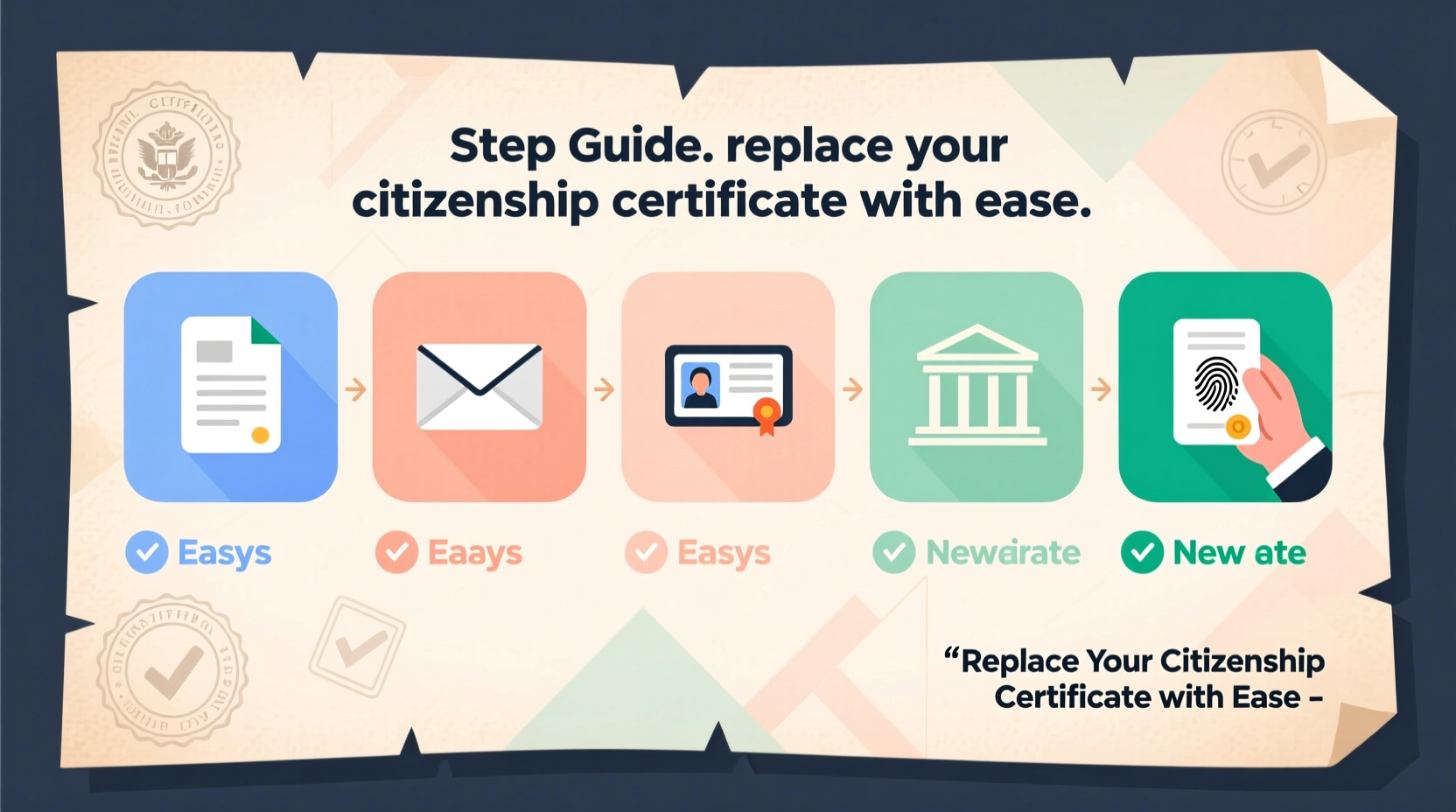
Step-by-Step Guide to Filing Form N-565
Filing Form N-565 correctly is essential to avoid processing delays that can extend wait times by several months. Follow these steps carefully:
- Determine the reason for replacement: Clearly identify whether the certificate is lost, stolen, damaged, or contains an error. You’ll need to explain this on the form.
- Download Form N-565: Visit the official USCIS website (www.uscis.gov) and download the most current version of Form N-565.
- Complete the form accurately: Fill out all required fields. Pay special attention to Part 2, where you must specify the reason for replacement and provide details about the original certificate (e.g., number, issue date).
- Gather supporting documents: Include a copy of any available portion of the original certificate if damaged. For lost or stolen certificates, no copy is needed, but you may be asked to provide a police report or sworn statement.
- Include required photos (if applicable): As of recent USCIS guidelines, two identical color passport-style photos may be required unless specifically exempted. Check the latest instructions before submitting.
- Pay the filing fee: The current fee for Form N-565 is $670 (as of 2024). Fee waivers are generally not available for this form, but exceptions exist for certain humanitarian cases.
- Submit the application: Mail your completed form, evidence, photos, and payment to the appropriate USCIS lockbox facility based on your location and mailing method. Do not send it to a service center.
Processing Timeline Expectations
After submission, USCIS typically takes between 10 to 14 months to process Form N-565. However, processing times vary depending on workload and regional office efficiency. You can check current estimates using the USCIS Processing Times tool online.
Once approved, USCIS will schedule an appointment at a local Application Support Center (ASC) for biometrics (fingerprinting), if required. After that, your new certificate will be mailed to your address on file.
Common Mistakes That Delay Approval
Many replacement requests face avoidable delays due to preventable errors. Below is a comparison of common pitfalls and how to avoid them:
| Don’t Do This | Do This Instead |
|---|---|
| Submitting outdated versions of Form N-565 | Always download the latest version from the USCIS website |
| Forgetting to sign the form | Double-check that you’ve signed in ink before mailing |
| Sending payments via cash or personal checks not accepted | Use a money order, cashier’s check, or credit card (Form G-1450) |
| Mailing to the wrong address | Verify the correct lockbox address based on your state and delivery method |
| Not including required photos | Follow photo specifications precisely: 2x2 inches, white background, taken within 30 days |
Real Example: Replacing a Damaged Certificate After a Flood
María Lopez, a naturalized citizen living in Houston, experienced severe flooding in her home last summer. Among the damaged items was her Certificate of Citizenship, which became waterlogged and illegible. Concerned about upcoming international travel, she began the replacement process immediately.
She downloaded Form N-565, checked the box for “mutilated” certificate, and attached photocopies of both sides—even though they were blurry—as evidence. She included two new passport photos, paid the fee via money order, and sent everything via USPS Priority Mail with tracking. Within 11 months, she received her new certificate. María advises others to keep digital backups and act quickly, noting, “I didn’t think I’d need it so soon after the flood, but being prepared saved me stress later.”
Frequently Asked Questions
Can I expedite my N-565 application?
Yes, USCIS allows expedited processing under certain conditions, such as imminent international travel, employment deadlines, or urgent immigration benefits. You must submit a written request explaining the urgency along with supporting documentation like a job offer letter or airline itinerary.
What if my name has changed since receiving the original certificate?
If your name has legally changed, you can request a corrected certificate reflecting your new name. You must provide official documentation such as a marriage certificate, divorce decree, or court order with your N-565 application.
Do children need their own citizenship certificates?
While not mandatory, having a Certificate of Citizenship can simplify future processes like passport applications for minors. Parents or legal guardians can file Form N-565 on behalf of a child under 18.
Final Checklist Before You Submit
Before placing your application in the mail, review this checklist to ensure completeness:
- ✅ Downloaded the most recent Form N-565 from uscis.gov
- ✅ Completed all applicable sections accurately
- ✅ Checked the correct reason for replacement (lost, stolen, damaged, etc.)
- ✅ Attached copies of any remaining portions of the original certificate
- ✅ Included two passport-style photos (if required)
- ✅ Paid the $670 filing fee using an accepted method
- ✅ Signed and dated the form
- ✅ Mailed to the correct USCIS lockbox address
- ✅ Used tracked mail for delivery confirmation
Conclusion: Take Action Now to Secure Your Status
Your Certificate of Citizenship is more than a piece of paper—it’s legal proof of your identity and national belonging. Whether lost, damaged, or outdated, replacing it is a manageable process when approached with care and accuracy. By following the steps outlined here, avoiding common errors, and preparing thoroughly, you can navigate the system confidently and reclaim your documentation without unnecessary setbacks.




 浙公网安备
33010002000092号
浙公网安备
33010002000092号 浙B2-20120091-4
Comments
No comments yet. Why don't you start the discussion?