
Digital watches like those from Megir offer sleek design, accurate timekeeping, and long-lasting build quality. However, even the most durable models eventually require a battery replacement. While it might seem tempting to visit a professional service center, replacing the battery yourself is both cost-effective and feasible—with the right tools and knowledge. Done correctly, you can maintain your watch’s water resistance and avoid unnecessary wear on internal components.
This guide walks through every stage of the process with precision, safety tips, and real-world insights to ensure success—even if you’ve never opened a watch before.
Why Replace the Battery Yourself?
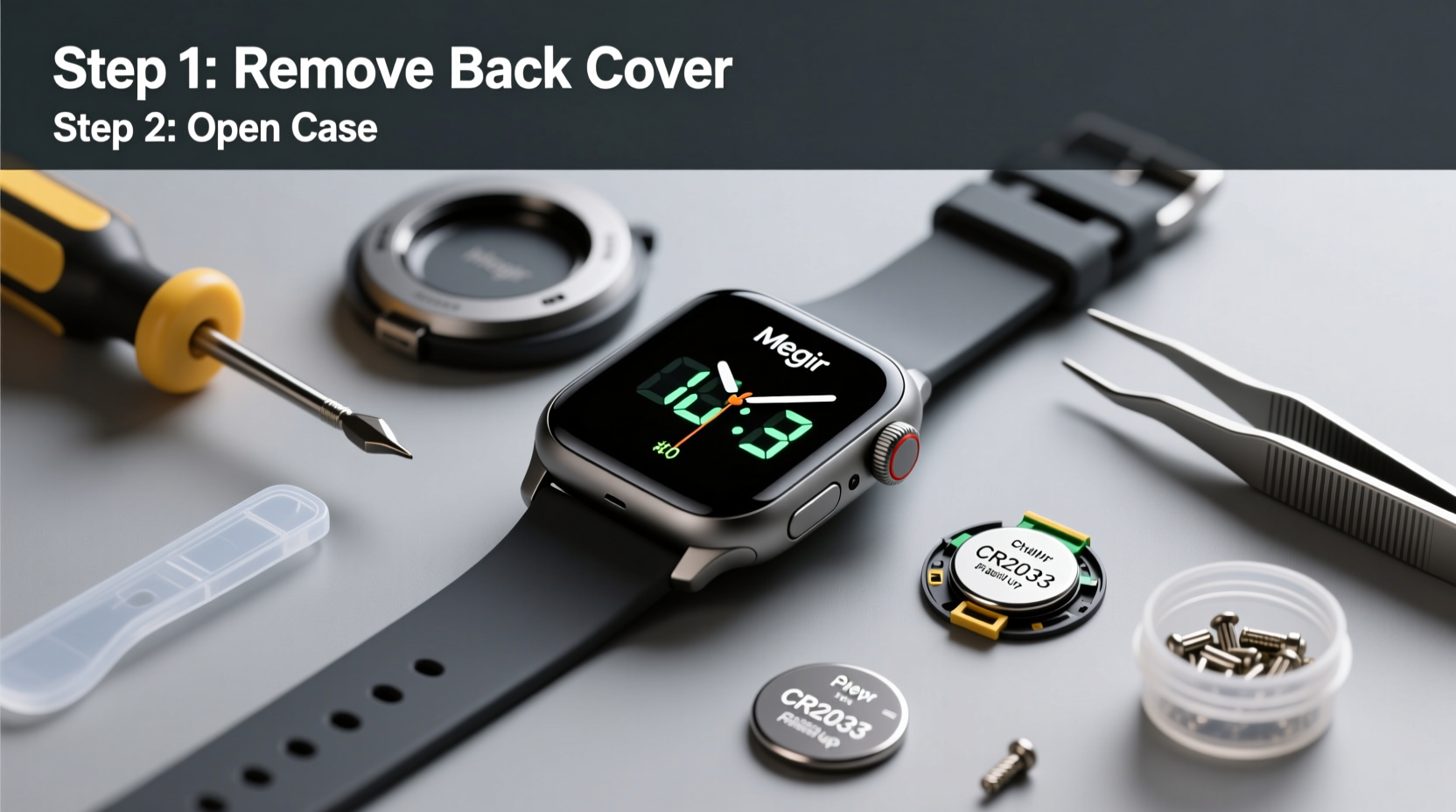
Professional battery replacements can cost anywhere from $15 to $30, depending on location and service provider. For a simple task that takes less than 20 minutes, doing it yourself saves money and gives you control over the quality of the parts used. Additionally, many third-party repair shops use generic batteries or fail to properly reseal the case, compromising water resistance.
Replacing the battery at home allows you to:
- Use high-quality, name-brand batteries (like Renata or Maxell)
- Inspect the gasket and case for wear
- Ensure proper sealing to maintain water resistance
- Avoid long wait times at repair counters
Tools and Materials You’ll Need
Before beginning, gather all necessary tools. Using improper instruments—like screwdrivers or knives—can scratch the case or damage the movement.
| Item | Purpose | Recommended Brand/Type |
|---|---|---|
| Case Back Opener (Wrench or Knife Type) | Opens screw-down or press-fit case backs | ORANGE 101 or Bergeon |
| Precision Tweezers | Handle small battery and components | Stainless steel, anti-magnetic |
| Lens Blower or Soft Brush | Clean dust from inside case | Giottos Rocket Blower |
| New Battery (CR2032 or model-specific) | Power source for the watch | Renata, Panasonic, or Maxell |
| Rubber Puck or Soft Pad | Protects crystal during work | Watchmaker’s rubber mat |
| Magnifying Glass or Optivisor | Improve visibility of small parts | 10x magnification recommended |
“Using the correct tool for case back removal prevents costly cosmetic damage. A scratched case back can compromise sealing and aesthetics.” — Daniel Reyes, Watch Repair Technician with 12 years of experience
Step-by-Step Guide to Replacing the Battery
Follow this sequence carefully. Rushing or skipping steps increases the risk of damaging your watch.
- Power Down the Watch
Wait until the display shows low power symptoms (flashing digits or dim display). This ensures minimal electrical load during handling. - Clean the Case Exterior
Wipe the watch with a soft cloth dampened with isopropyl alcohol. This removes dirt that could enter the case during disassembly. - Identify the Case Back Type
Megir digital watches typically have either:- Press-fit backs: Smooth edge, removed with a knife-style opener
- Screw-down backs: Notched edge, require a notched wrench
- Open the Case Back
Place the watch face-down on a rubber puck. Insert the case knife into the notch (if present) and gently twist. For screw-down types, align the wrench with notches and turn counterclockwise. Apply steady pressure—never force it. - Remove the Old Battery
Use plastic or non-conductive tweezers to lift the battery out. Avoid touching the movement with metal tools. Note the battery orientation (+ side up/down). - Clean the Interior
Use a lens blower to remove dust. Inspect the battery compartment for corrosion. If residue is present, gently clean with a cotton swab dipped in isopropyl alcohol. - Insert the New Battery
Match the model number (usually CR2032 or CR1616). Place it with the correct polarity—most Megir watches require the positive side facing up. Press gently until seated. - Test Before Closing
Wait 10–15 seconds for the watch to reboot. Confirm the display lights up and buttons respond. If not, recheck battery placement. - Replace the Case Back
For snap-on backs, align the case and press evenly around the edge using a case press or padded pliers. For screw-down backs, hand-tighten first, then give a quarter-turn with the wrench—do not over-tighten. - Verify Water Resistance (If Applicable)
If your model is rated for water resistance, consider replacing the case back gasket every 2–3 battery changes. A damaged seal renders waterproofing ineffective.
Common Mistakes and How to Avoid Them
Even experienced DIYers make errors when working with tiny components. Here are frequent pitfalls and how to prevent them:
| Mistake | Consequence | Prevention |
|---|---|---|
| Using metal tools near circuitry | Short circuits or component damage | Use plastic tweezers or insulated tools |
| Touching battery with fingers | Oils reduce battery life | Handle with tweezers only |
| Over-tightening screw-down back | Stripped threads or cracked case | Tighten gently; stop when resistance increases |
| Reassembling with dust inside | Interference with display or sensors | Work in a clean area; use blower |
| Ignoring gasket condition | Loss of water resistance | Inspect gasket for cracks or stiffness |
Real Example: Sarah’s First DIY Battery Swap
Sarah, a fitness instructor, relied on her Megir MD-8800 for tracking workout intervals. When the display began flickering, she took it to a local jeweler who quoted $25 for a battery change. Instead, she bought a $4 CR2032 battery and a $12 case opener online.
In her kitchen under bright lighting, she followed a video tutorial and this guide. She discovered the original gasket was stiff and slightly cracked. After installing a new battery and ordering a replacement gasket for future use, her watch resumed normal function—and maintained its 3ATM water resistance during post-workout rinses.
“I saved money and learned something valuable,” she said. “Now I check my watch twice a year and keep spare batteries on hand.”
Frequently Asked Questions
How often should I replace the battery in my Megir digital watch?
Most Megir digital watches use batteries that last between 1.5 to 3 years, depending on usage and features like backlight or stopwatch functions. Replace it promptly when the display dims or flashes.
Can I damage the watch by opening the case myself?
You can—if improper tools or techniques are used. However, with the correct case opener and careful handling, the risk is minimal. The key is patience and precision, not force.
Is it safe to submerge the watch after battery replacement?
Only if the case back is properly sealed and the gasket is in good condition. If you’re unsure about the seal, avoid submersion. For regular swimmers or divers, consider professional servicing to test water resistance.
Final Checklist Before You Begin
Use this checklist to prepare and avoid mistakes:
- ✅ Identify your watch’s case back type
- ✅ Purchase the correct battery model (check inside the case back or manual)
- ✅ Gather proper tools: case opener, tweezers, blower
- ✅ Work in a clean, well-lit area
- ✅ Power down the watch (let it run low)
- ✅ Inspect the gasket for wear
- ✅ Test operation before closing the case
Conclusion
Replacing the battery in your Megir digital watch doesn’t require advanced skills—just attention to detail and the right tools. By following this guide, you preserve your watch’s functionality, extend its lifespan, and retain its value. Regular maintenance like timely battery changes and gasket inspections ensures your watch remains reliable for years.




 浙公网安备
33010002000092号
浙公网安备
33010002000092号 浙B2-20120091-4
Comments
No comments yet. Why don't you start the discussion?