
Starting an online store doesn’t require a large budget or technical expertise. With the right strategy and access to free, reliable tools, anyone can launch a fully functional e-commerce business with zero upfront investment. The key is knowing which platforms offer genuine free tiers, how to avoid common pitfalls, and when to scale strategically. This guide walks through each phase of building a profitable online store—without spending a dollar on software, hosting, or design.
Choose the Right Free E-Commerce Platform
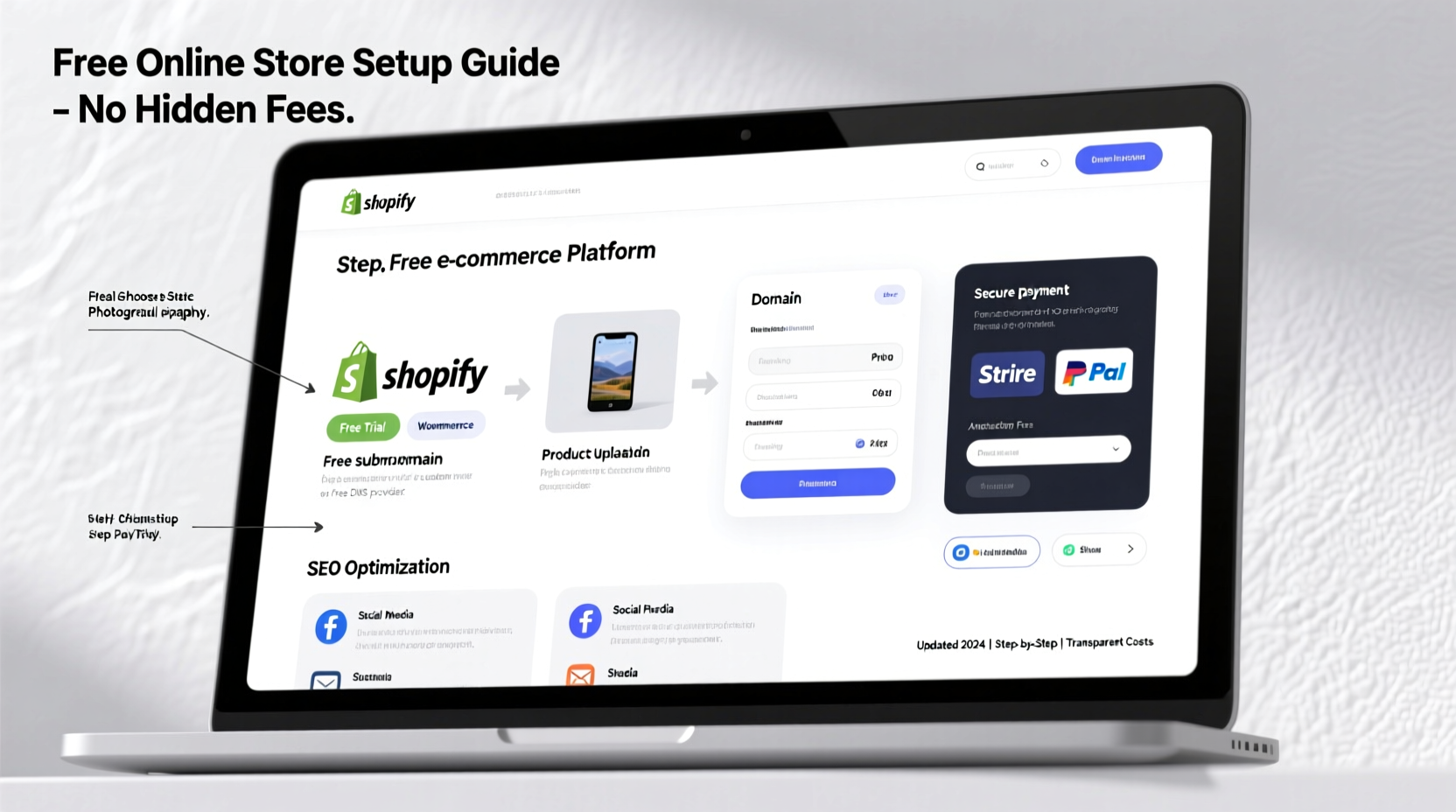
Not all free platforms are created equal. Some advertise “free” plans but limit essential features like domain connection, payment processing, or product listings. To build a truly cost-free store, select a platform that offers a robust free tier with no hidden paywalls.
The most viable options include:
- WordPress + WooCommerce (free plugin) – Full control over customization and scalability.
- Ecwid – Free plan allows up to 10 products and integrates with existing websites or social media.
- Wix eCommerce – Offers a free website builder with basic online selling capabilities.
- Big Cartel – Ideal for artists and creators; free plan supports up to 5 products.
Among these, WordPress with WooCommerce stands out due to its flexibility, SEO advantages, and vast ecosystem of free extensions. While it requires pairing with a free web host (like 000WebHost or InfinityFree), it remains one of the few completely free paths to full e-commerce functionality.
Set Up Your Store in 6 Practical Steps
Building your store from scratch takes planning and precision. Follow this timeline to ensure every critical component is in place before launching.
- Select your niche and products. Focus on items with low overhead—digital goods, print-on-demand, dropshipped accessories, or handmade crafts.
- Register a free subdomain. Use services like Biz.nf or AwardSpace to get a temporary URL while you build.
- Install WordPress and WooCommerce. Most free hosts offer one-click installations for both.
- Customize your theme. Choose a responsive, mobile-friendly free theme like Astra or Storefront.
- Add products with high-quality descriptions and images. Use free stock photo sites like Unsplash or Pexels for visuals.
- Configure free payment gateways. WooCommerce supports PayPal and Stripe—both free to integrate and only charge per transaction.
This entire setup can be completed in under 48 hours with minimal technical knowledge. The goal isn’t perfection—it’s launching fast, testing demand, and iterating based on real feedback.
Avoiding Hidden Costs: What You Need to Know
Many entrepreneurs assume \"free\" means $0 forever. But some platforms introduce costs as your store grows. Understanding where charges typically appear helps you stay within budget.
| Cost Type | Common Triggers | How to Avoid |
|---|---|---|
| Transaction Fees | Square, Wix, Ecwid (on free plans) | Use WooCommerce with direct PayPal/Stripe integration |
| Domain & Email | Branding upgrades | Delay purchase until revenue justifies cost; use free email via Zoho |
| Premium Themes/Plugins | Advanced features (e.g., upsells, subscriptions) | Stick to vetted free plugins like WooCommerce Subscriptions Lite |
| Web Hosting Limits | Traffic spikes or storage overuse | Start small, monitor usage, upgrade only when necessary |
The truth is, sustainability comes not from avoiding all future expenses, but from delaying them until your store generates income. Bootstrapping teaches discipline and forces focus on value creation over vanity features.
Real Example: From Zero to $1,200 in Three Months
Jamal, a college student in Portland, launched a store selling minimalist digital planners using Canva templates. He used a free WordPress site hosted on 000WebHost, connected it to WooCommerce, and listed five downloadable products. His total initial cost: $0.
He promoted his store through Pinterest and Reddit communities focused on productivity. Within six weeks, he made his first sale. By optimizing titles and descriptions for search terms like “free printable planner” and “student study schedule,” traffic grew organically. In month three, he earned $1,200 in net revenue—after PayPal fees—entirely from digital downloads.
Only after hitting consistent monthly sales did he invest in a custom domain ($12/year) and a low-cost backup plugin. His story proves that traction, not funding, determines early success.
“Your first version doesn’t need to be perfect. It needs to exist.” — Anika Patel, Founder of LeanLaunch.io
Essential Free Tools Checklist
To run your store efficiently, leverage these trusted free resources across key areas:
- 🛒 E-Commerce Platform: WooCommerce (WordPress plugin)
- 🌐 Hosting: 000WebHost or InfinityFree
- 🎨 Design: Canva (product mockups, banners)
- 📸 Images: Unsplash, Pexels, Pixabay
- 📧 Email Marketing: Mailchimp (up to 500 contacts free)
- 📈 Analytics: Google Analytics (track visitor behavior)
- 🔐 Security: Wordfence Security (free plugin)
- 💬 Customer Support: Tidio Live Chat (free chat widget)
These tools cover everything from branding to backend security. As your store grows, revisit each tool to assess whether a paid upgrade adds measurable value.
Frequently Asked Questions
Can I really run an online store with absolutely no money?
Yes—if you use free platforms, sell digital or dropshipped products, and delay non-essential purchases like a custom domain until you generate revenue. Many founders spend nothing for months while validating their idea.
Will customers trust a free-hosted store?
Initially, a free subdomain (e.g., mystore.000webhostapp.com) may appear less professional. However, trust is built through clear policies, responsive service, and authentic reviews—not just the URL. Once profitable, upgrade to a branded domain.
What happens if my store gets too popular for free hosting?
Most free hosts have bandwidth and storage limits. If traffic spikes, expect slowdowns or downtime. At that point, migrate to affordable shared hosting (starting at $3/month). This cost is justified once sales begin covering infrastructure.
Build Smart, Scale Sustainably
Launching a successful online store for free isn’t about cutting corners—it’s about leveraging accessibility. Today’s open-source platforms and freemium tools empower individuals to test ideas, reach global audiences, and validate demand without financial risk. The barrier to entry has never been lower.
Success doesn’t come from having the fanciest website or biggest ad budget. It comes from solving real problems, engaging authentically with customers, and iterating quickly based on feedback. Start small. Stay lean. Prioritize function over form in the beginning.
If you’ve been waiting for the “right time” or enough capital to begin, reconsider. The only requirement now is action. Set up your store this week. List your first product. Share it with one person who might benefit. Momentum builds from motion—not money.




 浙公网安备
33010002000092号
浙公网安备
33010002000092号 浙B2-20120091-4
Comments
No comments yet. Why don't you start the discussion?