
Stick drift is one of the most frustrating issues gamers face. One moment you're lining up a perfect headshot, and the next, your character is inexplicably walking backward or spinning uncontrollably. It's not just annoying—it can ruin gameplay, cost you matches, and make you question whether it’s time to replace your beloved controller. But before you shell out for a new one, understand this: stick drift is often fixable with simple, low-cost methods. In fact, many cases stem from preventable wear or easily cleaned components. This guide breaks down the science behind stick drift, walks you through proven repair techniques, and helps you extend the life of your controller with smart maintenance.
What Is Stick Drift and Why Does It Happen?
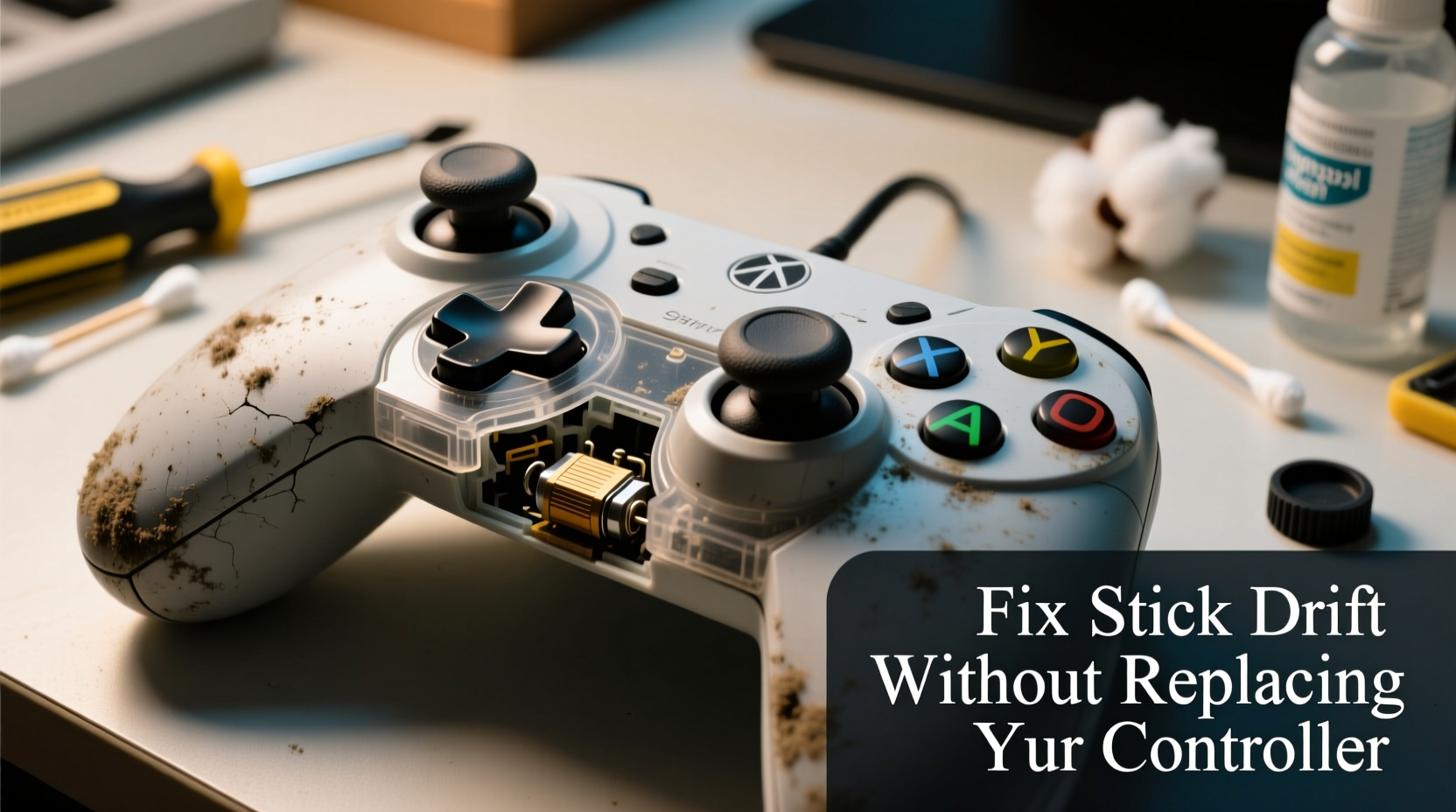
Stick drift occurs when an analog joystick registers movement even when untouched. The controller interprets input that wasn’t given, leading to unintended motion in games. While commonly associated with newer consoles like the Nintendo Switch, PlayStation DualSense, and Xbox Series controllers, no brand is immune. The root cause lies in the design and degradation of the analog stick assembly.
Analog sticks rely on potentiometers—small sensors that measure resistance as the stick moves. These sensors translate physical motion into electrical signals. Over time, dust, grime, and oil from fingers accumulate inside the stick housing, interfering with sensor accuracy. Additionally, the delicate wiper contacts inside the potentiometer wear down due to friction, especially with frequent use. When these contacts degrade, they fail to maintain consistent contact, causing false inputs—what we experience as drift.
Manufacturers have been criticized for using lower-grade potentiometers prone to early failure. A 2021 class-action lawsuit against Nintendo highlighted this issue, asserting that Joy-Con drift stems from design flaws rather than user error. Similar concerns have surfaced around Sony and Microsoft controllers, suggesting the problem is industry-wide.
“Analog stick drift isn’t always inevitable—it’s often the result of poor sealing against debris and suboptimal internal materials.” — Alex Tran, Electronics Repair Specialist at GameFix Labs
Common Causes of Stick Drift
Understanding what leads to stick drift helps prevent it and informs effective fixes. Here are the five primary contributors:
- Dust and debris buildup: Tiny particles enter the stick housing during regular use, disrupting sensor readings.
- Skin oils and sweat: Finger oils seep into the base of the stick, gumming up internal components.
- Mechanical wear: Repeated movement wears down the carbon contacts in the potentiometer, reducing accuracy.
- Poor seal design: Many controllers lack adequate gaskets or membranes to block contaminants.
- Physical damage: Dropping or pressing too hard on the stick can misalign parts or break solder joints.
How to Fix Stick Drift Without Replacing Your Controller
Before considering a costly replacement, try these step-by-step solutions. Most require only common household tools and take under 30 minutes.
Step 1: Clean the Analog Sticks (Non-Invasive Method)
The simplest fix involves cleaning around the stick base without opening the controller. You’ll need:
- Isopropyl alcohol (70% or higher)
- Cotton swabs or microfiber cloth
- Compressed air
- Power off the controller and unplug it.
- Use compressed air to blow out loose debris from around the stick base.
- Dampen a cotton swab with alcohol—do not soak it.
- Gently wipe around the edge of the joystick where it meets the casing.
- Move the stick in circular motions while wiping to dislodge grime.
- Repeat for all affected sticks.
- Let the controller dry completely for at least 15 minutes before testing.
This method resolves minor drift caused by surface contamination. Success rates vary, but many users report restored functionality after a thorough cleaning.
Step 2: Deep Cleaning with Disassembly
If surface cleaning fails, open the controller for a deeper intervention. Required tools:
- Small Phillips screwdriver (or Tri-Wing for older Joy-Cons)
- Plastic pry tool or spudger
- Q-tips, isopropyl alcohol (90%+ recommended)
- Tweezers (optional)
- Remove all visible screws on the back panel.
- Use the pry tool to gently separate the casing, starting from the edges.
- Locate the analog stick module—usually a small black assembly connected to the main board.
- Carefully disconnect any ribbon cables if necessary (note orientation).
- Dip a Q-tip in alcohol and clean the underside of the rubber cap beneath the stick.
- Inspect the potentiometer disc and wiper—clean with gentle swabs.
- Check for visible wear or broken parts; if damaged, consider replacement (see Step 3).
- Reassemble the controller and test.
- Order a compatible replacement stick (e.g., “Joy-Con right stick module”)
- Open the controller as described above.
- Desolder the old stick or unclip it if modular.
- Solder or snap in the new module.
- Test before final reassembly.
- ✅ Clean analog sticks monthly with alcohol wipes
- ✅ Use compressed air every 2–3 months
- ✅ Avoid playing with greasy or wet hands
- ✅ Store controllers in a closed case or drawer
- ✅ Use silicone stick caps to reduce finger contact
- ✅ Rotate between multiple controllers if available
- ✅ Enable deadzone settings in games to mask minor drift
This process exposes the internal sensors and allows direct access to contaminated areas. Be cautious not to apply excessive pressure, as potentiometers are fragile.
Step 3: Replace the Analog Stick Module
If cleaning doesn’t work, replacing the stick itself is the next best option. Replacement modules for popular controllers (Joy-Con, DualShock, Xbox) cost $5–$15 online. Installation requires precision but avoids full controller replacement.
While soldering may seem intimidating, many modern controllers use plug-and-play modules. If unsure, consult YouTube tutorials specific to your model.
Prevention Checklist: Extend Your Controller’s Life
Once fixed, protect your investment with these preventive measures:
Do’s and Don’ts of Controller Maintenance
| Do | Don't |
|---|---|
| Use isopropyl alcohol for cleaning | Use water or household cleaners |
| Handle screws carefully and organize them | Force open the casing with metal tools |
| Test functionality after each repair step | Skip drying time after using liquids |
| Apply gentle pressure when cleaning | Press down hard on analog sticks during gameplay |
Real Example: How Sarah Fixed Her Switch Joy-Con for $3
Sarah, a college student and avid Mario Kart player, noticed her left Joy-Con drifting during races. Characters veered left automatically, costing her wins. Frustrated but unwilling to pay $80 for a replacement, she researched DIY fixes. She followed the deep cleaning method using 90% isopropyl alcohol and a spudger from a phone repair kit. After carefully opening the Joy-Con, she found a dark ring of grime around the potentiometer. Cleaning it thoroughly restored full function. The entire process took 25 minutes, and the only cost was the alcohol she already owned. Six months later, the controller still works perfectly—proof that proactive maintenance pays off.
Frequently Asked Questions
Can stick drift be fixed permanently?
In many cases, yes—especially if caught early. Cleaning removes contaminants causing false signals. However, if the potentiometer is physically worn, only replacement offers a long-term solution. Even then, using higher-quality replacement parts can extend lifespan beyond the original.
Is it safe to open my controller myself?
Yes, as long as you use proper tools and follow guides specific to your model. Most repairs involve basic disassembly. The biggest risks are stripping screws or damaging ribbon cables. Work slowly, keep track of parts, and don’t force anything. Millions of users successfully repair their own controllers every year.
Will fixing stick drift void my warranty?
Typically, yes—if you open the device. However, many manufacturers, including Nintendo and Sony, have extended goodwill policies due to widespread drift issues. Some offer free repairs even on opened units. Check your region’s policy before proceeding. In the U.S., Nintendo has acknowledged drift-related claims beyond standard warranty periods.
Conclusion: Save Money and Reduce E-Waste
Stick drift doesn’t have to mean the end of your controller’s life. With a little knowledge and minimal tools, you can restore performance and avoid unnecessary spending. More importantly, repairing instead of replacing reduces electronic waste—a growing environmental concern. Millions of controllers end up in landfills each year due to avoidable issues like drift. By learning to fix them, you’re not just saving money—you’re contributing to a more sustainable gaming culture.




 浙公网安备
33010002000092号
浙公网安备
33010002000092号 浙B2-20120091-4
Comments
No comments yet. Why don't you start the discussion?