
When you invest in a new way to stream your favorite shows, movies, and apps, one of the most overlooked yet critical factors is how long that device will continue receiving software updates. A device without ongoing support quickly becomes outdated—sluggish, insecure, and incompatible with newer streaming services. The choice between using a dedicated streaming stick and relying on your smart TV’s built-in system isn’t just about interface or remote design; it's fundamentally about long-term usability. So, which option tends to receive software updates for a longer period: streaming sticks or smart TV operating systems?
The answer isn't always straightforward, but data and industry trends reveal a consistent pattern: streaming sticks typically outlive smart TV platforms when it comes to sustained software support.
Why Software Updates Matter
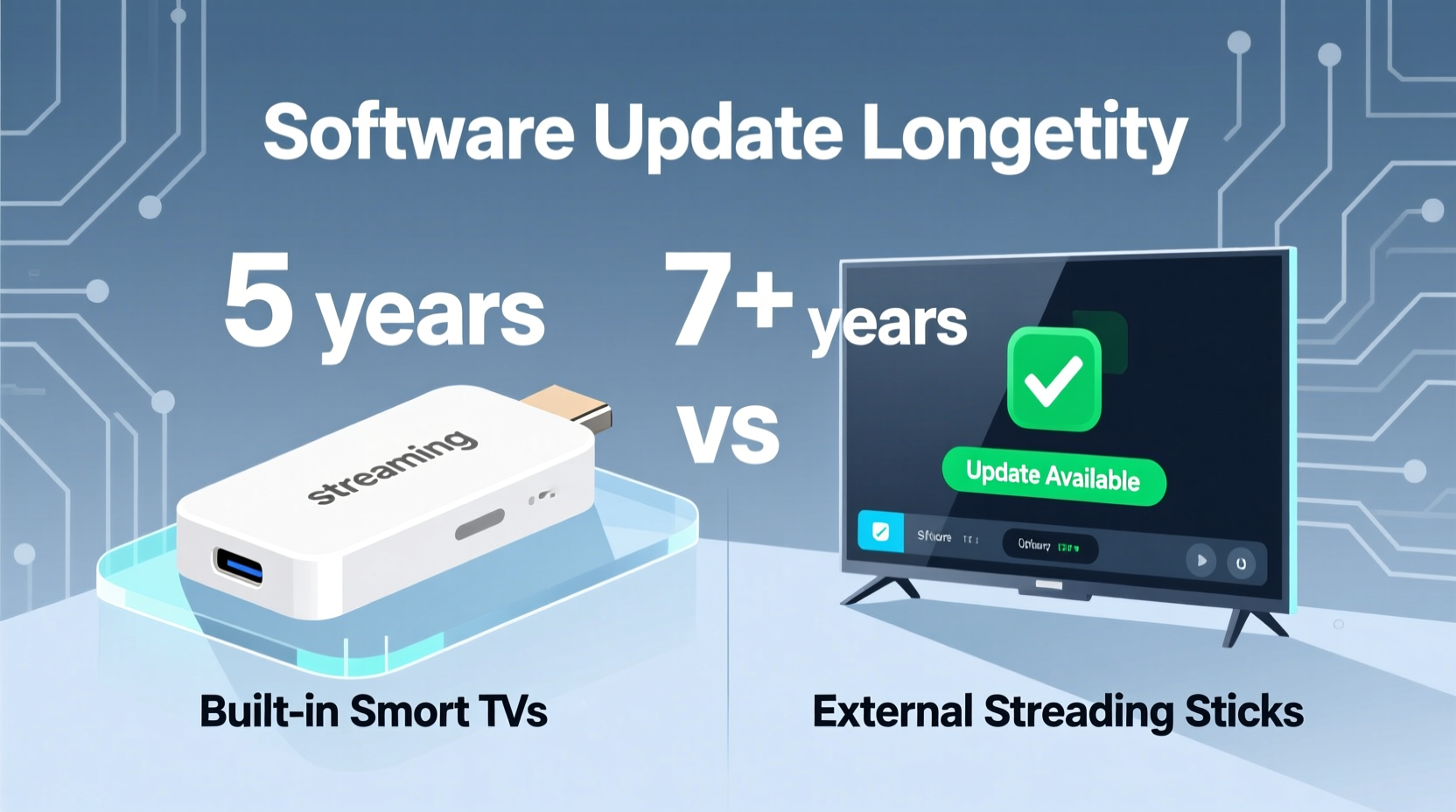
Software updates are essential for more than just adding new features. They provide critical security patches, performance improvements, bug fixes, and compatibility with evolving streaming standards. Without them, devices become vulnerable to exploits, struggle with app loading times, and may eventually lose access to major platforms like Netflix, Disney+, or YouTube due to API changes or DRM requirements.
Consider this: a smart TV purchased today might stop receiving updates within three to five years. After that point, even if the hardware still functions, the user experience degrades significantly. Apps may no longer launch, interfaces slow down, and new content formats (like HDR10+ or Dolby Vision) may not be supported—even if the screen itself is capable.
“Device longevity isn’t just about how long the hardware lasts—it’s about how long the software keeps up.” — David Lin, Consumer Tech Analyst at GadgetWatch Insights
Lifespan Comparison: Streaming Sticks vs Smart TV OS
To understand which platform offers better update longevity, we need to examine both sides under real-world conditions.
Smart TV Built-In Systems: Limited by Manufacturer Priorities
Most smart TVs run proprietary operating systems such as:
- Tizen (Samsung)
- webOS (LG)
- Android TV / Google TV (Sony, Philips, TCL, etc.)
- Roku TV (TCL, Hisense, others)
- Fire TV (some Toshiba, Insignia models)
While these platforms offer seamless integration with the TV, their update lifespans are tightly controlled by TV manufacturers who prioritize selling new models over supporting old ones. Most major brands commit to only 3–5 years of OS updates from the date of release.
For example:
- Samsung Tizen: Typically supports TVs for 3–4 years with major OS upgrades; minor updates taper off after that.
- LG webOS: Offers around 3–5 years of support depending on model tier, but older versions cannot upgrade to newer webOS iterations.
- Android TV: Historically poor update track record until Google introduced Google TV and committed to 3-year updates for certified models starting in 2021.
Even high-end TVs rarely get extended support. A $2,000 Samsung QLED from 2020 likely stopped receiving meaningful updates by 2024—despite having powerful hardware that could easily handle modern apps.
Streaming Sticks: Designed for Longevity and Flexibility
In contrast, standalone streaming devices like the Amazon Fire Stick, Roku Streaming Stick, Chromecast with Google TV, and Apple TV HD are engineered specifically for media delivery—and updated accordingly.
These devices benefit from:
- Centralized software development focused solely on streaming.
- Lower hardware complexity, allowing older models to remain functional longer.
- Dedicated ecosystems incentivized to keep users engaged across multiple devices.
Manufacturers of streaming sticks often extend support beyond five years, especially for best-selling models. For instance:
- The original Roku Streaming Stick (2016) received firmware updates until late 2021—over five years of active support.
- Amazon Fire TV Stick (2nd gen, 2016) continued getting security patches into 2022.
- Google’s Chromecast Ultra (2016) was supported through Android TV updates until 2023.
Newer models now come with formal update commitments:
- Apple TV 4K (3rd gen, 2022): Expected to receive tvOS updates for 6+ years.
- Roku Stream Player (2023): Promised 5 years of automatic updates.
- Chromecast with Google TV (HD & 4K): Guaranteed 3 years of OS updates, plus regular security patches.
Comparative Analysis: Update Longevity Table
| Device Type | Avg. Update Support Duration | Max Observed Support | Update Policy Transparency |
|---|---|---|---|
| Samsung Smart TV (Tizen) | 3–4 years | ~5 years (flagship models) | Moderate |
| LG Smart TV (webOS) | 3–5 years | ~6 years (OLED models) | Low |
| Android TV / Google TV | 3 years (since 2021) | ~5 years (Sony Bravia XR series) | High (recently improved) |
| Roku TV (built-in) | 3–5 years | ~7 years (on select TCL models) | Moderate |
| Amazon Fire TV (built-in) | 2–3 years | ~4 years | Low |
| Standalone Roku Stick+ | 5+ years | 6 years (projected) | High |
| Fire TV Stick 4K Max | 4–5 years | 5+ years (ongoing) | Moderate |
| Chromecast with Google TV | 3+ years | 4–5 years (expected) | High |
| Apple TV HD | 6+ years | 7+ years (actual, 2015–2022) | High |
This table clearly illustrates that external streaming devices consistently outperform built-in smart TV systems in terms of update duration, particularly premium or widely adopted models.
Real-World Example: The Case of the 2018 TCL Roku TV
In 2018, TCL released a popular line of 4-Series and 5-Series TVs powered by Roku’s built-in OS. These were praised for excellent value and a clean interface. However, by 2023, many units began experiencing significant slowdowns. Newer versions of streaming apps required higher processing power, and Roku discontinued major updates for those early models.
One user, Mark T., reported: “My 2018 TCL worked great for four years. Then suddenly, Netflix started buffering constantly, Hulu wouldn’t load, and the home screen took 20 seconds to appear. I plugged in a $30 Roku Streaming Stick 4K, and everything was fast again—even on the same internet connection.”
His experience reflects a growing trend: rather than replace an entire TV due to outdated software, consumers are turning to streaming sticks to breathe new life into otherwise functional displays.
Step-by-Step Guide: Choosing the Right Option for Long-Term Use
If your goal is long-term reliability and continuous software support, follow this decision framework:
- Evaluate Your Current TV’s Age and Platform
Check the model year and operating system. If it’s more than four years old and runs Tizen, webOS, or legacy Android TV, assume limited future updates. - Research Manufacturer Update Policies
Visit the brand’s support site. Look for statements like “X years of OS updates” or firmware end-of-life notices. - Compare Upgrade Costs
A new mid-range streaming stick costs $30–$60. Replacing a full-sized TV averages $500+. Consider whether a peripheral upgrade makes more financial sense. - Prioritize Devices with Clear Update Commitments
Choose sticks from Roku, Google, or Apple that explicitly promise multi-year support. Avoid obscure or budget-only brands with no published policies. - Use the Streaming Stick as Primary Interface
Even on a smart TV, disable the built-in launcher and set the streaming stick as the default input. This ensures all content flows through the better-supported platform.
Expert Insight: Why Streaming Ecosystems Outlast TV Platforms
The reason streaming sticks maintain longer software support lies in business incentives. Companies like Roku, Amazon, and Google earn revenue every time a user watches ads, buys subscriptions, or purchases content. Keeping devices updated means keeping users engaged—and monetizable—for longer.
TV manufacturers, on the other hand, make most of their profit upfront. Once you’ve bought the TV, there’s little ongoing revenue unless you purchase accessories or extended warranties. As analyst David Lin explains:
“From a manufacturer’s perspective, pushing updates to a five-year-old TV doesn’t drive sales. But for a streaming platform, every active device represents potential ad impressions and affiliate commissions. That creates a stronger incentive to maintain software.”
Checklist: How to Maximize Software Longevity
- ✅ Choose a streaming stick with a documented update policy (e.g., Roku, Apple, Google).
- ✅ Avoid relying solely on built-in smart features of budget or mid-tier TVs.
- ✅ Regularly check for firmware updates manually if auto-updates fail.
- ✅ Replace streaming devices every 5–6 years proactively, before performance declines.
- ✅ Use HDMI-CEC settings wisely to avoid conflicts between TV and stick interfaces.
- ✅ Keep older streaming sticks as backups for secondary TVs or guests.
Frequently Asked Questions
Can I use a streaming stick with a smart TV?
Absolutely. In fact, it’s often recommended. You retain the benefits of your TV’s display quality while leveraging the superior interface, faster performance, and longer software support of the streaming stick. Simply plug it into an HDMI port and switch inputs when needed.
Do smart TVs ever get security updates after major OS updates end?
Sometimes, but not reliably. Some manufacturers issue critical security patches for up to two additional years, but this is inconsistent. Once major updates stop, the risk of unpatched vulnerabilities increases significantly, especially for connected devices handling login credentials and payment info.
Is it worth upgrading from a built-in system to a streaming stick?
Yes, especially if your TV is more than four years old or shows signs of lagging apps, frequent crashes, or missing app updates. A $40 investment can extend your TV’s useful life by several years and improve overall streaming satisfaction.
Conclusion: Future-Proof Your Viewing Experience
When comparing streaming sticks versus built-in smart TV systems, the evidence is clear: external streaming devices generally receive software updates for longer periods, offering better long-term value, security, and performance. While smart TVs integrate convenience, their software support is constrained by manufacturing cycles and limited post-purchase incentives.
Streaming sticks, backed by companies invested in user engagement and ecosystem growth, deliver sustained innovation and compatibility. Whether you own a high-end OLED or a modest LED panel, pairing it with a well-supported streaming device ensures you’ll keep accessing content smoothly for years to come.




 浙公网安备
33010002000092号
浙公网安备
33010002000092号 浙B2-20120091-4
Comments
No comments yet. Why don't you start the discussion?