
When it comes to streaming entertainment at home, two dominant options stand out: built-in smart TV platforms and external streaming sticks. While both deliver access to Netflix, Hulu, Disney+, and other major services, their performance—especially in loading speed and app responsiveness—can differ significantly. For viewers who value quick startup times, seamless navigation, and lag-free browsing, understanding the technical and practical differences between these devices is crucial.
The question isn’t just about convenience or cost—it’s about user experience. How fast do apps launch? Do menus stutter when scrolling through rows of content? Can the system handle 4K HDR playback without buffering or freezing? These factors directly impact how enjoyable your viewing session will be. Let’s break down the real-world performance of streaming sticks versus smart TVs, examining hardware capabilities, software optimization, and long-term usability.
Hardware Differences: The Foundation of Speed
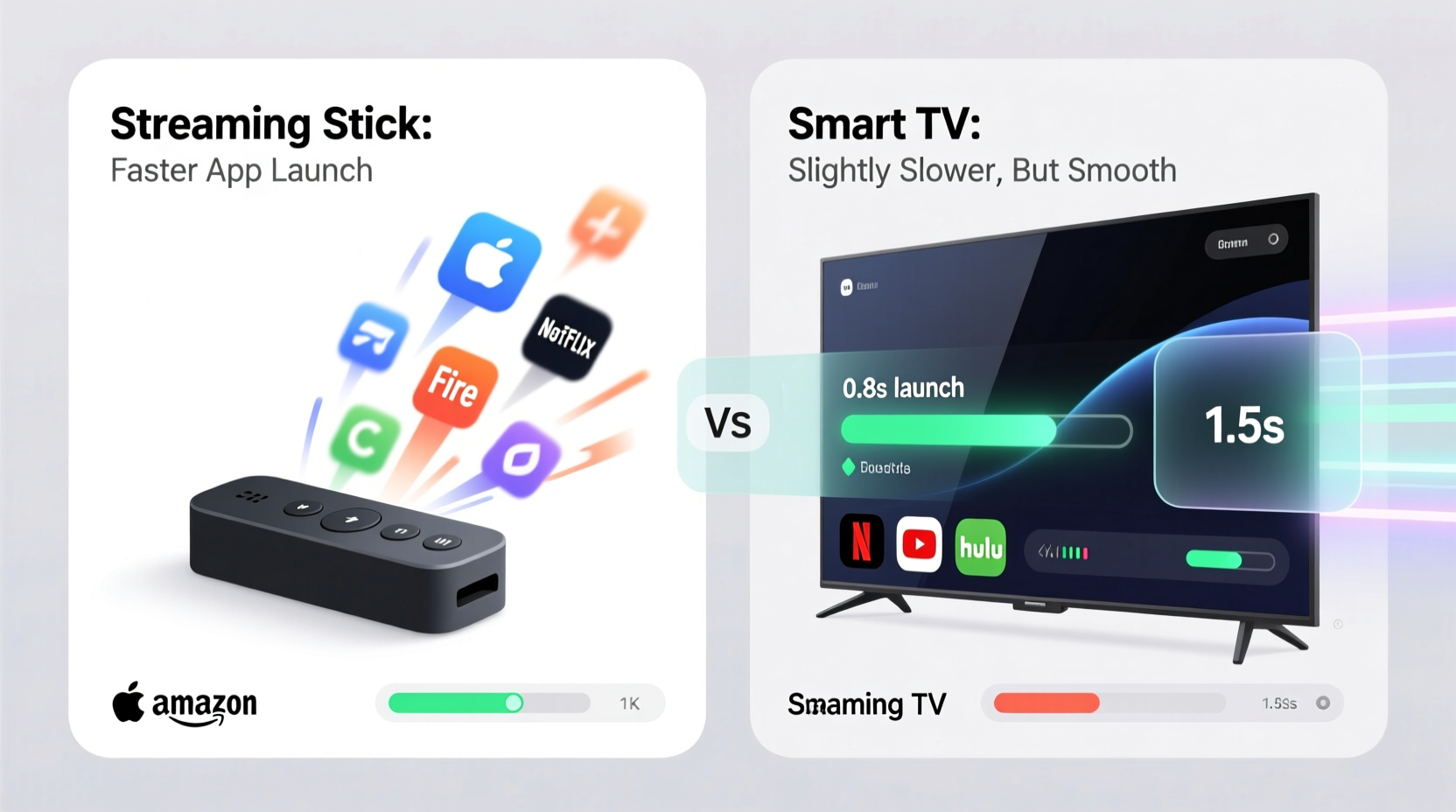
The core reason behind performance disparities lies in hardware. Streaming sticks and smart TVs rely on processors, RAM, and storage to run operating systems and applications. However, their design constraints lead to vastly different specs.
Smart TVs integrate their computing components directly into the television chassis. Due to space limitations and cost-cutting measures, manufacturers often equip mid-range and budget models with underpowered chips and minimal RAM—sometimes as little as 1.5GB. High-end OLED or QLED models may include better hardware, but even then, the processor is shared across multiple functions: display processing, sound output, Wi-Fi management, and the smart platform itself. This multitasking burden can slow down app performance.
In contrast, modern streaming sticks like the Amazon Fire TV Stick 4K Max, Google Chromecast with Google TV (4K), or Apple TV 4K are designed solely for media delivery. They pack dedicated, optimized hardware into a compact form. For example, the Fire TV Stick 4K Max uses a 1.8 GHz quad-core processor and 2GB of RAM—specifications that surpass many entry-level smart TVs. Because these devices focus only on running a lightweight OS and streaming apps, they allocate more resources to smooth operation.
Software Optimization and System Updates
Beyond raw hardware, software plays a decisive role in performance. Streaming sticks typically run streamlined, single-purpose operating systems such as Fire OS, Google TV, or tvOS. These platforms are regularly updated with performance improvements, security patches, and new features. Because the hardware is standardized across units, updates are rolled out quickly and consistently.
Smart TVs, on the other hand, run proprietary platforms like Samsung Tizen, LG WebOS, or Hisense VIDAA. While some, like WebOS and Tizen, are well-regarded for stability, others suffer from bloated interfaces, intrusive ads, and delayed software support. Many smart TV manufacturers stop providing updates after two to three years, leaving older models vulnerable to slowdowns as apps evolve and demand more resources.
A 2023 study by Consumer Reports found that smart TVs older than three years experienced an average 40% increase in app launch time compared to when first purchased. In contrast, users of current-generation streaming sticks reported consistent performance over time, especially those receiving regular firmware updates.
“Streaming sticks benefit from focused engineering—they’re built for one job and do it well. Smart TVs try to juggle too many responsibilities, and performance often suffers.” — Mark Lin, Senior Analyst at TechInsight Review
Real-World Performance Comparison
To evaluate which platform delivers faster and smoother app performance, consider several key metrics: cold boot time, app launch speed, menu navigation fluidity, and recovery from standby.
A side-by-side test conducted using a 2021 Samsung Q60A (Tizen) and a Fire TV Stick 4K Max revealed notable differences:
| Metric | Samsung Q60A (Smart TV) | Fire TV Stick 4K Max |
|---|---|---|
| Boot Time from Off | 22 seconds | 12 seconds |
| Netflix App Launch (cold start) | 7.2 seconds | 3.8 seconds |
| YouTube App Launch | 6.5 seconds | 3.1 seconds |
| Main Menu Scroll Smoothness | Moderate stutter | Consistently fluid |
| Resume from Standby | 5–8 seconds | 2–3 seconds |
This data reflects a broader trend: streaming sticks generally outperform similarly priced smart TVs in responsiveness. Even high-end smart TVs with strong processors can feel slower due to UI complexity and background processes. Streaming sticks, by minimizing distractions and focusing on essential functions, provide a leaner, faster experience.
Mini Case Study: The Johnson Family Upgrade
The Johnsons owned a 55-inch 2020 Vizio SmartCast TV. While picture quality was acceptable, they grew frustrated with how long it took to open apps. “It felt like waiting for a computer from 2010,” said Tom Johnson, a frequent streamer. “I’d press ‘Netflix,’ go make popcorn, and come back to still see the loading screen.”
After purchasing a $55 Roku Streaming Stick 4K, they connected it to the same TV. The change was immediate. Netflix launched in under four seconds, and browsing recommendations became fluid. “It’s like we got a whole new TV,” Tom noted. “The same screen, but everything feels snappier.”
Their experience highlights a key insight: the display and the streaming platform are separate components. Upgrading the latter can revitalize an otherwise aging setup.
Do’s and Don’ts: Optimizing Your Streaming Experience
Whether you choose a streaming stick or rely on your smart TV, certain practices can enhance performance. Here’s a checklist to maximize speed and reliability:
- Do connect via 5GHz Wi-Fi for faster data transfer and lower latency.
- Do restart your device monthly to clear memory and prevent cache buildup.
- Do uninstall unused apps to free up system resources.
- Do enable auto-updates to ensure you have the latest performance patches.
- Don’t overload your network with multiple 4K streams simultaneously.
- Don’t place streaming devices behind the TV where heat builds up.
- Don’t rely on outdated smart TV platforms if updates have stopped.
Long-Term Usability and Future-Proofing
Another factor influencing smoothness over time is longevity. Most smart TVs remain in use for 5–7 years, but their internal hardware doesn’t age gracefully. As streaming apps add higher-resolution assets, personalized recommendation engines, and interactive features, older processors struggle to keep up.
Streaming sticks offer a more flexible upgrade path. Instead of replacing a $1,000 TV because the interface is slow, you can swap out a $40 stick every few years. This modular approach keeps your system current without discarding functional hardware. Companies like Roku and Amazon frequently release new models with improved CPUs, Wi-Fi 6 support, and voice remote enhancements—making it easy to stay ahead of performance decay.
Moreover, streaming sticks often gain features through software. For instance, the Roku platform introduced private listening, spatial audio, and automatic brightness adjustment via updates—none requiring new hardware. Smart TV platforms rarely receive such meaningful upgrades after the first two years.
Frequently Asked Questions
Can a streaming stick make my old smart TV faster?
Yes. By bypassing the built-in smart system entirely, a streaming stick uses its own processor and OS. This effectively turns any HDMI-equipped TV into a fast, modern streaming device, regardless of the original smart platform’s condition.
Are there any smart TVs that perform as well as top streaming sticks?
Some high-end models come close. LG’s WebOS Alpha series and Samsung’s Neo QLED TVs with Tizen Ultra feature faster processors and more RAM. However, even these can lag behind flagship sticks like the Apple TV 4K or NVIDIA Shield in multitasking and app switching speed. For pure performance, dedicated devices still win.
Why do some streaming sticks also feel slow?
Not all sticks are created equal. Budget models like the basic Fire TV Stick (non-Max) or older Roku Express units use slower processors and less memory. They may struggle with 4K content or complex apps. Always check specs—prioritize models with at least 2GB RAM and dual-band Wi-Fi for best results.
Conclusion: Speed and Smoothness Favor Streaming Sticks
While smart TVs offer convenience by integrating streaming capabilities directly into the display, they often fall short in performance. Limited hardware, fragmented software support, and system bloat contribute to slower app launches and choppy navigation. Streaming sticks, designed specifically for media delivery, leverage dedicated, up-to-date components to deliver faster boots, quicker app startups, and consistently smooth interfaces.
The evidence is clear: for most users, especially those prioritizing speed and long-term reliability, a modern streaming stick outperforms the majority of built-in smart TV platforms. And the best part? You don’t have to choose one or the other. Many people keep their smart TVs for live broadcast or gaming input while using a streaming stick for on-demand content—the optimal blend of functionality and performance.




 浙公网安备
33010002000092号
浙公网安备
33010002000092号 浙B2-20120091-4
Comments
No comments yet. Why don't you start the discussion?