
A subwoofer brings depth and power to any audio experience, whether you're watching movies, gaming, or listening to music. When it stops working, the sound feels thin and incomplete. The good news is that most subwoofer issues aren’t permanent hardware failures—they’re often simple setup, connection, or configuration problems that can be resolved quickly. Understanding the root causes and knowing how to troubleshoot them can save time, money, and frustration.
1. Check Power and Physical Connections First
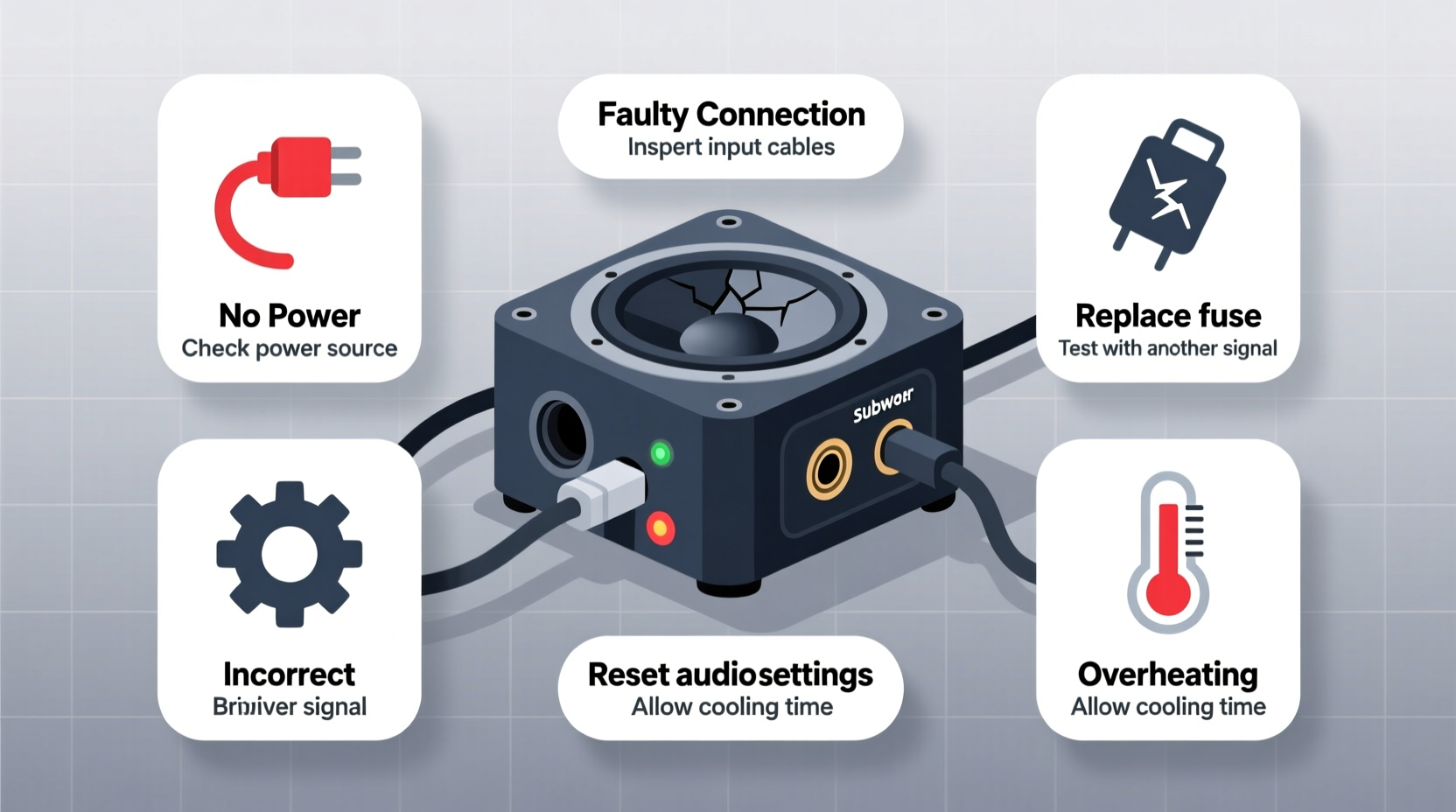
Before diving into complex diagnostics, start with the basics. Many \"dead\" subwoofers are simply unplugged or improperly connected.
- Ensure the subwoofer is plugged into a working power outlet. Test the outlet with another device if needed.
- Inspect the power cable for fraying or damage. Replace it if necessary.
- Verify that the RCA or speaker-level input cables are securely connected at both ends—receiver and subwoofer.
- If using an RCA cable, check for bent center pins or corrosion on the connectors.
Some subwoofers have a standby LED indicator. If it’s off, the unit isn’t receiving power. If it’s blinking erratically, consult the manual for error codes.
2. Verify Audio Source and Receiver Settings
Even with perfect wiring, incorrect settings on your AV receiver or media source can make it seem like the subwoofer is broken.
- Navigate to your receiver’s speaker setup menu.
- Confirm that the subwoofer output is enabled (often labeled “LFE” or “Sub Out”).
- Check that the speaker configuration includes a subwoofer (e.g., “5.1,” “7.1,” or “Stereo + Sub”).
- Run the receiver’s auto-calibration (Audyssey, YPAO, etc.) to ensure proper signal routing.
- Play a test tone or use the built-in test function to isolate whether the issue is signal-related.
If no test tone reaches the sub, but other speakers work, the problem likely lies in routing or crossover settings.
| Setting | Correct Value | Common Mistake |
|---|---|---|
| Speaker Size | “Small” for front speakers | Set to “Large,” bypassing sub |
| Crossover Frequency | 80 Hz (standard) | Too high/low or disabled |
| LFE Channel | Enabled | Turned off accidentally |
| Bass Management | On | Disabled in advanced settings |
3. Inspect Cables and Signal Path
Signal loss between the source and subwoofer is one of the top reasons for silence. Even high-end systems suffer from poor cabling.
RCA cables degrade over time, especially if bent or exposed to interference. Swap in a known-good cable to rule this out. For wireless subwoofers, ensure the transmitter and receiver are paired correctly. Some models require manual syncing after power loss.
Also, consider the signal path:
- If using a soundbar or TV as the source, confirm it supports subwoofer output and has it enabled in audio settings.
- Streaming apps or HDMI inputs may not always trigger LFE channels unless the content contains bass effects.
- Bluetooth connections typically don’t transmit LFE signals—avoid relying on Bluetooth for subwoofer use.
“Over 60% of ‘broken’ subwoofers we see in service are actually receiving no signal due to misconfigured receivers.” — Carlos Mendez, Senior Audio Technician at SoundLogic Repair Labs
4. Diagnose Internal Components and Amplifier Issues
If power, settings, and cables check out, the fault may lie within the subwoofer itself. Most powered subwoofers contain an internal amplifier, driver (speaker), and sometimes a crossover filter—all potential failure points.
Start by disconnecting all inputs and placing the subwoofer in a quiet room. Turn it on. Do you hear a faint hum or click? That indicates the amp is receiving power. No sound at all could mean a blown fuse or failed power supply.
Many subs have an accessible fuse near the power inlet. Use a multimeter or visual inspection to check if it’s blown. Replace only with the same voltage and amperage rating.
If the amp powers on but produces no sound even with a test signal, the amplifier circuit may be damaged. Overheating, power surges, or prolonged clipping (distortion) can cause permanent amp failure.
The driver (cone) should move slightly when gently pressed. If it’s stiff, torn, or makes a scratching noise, the speaker is damaged. A blown subwoofer cone won’t reproduce bass regardless of input.
5. Real-World Example: Fixing a Silent Home Theater Sub
Mark, a homeowner in Portland, noticed his subwoofer stopped working during movie nights. He checked the power light—it was on. He swapped cables, tried different outlets, and even moved the sub closer to the receiver. Still silent.
After reviewing his AV receiver settings, he discovered that a recent firmware update had reset his speaker configuration to “Stereo” without a subwoofer. He re-enabled the 5.1 setup, reran YPAO calibration, and the deep bass returned instantly.
No parts were replaced. The fix took less than five minutes once he knew where to look. This case highlights how software and settings—not hardware—are often the real culprit.
Troubleshooting Checklist
Follow this step-by-step checklist to methodically identify and fix subwoofer issues:
- ✅ Confirm the subwoofer is plugged in and powered on (LED indicator lit).
- ✅ Check that the power outlet works with another device.
- ✅ Inspect all cables (power and audio) for damage or loose connections.
- ✅ Try a different RCA cable or input source.
- ✅ Verify receiver settings: subwoofer enabled, speaker size set to “Small,” LFE on.
- ✅ Run the receiver’s auto-calibration or manual test tone.
- ✅ Listen for a hum or buzz—indicates power but possible signal issue.
- ✅ Check for blown fuses on the subwoofer’s power panel.
- ✅ Gently press the woofer cone to check for physical damage.
- ✅ Reset the subwoofer by unplugging for 30 seconds.
Frequently Asked Questions
Why does my subwoofer turn on but produce no sound?
This usually means the sub is receiving power but not an audio signal. Double-check the input source, receiver settings, and cable integrity. Also, ensure the volume/gain knob on the sub isn’t turned down.
Can a subwoofer be repaired if the cone is damaged?
Yes, many manufacturers offer recone kits, or you can hire a professional speaker repair service. However, for budget models, replacement may be more cost-effective than repair.
Is it safe to leave my subwoofer on all the time?
Most modern subwoofers have auto-standby features and can remain powered on safely. However, during electrical storms or long absences, unplugging is recommended to prevent surge damage.
Final Thoughts and Action Plan
A non-working subwoofer doesn’t automatically mean it’s broken. In most cases, the solution lies in checking connections, verifying settings, or resetting components. Rushing to replace expensive equipment without proper diagnosis leads to unnecessary costs.
Start simple: power, cables, settings. Work through each layer systematically. Use the checklist provided to avoid skipping critical steps. If all else fails, consult the manufacturer’s support or a qualified technician.




 浙公网安备
33010002000092号
浙公网安备
33010002000092号 浙B2-20120091-4
Comments
No comments yet. Why don't you start the discussion?