
When it comes to premium tablets, few brands have commanded as much respect in recent years as Samsung. The Galaxy Tab S7 set a high bar with its powerful hardware, sleek design, and S Pen integration, positioning itself as a serious productivity tool. But Microsoft’s Surface Go 3 entered the ring with a different proposition: a full Windows experience in a compact tablet form. As users weigh portability against functionality, the question arises—does Samsung still reign supreme, or has Microsoft carved out a compelling alternative?
This isn’t just about specs on paper. It’s about how these devices perform in daily workflows, whether you’re taking notes in a meeting, editing spreadsheets on the go, or simply streaming content during downtime. Let’s break down where each device excels—and where compromises are made.
Design and Build: Portability Meets Professionalism
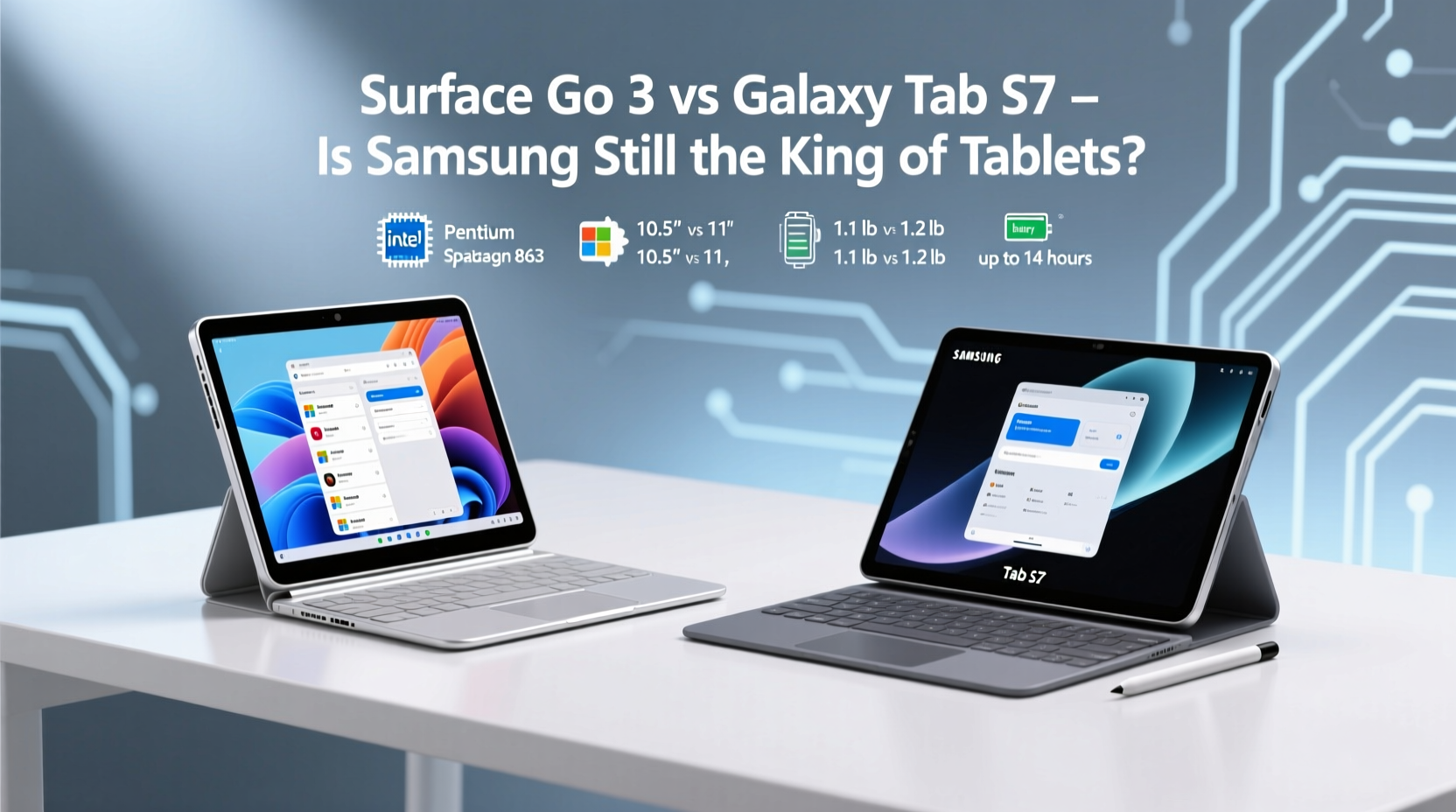
The Galaxy Tab S7 boasts a sleek aluminum unibody design that feels premium in hand. At 498 grams (Wi-Fi model) and 6.3mm thin, it’s light enough for extended handheld use. Its 12.4-inch display dominates the front, framed by slim bezels, giving it a modern, immersive look. The inclusion of an optional keyboard cover enhances its laptop-like appeal, though typing comfort depends heavily on setup stability.
In contrast, the Surface Go 3 weighs just 544 grams but packs a 10.5-inch PixelSense display. While smaller, it runs full Windows 11 Home in S Mode (upgradable), which changes the entire user dynamic. The magnesium alloy chassis feels sturdy, and the built-in adjustable kickstand is a game-changer for desk or lap use. Unlike the Tab S7, which relies on a separate book cover keyboard for optimal ergonomics, the Surface Go 3 supports instant angle adjustment without accessories.
Performance and Operating System: Two Different Philosophies
Under the hood, the Galaxy Tab S7 is powered by the Qualcomm Snapdragon 865+, a chip designed for high-end Android tablets. Paired with up to 8GB RAM, it handles multitasking smoothly—even with DeX mode turning the interface into a desktop-like environment. However, Android remains fundamentally a mobile OS. While DeX improves productivity, app compatibility with traditional desktop workflows is limited. You won’t run Excel macros or Adobe Premiere Pro here.
The Surface Go 3, meanwhile, uses Intel’s 10th-gen N-series processors (Pentium Gold or Core i3). These aren’t powerhouse chips, but they run full Windows applications natively. Need to edit a PowerPoint deck with advanced animations? Run a legacy business application via .exe? Access internal company portals through Internet Explorer mode? The Surface Go 3 can handle it—all within a familiar desktop environment.
“Choosing between these tablets often comes down to ecosystem loyalty. If your workflow lives in Microsoft 365 and enterprise tools, Windows makes the Surface Go 3 indispensable—even with modest specs.” — Daniel Kim, IT Consultant at NexaFlow Solutions
Display and Input: Where Creativity Meets Precision
The Galaxy Tab S7 features a 12.4-inch LTPS TFT display with a resolution of 2800×1752 and a 120Hz refresh rate. This makes scrolling fluid and stylus input incredibly responsive. Samsung’s included S Pen has negligible latency and supports tilt detection, making it ideal for artists, note-takers, and designers.
The Surface Go 3’s 10.5-inch display has a lower resolution (1920×1280) and a standard 60Hz refresh rate. While colors are accurate and viewing angles good, it doesn’t match the smoothness or vibrancy of the Tab S7. The optional Surface Pen works well but must be purchased separately and charges magnetically—a convenience, yes, but adds cost.
| Feature | Galaxy Tab S7 | Surface Go 3 |
|---|---|---|
| Display Size | 12.4 inches | 10.5 inches |
| Refresh Rate | 120Hz | 60Hz |
| Stylus Included | Yes (S Pen) | No (sold separately) |
| OS Type | Android with DeX | Full Windows 11 |
| Weight (Wi-Fi) | 498g | 544g |
| Kickstand | No | Yes (integrated) |
Real-World Use Case: The Hybrid Worker’s Dilemma
Consider Maria, a project manager at a mid-sized marketing firm. She travels weekly, attends client meetings, and manages timelines across Teams, Outlook, and SharePoint. Her old iPad couldn’t open certain internal dashboards requiring IE compatibility. When she tested both tablets:
- On the Galaxy Tab S7, she appreciated the bright screen and smooth note-taking with the S Pen during brainstorming sessions. However, accessing her company’s intranet required a clunky remote desktop workaround.
- With the Surface Go 3, she plugged into her corporate network instantly, ran all her usual apps, and even presented directly from Excel without formatting issues. The smaller screen was a trade-off, but the seamless integration saved her hours per week.
Maria ultimately chose the Surface Go 3—not because it had better specs, but because it eliminated friction in her existing workflow.
Battery Life and Connectivity: Staying Powered On the Move
The Galaxy Tab S7 houses an 8,000mAh battery, delivering around 12–14 hours of mixed usage. Fast charging support means 45 minutes can restore significant charge. It also supports Wi-Fi 6 and Bluetooth 5.0, plus optional LTE connectivity for true mobility.
The Surface Go 3 packs a smaller 31.5Wh battery, averaging 9–10 hours under normal conditions. Charging is slower, and only USB-C is available—no Thunderbolt support limits peripheral expansion. While sufficient for day-to-day tasks, heavy multitaskers may find themselves reaching for the charger by late afternoon.
Who Should Choose Which Tablet?
Here’s a practical checklist to guide your decision:
Choose the Galaxy Tab S7 if:
- You prioritize media consumption and creative work.
- You already own other Samsung devices (seamless sync via Smart Switch).
- You want a vibrant, high-refresh display for reading and drawing.
- Your productivity needs are app-based (Google Workspace, Samsung Notes, etc.).
Choose the Surface Go 3 if:
- You rely on Windows-specific software (Microsoft 365, legacy tools, enterprise systems).
- You need full desktop functionality in a portable format.
- You value the integrated kickstand for flexible viewing angles.
- You're part of a Windows-centric organization.
Frequently Asked Questions
Can the Surface Go 3 replace a laptop?
For basic office tasks, web browsing, email, and light document editing, yes. However, intensive applications like video editing or virtual machines will strain its processor. Think of it as a companion device rather than a primary workstation—unless your needs are minimal.
Is the Galaxy Tab S7 good for business use?
It depends. If your work revolves around mobile-friendly apps and cloud services, absolutely. But if you depend on desktop-grade programs or internal Windows infrastructure, Android limitations may hinder efficiency. DeX helps bridge the gap, but it’s not a full replacement.
Which tablet lasts longer overall?
Samsung typically provides four major Android updates and five years of security patches for flagship tablets. Microsoft supports the Surface Go 3 with Windows updates until at least 2027. Both offer solid long-term viability, though Windows’ backward compatibility gives the Surface an edge in legacy environments.
Final Verdict: Is Samsung Still the King?
Samsung raised the bar with the Galaxy Tab S7, proving tablets could rival laptops in design and creativity. Its display, S Pen, and multimedia prowess remain unmatched in its class. But “king” implies dominance across categories—and that’s where Microsoft challenges the throne.
The Surface Go 3 may lack raw power and visual flair, but it delivers something arguably more valuable: interoperability. In professional settings where file formats, network access, and software ecosystems matter, running full Windows isn’t a luxury—it’s a necessity.
Samsung still leads in innovation and user experience for Android tablets. But for users whose digital lives are rooted in Windows, Microsoft offers a pragmatic alternative that prioritizes function over flash. The crown isn’t lost—it’s shared, depending on what kind of kingdom you operate in.




 浙公网安备
33010002000092号
浙公网安备
33010002000092号 浙B2-20120091-4
Comments
No comments yet. Why don't you start the discussion?