
Choosing the right device for college or high school can shape a student’s entire academic experience. With so many options on the market, two frequently compared devices are the Microsoft Surface Laptop Go and the Chromebook Plus—a category that includes premium Chromebooks like the Acer Chromebook Spin 714 or HP Elite c1030. While both promise portability and functionality, they cater to different needs, workflows, and budgets. Understanding their strengths and limitations helps students make informed decisions based on how they study, create, and collaborate.
Design and Build Quality
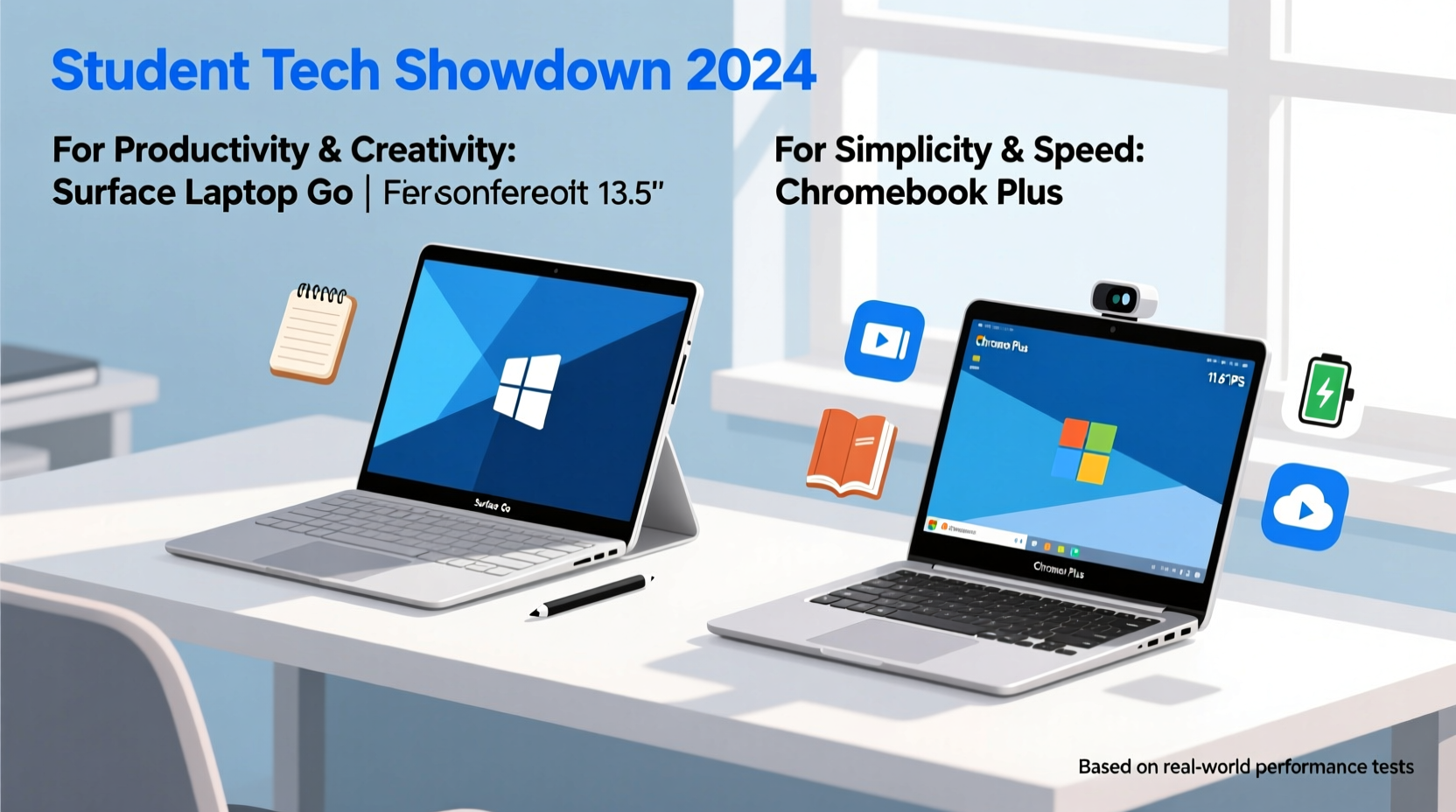
The Surface Laptop Go emphasizes sleek design and premium materials. It features an aluminum top deck, a slim profile, and a comfortable keyboard with Alcantara fabric around the palm rest—giving it a modern, professional look. Weighing just under 2.5 pounds, it’s easy to carry between classes. Its 12.4-inch touchscreen display offers Full HD resolution and supports touch input, making navigation intuitive during note-taking or research.
In contrast, Chromebook Plus models vary by manufacturer but typically prioritize durability over luxury. Many feature reinforced hinges, spill-resistant keyboards, and MIL-STD-810G certification for shock resistance—ideal for younger students or those with unpredictable schedules. Displays range from 13.3 to 14 inches, often with touch and stylus support, especially on convertible models. While not as refined as the Surface Laptop Go’s finish, Chromebook Plus devices are built to endure daily wear and tear in classrooms and dorms.
Performance and Operating System
Under the hood, the Surface Laptop Go runs Windows 11 Home and is powered by Intel’s 10th Gen i5 processors (depending on configuration), paired with 8GB RAM and either 128GB or 256GB SSD storage. This setup handles multitasking well—running Microsoft Office, web browsers with multiple tabs, Zoom meetings, and even light photo editing without significant lag. The full Windows environment allows installation of any desktop software, including specialized programs required for engineering, graphic design, or coding courses.
Chromebook Plus devices run Chrome OS, a lightweight operating system optimized for cloud-based applications. Most come with at least 8GB RAM and fast eMMC or SSD storage. They boot up in seconds and maintain smooth performance thanks to Android app support, Linux environments (for developers), and integration with Google Workspace. However, Chrome OS cannot natively run traditional Windows or macOS software. Students relying on Adobe Creative Suite, AutoCAD, or MATLAB may find themselves limited unless using browser-based alternatives or remote desktop solutions.
“Chromebooks have evolved significantly, but they still serve best when your workflow lives online.” — Dr. Lisa Tran, Educational Technology Researcher at Stanford University
Portability and Battery Life
Both devices excel in mobility, but with different trade-offs. The Surface Laptop Go measures 11.3 x 8.1 x 0.6 inches and lasts about 10–11 hours on a single charge under typical use—browsing, document editing, video streaming. Fast charging adds several hours of battery life in under 30 minutes, which is useful during short breaks between lectures.
Chromebook Plus models generally offer longer battery life—often exceeding 12 hours due to Chrome OS’s efficiency and lower power consumption. Their slightly larger batteries and energy-efficient ARM or Intel processors contribute to all-day endurance. Additionally, many include USB-C charging, allowing students to share chargers with phones or tablets. While most weigh slightly more than the Surface Laptop Go (between 2.8 and 3.3 lbs), the difference is negligible in backpacks or tote bags.
Detailed Comparison Table
| Feature | Surface Laptop Go | Chromebook Plus (e.g., Acer Spin 714) |
|---|---|---|
| Operating System | Windows 11 Home | Chrome OS |
| Processor | Intel Core i5-1035G1 (10th Gen) | Intel Core i3/i5 or MediaTek Kompanio |
| RAM | 8GB LPDDR4x | 8GB – 16GB |
| Storage | 128GB / 256GB SSD | 128GB – 256GB eMMC/SSD |
| Display | 12.4” PixelSense Touchscreen (1920x1280) | 13.5”–14” FHD Touch (varies by model) |
| Battery Life | Up to 11 hours | Up to 13+ hours |
| Weight | 2.45 lbs | 2.8 – 3.3 lbs |
| Ports | 1x USB-A, 1x USB-C, headphone jack | 2x USB-C, 1x USB-A, headphone, microSD |
| Software Compatibility | Full Windows apps + Microsoft 365 | Web apps, Android apps, Linux (optional) |
| Price Range | $550–$800 | $500–$750 |
Educational Use Cases and Real-World Scenarios
Let’s consider Maya, a sophomore majoring in Communications. Her coursework involves writing essays, creating presentations, recording podcasts, and collaborating via Google Docs. She prefers working in coffee shops and libraries, often studying late into the evening. After comparing both devices, she chose a Chromebook Plus because it boots instantly, syncs seamlessly with her phone, and lasts through back-to-back classes without needing a recharge. She uses Android apps like Audacity (via Linux) for audio editing and relies heavily on Google Drive for group projects. The stylus support also lets her annotate readings directly on screen.
On the other hand, James, a mechanical engineering student, needed a machine capable of running SolidWorks, MATLAB, and AutoCAD—software unavailable on Chrome OS. He opted for the Surface Laptop Go despite its higher price tag. Although he occasionally faces fan noise under heavy load, the ability to install full desktop applications makes his academic work possible. He appreciates the crisp display for reading technical diagrams and finds the keyboard excellent for coding assignments.
Connectivity, Security, and Long-Term Value
Both devices support Wi-Fi 6 and Bluetooth 5.0, ensuring stable connections to campus networks and peripherals. The Surface Laptop Go includes Windows Hello facial recognition via its front camera, offering quick and secure login. Chromebook Plus models typically rely on PINs, passwords, or fingerprint sensors (on higher-end variants), with automatic updates enhancing security over time.
One key advantage of Chromebooks is their update policy: most receive guaranteed OS updates for at least eight years, far surpassing Windows devices, which usually get major version support for three to five years. This longevity enhances resale value and reduces e-waste—important considerations for budget-conscious students.
Additionally, schools using Google Workspace for Education benefit from native integration with Chromebooks. Teachers can push assignments, monitor progress, and manage classroom devices centrally. While Microsoft Teams and OneNote are widely adopted too, Chromebooks streamline administrative tasks for educators.
Actionable Checklist Before Buying
- Evaluate Required Software: Can your essential programs run on Chrome OS?
- Check Cloud Storage Needs: Do you have enough Google Drive or OneDrive space?
- Assess Offline Functionality: Will you need to work without internet access?
- Test Keyboard Comfort: Type a paragraph to gauge ergonomics for long papers.
- Verify Port Availability: Do you need HDMI, SD card, or USB-A ports?
- Compare Warranty Options: Consider accidental damage protection for students.
- Review Resale Potential: Chromebooks hold value longer due to extended update cycles.
Which Is Better for Students?
The answer depends on individual priorities. For students who require full desktop software, advanced file management, and compatibility with legacy systems, the Surface Laptop Go is the superior choice. Its polished build, responsive touchscreen, and robust Windows ecosystem make it ideal for upper-level undergraduates and graduate students in technical fields.
However, for the majority of students—especially those in high school, community college, or non-technical majors—the Chromebook Plus offers exceptional value. It delivers fast performance, long battery life, seamless cloud integration, and strong durability at a lower cost. With access to Android apps and optional Linux support, modern Chromebooks handle word processing, multimedia projects, coding tutorials, and virtual classrooms efficiently.
“Over 60% of U.S. school districts now deploy Chromebooks because they reduce IT complexity and empower digital learning.” — U.S. Department of Education, 2023 EdTech Report
Frequently Asked Questions
Can I use Microsoft Office on a Chromebook Plus?
Yes. You can install the official Microsoft 365 Android apps (Word, Excel, PowerPoint) or use the web versions through Chrome. Most features are available, though some advanced tools may be missing compared to the desktop suite.
Is the Surface Laptop Go suitable for gaming or video editing?
It can handle casual games and basic video editing with tools like Clipchamp or Photos App, but lacks dedicated graphics hardware. Serious creators should consider more powerful laptops.
Do Chromebooks work offline?
Yes. Gmail, Google Calendar, Google Keep, and Google Docs all support offline mode. Files sync automatically once reconnected to the internet.
Final Recommendation and Next Steps
If your academic journey revolves around cloud-based collaboration, web research, and mobile flexibility, a Chromebook Plus will serve you reliably for years. It’s affordable, efficient, and designed for the realities of student life. But if your curriculum demands specialized software, local storage, or Windows-exclusive platforms, investing in the Surface Laptop Go ensures you won’t hit functional limits mid-semester.
Before purchasing, visit a retail store to test both devices side by side. Try opening your most-used applications, typing a few paragraphs, and holding each laptop to feel its balance. Also, check whether your university provides software licenses, tech discounts, or preferred vendor agreements—many institutions offer free Microsoft 365 or Google Workspace access, influencing your decision.




 浙公网安备
33010002000092号
浙公网安备
33010002000092号 浙B2-20120091-4
Comments
No comments yet. Why don't you start the discussion?