
Choosing the right handheld gaming device for a child under 12 requires more than just comparing specs. Parents need to consider durability, ease of use, age-appropriate content, screen time management, and long-term value. Two popular options—Nintendo Switch Lite and Steam Deck LCD—offer compelling experiences, but they cater to very different audiences. While both are portable, their design, software ecosystems, and accessibility vary significantly. Understanding these differences helps ensure that the device chosen supports healthy play habits, educational engagement, and entertainment suitable for younger users.
Design and Portability: Built for Little Hands?
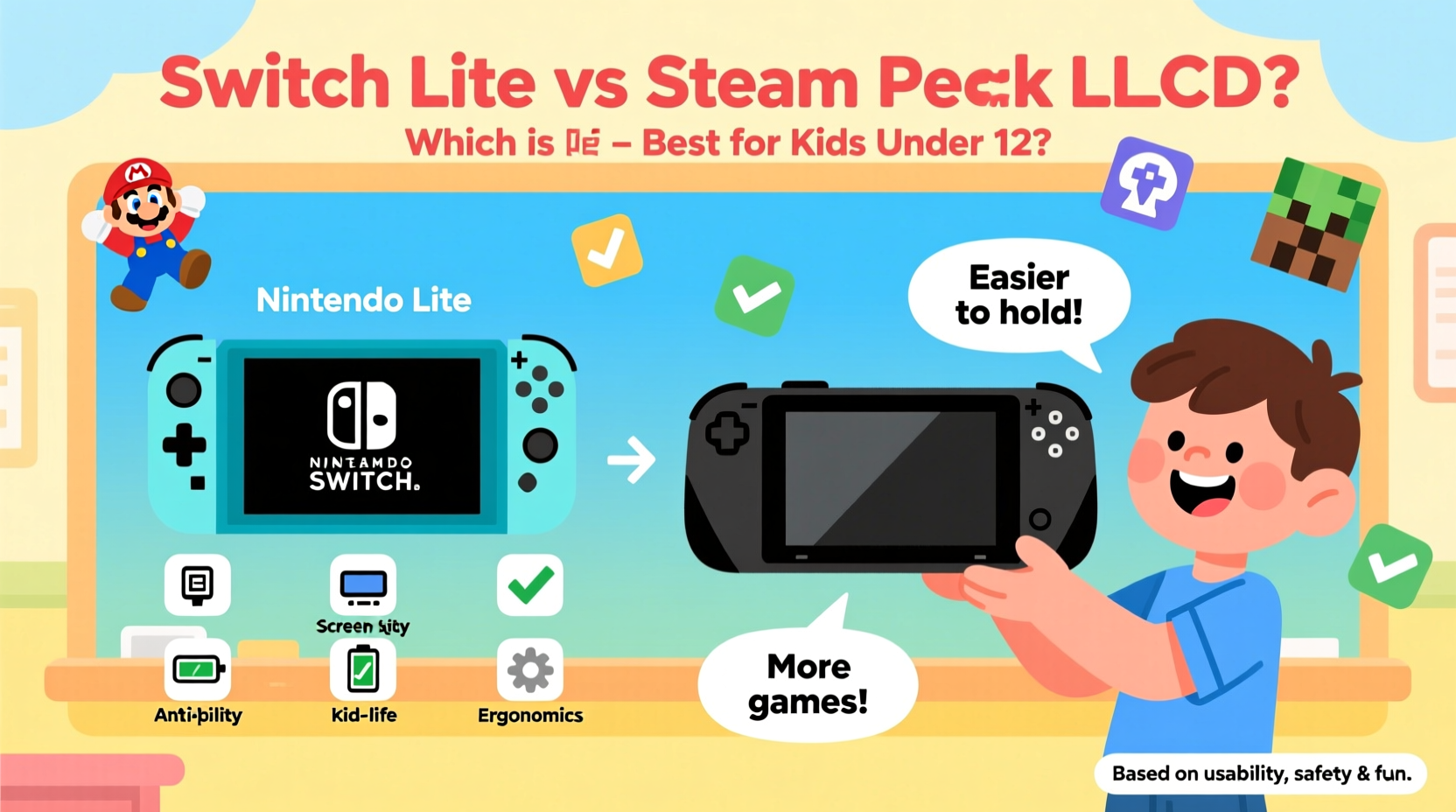
The physical design of a handheld console plays a crucial role in its suitability for children. The Nintendo Switch Lite was designed from the ground up as a dedicated handheld. It weighs approximately 275 grams (9.8 oz), has rounded edges, and fits comfortably in small hands. Its compact size makes it easy for kids to carry in backpacks or hold during long trips without strain.
In contrast, the Steam Deck LCD model, while lighter than its OLED sibling at around 640 grams (1.4 lbs), is noticeably larger and bulkier. It features full-sized analog sticks, shoulder buttons, and a wider body similar to a PlayStation controller. For a child under 12, especially those with smaller hands, this can lead to discomfort during extended play sessions. The sheer weight alone may discourage prolonged use unless supervised or limited by time.
Additionally, the Switch Lite’s build prioritizes drop resistance with a smooth, sealed chassis. Though not officially ruggedized, its simpler construction lacks protruding parts like detachable Joy-Cons, reducing breakage risk. The Steam Deck, on the other hand, includes delicate components such as touchpads and rear triggers, which could be vulnerable to drops or rough handling typical among younger players.
Game Library and Content Suitability
This is where the most significant difference lies. The Nintendo Switch Lite runs exclusively on Nintendo’s curated eShop ecosystem. This means access to family-friendly franchises like Super Mario Bros., Animal Crossing: New Horizons, Pikmin, and Luigi’s Mansion 3. These titles emphasize creativity, problem-solving, and cooperative gameplay—all aligned with developmental benefits for children.
Nintendo also enforces strict content guidelines. Games rated above E10+ (Everyone 10 and older) are rare on the platform, and mature content is virtually nonexistent. This built-in filter gives parents peace of mind when allowing independent play.
The Steam Deck LCD, however, opens the door to the entire Steam library—over 50,000 games. While this offers incredible variety, including excellent indie titles like Stardew Valley and Celeste, it also exposes children to unfiltered content. Without proper supervision, a child could easily download games rated “M” for Mature or containing violence, gambling elements, or online interactions with strangers.
“Parents must recognize that open platforms require active oversight. A child’s first gaming device shouldn’t demand constant monitoring.” — Dr. Laura Bennett, Child Development & Technology Researcher
Although Steam offers Family View—a parental control feature that limits accessible apps and purchases—it's less intuitive than Nintendo’s integrated system. Setting it up correctly requires technical know-how, and even then, determined kids may find workarounds. In contrast, the Switch’s parental controls via the mobile app allow real-time monitoring of playtime, spending, and game ratings—all manageable remotely.
Parental Controls and Screen Time Management
Effective parental controls are non-negotiable when selecting a device for young children. The Nintendo Switch excels here with its free companion app, which lets parents set daily play limits, approve friend requests, view recent activity, and restrict content by age rating. For example, you can prevent any game rated higher than ESRB E10+ from launching, ensuring only appropriate titles are played.
You can also schedule “play zones”—like limiting gaming to after homework—and receive notifications when time is up. These tools foster responsibility and help balance screen time with other activities essential for childhood development.
The Steam Deck relies on Steam’s Family Settings, which are functional but less user-friendly. You must manually configure allowed applications, create restricted accounts, and manage purchase authorizations through desktop settings. There’s no native mobile app for quick adjustments, making on-the-go management difficult. Moreover, once a game is installed, there’s no automatic shutdown when time limits expire—only reminders appear, leaving enforcement up to the child or caregiver.
| Feature | Switch Lite | Steam Deck LCD |
|---|---|---|
| Mobile Parental App | Yes (iOS/Android) | No |
| Real-Time Playtime Alerts | Yes | Limited |
| Content Filtering by Age Rating | Yes | Manual setup required |
| Automatic Shutdown at Time Limit | Yes | No |
| Friend Request Approval | Yes | No direct control |
Durability, Battery Life, and Long-Term Use
Kids aren’t known for gentle handling. The Switch Lite’s sealed unit, absence of removable parts, and proven track record in school environments make it resilient. Battery life ranges between 3–7 hours depending on the game, which aligns well with recommended screen time limits for children (1–2 hours per session).
The Steam Deck LCD improves upon the original model with better battery efficiency—up to 3–8 hours—but still falls short in ruggedness. Its dual touchpads, rear sensors, and hinge mechanism increase potential failure points. Additionally, replacing parts or repairing damage typically requires professional service, whereas Switch Lite repairs are more common and affordable.
From a longevity standpoint, the Switch Lite remains relevant through consistent Nintendo support and new game releases targeting younger demographics. The Steam Deck, while powerful, may outgrow a child’s needs too quickly or become obsolete faster due to rapid PC hardware cycles.
Real-World Example: Choosing for an 11-Year-Old Gamer
Samantha, a mother of two in Portland, faced this decision when her son turned 11. He loved playing Minecraft and wanted a portable device for car rides and sleepovers. She considered the Steam Deck LCD because of its ability to run the Java edition of Minecraft with mods, offering deeper customization.
After researching, she realized the complexity involved: setting up kid-safe profiles, blocking inappropriate servers, managing updates, and explaining why he couldn’t install certain games. Meanwhile, the Switch version of Minecraft was simpler, integrated with parental controls, and supported split-screen play with his younger sister.
She ultimately chose the Switch Lite. “It just made life easier,” she said. “I didn’t have to worry about what he was downloading or who he was talking to. And he still gets to play his favorite game—with fewer headaches for me.”
Actionable Checklist Before Buying
Before deciding between the Switch Lite and Steam Deck LCD for your child, go through this checklist:
- Assess hand size and comfort: Can your child easily press all buttons without stretching?
- Evaluate game preferences: Does your child mostly enjoy family-friendly or educational games?
- Review existing tech habits: Is your child responsible with devices, or do they tend to drop or misuse them?
- Test parental controls: Have you set up and tested the restriction features on both platforms?
- Check multiplayer needs: Will they play locally with siblings or friends? (Switch supports local co-op more seamlessly.)
- Consider future-proofing: Will the device remain engaging and usable for the next 2–3 years?
- Budget for accessories: Include costs for cases, chargers, and possibly insurance.
Frequently Asked Questions
Can my child use the Steam Deck safely if I install only kid-friendly games?
Yes, but it requires ongoing vigilance. You’ll need to create a restricted account, disable web browsing, block unwanted downloads, and monitor usage regularly. Unlike the Switch, there’s no centralized dashboard for quick checks.
Is the Switch Lite outdated compared to the Steam Deck?
Not in terms of suitability. While the Steam Deck is technically more powerful, the Switch Lite delivers optimized performance for its games. For children, smooth gameplay and intuitive navigation matter more than raw power.
Which device encourages healthier gaming habits?
The Switch Lite promotes structured play through enforceable time limits, clear content boundaries, and shorter battery life that naturally caps sessions. The Steam Deck allows longer, uninterrupted play, increasing the risk of overuse without strict rules.
Final Recommendation: Why Switch Lite Wins for Under-12s
While the Steam Deck LCD is an impressive piece of technology, it’s fundamentally designed for teens and adults who understand digital responsibility. Its open platform, complex interface, and heavier form factor make it poorly suited for unsupervised use by children under 12.
The Nintendo Switch Lite, by contrast, strikes the ideal balance: durable, lightweight, packed with wholesome content, and backed by robust parental tools. It grows with the child—from early puzzle games to more advanced adventures—without exposing them to inappropriate material or overwhelming complexity.
If your goal is to provide safe, enjoyable, and developmentally supportive screen time, the Switch Lite is the superior choice. The Steam Deck can wait until your child demonstrates maturity, digital literacy, and a genuine interest in PC-style gaming—likely in their teenage years.




 浙公网安备
33010002000092号
浙公网安备
33010002000092号 浙B2-20120091-4
Comments
No comments yet. Why don't you start the discussion?