
For many Nintendo Switch owners, the console’s primary role isn’t as a portable device but as a hybrid system that docks seamlessly into their living room setup. These \"handheld haters\"—players who rarely or never use the Switch in mobile mode—often question whether upgrading to the Switch OLED model is justified. After all, the most prominent change is the screen: a vibrant 7-inch OLED panel replacing the original’s 6.2-inch LCD. But if you don’t hold the console in your hands, does that upgrade matter?
The answer isn’t a simple yes or no. While the OLED screen is undeniably superior in visual quality, its benefits extend beyond just handheld use. From docked clarity to tabletop immersion and long-term usability, the differences ripple across the entire experience—even for those who consider themselves firmly in the “TV-only” camp.
Understanding the Core Differences: OLED vs LCD
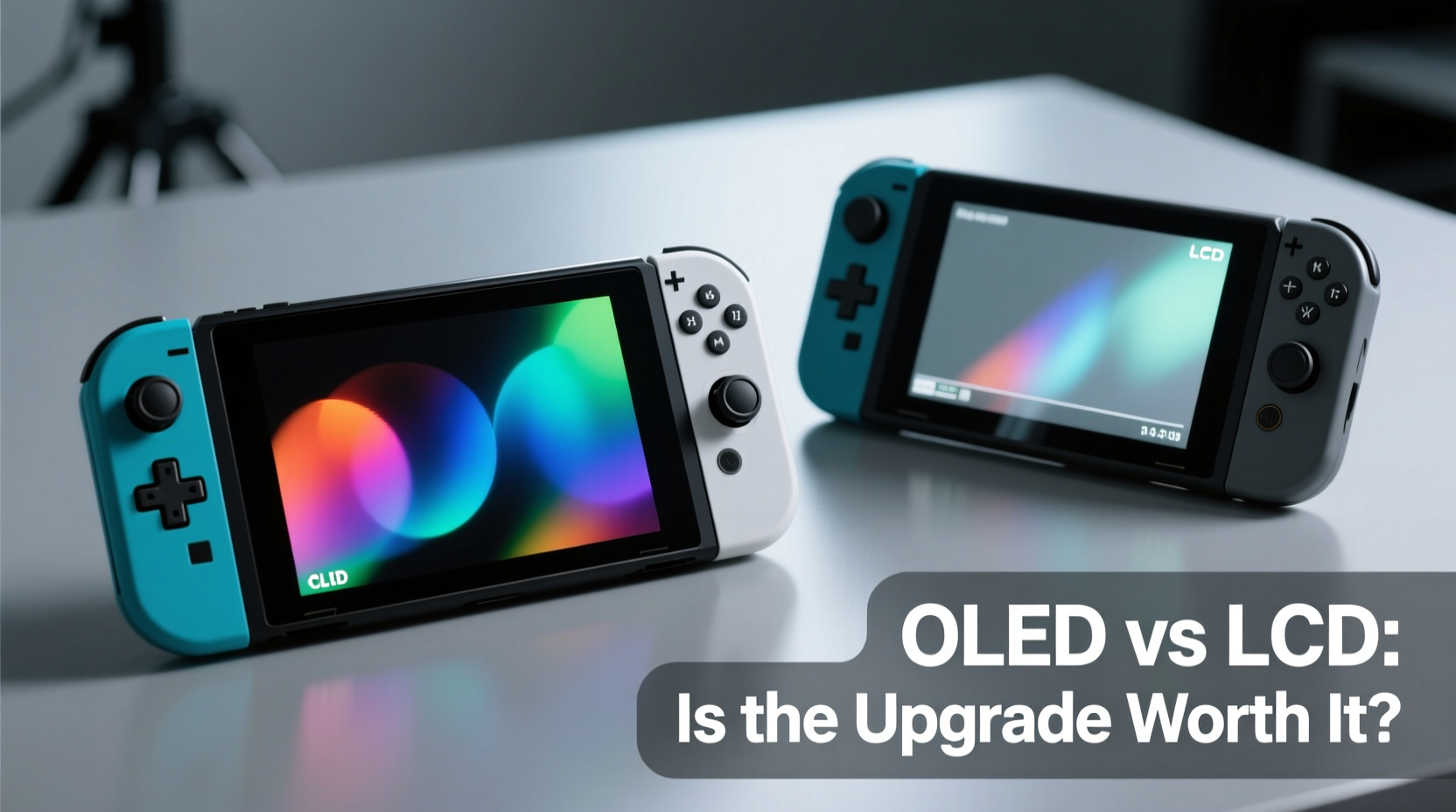
The original Nintendo Switch (2017) and the Switch Lite both use traditional IPS LCD panels. The Switch OLED, released in 2021, upgrades to an organic light-emitting diode (OLED) display. This shift brings several technical improvements:
- Deeper blacks and infinite contrast: Unlike LCDs, which require a backlight, OLED pixels emit their own light. When a pixel is off, it’s truly black, resulting in richer image depth.
- Better color accuracy and vibrancy: OLED displays typically offer wider color gamuts and more saturated hues without appearing artificial.
- Faster response times: Reduced motion blur enhances fast-paced gameplay, especially noticeable in action or racing titles.
- Larger screen size: The OLED model features a 7-inch display compared to the original’s 6.2 inches—an 11% increase in diagonal measurement, which improves readability and immersion even at a distance.
While these advantages are often marketed toward handheld gamers, they also influence how games look in tabletop and docked modes. The screen is still the final output point before the signal reaches your eyes—regardless of whether it's propped up on a table or connected via HDMI.
Reevaluating “Handheld Hating”: How You Actually Use Your Switch
Labeling yourself a “handheld hater” might be accurate in theory, but real-world usage often tells a different story. Many users claim they only play docked—until they find themselves booting up Animal Crossing in bed, passing the console to a friend during a party, or sneaking in a round of Metroid Dread while waiting for dinner.
A mini case study illustrates this:
Case Study: Mark, self-described “TV-only player”
Mark bought his original Switch solely for couch co-op with his partner. For months, he used it exclusively docked. Then came travel, a broken TV input, and a week-long power outage. Over six months, he realized he’d used the handheld mode seven times—mostly for short bursts. When he upgraded to the OLED model, he expected minimal benefit. Instead, he found himself using tabletop mode more frequently thanks to the brighter screen and improved kickstand. His “TV-only” habit evolved into flexible multi-mode play—without any conscious shift in preference.
This pattern is common. The Switch’s strength lies in its flexibility. Even if you plan to play docked 90% of the time, the remaining 10% often defines your overall satisfaction with the hardware.
Performance Beyond Portability: Why Screen Quality Still Matters
It’s tempting to assume that once docked, the internal screen becomes irrelevant. However, several factors ensure the OLED upgrade impacts your experience regardless of play style:
1. System Interface and Pre-Docking Interaction
You interact with the screen every time you turn on the console. Menu navigation, user profiles, software updates, and game launching all happen on-device. A sharper, more responsive screen makes these routine tasks feel snappier and more polished.
2. Tabletop Mode Is More Common Than You Think
The built-in kickstand on the OLED model is vastly improved—sturdy, wide, and adjustable. This makes impromptu multiplayer sessions easier. Whether you’re traveling, visiting friends, or simply rearranging your living space, tabletop mode removes the need for a TV entirely. With a better screen, this mode becomes genuinely enjoyable rather than a compromise.
3. Image Fidelity Before HDMI Upscaling
When docked, the Switch renders games internally at 720p (original and OLED models) or 1080p (Switch Lite doesn’t dock). That image is then upscaled by your TV. A higher-quality source image—driven by a superior display pipeline—can result in cleaner rendering, even before the HDMI output. While not a direct resolution boost, the OLED’s color precision and contrast improve texture clarity and shadow detail, which can subtly enhance the final picture quality.
4. Longevity and Eye Comfort
OLED screens reduce eye strain in low-light environments due to their ability to dim individual pixels. If you play in a dim room or late at night, the OLED’s smoother gradients and lack of backlight bleed make extended sessions more comfortable—even when viewing from a few feet away.
“Display quality affects immersion regardless of form factor. A richer, more consistent screen elevates the entire user experience—not just handheld play.” — Lena Torres, UX Designer at Game Interface Labs
Comparison Table: Switch OLED vs Original LCD Model
| Feature | Original Switch (LCD) | Switch OLED |
|---|---|---|
| Screen Type | 6.2\" IPS LCD | 7\" OLED |
| Contrast Ratio | ~1000:1 | Infinite (per-pixel lighting) |
| Brightness (typical) | 215 nits | 245 nits |
| Kickstand | Narrow, fragile, single angle | Wide, adjustable, durable |
| Internal Storage | 32GB | 64GB |
| Audio Quality | Standard speaker output | Enhanced speakers with clearer mids/highs |
| Docked Output | 1080p | 1080p |
| Best For | Budget-conscious buyers, pure docked use | Flexible playstyles, visual fidelity, durability |
When the OLED Upgrade Makes Sense—Even for Handheld Haters
If you fall into one of the following categories, the OLED model likely offers tangible benefits despite your aversion to handheld gaming:
- You occasionally play away from your TV. Even rare use counts. The improved screen and kickstand make those moments significantly better.
- You care about system longevity. The OLED model includes a marginally better processor revision (Mariko+) with improved thermal efficiency, potentially extending lifespan.
- You value interface polish. Smoother menus, crisper text, and faster screen response contribute to a more refined overall experience.
- You plan to keep the console long-term. As games become more visually complex, a better display future-proofs your investment.
- You share your console. Friends and family are more likely to join in when tabletop mode works reliably and looks great.
Practical Checklist: Should You Upgrade?
Use this checklist to determine if the Switch OLED is worth it for your usage pattern:
- ☐ Do you ever use the Switch without docking it—even once a month?
- ☐ Have you struggled with the original kickstand breaking or failing?
- ☐ Do you notice washed-out blacks or dull colors on your current screen?
- ☐ Are you running out of internal storage?
- ☐ Do you plan to keep your Switch for more than two years?
- ☐ Would a slightly brighter, clearer screen improve your daily interaction with the system?
If you answered “yes” to three or more, the OLED upgrade delivers meaningful improvements—even if handheld play isn’t your priority.
Frequently Asked Questions
Does the OLED screen improve docked graphics quality?
Not directly in terms of resolution—both models output 1080p when docked. However, the OLED’s superior color reproduction and contrast can lead to a cleaner internal render, which may translate to a slightly sharper perceived image after upscaling, especially on mid-range TVs.
Is the OLED model brighter in well-lit rooms?
Yes. The OLED screen peaks at around 245 nits compared to the original’s 215 nits. While not drastically brighter, the increased luminance combined with deeper blacks improves visibility in ambient light, making it easier to see the screen during setup or brief undocked use.
Can I use the OLED screen as a secondary monitor?
No. The Switch cannot function as a video input device. Its screen only displays output from the console itself. However, the improved display enhances local multiplayer and split-screen setups when used in tabletop mode.
Final Verdict: Value Beyond the Hype
The Switch OLED isn’t just a “handheld-first” upgrade. It’s a holistic refinement of the original concept—better screen, better build, better audio, and better usability. For those who dismiss it based solely on screen size or portability assumptions, the underlying enhancements may go unnoticed until experienced firsthand.
The screen upgrade is absolutely worth it for handheld haters—if you define value not just by primary use case, but by total ownership experience. The OLED model feels more premium, lasts longer in varied conditions, and adapts effortlessly to life’s unpredictable gaming moments. It’s not about forcing you into handheld mode; it’s about removing friction wherever and however you choose to play.
In a market where hardware iterations are often incremental, the Switch OLED stands out as one of the most meaningful upgrades Nintendo has delivered post-launch. It respects the user’s evolving habits and anticipates scenarios beyond the living room.




 浙公网安备
33010002000092号
浙公网安备
33010002000092号 浙B2-20120091-4
Comments
No comments yet. Why don't you start the discussion?