
The rise of handheld gaming has reached a new peak with devices like the Nintendo Switch OLED and the ASUS ROG Ally. While both are marketed as portable gaming systems, their capabilities diverge significantly—especially when it comes to emulation. For retro gaming enthusiasts looking to relive classics from PlayStation 2, GameCube, Dreamcast, or even early PC titles, the choice between these two devices isn’t just about brand loyalty or game library. It’s about raw power, flexibility, user experience, and long-term value. This article breaks down how each system performs in real-world emulation scenarios and helps you decide which delivers more bang for your buck.
Understanding Emulation Needs
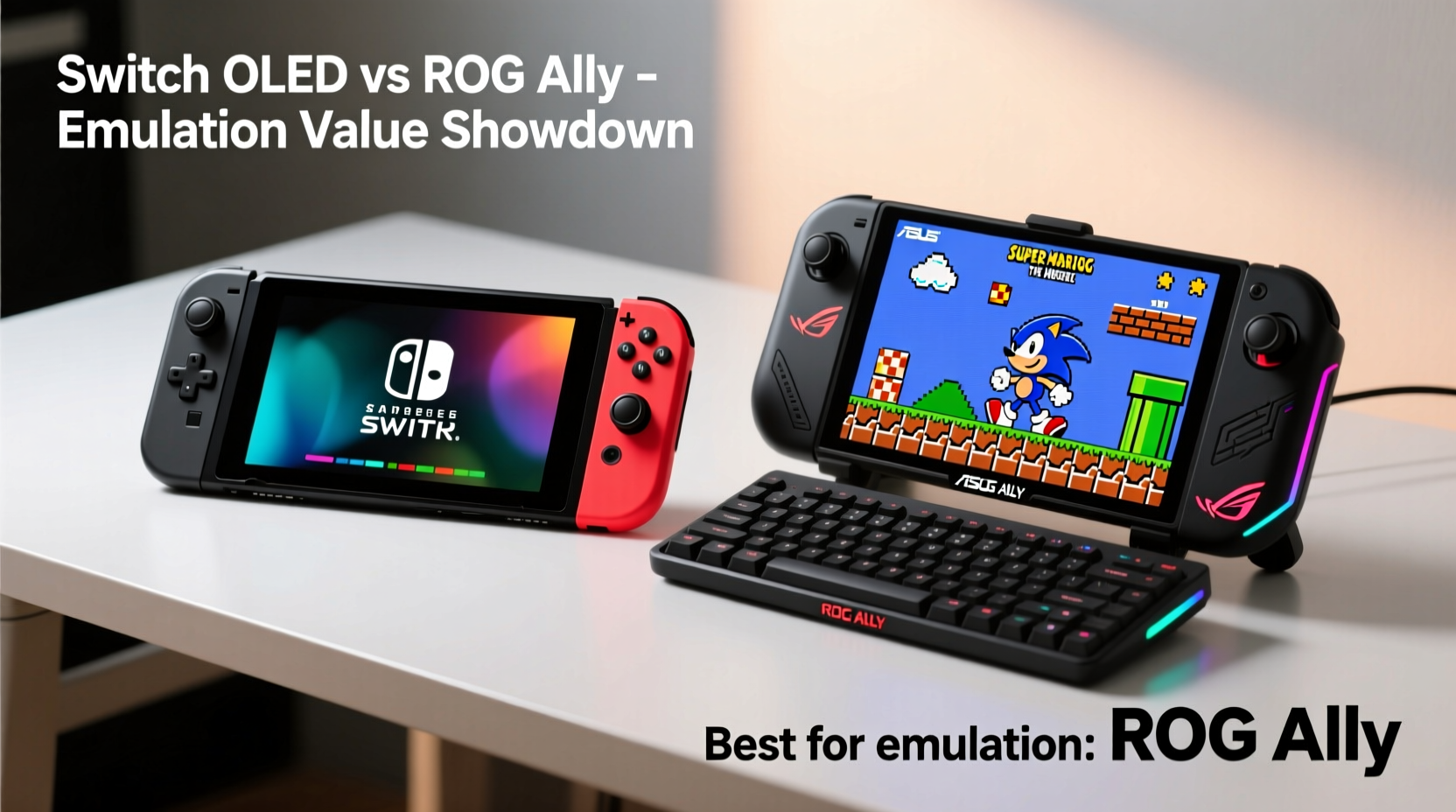
Emulation is not a one-size-fits-all task. The computational demands vary widely depending on the console being emulated. For example, SNES or N64 games run smoothly even on low-powered hardware, but PS2, GameCube, and Wii titles require substantial CPU and GPU resources. High-definition upscaling, texture filtering, and fast-forward features further increase processing needs.
A capable emulator device must offer:
- Sufficient processing power (CPU/GPU) for demanding cores
- Ample RAM (8GB minimum, 16GB ideal)
- Expandable storage for ROMs and save states
- Custom firmware or OS access for installing third-party software
- A responsive screen and controls for authentic gameplay feel
Nintendo’s Switch OLED, while excellent for first-party games and indie titles, runs on custom ARM architecture with limited memory and closed firmware. In contrast, the ROG Ally is a full Windows-based handheld PC powered by an AMD Ryzen Z1 Extreme processor, making it inherently more adaptable to complex emulation tasks.
“Emulation success hinges on both hardware headroom and software freedom. Closed systems limit what users can do, regardless of how good the base experience is.” — Marcus Tran, Emulation Developer & Hardware Analyst
Hardware Comparison: Power and Flexibility
The fundamental difference between the Switch OLED and the ROG Ally lies in their architecture and openness. One is a proprietary console; the other is a portable PC. This distinction shapes everything from performance to upgrade potential.
| Feature | Switch OLED | ROG Ally |
|---|---|---|
| Processor | Custom NVIDIA Tegra X1+ | AMD Ryzen Z1 Extreme (8-core/16-thread) |
| GPU | Integrated Maxwell (approx. 393 GFLOPS) | RDNA 3 Integrated (12 CUs, ~10.7 TFLOPS) |
| RAM | 4GB LPDDR4 | 16GB LPDDR5 |
| Storage | 64GB eMMC (expandable via microSD) | 512GB NVMe SSD (expandable via M.2 slot) |
| Operating System | Closed Nintendo OS | Windows 11 + SteamOS dual-boot options |
| Emulator Support | Limited to homebrew (e.g., Lakka via SX OS) | Full desktop emulators (Dolphin, PCSX2, RPCS3, PPSSPP, etc.) |
| Battery Life (Gaming) | 3–7 hours | 1.5–3 hours (emulation), up to 6 in lighter tasks |
| Price (MSRP) | $349 | $699+ |
The ROG Ally clearly dominates in raw specs. Its AMD chip outperforms the Switch’s aging Tegra X1+ by over 20x in GPU compute capability. This allows smooth emulation of PS2, GameCube, Wii, PSP, and even some PS3 titles at native or enhanced resolutions. The Switch OLED, even with modded firmware, struggles beyond GameCube-level emulation without significant frame drops or visual compromises.
Real-World Emulation Performance
To assess true value, we need to look beyond specs and examine actual usage. Consider three common emulation tiers:
1. Lightweight Emulation (SNES, GBA, DS)
Both devices handle these effortlessly. The Switch OLED natively supports many of these through its Virtual Console legacy and indie ports. The ROG Ally can run them via RetroArch or standalone emulators, often with enhanced filters and save-state flexibility.
2. Mid-Tier Emulation (PS1, N64, Dreamcast)
Again, both perform well. However, the ROG Ally allows higher internal rendering scales (3x, 4x), anti-aliasing, and texture enhancements that dramatically improve visuals. The Switch OLED, even with overclocked homebrew firmware, maxes out at modest upscaling due to thermal and memory constraints.
3. High-End Emulation (PS2, GameCube, Wii)
This is where the gap widens. On the ROG Ally, Dolphin (GameCube/Wii) runs nearly all titles at 1080p or 4K with consistent 60 FPS, especially when paired with controller profiles and shader compilation caching. PCSX2 handles most PS2 games flawlessly, and RPCS3 can run select PS3 titles like *Shadow of the Colossus* or *God of War III* at playable framerates.
In contrast, running GameCube titles on a modded Switch OLED often results in 20–30 FPS, audio stutter, and frequent shader compilation pauses. PS2 emulation is possible only in select lightweight titles (*Sly Cooper*, *Tony Hawk’s Underground*) and rarely exceeds 480p output.
“I tested *The Legend of Zelda: The Wind Waker* on both devices. On the ROG Ally, it ran at 1440p/60FPS with MSAA and anisotropic filtering. On my modded Switch OLED? 480p, 28 FPS average, and I had to sit through five minutes of shader building every launch.” — Daniel Reyes, Retro Gaming YouTuber
Value Analysis: Cost vs Capabilities
At $349, the Switch OLED is undeniably cheaper. But value isn’t just about price—it’s about functionality per dollar. Let’s break it down:
Switch OLED: Strengths and Limitations
- Pros: Excellent build quality, vibrant OLED screen, seamless integration with Nintendo ecosystem, long battery life, quiet operation
- Cons: Limited to homebrew emulation, requires jailbreaking (voids warranty), no official emulator support, weak hardware for modern emulation demands
ROG Ally: Power at a Premium
- Pros: Full Windows PC capabilities, supports every major emulator, upgradable SSD, HDMI output, cloud gaming ready, future-proof architecture
- Cons: Shorter battery life under load, heavier, steeper learning curve for non-PC users, higher initial cost
For pure emulation value, the ROG Ally wins decisively. It transforms into a complete retro gaming hub capable of hosting entire ROM libraries across dozens of systems. With tools like EmuDeck, users can automate emulator setup, apply community-made themes, and sync saves to the cloud—all without touching command lines.
The Switch OLED, while charming and portable, serves best as a dedicated console for Nintendo’s first-party content. Using it for advanced emulation feels like retrofitting a scooter to haul cargo—it wasn’t built for the job.
Step-by-Step Guide: Setting Up Emulation on ROG Ally
If you’re transitioning from console-based gaming to PC emulation, here’s a straightforward path to get started:
- Update Windows: Ensure your ROG Ally is on the latest Windows 11 version and drivers (use Armoury Crate or MyASUS app).
- Install EmuDeck: Download EmuDeck from the official site. Run the installer and follow the guided setup.
- Configure Storage: Select your internal SSD or external drive for ROM storage during installation.
- Download Emulators: EmuDeck will automatically install Dolphin, PCSX2, PPSSPP, RetroArch, and others based on your choices.
- Add ROMs: Transfer your legally owned ROM backups via USB or network share. Organize them into system-specific folders.
- Calibrate Controls: Use Steam Input or EmuDeck’s profile manager to map buttons for optimal comfort.
- Launch and Play: Open EmuDeck’s dashboard (usually linked to Big Picture Mode) and start gaming.
This process typically takes under an hour and requires no technical expertise. Once set up, updates and new emulator additions are handled through simple scripts.
Mini Case Study: From Casual Player to Emulation Enthusiast
Jamal, a 29-year-old graphic designer, owned a Switch OLED primarily for *Zelda* and *Mario Kart*. Curious about retro gaming, he tried installing Lakka via a modded SD card to play PS1 games. While *Crash Bandicoot* worked, loading times were slow, and screen tearing was frequent. Frustrated, he sold the Switch and bought a ROG Ally after researching emulation forums.
Within a weekend, he used EmuDeck to install emulators for seven consoles. He now plays *Metal Gear Solid 2* on PSP at 3x resolution, runs *Super Smash Bros. Melee* at 1080p/60FPS on Dolphin, and streams *Final Fantasy X* from his PS2 collection via RPCS3. “It’s like having a museum of gaming history in my backpack,” he says. “The extra cost was worth every penny.”
Frequently Asked Questions
Can I run PS3 games on either device?
The ROG Ally can run select PS3 titles using RPCS3, especially those with lower GPU demands (*Persona 5*, *Demon’s Souls*). Performance varies but often reaches 30–60 FPS at 1080p with optimized settings. The Switch OLED cannot emulate PS3 games at any acceptable level due to hardware limitations.
Is modding the Switch OLED safe for emulation?
Modding carries risks: permanent bans from online services, bricking the device, and voiding warranty. Even if successful, emulation performance remains constrained by hardware. For most users, the legal and technical hurdles outweigh the benefits compared to open platforms like the ROG Ally.
Does the ROG Ally overheat during long emulation sessions?
Under heavy loads (e.g., PS3 or Dolphin at 4K), the Ally can get warm, but its vapor chamber cooling usually keeps temperatures manageable. Lowering resolution scaling or enabling power limits in Windows can reduce heat and extend battery life without sacrificing playability.
Conclusion: Making the Right Choice for Your Emulation Goals
The Nintendo Switch OLED excels as a polished, user-friendly console with unmatched first-party exclusives. But when it comes to emulation—particularly for post-2000s consoles—it simply lacks the horsepower and openness to deliver a satisfying experience. The ROG Ally, despite its higher price and shorter battery life, emerges as the superior value proposition for emulation enthusiasts. It’s not just a handheld; it’s a portable gaming PC capable of preserving decades of gaming history with fidelity and flexibility.
Ultimately, your decision should align with your priorities. If you want occasional retro play within a curated environment, the Switch OLED suffices. But if you crave depth, customization, and the ability to explore gaming’s full timeline—from arcade cabinets to seventh-gen blockbusters—the ROG Ally is the only logical choice.




 浙公网安备
33010002000092号
浙公网安备
33010002000092号 浙B2-20120091-4
Comments
No comments yet. Why don't you start the discussion?