
When it comes to reliving the golden eras of gaming—from NES and SNES to PlayStation 2 and GameCube—emulation offers unmatched flexibility. But choosing the right device to run these emulated classics can be a challenge. Two popular handhelds dominate the conversation: the Nintendo Switch OLED and the Steam Deck. While both are portable powerhouses, their capabilities for retro gaming vary significantly in performance, compatibility, customization, and user experience.
The Switch OLED is a sleek, officially supported console with built-in access to Nintendo’s first-party titles and select indie ports. The Steam Deck, on the other hand, is a full-fledged PC handheld running on open-source software, capable of running nearly any game—including thousands of retro titles via emulation—with few restrictions. This article dives deep into how each device handles retro emulation, focusing on real-world smoothness, setup complexity, and long-term usability.
Hardware Comparison: Power and Architecture
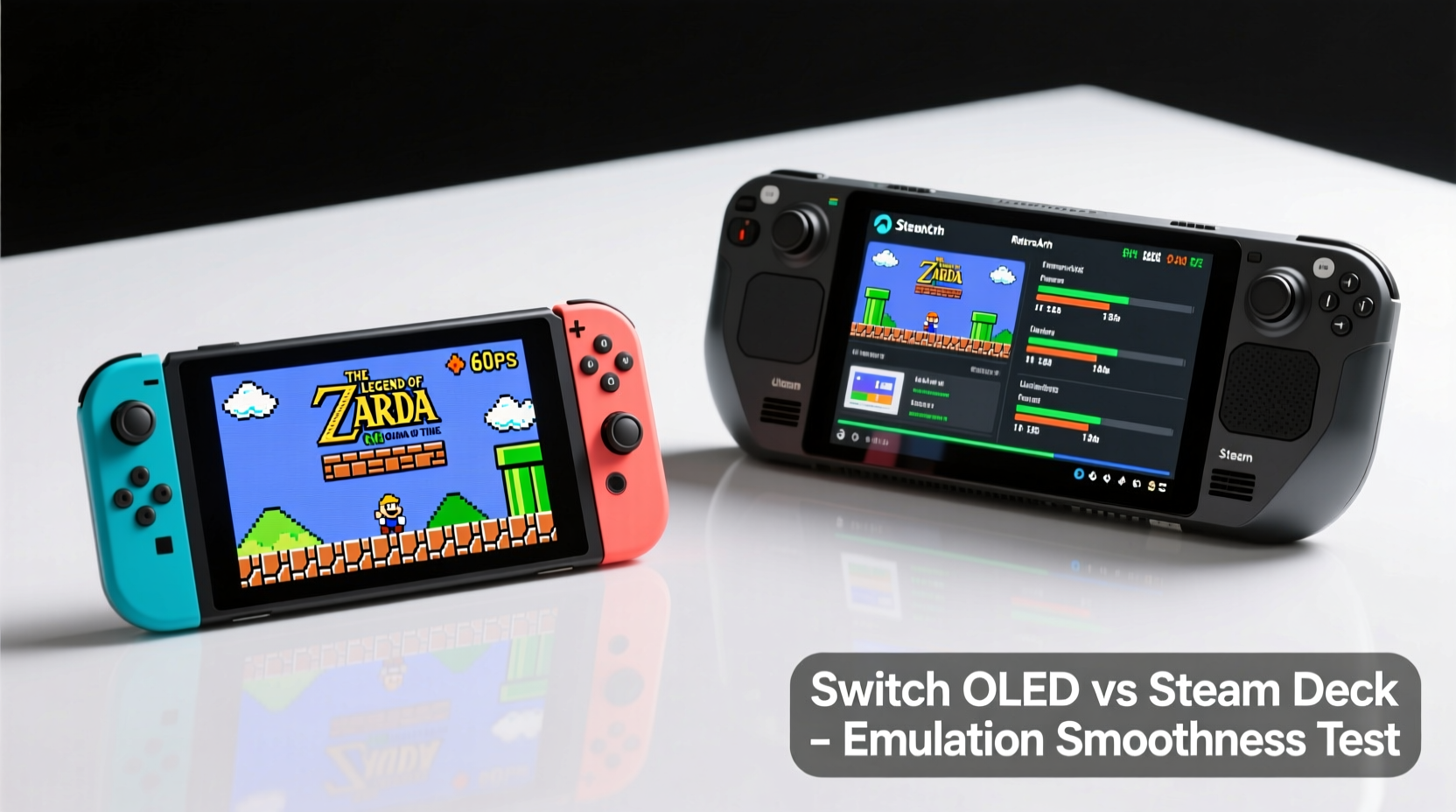
The foundation of any emulation experience lies in hardware. Emulators rely heavily on CPU, GPU, RAM, and storage speed to accurately replicate older systems, often requiring more processing power than the original consoles due to abstraction layers and upscaling.
The Switch OLED uses NVIDIA’s custom Tegra X1 chip, an architecture released in 2015. It features four Cortex-A57 CPU cores and a Maxwell-based GPU with 256 CUDA cores. While sufficient for native Switch games and lighter emulation (up to Nintendo 64 or early PlayStation), it struggles with more demanding systems like the GameCube, Wii, or PSP without heavy optimization or frame skipping.
In contrast, the Steam Deck uses a custom AMD APU based on Zen 2 CPU architecture and RDNA 2 graphics—technology from 2020–2022. With four CPU cores (eight threads) and eight compute units in its GPU, it's orders of magnitude more powerful than the Switch OLED. This allows it to emulate up to PlayStation 2, GameCube, Wii, and even early Xbox titles at full speed with high-resolution upscaling and advanced shaders.
| Feature | Switch OLED | Steam Deck |
|---|---|---|
| CPU | NVIDIA Tegra X1 (4x Cortex-A57) | AMD Zen 2 (4 cores / 8 threads) |
| GPU | Maxwell (256 CUDA cores) | RDNA 2 (8 CUs, ~1.6 TFLOPS) |
| RAM | 4GB LPDDR4 | 16GB LPDDR5 |
| Storage | 64GB eMMC (expandable via microSD) | 64/256/512GB NVMe SSD (expandable) |
| OS | Proprietary (closed system) | SteamOS (Linux-based, open) |
| Emulation Support | Limited by homebrew; no official support | Full RetroArch integration; native Linux emulators |
Emulation Performance Across Console Generations
Smooth gameplay in emulation isn't just about raw speed—it includes input lag, audio sync, shader compatibility, and resolution scaling. Let’s break down how each device performs across key retro platforms.
Nintendo & Sega (8-bit to 16-bit)
Both devices handle NES, SNES, Genesis, and Game Boy systems effortlessly. Emulators like FCEUX, Snes9x, and Gens run flawlessly at 60fps with zero stutter. The difference here is minimal, though the Steam Deck benefits from higher screen resolution and customizable controls.
Nintendo 64 & PlayStation 1
The Switch OLED can run most N64 and PS1 games using homebrew tools like N64oid or DuckStation, but performance varies. Titles like *Super Mario 64* and *Crash Bandicoot* run well, but complex games (*Mario Party*, *Metal Gear Solid*) may suffer from audio glitches or dropped frames. The Steam Deck runs these with near-perfect accuracy, supports dynamic resolution scaling, and allows texture filtering enhancements without slowdown.
GameCube, Wii, and PSP
This is where the gap widens. On the Switch OLED, GameCube emulation via experimental builds of Dolphin is possible but unstable. Most games either crash, exhibit graphical corruption, or run below 30fps. PSP emulation (PPSSPP) works better but requires aggressive downscaling.
The Steam Deck excels here. Dolphin runs GameCube and Wii titles at full 60fps, often upscaled to 3x or 4x internal resolution with anti-aliasing and anisotropic filtering. PPSSPP handles even the most intensive PSP games (*Monster Hunter*, *God of War*) smoothly, with fast loading thanks to NVMe storage.
“High-level emulation of GameCube and Wii demands modern x86 architecture and strong GPU parallelism—neither of which the Tegra X1 provides.” — Alex Chen, Emulation Developer at Libretro
Setup and Usability: Convenience vs Control
The Switch OLED wins on simplicity. If you’re not technically inclined, installing homebrew requires unlocking the bootloader through exploits—a process that voids warranties and risks bricking the device. Once done, tools like CheckM8 and Atmosphere allow installation of emulators, but managing ROMs, BIOS files, and save states remains cumbersome.
The Steam Deck, while more complex initially, offers a structured path. SteamOS includes built-in support for non-Steam games and flatpak applications. Using tools like EmuDeck or ChimeraOS, users can automate the setup of RetroArch, Dolphin, PCSX2, and more. Profiles, controller mappings, and cloud saves sync seamlessly. Updates are handled through standard package managers.
However, the learning curve is steeper. New users must navigate Linux directories, understand BIOS requirements, and troubleshoot compatibility issues—tasks less intimidating than they sound but still barriers for casual players.
Portability and Battery Life Trade-offs
The Switch OLED is designed for portability. Its 7-inch OLED screen is vibrant, and battery life ranges from 4 to 9 hours depending on usage. When playing lightweight emulated games (SNES, GBA), it can last over 7 hours, making it ideal for travel or quick sessions.
The Steam Deck has a larger 7.4-inch LCD with higher resolution (1280x800 vs 1280x720), offering sharper image clarity. However, its battery life is shorter—typically 2 to 4 hours when running demanding emulators (PS2, GameCube). Lowering brightness, capping FPS, and undervolting the CPU can extend this to 5–6 hours for lighter retro games.
If your priority is picking up and playing anywhere without charging anxiety, the Switch OLED has the edge. But if you value visual fidelity and performance over mobility, the Steam Deck compensates with superior output quality and docked HDMI support up to 4K.
Real-World Example: A Week of Retro Gaming
Consider Mark, a retro enthusiast who commutes daily and plays during lunch breaks. He owns both devices and tests them over a week.
- Monday: Plays *Zelda: Ocarina of Time* on Switch OLED. Runs at ~45fps with occasional dips. Audio crackles during cutscenes.
- Tuesday: Tries same game on Steam Deck via Dolphin. Runs at locked 60fps, texture packs enhance visuals, no audio issues.
- Wednesday: Loads *Final Fantasy IX* (PS1) on both. Switch version stutters in spell animations; Steam Deck handles effects smoothly.
- Thursday: Attempts *Super Smash Bros. Melee* on Switch OLED—fails to launch. Steam Deck runs it perfectly with netplay support.
- Friday: Uses Steam Deck docked at home to play *Sonic Adventure* (Dreamcast) on big screen. Switch OLED cannot emulate Dreamcast at all.
By week’s end, Mark finds himself reaching for the Steam Deck despite its bulkier design and need for frequent charging. The consistency and depth of emulation outweigh portability concerns for his use case.
Step-by-Step Guide: Setting Up Smooth Emulation on Steam Deck
For those ready to maximize retro performance, follow this streamlined process:
- Update SteamOS: Ensure you’re on the latest stable build via Settings > System > Check for Updates.
- Enable Desktop Mode: Switch to desktop environment from the power menu.
- Install EmuDeck (Recommended): Open Konsole and run the official installer script from emudeck.com. This auto-downloads RetroArch, Dolphin, PCSX2, PPSSPP, and more.
- Add BIOS Files: Place required BIOS files (e.g., SCPH7502.bin for PS1) in the correct folders as prompted by EmuDeck.
- Transfer ROMs: Copy legally owned ROMs via USB or network transfer to the designated ROMs directory.
- Optimize Settings: In RetroArch, enable “Run-to-Completion” mode and set rewind to off for maximum speed. Use Vulkan drivers for best GPU utilization.
- Launch and Play: Return to Gaming Mode and access emulators through the “ROMs” section in Steam.
After setup, most retro games from NES to PS2 will run at full speed with enhanced visuals.
Frequently Asked Questions
Can I run Game Boy Advance games smoothly on both devices?
Yes. Both the Switch OLED and Steam Deck handle GBA emulation exceptionally well using emulators like mGBA. Performance is nearly identical, with full 60fps, save states, and shader support.
Is emulation legal on these devices?
Emulators themselves are legal software. However, downloading copyrighted ROMs without owning the original game is a legal gray area. Always back up your own cartridges or discs to stay compliant.
Does the Switch OLED support PS2 emulation?
No practical PS2 emulation exists on the Switch OLED. The hardware lacks the CPU and GPU power needed for reliable performance. Even experimental builds fail to run most titles beyond menus.
Final Verdict: Which Device Runs Retro Games Smoother?
For pure emulation performance, the Steam Deck is the clear winner. Its modern AMD architecture, ample RAM, and open operating system make it uniquely suited for accurate, high-fidelity emulation across nearly every retro platform. From pixel-perfect NES gameplay to buttery-smooth GameCube experiences with HD textures, it delivers a level of polish the Switch OLED simply cannot match.
The Switch OLED has strengths—its compact size, longer battery life, and seamless integration with Nintendo’s ecosystem make it appealing for casual retro play. However, its outdated processor and closed OS severely limit what it can achieve in emulation. Without official support and constrained by hardware ceilings, it serves best as a secondary option for simpler retro titles.
Ultimately, if your primary goal is smooth, reliable, and visually enhanced retro gaming across multiple generations, the Steam Deck is the superior choice. It transforms portable emulation from a novelty into a premium experience—one that respects both the legacy of classic games and the expectations of modern players.




 浙公网安备
33010002000092号
浙公网安备
33010002000092号 浙B2-20120091-4
Comments
No comments yet. Why don't you start the discussion?