
When it comes to portable gaming, two devices dominate the conversation: the Nintendo Switch OLED and the Valve Steam Deck. Both are powerful in their own right, but for fans of indie titles—where art style, pixel precision, and visual clarity often define the experience—the choice between them can hinge on one critical factor: screen quality. Indie games range from retro-styled pixel art to hand-drawn masterpieces, and how those visuals render on-screen can dramatically affect immersion and enjoyment.
The Switch OLED features a vibrant 7-inch OLED display, while the Steam Deck uses a slightly smaller 7-inch LCD panel. On paper, OLED technology promises deeper blacks and richer contrast. But does that translate to a noticeably sharper image when playing games like *Hades*, *Celeste*, or *Stardew Valley*? This article dives into the technical differences, real-world usability, and subjective viewing experience to determine which device truly excels at presenting indie games with visual fidelity.
Screen Technology: OLED vs LCD Explained
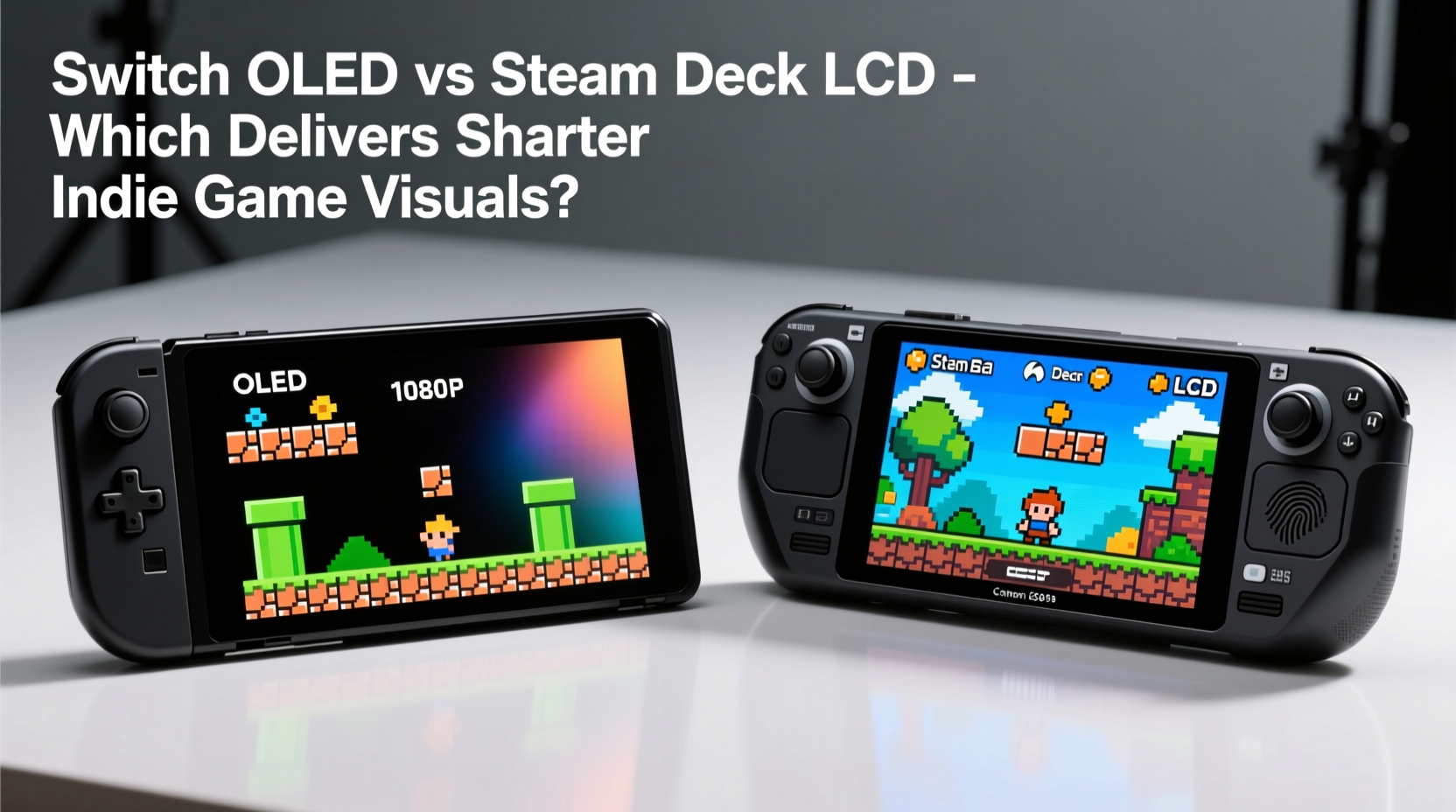
The core difference between the Switch OLED and Steam Deck lies in their display technologies. The Switch OLED uses an organic light-emitting diode (OLED) panel, where each pixel emits its own light. In contrast, the Steam Deck relies on a liquid crystal display (LCD), which requires a backlight to illuminate the pixels.
This distinction has several implications:
- OLED delivers perfect blacks because unlit pixels are completely off. This enhances contrast and makes dark scenes appear more dynamic.
- LCD struggles with true black levels due to backlight bleed, which can result in grayish shadows and less defined contrast.
- OLED screens typically have faster response times, reducing motion blur during fast gameplay.
- LCDs are less prone to burn-in, a long-term risk with static elements common in UI-heavy games.
For indie games, which often rely on mood, atmosphere, and stylized lighting, the Switch OLED’s superior contrast can make a noticeable difference. A game like *Dead Cells*, with its gothic environments and shadowy corridors, benefits from the depth that OLED provides. Similarly, titles such as *Gris*, which use color and darkness symbolically, gain emotional resonance on a display that can render deep, inky blacks.
Resolution and Pixel Density: Where Sharpness Meets Scale
While screen technology sets the foundation, resolution determines how sharp the image appears. The Steam Deck has a higher native resolution of 1280x800 pixels, compared to the Switch OLED’s 1280x720. At first glance, this suggests the Steam Deck should offer a crisper image.
However, both screens are nearly identical in size—approximately 7 inches diagonally—and use similar aspect ratios (Steam Deck: 16:10, Switch: 16:9). This means the Steam Deck packs slightly more pixels into a comparable space, resulting in a modest edge in pixel density.
To quantify this:
| Device | Resolution | Pixel Density (PPI) | Aspect Ratio | Panel Type |
|---|---|---|---|---|
| Nintendo Switch OLED | 1280 x 720 | ~207 PPI | 16:9 | OLED |
| Steam Deck (LCD) | 1280 x 800 | ~214 PPI | 16:10 | LCD |
The 7 PPI advantage of the Steam Deck is technically superior, but in practical terms, the difference is subtle. Most users will not perceive a dramatic leap in clarity unless they examine text or fine UI elements up close. For pixel art games—such as *Shovel Knight* or *A Short Hike*—the additional vertical resolution of the Steam Deck allows more of the world to be visible without scrolling, which can enhance gameplay comfort.
Yet, the Switch OLED compensates with richer colors and better per-pixel contrast. Its OLED panel renders individual pixels with greater definition, especially in low-light scenes, giving the impression of a cleaner, more vivid image despite the lower resolution.
“Display quality isn’t just about numbers. How a screen handles contrast, color accuracy, and black levels often matters more than resolution alone—especially in stylized games.” — Lena Tran, Display Analyst at MobileTech Review
Indie Game Performance: Real-World Visual Fidelity
To assess which handheld delivers sharper visuals for indie games, it’s essential to evaluate actual gameplay across different genres and art styles.
Pixel Art & Retro-Inspired Games
Games like *Celeste*, *Undertale*, and *Hyper Light Drifter* rely on crisp, well-defined pixels. On the Steam Deck, the slightly higher resolution ensures cleaner lines and less pixel bleeding, particularly when using anti-aliasing or upscaling. However, the LCD’s backlight can cause slight haloing around bright pixels on dark backgrounds.
The Switch OLED, while technically lower resolution, displays these games with exceptional clarity due to its per-pixel illumination. Each pixel stands out distinctly, and the absence of backlight bleed keeps edges sharp. Colors pop more vibrantly, making the Switch OLED feel more “retro-accurate” in presentation.
Hand-Painted and Artistic Titles
In visually rich indie experiences such as *Oxenfree II* or *Eastshade*, color gradation and shadow detail are crucial. Here, the Switch OLED shines. Its ability to render smooth gradients without banding gives painted textures a more natural appearance. Dark scenes retain detail without crushing shadows, thanks to precise luminance control.
The Steam Deck’s LCD, while capable, sometimes flattens mid-tone contrasts. Gradients may show faint banding under certain lighting conditions, particularly in dusk or fog-heavy scenes. This isn’t a dealbreaker, but it reduces the immersive impact of artistically driven games.
Text-Heavy and Narrative Experiences
Visual novels and story-rich games like *Disco Elysium* or *Norco* demand legible, fatigue-free text rendering. The Steam Deck holds an advantage here. Its 16:10 aspect ratio provides more vertical space, allowing longer dialogue passages to be displayed without constant scrolling. Text appears slightly sharper due to higher pixel density, reducing eye strain during extended play sessions.
The Switch OLED, while still readable, forces more frequent scrolling in these scenarios. However, its superior color temperature and contrast can make reading more comfortable in dim environments.
Environmental Factors and Viewing Experience
No discussion of screen quality is complete without considering real-world usage. Brightness, viewing angles, and outdoor visibility all influence perceived sharpness.
The Switch OLED reaches peak brightness levels of around 500 nits, significantly brighter than the Steam Deck’s ~400 nits. This makes the Switch far more usable in direct sunlight or brightly lit rooms. Outdoor park gaming sessions, a common scenario for handheld players, favor the Switch’s ability to maintain contrast and readability under glare.
Viewing angles also differ. OLED panels maintain color and contrast even at extreme angles. Whether you're sharing the screen with a friend or holding the device loosely in bed, the image remains consistent. The Steam Deck’s IPS LCD performs decently but begins to wash out at wider angles, losing saturation and contrast.
Conversely, the Steam Deck offers adjustable gamma and color settings through its Linux-based OS, enabling users to fine-tune the display for specific games. Enthusiasts can apply custom color profiles to enhance clarity or reduce blue light. The Switch, locked within its proprietary system, offers minimal display customization beyond basic brightness adjustment.
Mini Case Study: Playing *Tunic* on Both Devices
Consider *Tunic*, an isometric adventure game celebrated for its lush green forests, glowing runes, and cryptic visual language. Played on the Switch OLED, the forest glades glow with ethereal light, and the dark cave interiors reveal subtle details in the shadows. The vibrant yellow of the fox protagonist pops against the foliage, enhancing visibility.
On the Steam Deck, the same scenes appear slightly flatter. Greens lack the same luster, and shadowed areas lose some depth. However, the higher resolution makes small environmental clues—like faint symbols on the ground—easier to spot. Players solving puzzles might appreciate the extra clarity in text and iconography, even if the overall atmosphere feels less immersive.
In this case, the Switch OLED wins on aesthetic impact, while the Steam Deck offers functional advantages for detail-oriented gameplay.
Frequently Asked Questions
Is the Steam Deck’s screen really sharper than the Switch OLED?
Technically, yes—due to its higher resolution and pixel density. However, “sharpness” isn’t solely determined by pixels per inch. The Switch OLED’s superior contrast, color accuracy, and per-pixel lighting often make images appear cleaner and more defined, especially in dark or stylized scenes.
Can I notice the difference in indie games?
Yes, but it depends on the game. For pixel art and atmospheric titles, the Switch OLED’s visual richness is more apparent. For text-heavy or UI-intensive games, the Steam Deck’s extra resolution and screen space improve readability and usability.
Does OLED burn-in affect long-term use with indie games?
Potential burn-in exists with any OLED display, but indie games typically feature dynamic visuals and moving cameras, reducing the risk. Static HUDs in games like *Hades* could pose a minor threat over time, but normal usage patterns make permanent burn-in unlikely within the device’s expected lifespan.
Final Verdict: Which Handheld Offers Sharper Visuals?
The answer depends on how you define “sharper.”
If you prioritize **technical precision**, **text clarity**, and **vertical screen space**, the Steam Deck’s LCD delivers a marginally sharper image for certain indie genres. Its higher resolution benefits games with dense UIs, small text, or intricate details.
But if you value **visual impact**, **color depth**, and **contrast realism**, the Switch OLED produces a subjectively sharper and more engaging image. It renders indie games not just with clarity, but with emotional weight—making forests feel deeper, nights darker, and colors more alive.
Ultimately, for the majority of indie gaming experiences—especially those emphasizing artistry and atmosphere—the Switch OLED provides a more visually satisfying experience. The Steam Deck counters with versatility, customization, and functional advantages, but it doesn’t surpass the Switch in overall visual fidelity.




 浙公网安备
33010002000092号
浙公网安备
33010002000092号 浙B2-20120091-4
Comments
No comments yet. Why don't you start the discussion?