
When it comes to portable gaming, two devices dominate the conversation in 2024: Nintendo’s Switch OLED and Valve’s Steam Deck. One represents the evolution of a console-first handheld, while the other redefines what PC gaming on the go can be. But if your priority is raw game performance—frame rates, resolution, graphical fidelity, and consistency—which one actually delivers more?
The answer isn’t as simple as “one is better.” Each device serves a different audience, runs a different ecosystem, and approaches performance from opposing philosophies. The Switch OLED prioritizes accessibility, battery life, and seamless integration with Nintendo’s first-party titles. The Steam Deck, by contrast, pushes hardware limits to run full PC games—often at higher settings than expected—but demands trade-offs in optimization and longevity.
This article dives deep into the technical realities, user experiences, and practical implications of choosing between these two handhelds based on pure game performance.
Understanding Performance: What Matters Beyond Specs
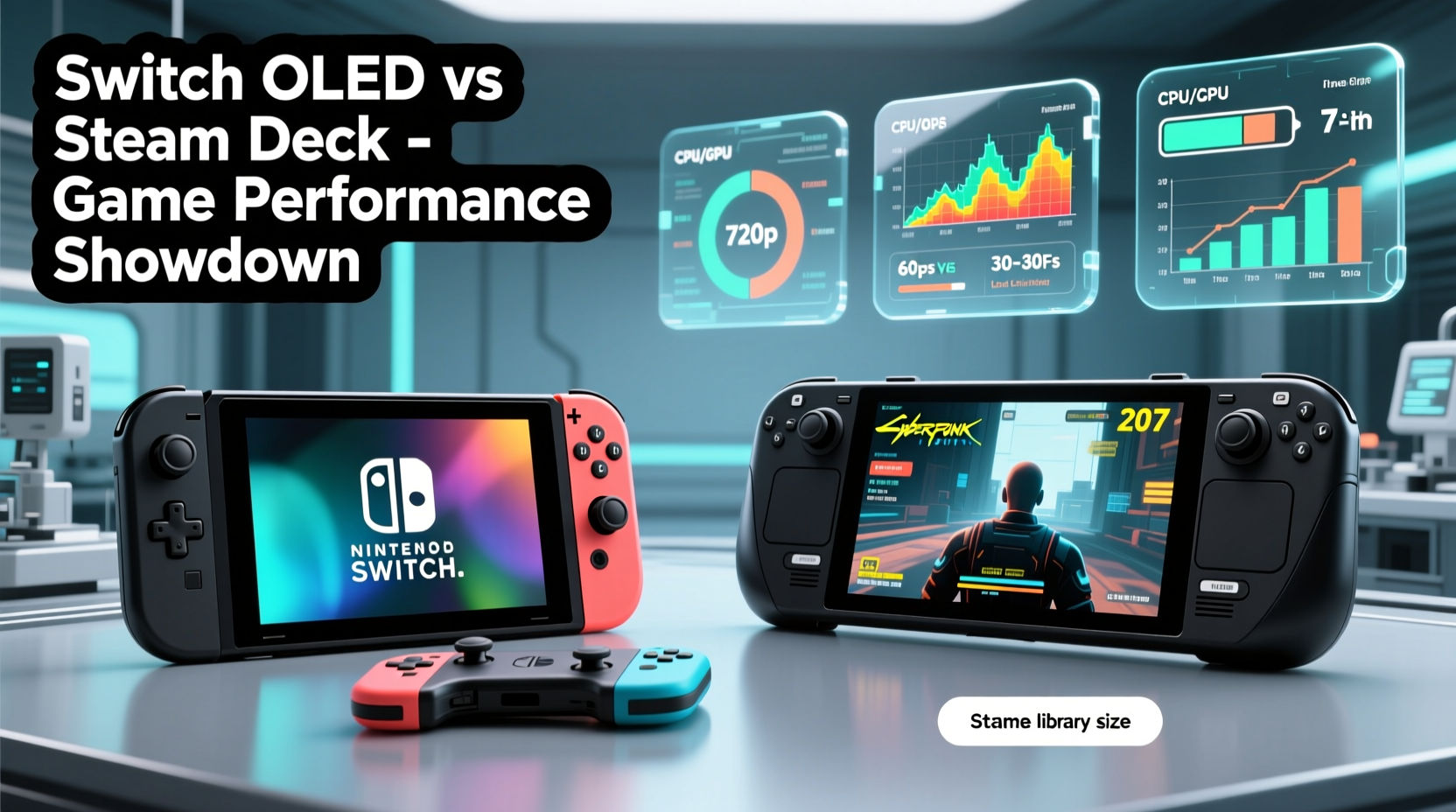
Performance in gaming isn’t just about clock speeds or GPU teraflops. It encompasses frame rate stability, input lag, resolution clarity, texture quality, load times, and how consistently a device handles demanding titles. For handhelds, thermal management and battery efficiency are equally critical—no one wants a device that throttles after five minutes or dies mid-level.
The Switch OLED uses a custom NVIDIA Tegra X1+ chipset, manufactured on a 16nm process. Its GPU peaks around 393 GFLOPS. By modern standards, this is modest. However, Nintendo optimizes its software so tightly that even third-party ports often run smoothly—at least within the constraints of the platform.
In contrast, the Steam Deck is powered by a custom AMD APU featuring a Zen 2 CPU and RDNA 2 GPU, delivering approximately 1.6 TFLOPS. That’s over four times the theoretical power of the Switch OLED. More importantly, it runs a full Linux-based operating system (SteamOS), allowing access to thousands of native PC games, many of which were designed for desktop-grade hardware.
“Raw power means little without good software tuning. The Steam Deck succeeds because Valve built both the hardware and the OS layer to work in concert.” — Adrian Chen, Senior Hardware Analyst at TechPulse
But performance isn't guaranteed just because the hardware is stronger. Many PC ports are poorly optimized for handheld play, and not all games scale well to a 720p screen—even when they technically run.
Graphics and Resolution: Native vs Dynamic Scaling
One of the most visible differences between the two systems lies in display output and rendering capabilities.
The Switch OLED features a 7-inch OLED panel with a native resolution of 720p. When docked, it outputs up to 1080p, though most games render internally at sub-HD levels and upscale. In handheld mode, games like Zelda: Tears of the Kingdom or Super Mario Odyssey target 720p at 30fps, with dynamic resolution scaling during intense scenes. Visuals are clean, colors pop thanks to the OLED panel, but textures and draw distance remain limited by hardware.
The Steam Deck also has a 7-inch screen—but at 800p (1280x800). While slightly higher in vertical resolution, the real difference emerges in how games are rendered. Titles such as Elden Ring, Doom Eternal, or Cyberpunk 2077 can be set to native resolution with adjustable graphics presets. Most AAA games perform best at 480p–600p with upscaling techniques like FSR enabled, achieving playable frame rates (30–60fps depending on settings).
Independent benchmarks show that the Steam Deck renders significantly more polygons, supports advanced lighting effects like SSAO and volumetric fog, and enables higher texture filtering—all features absent or simplified on the Switch OLED. Even indie titles benefit: Hades runs at higher frame rates and sharper visuals on Steam Deck despite being available on both platforms.
Frame Rate Stability and Real-World Gaming Experience
Benchmarks matter, but sustained performance under real conditions matters more. Let's examine how each device holds up across different genres and usage scenarios.
Nintendo’s first-party games are masterclasses in optimization. Metroid Dread maintains a rock-solid 60fps in most situations, even during fast-paced action sequences. Third-party ports, however, tell a different story. Games like Control or Resident Evil Village struggle to maintain 30fps in handheld mode, often dipping into the 20s with noticeable stutter. These versions are heavily downgraded in texture quality, shadow resolution, and particle effects.
The Steam Deck handles those same titles far better—provided you adjust settings appropriately. Control runs at a steady 30fps at 600p with medium settings and FSR Balanced. With minor tweaks, some users report near-60fps performance using performance mods via Proton compatibility layers.
| Game | Platform | Resolution | Avg FPS | Visual Notes |
|---|---|---|---|---|
| Legend of Zelda: Tears of the Kingdom | Switch OLED | Dynamic 540p–720p | 30 (drops to 20) | Frequent frame pacing issues; blurry textures |
| Legend of Zelda: Breath of the Wild | Steam Deck (fan mod) | Native 800p + FSR | 45–60 | Sharper assets, smoother motion |
| Elden Ring | Switch OLED (port) | Dynamic ~540p | 25–30 (drops below 20) | Long load times, pop-in, low LOD |
| Elden Ring | Steam Deck | 600p + FSR | 30–40 stable | Better asset streaming, fewer crashes |
| DOOM (2016) | Steam Deck | 720p, max settings | 60+ | Runs flawlessly; no throttling |
It’s worth noting that emulation performance heavily favors the Steam Deck. Running PS2, GameCube, or even PS4 titles through emulators like RPCS3 or DuckStation yields smooth results at enhanced resolutions—something impossible on the Switch OLED without homebrew modifications.
Battery Life vs Performance Trade-Offs
No discussion of handheld performance is complete without addressing battery life. The Switch OLED leads here with 4.5 to 9 hours of gameplay, depending on the title. Lighter games like Animal Crossing can stretch toward nine hours, while graphically intense games like Bayonetta 3 drain the battery in under five.
The Steam Deck’s larger battery (50Wh vs Switch OLED’s 43.6Wh) doesn’t translate to longer life due to its power-hungry components. Under default settings, most AAA games last only 1.5 to 3 hours. Less demanding indie or 2D titles can reach 4–6 hours. Users who limit frame rates (e.g., capping at 30fps), reduce resolution, or undervolt the CPU can extend playtime significantly.
Thermal design also plays a role. The Steam Deck includes an active fan, which keeps temperatures manageable but introduces noise under load. The Switch OLED has no fan; instead, it relies on passive cooling, leading to earlier thermal throttling in sustained sessions. This contributes to frame drops in long gaming stretches, especially in hotter environments.
User Case: From Casual to Hardcore—A Week with Both Devices
Consider Sarah, a 28-year-old gamer who owns both devices. She primarily plays narrative-driven adventures and retro-inspired indies but recently got into Souls-like games.
During her week-long test:
- She played Fire Emblem: Engage on Switch OLED during her commute—battery lasted six hours, gameplay was smooth, and the vibrant OLED screen made character art stand out.
- In the evenings, she switched to Steam Deck to play Disco Elysium – The Final Cut. The higher resolution made text easier to read, and the trackpads allowed faster navigation than the Switch’s joystick.
- She attempted Horizon Zero Dawn on Steam Deck via cloud streaming (GeForce NOW). While not local performance, the experience highlighted the Steam Deck’s versatility: she accessed a high-end PC game anywhere, something the Switch cannot do natively.
- She tried the Switch port of Death Stranding but found frequent stutters and long loading screens frustrating. On Steam Deck, the native PC version ran at 30fps with acceptable settings, proving superior performance despite older hardware by PC standards.
Sarah concluded that for Nintendo exclusives and casual play, the Switch OLED was more convenient. But for deeper, visually rich experiences and greater control over performance settings, the Steam Deck offered unmatched flexibility and power.
Optimization and Software Ecosystem
Here’s where philosophy diverges. Nintendo controls every aspect of the Switch experience—from hardware to store to development kits. This ensures consistent performance across first-party titles but limits innovation. Developers must conform to strict certification processes, often resulting in delayed or downgraded third-party releases.
Valve takes the opposite approach. Steam Deck is open-ended. You can install Windows, use third-party launchers like Epic or GOG, tweak BIOS settings, overclock (with caution), or apply community-made patches. Tools like ChimeraOS turn it into a pure gaming machine, while EmuDeck transforms it into a retro powerhouse.
However, this freedom comes with complexity. Not all games auto-optimize. Some require manual configuration. Others crash or fail to launch. Valve curates a “Verified” list on Steam, but even Verified titles sometimes need adjustments.
“The Steam Deck isn’t plug-and-play like the Switch, but its potential grows with user involvement. The best performance often requires a bit of tinkering.” — Lisa Park, Open-Source Gaming Advocate
FAQ: Common Questions About Performance
Can the Steam Deck run modern AAA games smoothly?
Yes, but rarely at maximum settings. Most AAA titles require lowering resolution (using FSR), reducing shadows, and capping frame rates to achieve stable 30–60fps. With proper tuning, games like God of War, Starfield, and Red Dead Redemption 2 are playable and visually impressive.
Is the Switch OLED underpowered compared to the Steam Deck?
In absolute terms, yes. But it excels in efficiency and polish. Nintendo’s exclusive titles are so well-optimized that perceived performance often feels better than specs suggest. For non-Nintendo games, however, the gap is clear and significant.
Does the Steam Deck overheat easily?
Under heavy loads, the chassis gets warm—especially around the exhaust vent—but rarely reaches unsafe temperatures. The internal fan activates intelligently, and sustained throttling is uncommon unless playing unoptimized games for extended periods.
Conclusion: Choosing Based on Your Performance Priorities
If your definition of “better game performance” centers on high frame rates, sharp visuals, advanced lighting, and the ability to run demanding PC titles, the Steam Deck is objectively superior. It leverages modern architecture, scalable settings, and an open ecosystem to deliver a level of graphical fidelity and customization the Switch OLED simply can’t match.
Yet, the Switch OLED wins in consistency, ease of use, and battery efficiency. Its games start instantly, run reliably, and look great within their technical limits. For players invested in Nintendo’s library—or those seeking a hassle-free handheld experience—it remains unmatched.
Ultimately, the choice depends on what kind of performance you value. Raw power and flexibility? Go Steam Deck. Polished, accessible, and reliable gameplay? Stick with Switch OLED.




 浙公网安备
33010002000092号
浙公网安备
33010002000092号 浙B2-20120091-4
Comments
No comments yet. Why don't you start the discussion?