
When it comes to portable gaming, two devices dominate the conversation: the Nintendo Switch OLED and the Valve Steam Deck. Both offer immersive handheld experiences, but their approach to game libraries couldn't be more different. The Switch OLED is a curated ecosystem built around polished, first-party exclusives and mainstream third-party support. The Steam Deck, by contrast, opens the door to nearly the entire PC gaming universe, including thousands of titles from Steam’s catalog. Choosing between them isn’t just about hardware—it’s about what kind of games you want to play, how you want to play them, and what kind of access you expect.
Understanding the Core Differences in Game Access
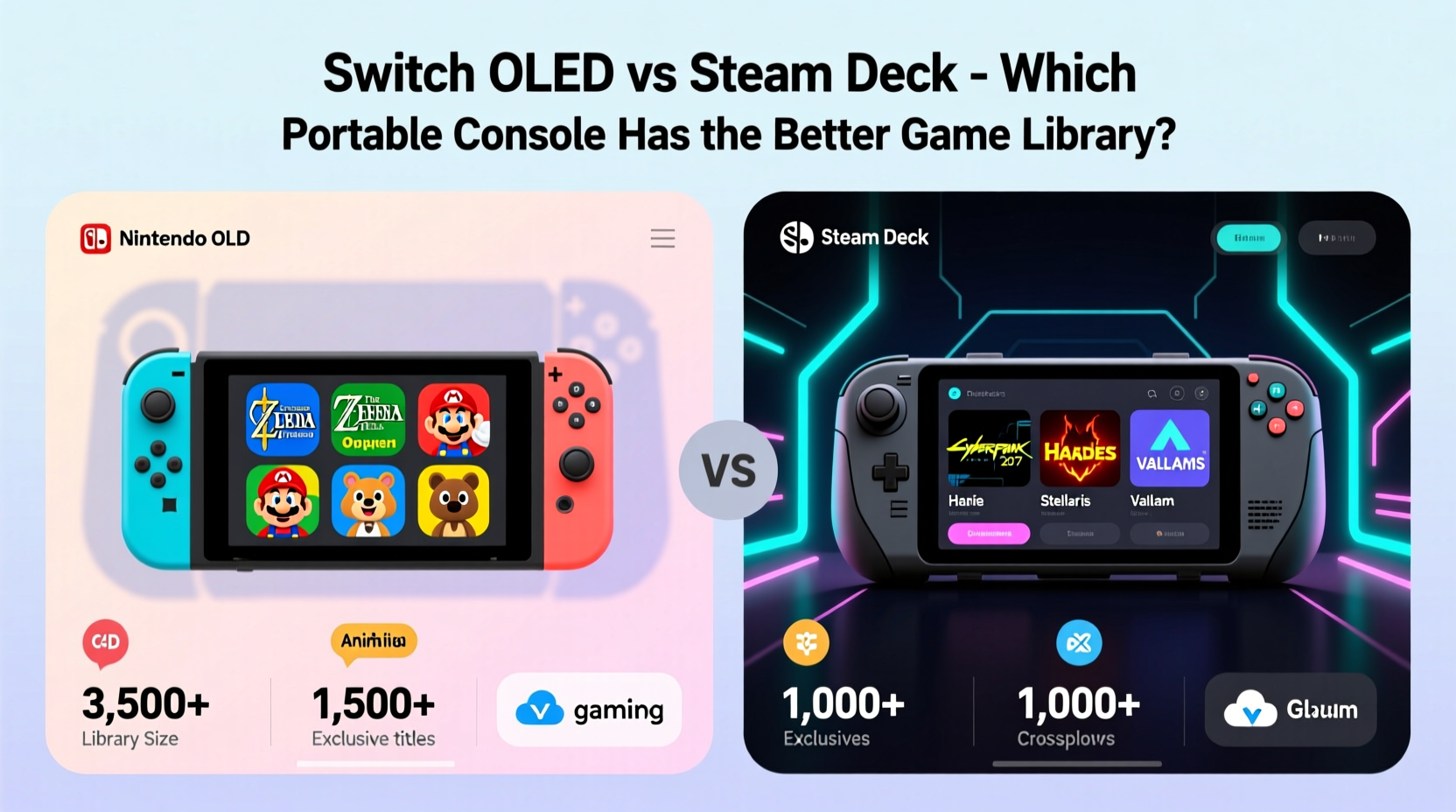
The fundamental distinction between the Switch OLED and the Steam Deck lies in platform philosophy. Nintendo treats its consoles as closed systems designed for optimized, consistent performance with developer-approved software. The Steam Deck runs on an open Linux-based OS (SteamOS), allowing users to install not only Steam games but also emulators, other storefronts like Epic Games or GOG, and even full desktop applications.
This means that while the Switch offers a tightly controlled experience with minimal compatibility issues, the Steam Deck grants freedom at the cost of potential technical complexity. For game library depth, this divergence shapes everything—from launch-day availability to long-term scalability.
Nintendo Switch OLED: Strength in Exclusivity and Polished Design
The Switch OLED shines brightest when it comes to exclusive franchises. Nintendo’s first-party studios—such as EAD Tokyo, Monolith Soft, Retro Studios, and Intelligent Systems—are responsible for some of the most critically acclaimed series in gaming history. These include:
- The Legend of Zelda – With masterpieces like Tears of the Kingdom and Link’s Awakening
- Super Mario – Spanning platformers, RPGs, party games, and sports titles
- Metroid – Reinvented with the superb Metroid Dread and Samus Returns
- Pikmin, Animal Crossing, Kirby, and Fire Emblem – All thriving with regular releases
These aren’t just nostalgic revivals—they’re consistently innovative, accessible to players of all ages, and often push the boundaries of design within constrained hardware. Third-party support has grown significantly since the original Switch launched, especially from Japanese developers who favor Nintendo’s hybrid model. Titles like Hades, Persona 5 Royal, and Monster Hunter Rise have found strong audiences on the platform.
However, limitations exist. Many AAA PC games either never arrive on Switch or appear in compromised forms due to hardware constraints. Ports of titles like Dark Souls Remastered or Doom Eternal run at lower resolutions and frame rates. Some games are missing entirely—Elden Ring, for example, lacks native support despite fan demand.
“Nintendo’s strength isn’t quantity—it’s quality. Their exclusives set the bar for gameplay clarity, pacing, and emotional engagement.” — James Chen, Senior Editor at IGN
Steam Deck: A Portable Gateway to the Entire PC Gaming Universe
The Steam Deck doesn’t compete on exclusives. Instead, it competes on scale. With over 50,000 games available on Steam alone—and growing daily through early access, indie releases, and major studio launches—the device gives users unprecedented breadth. You can play anything from retro pixel art adventures to cutting-edge cyberpunk epics, provided they're compatible with the system’s Proton compatibility layer.
Valve maintains a “Verified” badge system indicating how well a game runs on the Deck. As of 2024, more than 70% of top-selling Steam titles are verified or playable. This includes demanding games like:
- Cyberpunk 2077 (with performance mods)
- Baldur’s Gate 3
- Starfield
- Resident Evil 4 Remake
- Disco Elysium
Beyond commercial titles, the Steam Deck excels in niche genres: visual novels, simulation games, programming puzzlers, and mod-heavy experiences like The Elder Scrolls V: Skyrim or Fallout: New Vegas. Thanks to community tools such as Decky Loader and Lutris integration, users can tweak settings, apply performance patches, and even stream games from a more powerful PC.
But accessibility comes with trade-offs. Not every game runs smoothly out of the box. Some require manual configuration, updated drivers, or storage management. Battery life varies dramatically depending on the title—light indie games may last 6+ hours, while graphically intense ones drain power in under two.
Comparative Game Library Analysis
To better understand where each system stands, consider the following breakdown across key categories:
| Category | Switch OLED | Steam Deck |
|---|---|---|
| Exclusive Titles | ★★★★★ (Zelda, Mario, Metroid, etc.) | ★☆☆☆☆ (Few true exclusives) |
| Indie Game Support | ★★★★☆ (Strong curation via eShop) | ★★★★★ (Full Steam indie catalog) |
| AAA PC Game Availability | ★☆☆☆☆ (Limited ports, often delayed) | ★★★★★ (Most available day-one or shortly after) |
| Retro & Emulation | ★★☆☆☆ (Only official Virtual Console/Nintendo Switch Online) | ★★★★★ (User-installed emulators up to PS2/GameCube/Dreamcast) |
| User Modding | ☆☆☆☆☆ (No official support) | ★★★★★ (Extensive modding via Nexus Mods, Vortex, etc.) |
| Backward Compatibility | ★★★☆☆ (Digital-only; no physical disc support) | ★★★★★ (Supports older Steam purchases, cloud saves) |
The table illustrates a clear divide: the Switch wins in polish and exclusivity, while the Steam Deck dominates in flexibility and range. Your preference depends on whether you prioritize handcrafted experiences or expansive choice.
Real-World Example: Two Gamers, Two Paths
Consider two hypothetical users: Maya and Jordan.
Maya is a parent who enjoys playing games during her commute and wants something easy to use. She values bright visuals, intuitive controls, and games she can share with her kids. After buying a Switch OLED, she dives into Super Mario Bros. Wonder, plays Animal Crossing: New Horizons with her daughter, and occasionally enjoys co-op matches of Overcooked! All You Can Eat. She rarely thinks about storage space, updates are automatic, and battery life lasts through her train rides.
Jordan, a longtime PC gamer, wanted a way to take his Steam backlog on the go. He bought a Steam Deck 128GB model, installed performance mods for Red Dead Redemption 2, and uses it to replay classic RPGs like Planescape: Torment and Neverwinter Nights. He spends weekends tweaking controller layouts and testing homebrew emulators. While he occasionally deals with crashes or driver issues, the ability to customize every aspect of his experience makes the effort worthwhile.
Both are satisfied—but for entirely different reasons. There’s no single “better” option, only what aligns with personal priorities.
Actionable Tips for Maximizing Your Experience
No matter which device you choose, these strategies will help you get the most out of your gaming library:
- Organize your library: On the Switch, create folders for games by genre. On the Steam Deck, use non-Steam shortcuts and collections to group titles efficiently.
- Manage storage wisely: The Switch OLED has 64GB internal storage (usable ~50GB); many modern games exceed 10GB. Invest in a high-speed microSDXC card. The Steam Deck’s base model fills up fast—consider upgrading internal storage or using external drives.
- Leverage subscription services: Nintendo Switch Online offers limited classics, but pairing it with individual retro purchases expands options. On Steam, bundles and seasonal sales provide deep discounts on triple-A titles.
- Check verification status: Before purchasing a game on Steam Deck, search its store page for the green “Verified” tag or consult the SteamDB Deck Compatibility List.
- Explore cross-buy opportunities: Some developers offer free Switch-to-PC upgrades (e.g., Hades). Check if your digital purchase unlocks multiple versions.
Frequently Asked Questions
Can the Steam Deck play all Steam games?
No—not all Steam games are compatible out of the box. While Valve's Proton compatibility layer enables many Windows-only titles to run on Linux, some anti-cheat systems (like Easy Anti-Cheat) block certain multiplayer games unless specifically supported. Always check the game’s Steam Deck compatibility rating before buying.
Is the Switch OLED library growing?
Yes, steadily. Nintendo continues releasing first-party titles annually, and third-party support has improved, particularly for indie and mid-tier developers. However, growth is slower compared to Steam, and high-end AAA ports remain rare due to hardware limitations.
Which console offers better backward compatibility?
The Steam Deck wins decisively. It supports nearly every game you’ve ever bought on Steam, going back decades. The Switch only supports digital titles purchased through your account and lacks any support for Wii U or 3DS games beyond select remasters.
Final Verdict: It Depends on What You Value Most
If your dream handheld revolves around world-class exclusives, seamless usability, and shared family fun, the Switch OLED delivers an unmatched experience. Its game library may not be the largest, but it contains some of the most memorable and artistically significant titles of the past decade.
If, however, you crave control, versatility, and the freedom to explore decades of gaming history—from obscure freeware to bleeding-edge PC releases—the Steam Deck is unparalleled. It transforms your pocket into a portal to virtually every era and genre of interactive entertainment.
Ultimately, the “better” game library isn’t defined by size or exclusivity alone—it’s defined by alignment with your lifestyle, preferences, and expectations. Some players want a theme park: curated, safe, magical. Others want a continent: vast, uncharted, full of surprises. Both consoles deliver brilliantly within their intended roles.




 浙公网安备
33010002000092号
浙公网安备
33010002000092号 浙B2-20120091-4
Comments
No comments yet. Why don't you start the discussion?