
The Nintendo Switch family offers multiple ways to play, but choosing between models can be tricky—especially when trade-offs are involved. The Switch OLED and Switch Lite represent two distinct philosophies in handheld gaming: one emphasizes premium portability with a stunning display, while the other prioritizes affordability and compactness. At the heart of the decision lies a critical question: Is the superior 7-inch OLED screen worth sacrificing docked TV mode? For many players, this isn’t just about specs—it’s about how they actually use their console.
Design and Portability: Form Meets Function
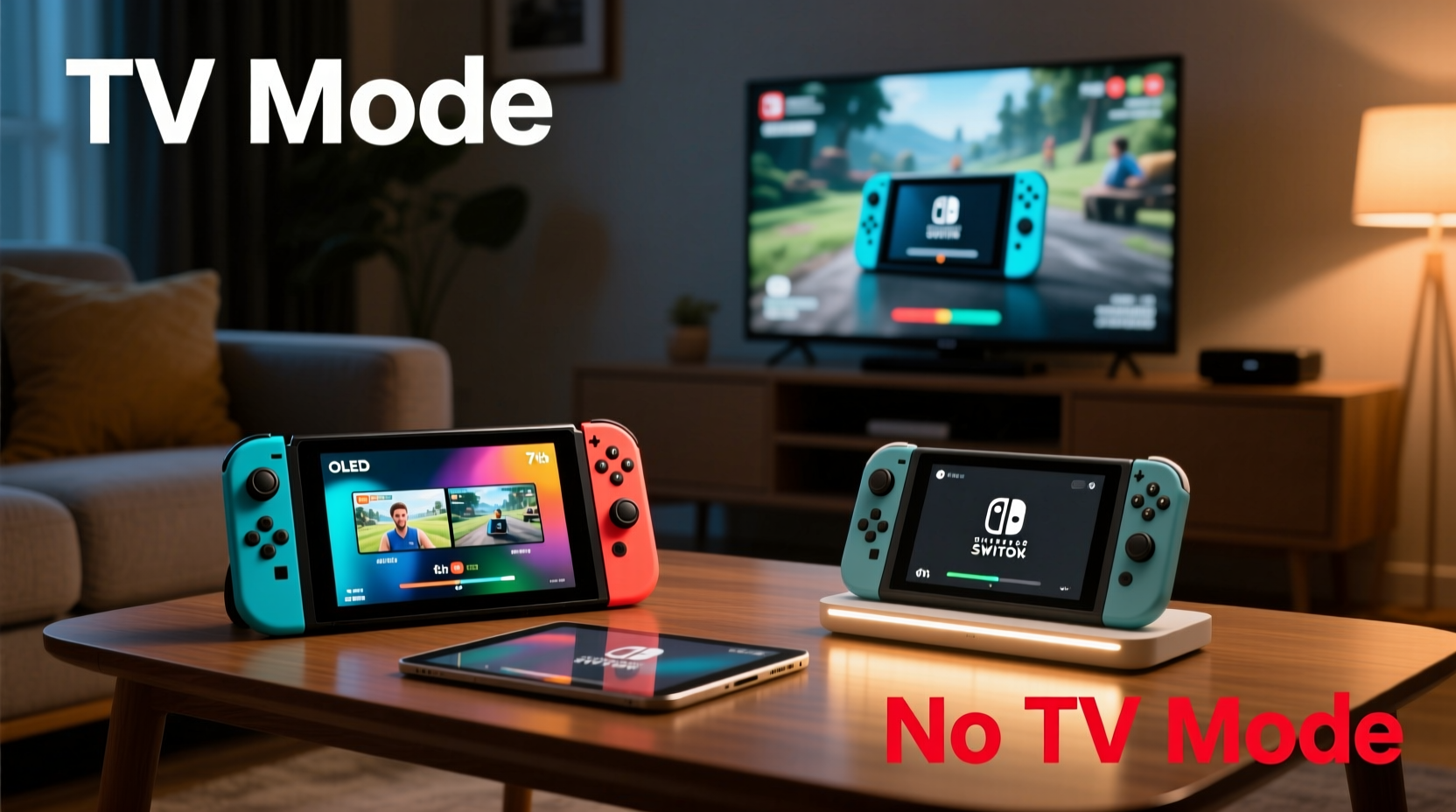
The physical design of each model reflects its intended use. The Switch OLED maintains the hybrid nature of the original Switch, functioning as both a portable device and a home console. It features adjustable kickstands, improved speakers, and a slightly redesigned body that feels more refined than earlier models. Its screen upgrade—from 6.2 inches on the standard Switch to 7 inches on the OLED—is immediately noticeable, offering richer colors, deeper blacks, and better contrast thanks to the organic light-emitting diode technology.
In contrast, the Switch Lite is built exclusively for handheld play. Smaller, lighter, and less expensive, it integrates the controls directly into the unit—meaning no detachable Joy-Cons. This makes it ideal for gamers who primarily play on the go. However, the fixed controls limit gameplay flexibility, especially for titles that require motion controls or multiplayer setups using individual controllers.
Display Quality: Seeing Is Believing
The most striking difference between the two models is the screen. The Switch OLED’s 7-inch OLED panel delivers a visibly sharper and more vibrant image than the Switch Lite’s 5.5-inch LCD. Blacks appear truly black, colors pop with greater accuracy, and overall visual immersion improves significantly—especially in darker environments or dimly lit rooms.
OLED technology also enhances readability in sunlight due to higher contrast ratios, though brightness levels remain similar across both devices. For games like The Legend of Zelda: Breath of the Wild or Metroid Dread, where atmosphere and detail matter, the OLED screen elevates the experience. Text is easier to read, shadows have depth, and fast-moving action feels smoother thanks to reduced motion blur.
However, the smaller screen on the Switch Lite isn’t necessarily inferior—it’s just different. While it lacks the visual punch of OLED, it still supports the full Switch library (with some exceptions requiring external controllers). Players focused on quick sessions, puzzle games, or RPGs might not notice—or care about—the downgrade.
“Screen quality matters more than people think. A better display reduces eye strain and increases engagement, especially during long play sessions.” — David Kim, UX Designer & Gaming Interface Specialist
TV Mode: To Dock or Not to Dock?
This is where the fundamental divergence occurs. The Switch OLED retains full docking capability, allowing seamless transition from handheld to TV mode. With an HDMI output, you can connect it to any HDTV or monitor, scaling the resolution up to 1080p when docked. This flexibility makes it a true hybrid console—equally at home on your couch, bed, or living room entertainment center.
The Switch Lite, by design, cannot connect to a TV. No HDMI port, no internal hardware support. That means every game must be played on its 5.5-inch screen. While this doesn’t affect gameplay mechanics, it does change the social and experiential dimension of gaming. Watching Mario Kart races with friends, hosting co-op nights, or enjoying cinematic single-player adventures on a big screen—all of these experiences vanish with the Lite.
Consider your lifestyle: Do you live in a dorm room without reliable access to a TV? Are you constantly on trains or flights? Then the absence of TV mode may not hurt. But if you value shared gaming moments or prefer playing on a larger display after work, losing TV functionality is a real limitation.
When TV Mode Adds Value
- Social Play: Multiplayer games become group events when displayed on a large screen.
- Ergonomics: Playing on a TV reduces neck strain compared to staring at a small handheld screen.
- Home Console Replacement: For households without a dedicated console, the Switch OLED doubles as a capable living room system.
- Better Audiovisual Output: When docked, the Switch OLED outputs higher-quality audio and video via HDMI.
Performance and Battery Life
Despite differences in screen and form factor, both models share the same core hardware: NVIDIA’s Tegra X1+ chip, 32GB of internal storage (expandable via microSD), and support for the full Nintendo eShop catalog. There is no performance gap in frame rates or load times between the two when running in handheld mode.
Battery life varies slightly. The Switch OLED offers approximately 4.5 to 9 hours depending on the game, matching the updated standard Switch released in 2019. The Switch Lite ranges from 3 to 7 hours, generally falling short in more demanding titles. Neither includes adaptive charging or fast charging, so users should plan accordingly.
| Feature | Switch OLED | Switch Lite |
|---|---|---|
| Screen Size | 7-inch OLED | 5.5-inch LCD |
| Resolution (Handheld) | 720p | 720p |
| Docked Output | Up to 1080p | Not supported |
| Battery Life | 4.5–9 hours | 3–7 hours |
| Storage | 64GB | 32GB |
| Weight | Approx. 420g (with Joy-Cons) | Approx. 275g |
| TV Mode Support | Yes | No |
| Detachable Controllers | Yes | No |
Real-World Usage: A Mini Case Study
Jamie, a college student living in a shared apartment, faced this exact dilemma. She wanted a Switch primarily for downtime between classes and late-night gaming in her room. Her apartment had a TV, but space was limited, and roommates often used it for streaming.
She opted for the Switch Lite, drawn by its lower price point ($199 vs $349) and pocket-friendly size. Over six months, she found herself playing mostly indie titles, Pokémon rematches, and retro collections—games well-suited to short bursts. However, during holiday visits home, she missed playing Super Smash Bros. Ultimate on the big screen with siblings. She also realized that some games, like 1-2-Switch, were unusable without detachable Joy-Cons.
Eventually, she purchased a used standard Switch to complement her Lite, realizing that neither model fully met all her needs. Her experience highlights a growing trend: some players aren’t choosing one over the other—they’re owning both.
Cost-Benefit Analysis: What You Gain and Lose
Pricing plays a major role in the decision. The Switch OLED retails at $349.99, positioning it as a premium option. The Switch Lite comes in at $199.99, making it accessible to younger audiences and budget-conscious buyers. That $150 difference buys you more than just a bigger screen—it buys versatility.
Let’s break down what you gain with the OLED:
- Larger, higher-quality OLED display
- Improved audio with enhanced speakers
- More internal storage (64GB vs 32GB)
- Sturdier, adjustable kickstand
- Full TV mode compatibility
- Support for all gameplay styles (including tabletop and multiplayer)
And here’s what the Lite offers in return:
- Lower upfront cost
- Lighter weight and better portability
- Dedicated handheld experience (no need to worry about detached Joy-Cons)
- Fewer parts to lose or damage
If your primary goal is mobility and simplicity, the Lite wins. But if you want future-proofing, scalability, and maximum gameplay options, the OLED justifies its price—even if you rarely use TV mode.
Checklist: Choosing the Right Model for You
- ✅ Do you own or regularly have access to a TV for gaming?
- ✅ Do you play multiplayer or party games that benefit from larger displays?
- ✅ Do you value visual fidelity and immersive graphics?
- ✅ Are you willing to pay extra for better build quality and screen tech?
- ✅ Do you travel frequently and prioritize compactness over features?
- ✅ Will you mostly play games that don’t require detachable controllers?
If you answered “yes” to questions 1–4, the Switch OLED is likely the better fit. If 5–6 resonate more strongly, the Switch Lite could serve you well.
Frequently Asked Questions
Can I use the Switch Lite with a capture card or external display?
No. The Switch Lite does not support video output of any kind. Unlike the OLED model, it lacks the necessary hardware to transmit video signals externally—even through third-party accessories.
Are games optimized differently for each screen size?
No. All games run at 720p in handheld mode regardless of device. However, the OLED’s superior color reproduction and contrast make visuals appear crisper and more dynamic, even at the same resolution.
Is the OLED screen prone to burn-in?
Nintendo has implemented protective measures such as automatic brightness adjustments and pixel refreshing to minimize risk. While OLED panels can suffer from burn-in under extreme conditions (e.g., static HUDs over weeks of continuous use), typical gameplay patterns pose little threat. Most users will never encounter this issue.
Conclusion: Making the Choice That Fits Your Life
The choice between the Switch OLED and Switch Lite ultimately hinges on how you define convenience. The OLED’s larger, more vivid screen enhances every moment of gameplay, and retaining TV mode ensures you’re never locked into one way of playing. It’s a complete package—a modern handheld with the soul of a home console.
The Switch Lite sacrifices that breadth for compactness and affordability. It excels as a dedicated portable device, perfect for students, commuters, or anyone who values simplicity over scalability. But removing TV mode narrows your gaming horizons, potentially limiting long-term enjoyment.
If you can afford the premium, the Switch OLED delivers lasting value. Even if you only use TV mode occasionally, having the option preserves flexibility. And when that next Zelda epic drops, you’ll appreciate the ability to step back from the screen and let the adventure unfold across a living room wall.




 浙公网安备
33010002000092号
浙公网安备
33010002000092号 浙B2-20120091-4
Comments
No comments yet. Why don't you start the discussion?