
For over a decade, the Android vs. iPhone debate has divided mobile users. In 2025, with deeper ecosystem integration, improved cross-platform tools, and Apple’s continued focus on privacy and longevity, more Android users are reconsidering their loyalty. But is now the right time to make the switch? The answer depends less on raw specs and more on how you use your phone, what services you rely on, and where you see your digital life headed in the next few years.
Apple has steadily refined its ecosystem—seamlessly connecting iPhones, Macs, iPads, AirPods, and even Vision Pro devices. Meanwhile, Google has doubled down on AI features and customization. The gap in functionality has narrowed, but the philosophies remain distinct: control versus cohesion. For many, that cohesion is becoming increasingly valuable.
The Ecosystem Factor: Why It Matters More Than Ever
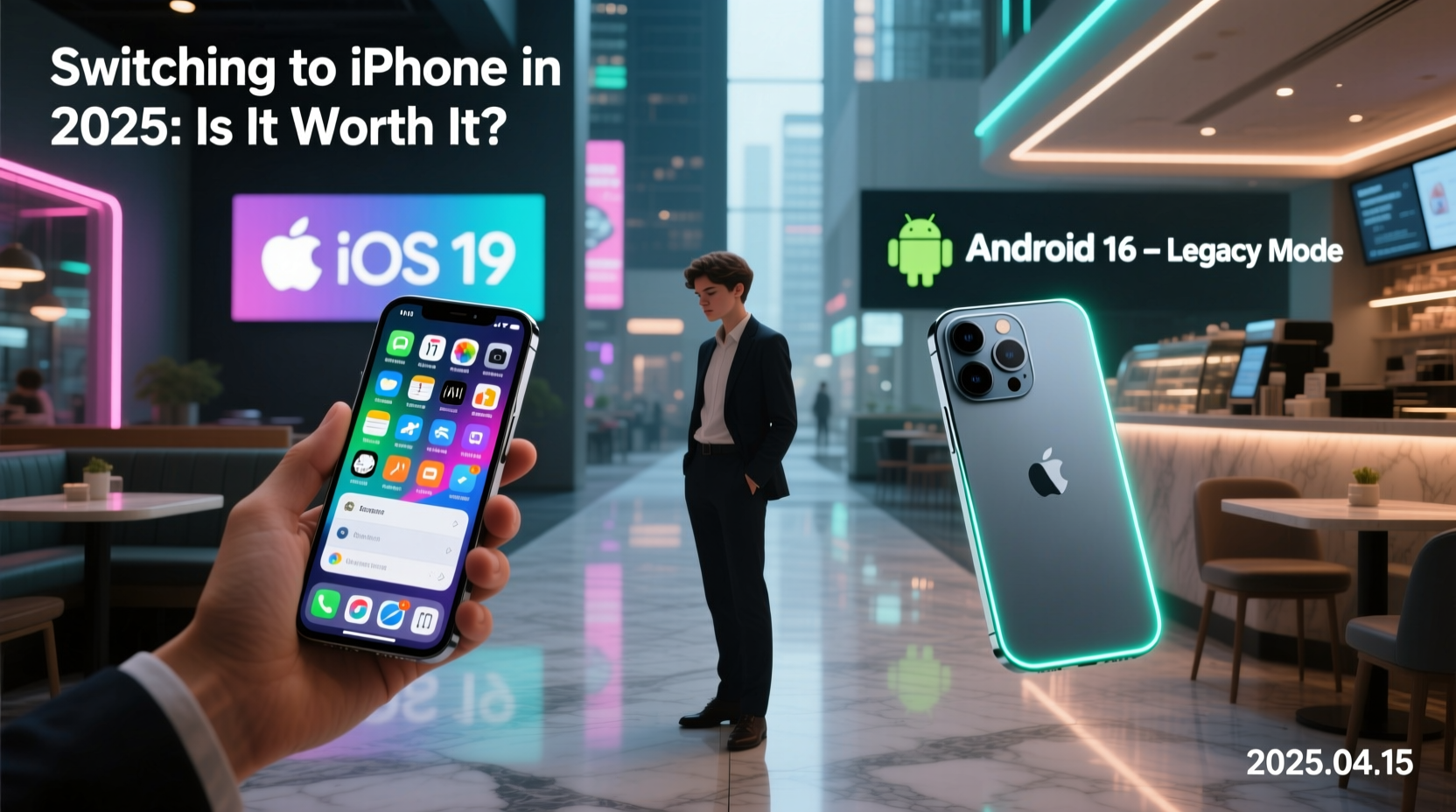
In 2025, owning an iPhone isn’t just about the device—it’s about access to a tightly integrated network of hardware and software. If you use a Mac, iPad, or Apple Watch, switching from Android may finally offer tangible benefits that outweigh the initial learning curve.
Features like Continuity Camera, Universal Clipboard, Handoff, and seamless AirDrop between Apple devices have matured into essential productivity tools. You can start an email on your iPhone, finish it on your MacBook, and send a file to your iPad without touching a cable or cloud service. These small efficiencies compound over time, especially for professionals and creatives.
Android still offers excellent integration within its own ecosystem—especially with Pixel phones and Chromebooks—but it lacks the consistency across third-party devices. Samsung comes close with DeX and Smart Switch, but it’s limited to Samsung hardware. Apple’s ecosystem scales better across different product tiers and user types.
Performance, Longevity, and Software Updates
One of the most compelling reasons to consider switching in 2025 is iOS’s long-term support. iPhones routinely receive five to six years of OS updates, compared to two to four for most Android devices (except Pixels and select flagships). This means your iPhone 16 will likely run iOS 22 or 23 in 2030—something few Android phones can promise.
Beyond updates, iOS remains optimized for its hardware. Even mid-tier iPhones deliver smooth performance years after launch. While high-end Android phones are powerful, fragmentation and inconsistent optimization can lead to slowdowns as apps evolve.
“iOS update consistency gives users peace of mind. You’re not forced to upgrade every two years just to stay current.” — David Lin, Mobile Systems Analyst at TechInsight Group
iPhone vs. Android Update Support Comparison (2025)
| Device | Expected OS Updates | Main Security Support |
|---|---|---|
| iPhone 15/16 Series | 6–7 years | 7+ years |
| Google Pixel 8/9 | 5 years | 5 years |
| Samsung Galaxy S24 | 4 years | 5 years |
| OnePlus 12 | 4 years | 5 years |
| Mid-range Android (e.g., Xiaomi, Motorola) | 2–3 years | 3–4 years |
This longevity translates directly into resale value. A well-maintained iPhone retains 50–60% of its value after two years; most Android phones hover around 30–40%.
Privacy, Security, and Data Control
Apple has positioned itself as a privacy-first company, and in 2025, those claims hold more weight than ever. App Tracking Transparency, on-device processing for Siri and Photos, and regular security bulletins demonstrate a commitment to user control.
While Android has improved its privacy dashboard and sandboxing features, Google’s business model still relies heavily on data collection for advertising. Even with opt-outs, the default experience leans toward connectivity over isolation.
If you prioritize minimal data exposure, end-to-end encryption, and transparency about app behavior, iOS offers a more consistent framework. Features like Lockdown Mode and Advanced Data Protection provide layers of defense unmatched in the Android space.
Real-Life Example: Sarah’s Switch After Five Years on Android
Sarah, a freelance photographer based in Portland, used Samsung flagships exclusively from 2019 to 2024. She prided herself on customizing her devices and using advanced camera modes. But when she bought a MacBook Pro for editing, the friction became unbearable.
“Transferring photos took forever. I had to email them to myself or use third-party apps. My AirPods wouldn’t connect properly. And my Apple Watch felt useless,” she said. “I finally switched to an iPhone 16 Pro in early 2025, and within a week, my workflow was faster and quieter—fewer steps, fewer apps.”
She admitted missing some Android features, like split-screen multitasking and sideloading, but found the trade-off worthwhile. “I spend less time managing my devices and more time creating,” she added.
Step-by-Step Guide to Switching Smoothly in 2025
Making the leap doesn’t have to be disruptive. Follow this timeline to ensure a clean transition:
- Week 1: Audit Your Digital Life
Review your apps, subscriptions, cloud storage, and two-factor authenticators. Note which services are tied to Google accounts. - Week 2: Prepare Your Accounts
Create an Apple ID. Transfer contacts and calendar events using Google’s export tools. Back up photos to Google Photos or another cloud provider. - Day of Switch: Use Apple’s Move to iOS App
Download it on your Android before setup. During iPhone initialization, it securely transfers messages, photos, contacts, and more over a private Wi-Fi connection. - First 48 Hours: Set Up Key Services
Install banking, social media, and productivity apps. Enable Face ID and set up iCloud Backup. Migrate passwords using a secure manager like Bitwarden or 1Password. - First Week: Reconfigure Habits
Learn iOS gestures, customize Control Center, and explore alternatives for any missing Android apps (e.g., SwiftKey → Gboard, Tasker → Shortcuts).
What You’ll Gain—and What You’ll Miss
No switch is perfect. Here’s a balanced look at what changes when you move to iPhone in 2025.
| You Gain | You May Miss |
|---|---|
| Seamless integration with Mac, iPad, Apple Watch | Deep system customization and themes |
| Longer software support (5–6 years) | Easy file management via folders and drag-and-drop |
| Better resale value and consistent performance | Default app flexibility (e.g., setting Chrome as default browser isn’t fully supported) |
| Superior video recording and computational photography | Expandable storage via microSD |
| Stronger privacy controls and encryption | Sideloading apps without restrictions |
Frequently Asked Questions
Can I keep using my Google apps on iPhone?
Yes. Gmail, Google Drive, YouTube, Maps, and Chrome are all available on iOS and function well. However, they don’t integrate as deeply as native Apple apps. For example, Google Calendar won’t sync reminders with Siri automatically.
Is the iPhone camera really better than Android?
In 2025, flagship Android phones still compete closely in photo quality, especially in low light. However, iPhones lead in video recording, color accuracy, and consistency across lenses. If you edit videos or share content professionally, the iPhone’s camera pipeline offers fewer surprises.
Will switching erase my data?
No—if you follow the proper transfer process. Apple’s Move to iOS app ensures messages, photos, contacts, and calendars move securely. Always back up your Android device first, just in case.
Final Verdict: Is It Finally Worth It?
For many users, 2025 marks the tipping point. If you value long-term device support, ecosystem synergy, and privacy, switching from Android to iPhone is now more justifiable than ever. The friction of changing platforms has decreased thanks to better migration tools, while the benefits of Apple’s integrated experience have only grown.
That said, power users who rely on automation, rooting, or open ecosystems may still find Android more empowering. The decision ultimately hinges on your priorities: flexibility or fluency.
If you’re already invested in Apple’s world—even partially—the incremental gains add up. For others, the switch could be the start of a more streamlined digital life.




 浙公网安备
33010002000092号
浙公网安备
33010002000092号 浙B2-20120091-4
Comments
No comments yet. Why don't you start the discussion?