
Making the switch from Android to iPhone is often framed as a seamless upgrade—better cameras, smoother performance, tighter ecosystem integration. But beneath the glossy marketing lies a series of overlooked expenses that can add up fast. Most guides focus on data transfer and setup, but few address the real financial and practical trade-offs. From recurring subscription fees to incompatible accessories, these hidden costs catch even tech-savvy users off guard. Understanding them before you make the leap ensures you’re not just buying a new phone, but potentially reshaping your digital lifestyle—and budget.
The iCloud Storage Trap
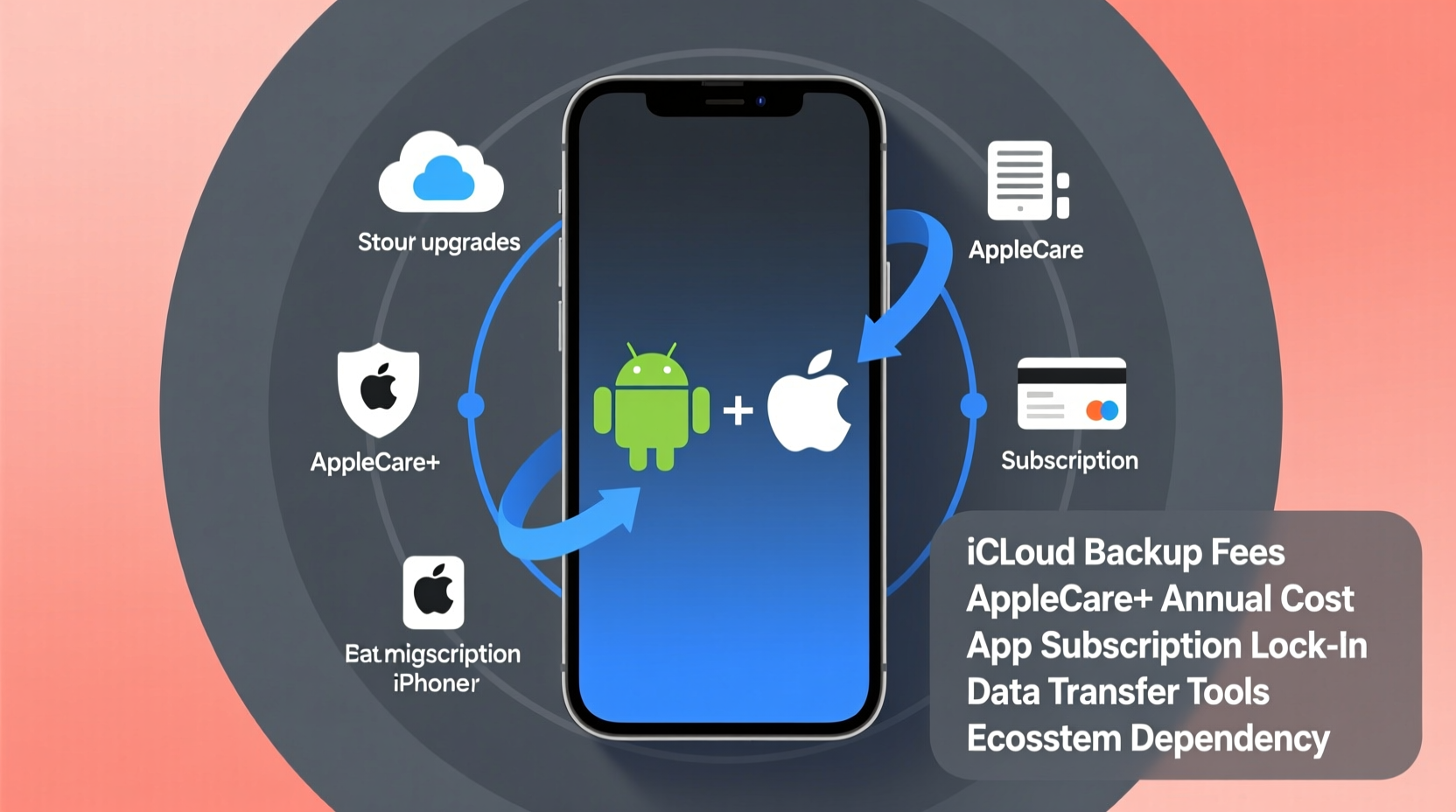
One of the most underestimated expenses when moving to iPhone is iCloud storage. Android users are accustomed to generous Google Drive allowances, especially with bundled plans like Google One. Apple, by contrast, starts every user with just 5GB of free iCloud storage. That fills up quickly with photos, messages, device backups, and app data.
If you’ve spent years building a photo library on Android, transferring it to an iPhone via iCloud means either compressing your media or upgrading your plan. The next tier—50GB—costs $0.99/month. For heavy users, the 200GB ($2.99/month) or 2TB ($9.99/month) plans become necessary, adding up to $120 annually for cloud storage alone.
Unlike Google’s unified storage across Gmail, Drive, and Photos, iCloud splits usage in ways that aren’t always transparent. Messages with attachments, for example, silently consume space. Even turning off iCloud Backup doesn’t eliminate all usage—apps like Notes and Health still sync by default.
“Most people don’t realize how much their message history and photo streams eat into iCloud. It’s not just storage—it’s a behavioral shift in how you manage digital clutter.” — Lisa Tran, Mobile Ecosystem Analyst at TechInsight Group
Incompatible Accessories Add Up
Your existing tech ecosystem may not survive the transition. Android devices predominantly use USB-C charging and data ports, while iPhones (until the iPhone 15) rely on Lightning cables. That means every cable, car charger, wireless charging pad, and audio adapter you own likely becomes obsolete overnight.
Even if you upgrade to an iPhone 15 with USB-C, compatibility isn’t guaranteed. Apple implements strict certification standards through its MFi (Made for iPhone) program. Third-party USB-C cables that work perfectly on Android may fail to charge or sync with an iPhone unless they’re MFi-certified—a detail rarely labeled clearly on packaging.
| Accessory | Android Compatibility | iPhone Compatibility | Replacement Cost Estimate |
|---|---|---|---|
| Charging Cable | USB-C (standard) | Lightning or certified USB-C | $19–$29 per cable |
| Car Charger | USB-A/USB-C | Requires Lightning or MFi USB-C | $25–$40 |
| Wireless Charger | Qi-standard | Qi + MagSafe for full functionality | $39–$59 (MagSafe) |
| Headphones | 3.5mm or USB-C | Lightning, Bluetooth, or dongle required | $9 (dongle) to $150+ (AirPods) |
For families with multiple devices, this mismatch multiplies. A household with two Android phones, a tablet, and now one iPhone suddenly needs separate charging stations, travel adapters, and cable bins—eroding the promise of a “simpler” Apple ecosystem.
App and Service Subscription Overlaps
You might assume your favorite apps will follow you seamlessly. But platform exclusivity and differing monetization models create unexpected costs. Some Android apps have iOS equivalents with higher price tags or reduced free tiers.
Take note-taking apps: Samsung Notes is free and deeply integrated on Galaxy devices. On iPhone, the closest native alternative is Apple Notes—but advanced features like handwriting recognition or cross-app clipping require third-party tools like Evernote or Notion, which often demand subscriptions.
Similarly, music streaming, cloud storage, and productivity tools may already be bundled with your Android device. Samsung offers perks like free months of YouTube Premium or Microsoft 365. Switching to iPhone means losing those promotions and potentially paying full price for the same services.
The Messaging Tax: iMessage vs. RCS
Perhaps the most socially disruptive hidden cost is the degradation of messaging quality. Android’s modern standard, RCS (Rich Communication Services), supports high-res photos, typing indicators, and read receipts—similar to iMessage. But iPhones default to SMS/MMS when texting Android users, resulting in compressed images, green bubbles, and lost metadata.
Apple only enables full-featured messaging within its ecosystem. So when you switch, your friends on iPhone see blue bubbles; everyone else sees degraded green ones. Worse, group chats with mixed platforms often malfunction—people get left out, replies go missing, or media fails to load.
This isn’t just technical—it’s social. You may find yourself subtly pressured to convince others to switch devices just to maintain chat integrity. There’s no dollar value on that, but the friction is real.
Data Transfer Isn’t Free or Foolproof
Apple markets the Move to iOS app as a one-tap solution for transferring contacts, messages, photos, and settings. In practice, it’s fraught with limitations. The tool only works during initial iPhone setup and requires both devices to stay connected to the same Wi-Fi network for extended periods—often 30 minutes to several hours, depending on data volume.
If the transfer fails mid-process (common on older Android devices with memory issues), you can’t resume. You must restart from scratch. And some data types simply don’t migrate: call logs, certain app credentials, and formatted text messages often arrive corrupted or incomplete.
Third-party tools like Copy My Data or Dr.Fone offer better reliability but come at a cost—typically $20–$40 per license. Cloud-based migration services like Switchy or Move App charge recurring fees for secure transfers, especially for large media libraries.
“We’ve seen a 40% increase in support tickets around failed migrations since 2022. Users assume it’s plug-and-play, but hardware differences and software bloat cause silent failures.” — Rajiv Mehta, Support Lead at DeviceMigration Pro
Step-by-Step Migration Cost Timeline
- Week 1: Audit current Android usage—identify essential apps, cloud services, and accessories.
- Day of Purchase: Buy iPhone, new charging cable ($19), and possibly a dongle for headphones ($9).
- Setup Day: Attempt Move to iOS transfer. If it fails, purchase third-party tool ($29.99).
- Week 2: Realize iCloud is full. Upgrade to 200GB plan ($2.99/month).
- Month 1: Replace car charger ($35) and add MagSafe wallet ($49).
- Ongoing: Pay for duplicate subscriptions (e.g., cloud storage, note apps) until streamlined.
Total first-year hidden cost estimate: $150–$300, excluding the phone itself.
The Long-Term Lock-In Effect
Apple’s ecosystem is designed to retain users. Once you invest in AirPods, Apple Watch, or a Mac, leaving becomes increasingly expensive. These devices sync effortlessly with iPhone but lose core functionality with Android.
Consider AirPods: on iPhone, they offer automatic switching, spatial audio, and firmware updates. On Android, they function as basic Bluetooth earbuds—no case battery pop-up, no quick pairing, no Find My integration. The premium experience is locked behind iOS.
Similarly, an Apple Watch paired with an Android phone becomes nearly useless. No message replies, no third-party app support, no health data syncing. You’d need to sell it at a steep loss or let it sit unused.
This lock-in extends to services. Once you subscribe to Apple Music, iCloud+, or Apple Fitness+, canceling means losing curated playlists, family sharing benefits, and progress tracking. The convenience becomes a financial anchor.
Mini Case Study: Sarah’s $227 Surprise
Sarah, a long-time Pixel user, switched to iPhone 14 after her company offered a discount. She expected a smooth transition. Within three months, her hidden costs totaled $227:
- $29 – New Lightning cable (her USB-C cables didn’t work reliably)
- $39 – Car charger with MFi certification
- $9.99/month x 3 = $29.97 – iCloud 200GB plan (photos filled 5GB in a week)
- $40 – Third-party transfer tool after Move to iOS failed twice
- $50 – MagSafe battery pack for travel
- $39.99 – Upgrade to premium version of note-taking app (Apple Notes lacked formatting she relied on)
- $20 – Lost productivity due to misrouted calendar invites and missing message history
“I thought I was just buying a phone,” she said. “I didn’t realize I was signing up for a whole new spending pattern.”
FAQ: Hidden Costs When Switching to iPhone
Do I really need to pay for iCloud storage?
Not immediately, but if you take more than a handful of photos or back up your device regularly, 5GB fills up fast. Without upgrading, you’ll face constant warnings, failed backups, and potential data loss. Alternatives exist, but they require active management.
Can I use my old Android accessories with an iPhone?
Only if they’re Bluetooth-based (like speakers). Wired accessories almost never carry over unless they use universal standards like Bluetooth or non-proprietary USB-C (and even then, MFi certification matters). Expect to replace most physical accessories.
Are there cheaper ways to transfer data?
The free Move to iOS app works for basic transfers, but has high failure rates with large datasets. Manual methods—using Google Photos, Gmail for contacts, and cloud drives—are time-consuming but avoid third-party fees. They also risk data fragmentation.
Smart Switch Checklist
Before making the move, run through this checklist to minimize surprise costs:
- ✅ Audit your current cloud storage usage (Google Photos, Drive, etc.)
- ✅ List all accessories you use daily (cables, chargers, headphones)
- ✅ Check which apps you rely on and their iOS pricing
- ✅ Export and back up critical data manually
- ✅ Compare iCloud plans vs. third-party alternatives
- ✅ Budget for at least $100 in accessory replacements
- ✅ Test the Move to iOS process with a friend’s iPhone if possible
- ✅ Review subscription overlaps and cancel duplicates post-switch
Conclusion: Plan for the Full Cost, Not Just the Price Tag
Switching from Android to iPhone isn’t just a hardware change—it’s a financial recalibration. The true cost extends far beyond the sticker price of the device. Between mandatory iCloud upgrades, proprietary accessories, fragmented app ecosystems, and subtle lock-in mechanics, the first year can easily bring $200–$400 in unadvertised expenses.
That doesn’t mean the switch isn’t worth it. Many users enjoy superior build quality, longer software support, and seamless integration with other Apple devices. But making an informed decision means seeing the whole picture—not just the polished surface.




 浙公网安备
33010002000092号
浙公网安备
33010002000092号 浙B2-20120091-4
Comments
No comments yet. Why don't you start the discussion?