
Moving from an Android phone to an iPhone is more than just swapping devices—it’s shifting ecosystems. While both platforms offer powerful smartphones, the experience differs significantly in design philosophy, functionality, and long-term usability. Whether you're drawn by Apple's seamless integration, better resale value, or simply want a change, understanding the trade-offs is essential. This guide breaks down exactly what you’ll give up and what you’ll gain when making the switch.
The Ecosystem Shift: From Open to Integrated
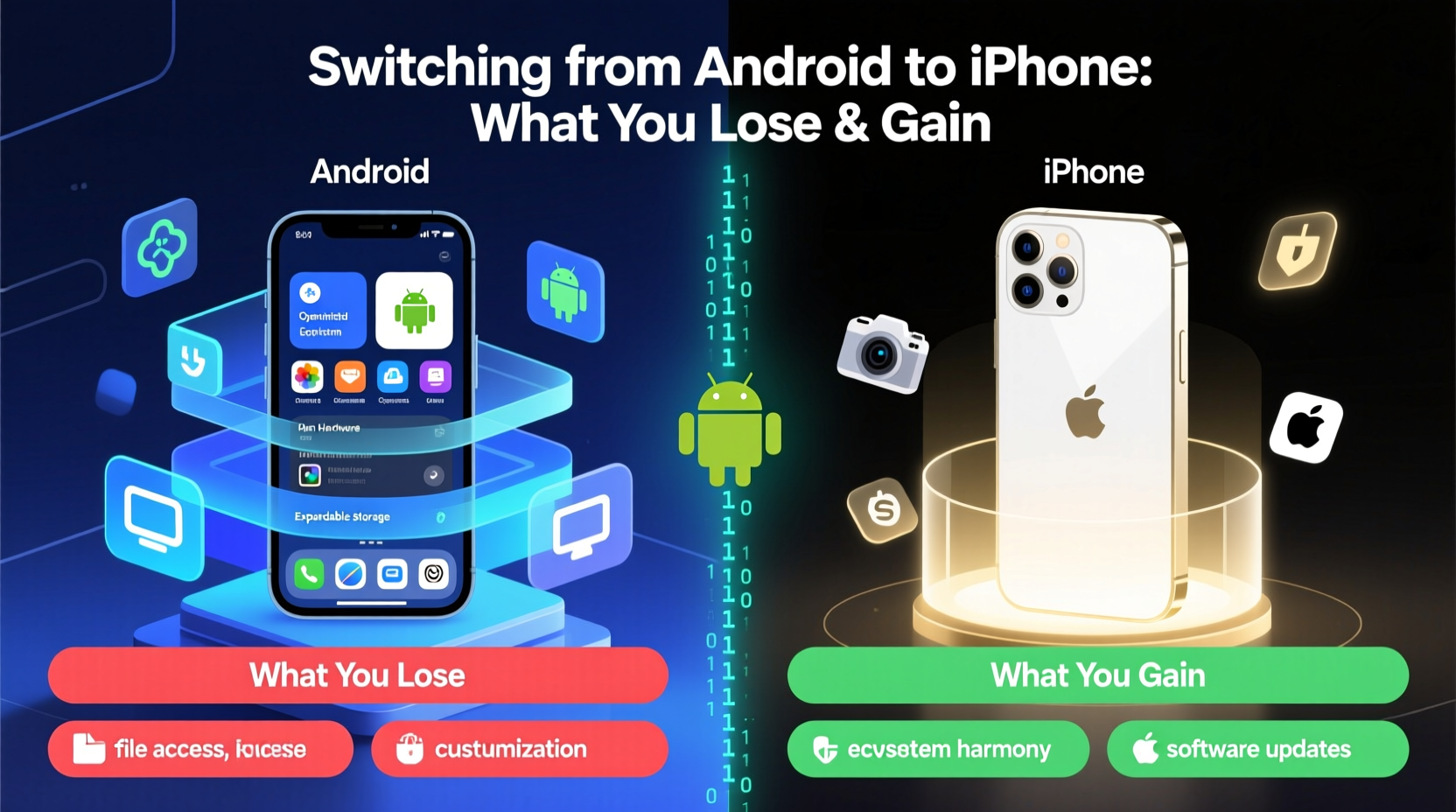
Android, powered by Google, thrives on openness and flexibility. It runs on hundreds of devices across brands like Samsung, Pixel, OnePlus, and Xiaomi, offering wide hardware variety and deep customization. iPhones, on the other hand, operate within Apple’s tightly controlled ecosystem—hardware, software, and services are designed to work together seamlessly, but with less room for personalization.
This fundamental difference shapes nearly every aspect of your user experience. When you switch, you’re not just changing phones—you’re adopting a new digital lifestyle. The transition can be smooth if you rely heavily on cloud services, but it may require rethinking how you manage apps, files, and even accessories.
What You Lose: Key Trade-Offs
1. Customization Freedom
Android allows deep personalization—launchers, icon packs, widgets, default app choices, and system-wide dark mode toggles. On iPhone, customization is limited to app arrangement, wallpapers, and widgets (in iOS 14+). You can’t change default launchers or deeply alter UI elements without jailbreaking, which voids warranties and compromises security.
2. File System Access
Android treats your phone like a computer: you can browse folders, move files freely, and plug it into a PC like a USB drive. iOS keeps file access restricted through the Files app, making manual management cumbersome. Transferring documents, APKs, or media files requires iCloud, third-party apps, or AirDrop.
3. Expandable Storage
Many Android phones support microSD cards, letting you expand storage inexpensively. iPhones do not. Once you choose your storage tier (128GB, 256GB, etc.), that’s fixed. This makes choosing the right model upfront critical.
4. Default App Control
Until recently, iOS didn’t allow setting third-party apps as defaults for email, browsers, or messaging. While iOS 14+ now supports this, the implementation is inconsistent. Android has always offered full control, letting you set any app as default without restriction.
5. Hardware Variety and Pricing Flexibility
Android spans budget to flagship, foldables to rugged phones. iPhones are limited to Apple’s lineup, typically starting at $700+. If you prefer compact designs, replaceable batteries, or ultra-affordable models, Android remains the more flexible choice.
“Android gives users the tools to shape their device exactly how they want. iOS prioritizes consistency over configurability.” — David Kim, Mobile UX Designer
What You Gain: Advantages of the iPhone
1. Smoother Long-Term Software Support
iPhones receive iOS updates for 5–7 years, often including the latest features even on older models. Most Android phones get 2–4 years of major OS updates, depending on the brand. This longevity means your iPhone stays current longer, enhancing security and app compatibility.
2. Superior Ecosystem Integration
If you own a Mac, iPad, or Apple Watch, switching to iPhone unlocks powerful integrations: Handoff lets you start an email on your Mac and finish it on your phone; AirDrop enables instant file sharing; iMessage syncs across devices; and Universal Clipboard shares copied text between devices.
FaceTime, Messages, and Find My work seamlessly across Apple products—something Android alternatives still struggle to match in reliability and ease.
3. Better App Optimization and Timely Updates
Developers often release iOS versions of apps first because Apple’s controlled hardware environment makes optimization easier. Apps tend to run smoother and receive updates faster on iPhone than on many Android devices.
4. Higher Resale Value
iPhones retain value significantly better than most Android phones. A two-year-old iPhone can sell for 50–60% of its original price, while comparable Android devices often fetch 30% or less. This makes upgrading less costly over time.
5. Consistent Camera Quality Across Models
While high-end Android phones have excellent cameras, performance varies widely across brands and price points. iPhones deliver reliably strong photo and video quality across all models, with intelligent HDR, Deep Fusion, and cinematic mode in newer versions. Video recording, especially stabilization and audio, is widely regarded as best-in-class.
Side-by-Side Comparison: Android vs iPhone
| Feature | Android Advantage | iPhone Advantage |
|---|---|---|
| Customization | ✅ Full launcher, theme, and default app control | ❌ Limited to wallpaper and widget changes |
| Software Updates | ❌ 2–4 years (varies by brand) | ✅ 5–7 years of major updates |
| Ecosystem Integration | ⚠️ Improving with Google & Wear OS, but fragmented | ✅ Seamless with Mac, iPad, Watch, AirPods |
| File Management | ✅ Full access via built-in file explorer | ❌ Restricted; relies on Files app and iCloud |
| Resale Value | ❌ Drops quickly after 1–2 years | ✅ Holds value significantly longer |
| Camera Consistency | ⚠️ Flagship models excel, mid-range varies | ✅ Uniformly strong across all models |
| Storage Expansion | ✅ MicroSD support on many models | ❌ No expandable storage |
Real User Experience: Sarah’s Switch After Five Years on Android
Sarah, a freelance graphic designer, used Samsung Galaxy phones for nearly a decade. She appreciated the multitasking features, DeX mode, and expandable storage. But after buying a MacBook for her business, she found herself constantly struggling with file transfers, delayed notifications, and poor continuity between devices.
She switched to an iPhone 15 Pro and paired it with an iPad Air. Within weeks, she noticed dramatic improvements: AirDrop made client file sharing effortless, Handoff let her draft emails on her iPad and send them from her phone, and iMessage finally synced properly with her laptop. “It’s like everything just… works now,” she said. “I miss having a custom launcher, but I don’t miss fighting with my devices to talk to each other.”
Her only regret? Not upgrading storage. She runs out of space occasionally and now backs up photos to iCloud weekly.
Step-by-Step Guide to a Smooth Transition
Migrating from Android to iPhone doesn’t have to be disruptive. Follow this timeline to ensure a seamless switch:
- Week Before Switch: Back up your Android device. Ensure contacts, calendars, and photos are synced to Google. Download the “Move to iOS” app.
- During Setup: When prompted on your new iPhone, select “Move Data from Android.” Connect to the same Wi-Fi, open the app on Android, and enter the code displayed on the iPhone.
- Transfer Content: Select what to migrate—contacts, message history, photos, videos, Gmail settings, and calendar events. The process may take 30 minutes to several hours.
- Post-Setup: Install essential apps from the App Store. Set up Face ID, enable iCloud Backup, and configure privacy settings.
- One Week In: Explore built-in apps like Notes, Reminders, and Health. Test AirDrop and Handoff. Migrate passwords using a password manager or Safari’s autofill.
“The first few days feel restrictive if you’re used to Android’s openness. But within a week, most users adapt and begin appreciating the polish and predictability of iOS.” — Lisa Tran, Tech Migration Consultant
Essential Checklist for Android-to-iPhone Switchers
- ✅ Back up Android data to Google Account
- ✅ Download “Move to iOS” app before setup
- ✅ Charge both phones fully before transferring
- ✅ Choose the right iPhone storage capacity (128GB minimum recommended)
- ✅ Set up two-factor authentication for Apple ID
- ✅ Transfer passwords via a secure manager (e.g., 1Password, Bitwarden)
- ✅ Enable iCloud Photos and backup
- ✅ Explore built-in iOS features like Focus Modes and Shortcuts
- ✅ Uninstall unused apps to save space
- ✅ Test AirDrop and Continuity features with your other Apple devices
Frequently Asked Questions
Can I keep using my Google apps on iPhone?
Absolutely. Google offers robust iOS versions of Gmail, Maps, Drive, Chrome, and YouTube. Many users continue relying on Google services even after switching. However, they won’t integrate as deeply as Apple’s native apps.
Will my Android accessories work with iPhone?
Most Bluetooth headphones, speakers, and smartwatches will pair normally. However, proprietary chargers or accessories (like Samsung Dex or MagSafe alternatives) may not be compatible. Lightning or USB-C cables will differ based on iPhone model.
Is iMessage worth the switch?
For users communicating frequently with other iPhone owners, yes. iMessage offers read receipts, typing indicators, animated effects, and end-to-end encryption. Green bubbles (SMS) lack these features and don’t sync across devices. If most of your contacts use Android, this advantage diminishes.
Final Thoughts: Weighing the Trade-Offs
Switching from Android to iPhone involves real sacrifices—especially in customization and file control. But for many, the gains in ecosystem cohesion, long-term software support, and consistent performance outweigh the limitations. The decision ultimately depends on your priorities: Do you value freedom and flexibility, or reliability and integration?
If you’re already invested in Apple’s ecosystem or plan to be, the iPhone delivers a polished, future-proof experience. If you thrive on tinkering and hardware diversity, Android remains the more adaptable platform.
No matter your choice, understanding what changes—and what stays the same—helps you make the most of your new device. The goal isn’t just to switch phones, but to upgrade your digital life.




 浙公网安备
33010002000092号
浙公网安备
33010002000092号 浙B2-20120091-4
Comments
No comments yet. Why don't you start the discussion?