
Moving from a standard Android phone to a Google Pixel 8 Pro isn’t just an upgrade—it’s a shift in ecosystem philosophy. While both run on Android, the experience diverges significantly when you transition to a device designed and optimized entirely by Google. The Pixel 8 Pro promises pure Android, cutting-edge AI features, and seamless integration with Google services. But it also comes with trade-offs: limited hardware variety, fewer customization options, and potential compatibility hiccups with third-party apps or accessories.
For years, Android users have enjoyed a fragmented but flexible landscape—Samsung’s One UI, Xiaomi’s MIUI, OnePlus’ OxygenOS—each layer adding unique features and design languages. The Pixel strips that away, offering a minimalist, fast, and clean interface. Whether this is liberating or limiting depends on your priorities. This guide breaks down exactly what changes when you make the switch, based on real-world usage, user feedback, and technical analysis.
What You Gain: The Pixel 8 Pro Advantages
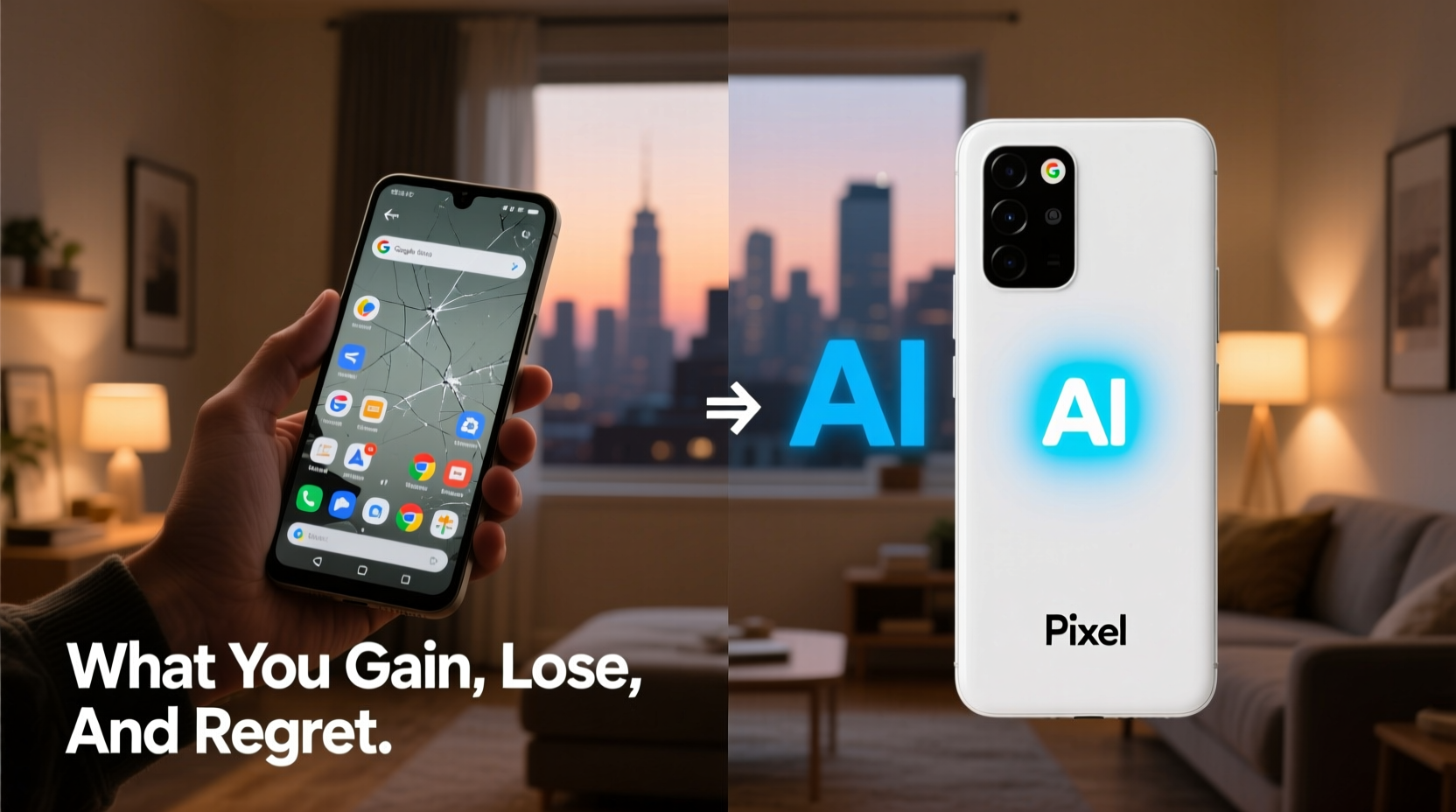
The Pixel 8 Pro isn’t just another Android phone. It’s Google’s flagship vision of what Android should be: fast, intelligent, and tightly integrated with its ecosystem. Here’s what improves when you make the jump:
- Pure Android with timely updates: No manufacturer skins or delayed patches. You get monthly security updates and annual OS upgrades for at least five years—longer than most OEMs offer.
- Exclusive AI-powered features: Magic Eraser, Best Take, Audio Magic Eraser, and Call Screen are only available on Pixels. These tools use on-device AI to enhance photos, clean up audio, and manage spam calls seamlessly.
- Better camera processing: Even with modest hardware, the Pixel 8 Pro consistently outperforms higher-spec phones thanks to Google’s computational photography. Night Sight, Super Res Zoom, and HDR+ deliver stunning results in low light and high contrast.
- Seamless Google integration: Gmail, Maps, Photos, Assistant, and Drive work more fluidly. For example, Live Translate works system-wide, and Nearby Share is faster and more reliable.
- Long-term software support: With guaranteed updates until 2029, the Pixel 8 Pro offers one of the longest support windows in the Android world.
What You Lose: The Trade-Offs of Going Pure Pixel
No upgrade is without sacrifice. Moving to the Pixel 8 Pro means giving up certain conveniences and flexibilities common in other Android devices:
- Less aggressive battery optimization: Unlike Samsung or Xiaomi, which deeply tweak power management, Pixel relies on stock Android’s approach. Heavy users may notice shorter battery life under intense usage, despite the large 5050mAh cell.
- Fewer customization options: No themes engine, icon packs, or system-wide font changes without rooting. If you love personalizing your UI, the Pixel’s simplicity can feel restrictive.
- Limited multitasking features: No split-screen shortcuts, floating windows, or dual app support (like running two WhatsApp accounts). These are staples on Samsung and Oppo devices.
- No expandable storage: Like most flagships, there’s no microSD slot. If you relied on external cards for media or backups, you’ll need to adjust to cloud storage or manual transfers.
- Slower rollout of regional features: Some carrier-specific or region-locked features (e.g., dual SIM call hold in India) arrive late or not at all on Pixels.
“Google prioritizes elegance over utility in some areas. The Pixel feels polished, but power users often miss the granular control offered by OEM skins.” — David Lin, Mobile UX Analyst at TechPulse Insights
A Real User Experience: From Galaxy S23 Ultra to Pixel 8 Pro
Consider Mark, a long-time Samsung user who switched after five years with Galaxy flagships. He loved the S Pen, expansive screen, and DeX desktop mode. When he moved to the Pixel 8 Pro, he expected better software and camera quality—but was unprepared for the emotional adjustment.
At first, he praised the speed and clarity of the display, the crispness of night photos, and how quickly updates arrived. But within weeks, frustrations emerged. He missed being able to pin two apps side-by-side while watching video. He found himself manually deleting old photos because Samsung’s Gallery wasn’t syncing properly. Most surprisingly, he struggled with the lack of Always-On Display customization—something he hadn’t realized he valued so much.
After three months, Mark adapted. He began using Google Keep more, appreciated the AI-generated photo edits, and found that Call Screen reduced his spam calls by 70%. Still, he admitted: “I gained peace of mind about security and photo quality, but I lost some of the ‘power user’ control I took for granted.”
Key Differences at a Glance
| Feature | Typical Android (Samsung/Oppo/Xiaomi) | Pixel 8 Pro |
|---|---|---|
| Software Updates | 1–2 years OS, 3–4 years security | 3 OS + 5 years security (until 2029) |
| Camera Processing | Good, varies by brand | Best-in-class computational photography |
| Customization | High (themes, icons, gestures) | Minimal (stock Android feel) |
| Multitasking | Split-screen, pop-up apps, dual apps | Limited to basic split-screen |
| AI Features | Basic voice assistant, some photo editing | Magic Editor, Audio Eraser, Help Me Write |
| Battery Optimization | Aggressive background app killing | Moderate; favors responsiveness |
Step-by-Step: How to Migrate Smoothly to Pixel 8 Pro
Switching ecosystems requires more than just transferring data. Follow this timeline to minimize friction:
- Week Before Switch: Back up everything. Use Google One for contacts, calendars, and photos. Export messages via SMS Backup & Restore if needed. Uninstall bloatware on your old device to avoid transferring junk.
- Day of Setup: Turn on the Pixel 8 Pro and follow the initial setup. When prompted, choose “Copy apps & data” and connect to your old phone via cable or Wi-Fi. Select only essential apps and settings to transfer.
- First 24 Hours: Reinstall core apps like banking, messaging, and productivity tools. Set up 2FA where required. Disable battery optimization for critical apps (e.g., WhatsApp, Uber).
- First Week: Explore Pixel-exclusive features. Try Magic Eraser on a group photo. Test Call Screen with a spam number. Enable Live Translate during a multilingual call.
- After One Month: Evaluate performance. Are you using Google Assistant more? Has photo quality improved? Adjust notification settings and gesture navigation to match your habits.
Common Regrets After Switching
Despite the positives, many users report lingering regrets. These aren’t dealbreakers, but they’re worth considering upfront:
- Missing dual app support: Users with separate personal and work accounts for WhatsApp, Instagram, or Facebook often struggle. Workarounds exist (like web versions), but they’re clunky.
- Adapting to stock launcher: The lack of folder customization and grid flexibility frustrates those used to Nova Launcher or Samsung’s interface.
- Overheating during AI tasks: Running multiple AI features (e.g., Magic Editor + Recorder transcription) can cause noticeable warmth, especially in hot climates.
- Price-to-feature ratio: At $999, the Pixel 8 Pro lacks features found on similarly priced rivals—no IP68 rating on base model (though Pro has it), no ultra-fast charging, and no wireless power sharing.
- Learning curve with gestures: The back swipe gesture is sensitive and often triggers accidentally. Many users revert to traditional navigation buttons.
FAQ: Common Questions About the Switch
Will my Android apps work the same on Pixel?
Most apps function identically, but some manufacturer-specific apps (like Samsung Health or Mi Fit) won’t transfer data automatically. You’ll need to export data manually or start fresh. Performance may improve due to cleaner background processes.
Can I keep using my existing Google account without issues?
Absolutely. In fact, switching to Pixel enhances the experience. Your Gmail, Drive, and Photos sync instantly, and AI features like Recorder summarization become available immediately.
Is the camera really better than Samsung or iPhone?
In natural lighting and portrait modes, yes—especially for consistency and color accuracy. However, Samsung often wins in zoom quality (due to periscope lens), and iPhone leads in video stabilization. The Pixel excels in computational photography, not hardware specs.
Final Checklist Before You Switch
- ✅ Back up all data to Google Account or external drive
- ✅ Verify carrier compatibility (especially for eSIM or VoLTE)
- ✅ Disable FRP (Factory Reset Protection) on old device
- ✅ Download Pixel-exclusive apps (e.g., Recorder, Tips)
- ✅ Transfer passwords via Google Password Manager
- ✅ Test SIM card fit (Pixel uses nano-SIM + eSIM)
- ✅ Reset app preferences on new device to avoid conflicts
Conclusion: Is the Switch Worth It?
Moving from a standard Android phone to the Pixel 8 Pro is less about raw specs and more about philosophy. You gain a cleaner, faster, more secure experience with unparalleled AI integration and long-term support. You lose some customization depth, multitasking flexibility, and regional optimizations. The regrets are rarely about performance—they’re about habit, expectation, and the subtle comforts of familiarity.
If you value privacy, software longevity, and intelligent features that work quietly in the background, the Pixel 8 Pro is likely the best Android experience available. But if you rely heavily on dual apps, deep customization, or niche OEM tools, the transition will require compromise.




 浙公网安备
33010002000092号
浙公网安备
33010002000092号 浙B2-20120091-4
Comments
No comments yet. Why don't you start the discussion?