
For years, consoles have offered a plug-and-play simplicity that makes gaming accessible. But as PC hardware becomes more approachable and game libraries converge across platforms, an increasing number of players are asking: Is it time to switch? The move from console to PC gaming comes with a notable learning curve—navigating hardware choices, mastering mouse and keyboard, managing drivers, and understanding settings. Yet behind that initial complexity lies a world of performance, customization, and longevity that many find unmatched. The real question isn’t whether the transition is difficult—it’s whether the payoff justifies the effort.
The Reality of the Learning Curve
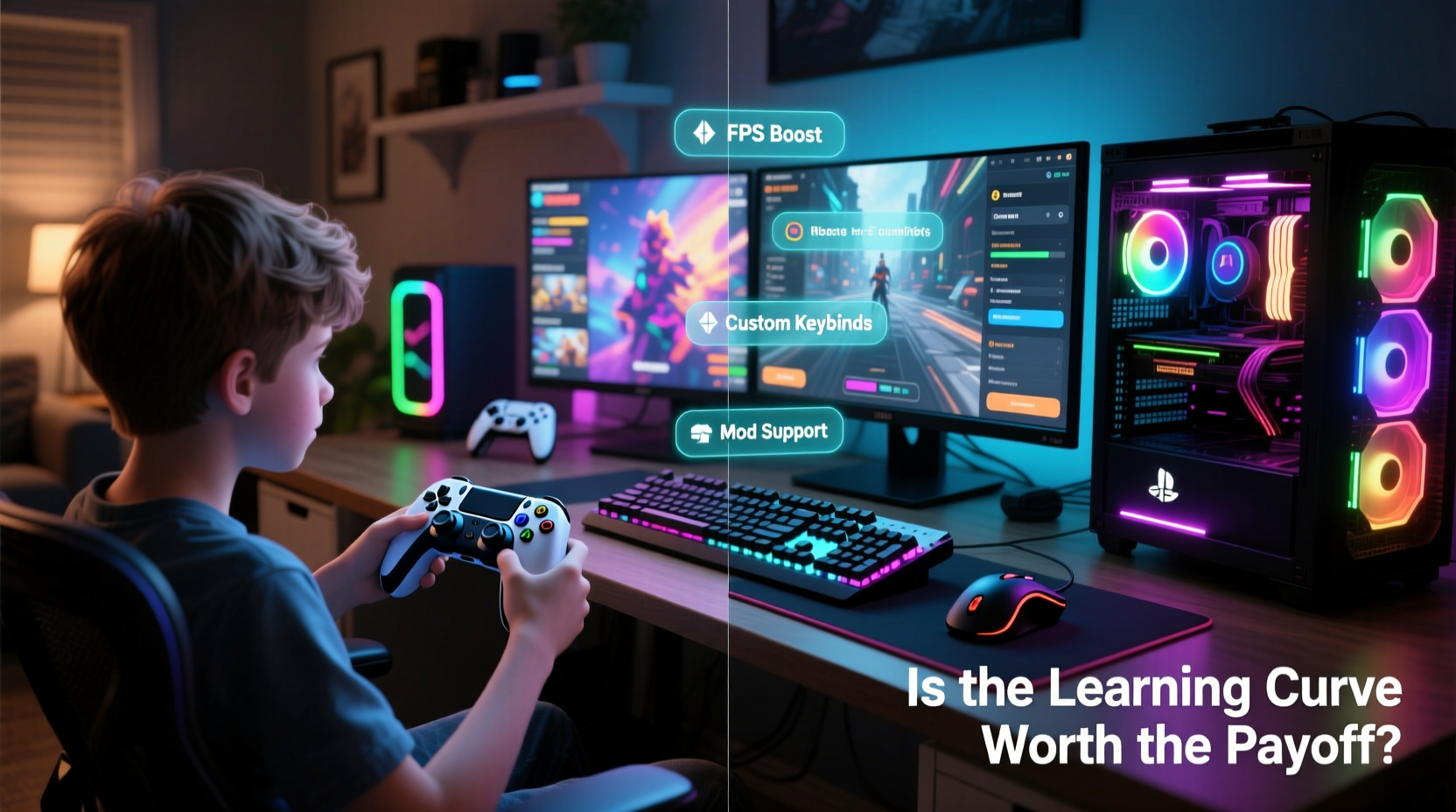
Moving from console to PC isn’t just about changing devices; it’s adapting to a different philosophy of gaming. On a console, everything is streamlined: insert disc or download game, press play, and you’re in. On PC, even launching a game can involve multiple steps—verifying files, updating drivers, adjusting resolution, or troubleshooting launchers like Steam, Epic, or Battle.net.
Then there's input. Console players are accustomed to controllers—familiar, ergonomic, and consistent. Switching to mouse and keyboard introduces a new skill set. Precision aiming, faster keybindings, and muscle memory adjustments can feel awkward at first. For example, in fast-paced shooters like Counter-Strike 2 or Apex Legends, the sensitivity and responsiveness of a mouse offer a competitive edge—but only after overcoming the steep early phase where every flick feels too fast or too slow.
Hardware management adds another layer. Unlike consoles, which are sealed systems with fixed specs, PCs require ongoing attention. You’ll need to monitor driver updates, manage storage space, and understand how components like CPU, GPU, RAM, and SSDs affect performance. This technical aspect can be intimidating, especially when something goes wrong. A crash might not just mean restarting the game—it could involve checking logs, rolling back drivers, or diagnosing background processes.
Performance and Visual Fidelity: The Core Advantage
Despite the initial hurdles, the most compelling reason to switch is performance. High-end PCs can run games at higher frame rates, resolutions, and graphical settings than any current-generation console. While the PlayStation 5 and Xbox Series X support 4K and 60 FPS, a capable gaming PC can push beyond—offering 1440p or 4K at 120+ FPS with ray tracing, ultra textures, and maximum draw distances.
This difference is especially noticeable in genres like simulation, strategy, and open-world RPGs. In Cyberpunk 2077, for instance, a high-spec PC eliminates the need for DLSS or FSR upscaling and allows full native rendering with all visual effects enabled. Similarly, flight simulators like Microsoft Flight Simulator are nearly unplayable on console due to scale and detail, but thrive on PC with sufficient hardware.
Beyond raw power, PC gaming offers uncapped frame rates. On console, most games are locked to 30 or 60 FPS. On PC, if your system can handle it, you can experience buttery-smooth gameplay at 100+ FPS—particularly impactful on monitors with high refresh rates (144Hz, 240Hz). Competitive players in titles like Valorant or Overwatch 2 often cite this fluidity as a decisive advantage.
Customization and Control: More Than Just Graphics
PC gaming puts you in control—not just over settings, but over the entire experience. Want to remap every key? Done. Prefer ultrawide resolution or multi-monitor setups? Supported. Interested in mods that overhaul graphics, add content, or improve mechanics? That’s a cornerstone of PC culture.
Mods transform games in ways impossible on console. Take The Elder Scrolls V: Skyrim—on PC, players routinely install hundreds of mods that enhance textures, animations, AI behavior, and even add entirely new quests. Communities on Nexus Mods and Mod DB sustain games for decades beyond their original release. Even newer titles like Red Dead Redemption 2 see vibrant modding scenes on PC, despite Rockstar’s restrictions.
Additionally, software tools like Discord overlays, RTSS for monitoring, or ReShade for post-processing filters let you tailor the environment around your game. Voice chat, streaming, recording—all can be managed seamlessly without relying on external capture cards or limited built-in features.
“PC gaming isn’t just about better hardware—it’s about ownership. You decide how your game looks, runs, and integrates into your digital life.” — Marcus Tran, Senior Editor at PC Gamer
Cost Comparison: Upfront Investment vs. Long-Term Value
One of the biggest concerns for console players considering the switch is cost. A new PS5 or Xbox Series X costs around $500. A capable gaming PC starts at $800–$1,000 for entry-level builds and can exceed $2,000 for high-end configurations. That gap feels significant—until you consider longevity and flexibility.
| Factor | Console | PC |
|---|---|---|
| Initial Cost | $450–$500 | $800–$2,000+ |
| Lifespan | ~6–7 years (fixed hardware) | 8+ years (upgradeable parts) |
| Graphics Evolution | Fades mid-generation; requires next-gen console | Improves via GPU/CPU upgrades |
| Game Prices | Slightly higher; fewer sales | Frequent deep discounts (Steam, Humble, etc.) |
| Backward Compatibility | Limited (varies by brand) | Near-total (if system supports it) |
While the upfront cost of a gaming PC is higher, its modular nature means you don’t replace the whole system every six years. Instead, you upgrade individual components—swap a GPU, add RAM, or move to a faster SSD. Over a decade, this can be more economical than buying two or three new consoles.
Moreover, PC game sales are legendary. It’s common to buy AAA titles for 70–90% off during seasonal sales. Bundles from Humble Bundle or Fanatical offer dozens of games for under $20. When combined with free platforms like Epic Store’s weekly giveaways, the long-term savings are substantial.
Step-by-Step Guide to Making the Switch Smoothly
Transitioning doesn’t have to be overwhelming. Follow this practical timeline to ease into PC gaming without frustration.
- Assess Your Budget and Goals: Decide whether you want a budget build for esports titles or a high-end rig for 4K gaming. Prioritize GPU and CPU based on intended use.
- Research or Buy a Prebuilt: If building from scratch feels daunting, start with a reputable prebuilt from companies like Lenovo Legion, HP Omen, or CyberPowerPC.
- Start with Familiar Games: Install games you already know from console. This helps compare performance and adjust to controls in a comfortable environment.
- Learn the Basics of Settings: Spend time in graphics menus. Understand terms like V-Sync, FOV, texture quality, and anti-aliasing. Adjust one setting at a time to see its impact.
- Gradually Adopt Mouse and Keyboard: Begin with slower-paced games (RPGs, turn-based strategy) before moving to shooters or MOBAs.
- Explore Launchers and Libraries: Get comfortable with Steam, Epic, and Microsoft Store. Organize your library and enable cloud saves.
- Join PC Gaming Communities: Subreddits like r/pcgaming or forums on ResetEra offer advice, troubleshooting help, and mod recommendations.
Real Example: From PS4 Player to PC Enthusiast
Jamal, a longtime PlayStation user, played mostly single-player story games—The Last of Us, Ghost of Tsushima, and Marvel’s Spider-Man. Curious about PC-exclusive titles like Starfield and Mount & Blade II: Bannerlord, he invested in a mid-range $1,200 build. His first week was rocky: Windows updates interrupted gameplay, he accidentally launched a game with low settings, and mouse aiming in Doom Eternal felt imprecise.
But within a month, things changed. He discovered mods that enhanced Ghost of Tsushima’s PC port with ultrawide support and improved textures. He joined a Destiny 2 clan that required Discord voice and PC’s faster loadouts. Most importantly, he experienced Alan Wake 2 at 60 FPS with ray-traced shadows—a level of immersion his PS5 couldn’t match. “I lost a few hours to setup,” he said, “but gained years of better performance and freedom.”
FAQ: Common Questions About the Switch
Can I use my console controller on PC?
Yes. Most modern controllers—including DualShock 4, DualSense, and Xbox Wireless—are plug-and-play on Windows. Many games natively support them, and tools like DS4Windows extend compatibility for PlayStation controllers.
Do I need to learn how to build a PC?
No. While building your own PC is rewarding and often cheaper, prebuilt systems from trusted brands are perfectly viable. Focus on component quality rather than assembly method.
Will all my games transfer from console to PC?
Not automatically. Some publishers offer cross-platform purchases (e.g., Horizon Zero Dawn), but most games must be repurchased. Check for cross-buy options before assuming compatibility.
Checklist: Your PC Gaming Transition Plan
- ☐ Define your gaming goals (competitive, immersive, mod-friendly)
- ☐ Set a realistic budget ($800 minimum for solid 1080p performance)
- ☐ Choose between prebuilt or custom build
- ☐ Acquire necessary peripherals (monitor with high refresh rate, mechanical keyboard optional)
- ☐ Install essential software (Steam, GeForce Experience, Discord)
- ☐ Test with familiar games to adjust to controls and settings
- ☐ Explore mods and community guides once comfortable
- ☐ Schedule regular driver and OS updates
Conclusion: Embracing the Challenge for Lasting Rewards
The learning curve from console to PC gaming is real—but so is the payoff. What begins as a series of small frustrations—driver alerts, confusing settings, unfamiliar inputs—evolves into mastery of a more powerful, flexible, and future-proof platform. The ability to run games at their peak, customize every aspect of the experience, and extend your system’s lifespan through upgrades represents a fundamental shift in how you engage with games.
It’s not for everyone. Casual players who value simplicity may find the overhead unnecessary. But for those seeking deeper immersion, better performance, and long-term value, the transition is not just worthwhile—it’s transformative. The investment of time and money pays dividends in smoother gameplay, richer visuals, and a sense of ownership no closed console can offer.




 浙公网安备
33010002000092号
浙公网安备
33010002000092号 浙B2-20120091-4
Comments
No comments yet. Why don't you start the discussion?