
In an age where digital surveillance and data monetization are the norm, many users are reevaluating their email providers. For years, Gmail has dominated the inbox with its powerful AI-driven features, seamless integration with Google services, and vast storage. But as awareness of online privacy grows, alternatives like Proton Mail are gaining traction. The question isn’t just whether Proton Mail offers better privacy—it’s whether that enhanced security comes at too high a cost in functionality. Is trading smart replies, robust spam filtering, and calendar sync for end-to-end encryption truly worth it?
The answer depends on your priorities: convenience or control.
Why Privacy Matters More Than Ever
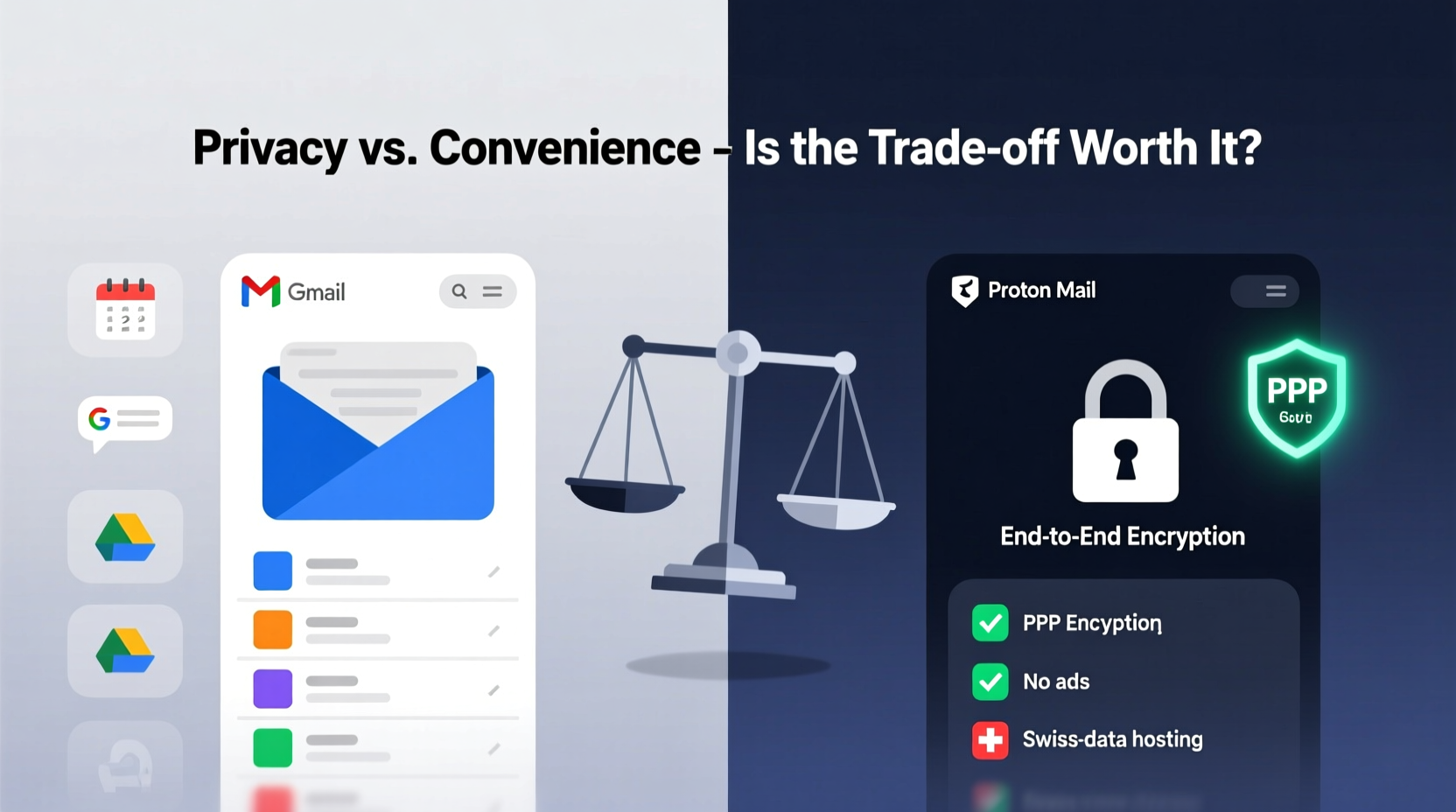
Email remains one of the most vulnerable points in our digital lives. It's often the gateway to resetting passwords, receiving sensitive documents, and managing financial accounts. Yet most free email services—including Gmail—operate on a surveillance-based business model. While you don’t pay with money, you pay with data. Google scans your emails to serve targeted ads, build user profiles, and improve machine learning models. This scanning happens automatically and is deeply embedded in Gmail’s architecture.
Proton Mail, based in Switzerland, operates under a fundamentally different philosophy. Founded by scientists who met at CERN, the company was built from the ground up with privacy as its core principle. Emails are encrypted before they leave your device, meaning not even Proton Mail can read them. Swiss privacy laws further strengthen this protection, making it illegal for the company to hand over user data without due process.
“Privacy isn’t about hiding something—it’s about reclaiming autonomy over your digital identity.” — Dr. Andy Yen, CEO of Proton AG
This shift—from surveillance capitalism to user sovereignty—is compelling. But it comes with compromises.
Feature Comparison: What You Gain and Lose
Moving from Gmail to Proton Mail means stepping into a more secure but less feature-rich ecosystem. Below is a detailed breakdown of key differences:
| Feature | Gmail | Proton Mail |
|---|---|---|
| End-to-End Encryption | No (only TLS in transit) | Yes (by default for Proton-to-Proton emails) |
| AI-Powered Features | Smart Reply, Smart Compose, Priority Inbox | Limited or none |
| Spam Filtering | Advanced machine learning filters | Basic filtering; less effective |
| Storage (Free Tier) | 15 GB (shared across Google services) | 1 GB (expandable via referrals) |
| Calendar Integration | Google Calendar (deeply integrated) | Separate Proton Calendar app (functional but basic) |
| Contact Management | Rich contact cards, auto-suggestions | Simple address book |
| Search Functionality | Fast, semantic search across all emails | Slower, limited to metadata (subject, sender, date) |
| Third-Party Integrations | Thousands (via Google Workspace & APIs) | Few (no official API for third-party apps) |
| Mobile App Experience | Sleek, fast, feature-complete | Functional but occasionally laggy |
| Cost (Premium Tier) | Google Workspace from $6/user/month | Proton Unlimited from $9.99/month |
The table reveals a clear trade-off: Gmail excels in usability and intelligence, while Proton Mail leads in security and jurisdictional integrity. If your daily workflow relies on automation, predictive typing, or tight integration with productivity tools, the downgrade may feel significant. However, if your primary concern is protecting sensitive communications from corporate or government access, Proton Mail offers peace of mind that Gmail simply cannot match.
A Realistic Transition: One User’s Journey
Take the case of Maya, a freelance journalist covering human rights issues in Southeast Asia. For years, she used Gmail because it worked seamlessly with her research tools, allowed easy collaboration with editors, and offered reliable search. But after a source was detained following suspicious timing linked to leaked correspondence, she began investigating secure alternatives.
She switched to Proton Mail six months ago. The transition wasn’t smooth. She lost access to her meticulously organized labels and filters. Her new email client didn’t integrate with her project management software. Searching for old articles took longer. But within weeks, she noticed fewer phishing attempts slipping through and gained confidence that her drafts and source communications were unreadable—even if intercepted.
More importantly, when she traveled across borders, she no longer feared device seizures compromising her network. With zero-access encryption, there was nothing to extract. “I miss Smart Compose,” she admits, “but I sleep better knowing my sources are protected.”
Maya’s story illustrates a broader truth: the value of privacy becomes apparent only when it’s threatened.
Step-by-Step Guide to Switching Securely
If you’re considering the move, doing it right matters. A hasty switch can lead to missed messages, broken workflows, or accidental exposure of unencrypted data. Follow this timeline to ensure a smooth transition:
- Assess Your Needs (Week 1): Identify which Gmail features you rely on daily. Are you dependent on calendar sync? Do you use email for two-factor authentication recovery? List your must-haves and nice-to-haves.
- Create a Proton Mail Account (Day 1): Sign up at proton.me/mail. Choose a strong passphrase—not a password—and enable two-factor authentication immediately using an authenticator app.
- Set Up Email Forwarding (Days 2–3): In Gmail, go to Settings > See all settings > Forwarding and POP/IMAP. Add your Proton Mail address as a forwarding destination. This ensures you don’t miss critical messages during the transition.
- Import Contacts (Day 4): Export your Gmail contacts as a CSV file. In Proton Mail, go to Contacts > Import, and upload the file. Note: photos and custom fields may not transfer perfectly.
- Configure Aliases and Filters (Days 5–7): Set up email addresses (aliases) for different purposes—personal, work, subscriptions. Create filters to sort incoming mail into folders, compensating for the lack of AI categorization.
- Test Critical Workflows (Week 2): Send test emails to collaborators, check calendar invites, verify mobile sync. Use this period to identify gaps in functionality.
- Gradually Migrate Accounts (Weeks 3–4): Begin updating your primary email on essential services. Prioritize banks, healthcare providers, and password managers. Avoid changing recovery emails until you’re confident in Proton Mail’s reliability.
- Decommission Gmail (Optional, Week 5+): Once fully transitioned, consider disabling Gmail login or setting it to read-only. Never delete it entirely—keep it as a backup for legacy access.
This phased approach minimizes disruption while maximizing security gains.
Checklist: Before You Make the Switch
- ✅ Evaluate how much you depend on AI-powered email features
- ✅ Confirm that Proton Mail supports your region and language
- ✅ Back up all Gmail data using Google Takeout
- ✅ Choose a strong, unique passphrase for your Proton account
- ✅ Enable two-factor authentication (2FA) via TOTP or security key
- ✅ Test sending and receiving encrypted emails with another Proton user
- ✅ Install Proton Mail apps on all devices (iOS, Android, desktop)
- ✅ Update email signatures and professional profiles with new address
Skipping any of these steps increases the risk of data loss or reduced security post-migration.
FAQ: Common Concerns About the Switch
Can I still receive emails from Gmail users?
Yes. Proton Mail works with all standard email providers. When someone sends you an email from Gmail, it arrives normally. If you reply to a non-Proton user, the message is sent unencrypted unless you use a password-protected encrypted message. Only Proton-to-Proton emails are automatically end-to-end encrypted.
Will I lose access to Google Drive or Docs attachments?
Attachments sent via Gmail will appear as links tied to your Google account. If you stop using Gmail, those links may become inaccessible unless you download and re-upload files to a neutral cloud service like Proton Drive or another encrypted storage platform.
Is Proton Mail really safer than Gmail?
In terms of data access, yes. Proton Mail cannot read your emails due to zero-access encryption. Gmail, despite using encryption in transit (TLS), scans content for advertising and analytics. Additionally, U.S.-based companies are subject to broad surveillance laws like FISA 702, whereas Swiss law limits government data requests and requires judicial oversight.
Conclusion: Balancing Security and Usability
Switching from Gmail to Proton Mail isn’t a simple upgrade—it’s a philosophical shift. You’re choosing privacy over convenience, control over automation. For journalists, activists, healthcare professionals, or anyone handling sensitive information, that trade-off is not only justified but necessary.
But for casual users who prioritize smart replies, seamless search, and deep integrations, the limitations may outweigh the benefits—at least for now. Proton Mail is improving rapidly, adding features like AI-assisted writing (with local processing to preserve privacy) and better calendar syncing. The gap is narrowing.
The real question isn’t whether Proton Mail is “better” than Gmail. It’s whether you want to be the product or the customer. Google gives you a free service in exchange for your attention and data. Proton charges a fee—either monetarily or in reduced functionality—to keep your information private.




 浙公网安备
33010002000092号
浙公网安备
33010002000092号 浙B2-20120091-4
Comments
No comments yet. Why don't you start the discussion?