
For over a decade, Gmail has dominated the email landscape with seamless integration, powerful search, smart categorization, and deep ties to Google’s ecosystem. But as digital privacy concerns grow, many users are questioning whether convenience should come at the cost of data exposure. Enter ProtonMail—a secure, encrypted email service developed by scientists who worked at CERN, promising end-to-end encryption and a strict no-logs policy. The natural question arises: Is switching from Gmail to ProtonMail worth sacrificing familiar features for enhanced privacy?
The answer isn’t binary. It depends on your threat model, digital habits, and how much control you want over your personal information. While ProtonMail excels in security, it lacks some of the polished integrations and AI-driven tools that make Gmail so efficient. This article explores the real trade-offs between functionality and privacy, helping you decide if the switch aligns with your values and needs.
Understanding the Core Differences
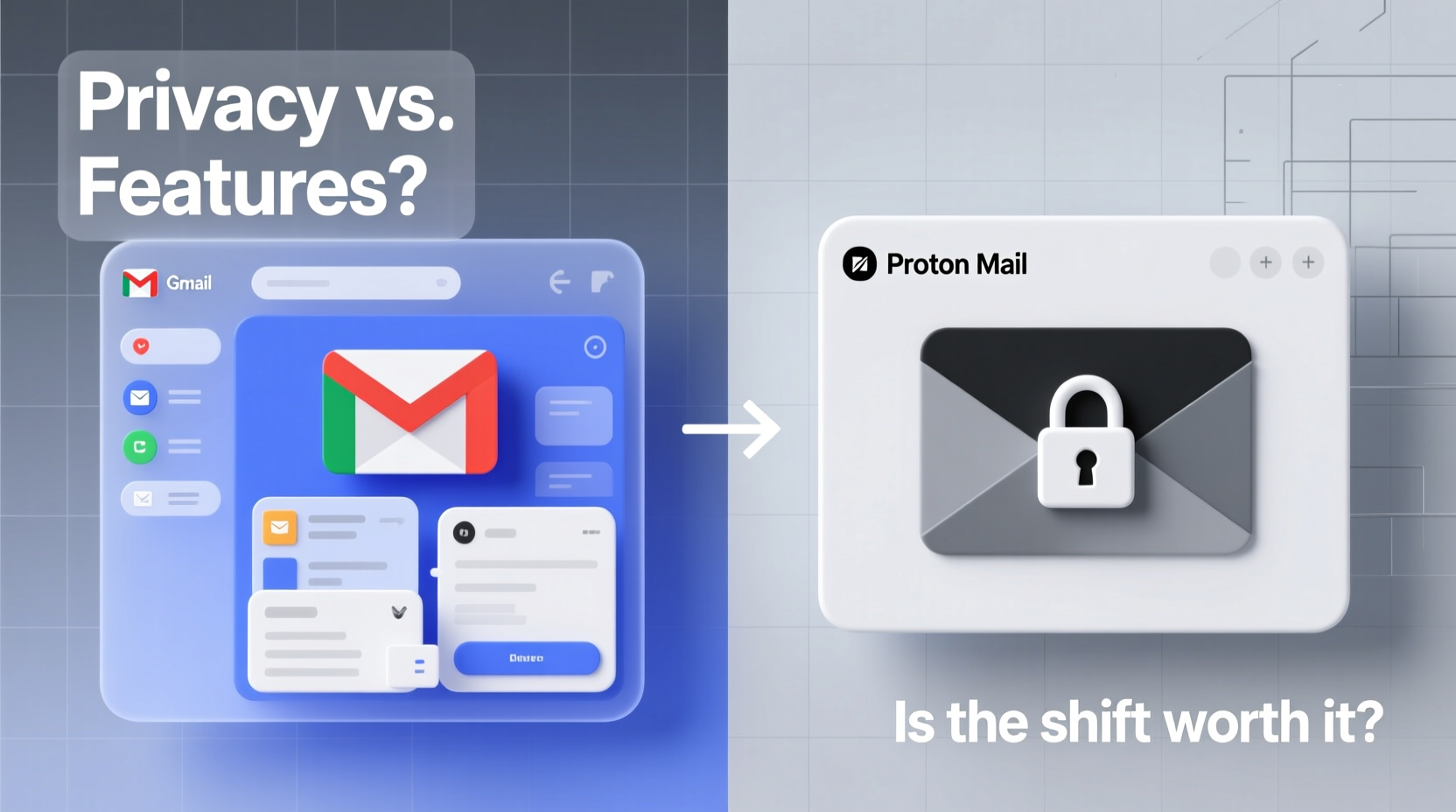
Gmail and ProtonMail operate on fundamentally different philosophies. Gmail treats user data as a resource—albeit anonymized and aggregated—to improve services and deliver targeted advertising (in free accounts). ProtonMail, based in Switzerland, operates under some of the world’s strongest privacy laws and refuses to collect or store any personally identifiable metadata beyond what’s legally required.
At its core, ProtonMail encrypts every email by default using OpenPGP standards. Messages between ProtonMail users are end-to-end encrypted, meaning only the sender and recipient can read them—not even ProtonMail’s servers can access the content. In contrast, Gmail encrypts emails in transit and at rest but retains the ability to scan message content for spam filtering, smart replies, and ad targeting (in legacy free accounts).
This distinction becomes critical when considering who might access your data: advertisers, governments, hackers, or third-party apps connected to your account. With Gmail, even if encryption is strong, Google holds the keys. With ProtonMail, the keys stay with you.
“Privacy isn't just about hiding something. It's about autonomy—the right to control who sees your thoughts, relationships, and decisions.” — Dr. Sarah Thompson, Digital Rights Researcher, EPFL
Feature Comparison: What You Gain and Lose
Moving from Gmail to ProtonMail means adjusting expectations. Below is a detailed comparison of key features across both platforms:
| Feature | Gmail | ProtonMail |
|---|---|---|
| End-to-End Encryption | No (only TLS in transit) | Yes (by default for Proton-to-Proton emails) |
| Search Functionality | Advanced AI-powered search with filters | Limited (can't search encrypted content without decryption) |
| Calendar Integration | Tight sync with Google Calendar | Available via separate Proton Calendar app (moderate integration) |
| Contact Management | Fully synced with Google Contacts, smart suggestions | Basic contact book; no smart grouping or predictive features |
| Storage Space | 15 GB shared across Drive, Photos, Mail | Free: 1 GB | Paid: Up to 1 TB (Proton Unlimited) |
| Third-Party App Access | Extensive (via Google Workspace & APIs) | Very limited (due to security design) |
| Labels & Filters | Highly customizable with automation rules | Basic labels and filters; no advanced automation |
| Mobile Experience | Polished, fast, offline capable | Functional but slower; occasional sync delays |
| Send Encrypted Emails to Non-Users | Not supported natively | Yes (via password-protected messages) |
| Spam Filtering | Industry-leading AI detection | Good, but less adaptive than Gmail’s system |
The table reveals a clear pattern: Gmail wins on usability, integration, and intelligence. ProtonMail wins on encryption, jurisdiction, and transparency. If your priority is productivity and ecosystem cohesion, Gmail remains unmatched. If your priority is minimizing data exposure—even from the provider itself—ProtonMail sets a new standard.
A Realistic Transition: A Case Study
Consider Maria, a freelance journalist covering human rights issues in Southeast Asia. She used Gmail for years, relying on its smart compose, label system, and Google Docs integration. But after her sources began receiving suspicious calls following her reports, she reevaluated her digital footprint.
Maria switched to ProtonMail and adopted their paid Plus plan for additional storage and custom domains. She exported her most important contacts and set up auto-forwarding from her old Gmail to ProtonMail during the transition. Initially frustrated by the lack of smart search and slow mobile performance, she adapted by using clear naming conventions and folders.
She now uses ProtonDrive for document sharing, sends encrypted emails to non-Proton users via link protection, and leverages PGP for verified communications. Though she misses Gmail’s speed, she no longer worries about metadata leaks or third-party scanning. For Maria, the trade-off was not just acceptable—it was necessary.
Her story illustrates a growing trend: professionals and activists are prioritizing security over convenience when the stakes involve personal safety or source confidentiality.
Step-by-Step Guide to Migrating Securely
If you’re considering the switch, follow this structured approach to minimize disruption and maximize security:
- Assess Your Needs: Determine whether you need calendar sync, large attachments, or third-party integrations. These may require alternative solutions post-migration.
- Create a ProtonMail Account: Sign up at proton.me/mail. Choose a strong passphrase (not just a password) since recovery options are limited for security reasons.
- Verify Your Identity: Complete phone verification if required, but know that ProtonMail doesn’t store this data long-term.
- Set Up Email Forwarding (Temporary): In Gmail, enable forwarding to your new ProtonMail address. This ensures you don’t miss messages during the transition.
- Export Key Data: Download your Gmail contacts (via Google Takeout) and import them into ProtonMail. Note: Calendar events must be migrated separately using iCal exports.
- Configure Aliases and Custom Domain (Optional): Upgrade to a paid plan to use your own domain (e.g., you@yourwebsite.com) or create aliases for better organization.
- Notify Contacts: Send a secure announcement email explaining your move and providing your new address. Use ProtonMail’s encryption to protect the message.
- Disable Third-Party App Access in Gmail: Revoke permissions for apps you no longer use to reduce lingering exposure.
- Migrate Gradually: Run both accounts in parallel for 4–6 weeks. Use ProtonMail for sensitive correspondence while phasing out Gmail.
- Close or Archive Old Account: Once confident in the transition, consider deleting your Gmail account—or at minimum, removing personal data and disabling login access.
This process typically takes two to four weeks, depending on usage complexity. Patience and attention to detail are essential.
Checklist: Before You Switch to ProtonMail
- ✅ Evaluate your reliance on Google Workspace tools (Docs, Sheets, Meet)
- ✅ Backup all Gmail data using Google Takeout
- ✅ Choose a strong master passphrase (12+ characters, mixed case, numbers, symbols)
- ✅ Plan for reduced storage capacity unless upgrading to a paid plan
- ✅ Test sending encrypted emails to non-Proton users
- ✅ Install ProtonMail apps on all devices
- ✅ Set up two-factor authentication (2FA) using an authenticator app
- ✅ Consider using a recovery email from another private provider (e.g., Tutanota)
FAQ: Common Questions About the Switch
Can I still receive emails from Gmail users?
Absolutely. ProtonMail works seamlessly with all major email providers. You can send and receive messages from Gmail, Outlook, Yahoo, and others without issue. Encryption applies only when both parties use ProtonMail or you manually enable it for external recipients.
Does ProtonMail sell my data?
No. ProtonMail is a paid service funded entirely by user subscriptions. They have undergone independent audits and published transparency reports confirming they do not share or monetize user data. Their Swiss jurisdiction further protects them from foreign surveillance demands.
Will I lose access to my old emails forever?
Not if you act proactively. Use Google Takeout to download your entire Gmail archive before closing the account. You can store it locally or upload it to a secure cloud drive like ProtonDrive or another encrypted storage solution.
When Privacy Outweighs Convenience
The decision to leave Gmail isn’t just technical—it’s philosophical. Every time you open an email, you’re making a choice about trust. Do you trust a company whose business model relies on analyzing behavior to serve ads? Or do you trust one that profits only from your subscription and legally cannot access your messages?
For everyday users, Gmail’s risks may seem abstract. But data collection has real consequences: algorithmic profiling, targeted misinformation, insurance discrimination based on health-related searches, or government requests fulfilled without notification. ProtonMail eliminates many of these vectors by design.
That said, the limitations are real. You won’t get smart replies, automatic travel reminders pulled from emails, or effortless photo sharing. The interface feels more utilitarian. Attachments over 25 MB require ProtonDrive links. And syncing across devices isn’t as fluid.
Yet, for journalists, lawyers, healthcare workers, activists, and anyone handling sensitive information, these sacrifices are minor compared to the peace of mind that comes with knowing your communications are truly private.
“We don’t need mass surveillance to have useful technology. Security and usability aren’t mutually exclusive—we just haven’t been given real choices until now.” — Andy Yen, CEO and Co-Founder of Proton Technologies
Conclusion: Make the Switch on Your Terms
Switching from Gmail to ProtonMail isn’t about rejecting modernity—it’s about reclaiming agency. Privacy shouldn’t be a luxury reserved for the technically adept. As surveillance capitalism deepens its hold on digital life, opting out becomes an act of self-determination.
You don’t have to abandon Gmail entirely. Many people maintain both accounts: one for newsletters, shopping, and social sign-ups (Gmail), and another for personal, financial, or professional communication (ProtonMail). This hybrid approach balances practicality with protection.
Start small. Try ProtonMail alongside your current inbox. Send your first encrypted email. Experience what true ownership of your data feels like. Then decide—not based on hype or fear, but on firsthand understanding.




 浙公网安备
33010002000092号
浙公网安备
33010002000092号 浙B2-20120091-4
Comments
No comments yet. Why don't you start the discussion?