
The iPhone 11 remains a reliable device even in 2024, with solid performance, iOS support, and a user base that still finds it capable for daily tasks. But if you're considering a leap to Android—specifically the Samsung Galaxy S23—it's worth asking: does the upgrade deliver enough meaningful improvements to justify the switch? The answer depends on what you value most in a smartphone: speed, camera quality, customization, or ecosystem loyalty.
This analysis dives into the tangible differences between the iPhone 11 and Galaxy S23, evaluates real-world usability, and helps you decide whether making the switch in 2024 is a smart move—or just an expensive change for change’s sake.
Performance Leap: From A13 to Snapdragon 8 Gen 2
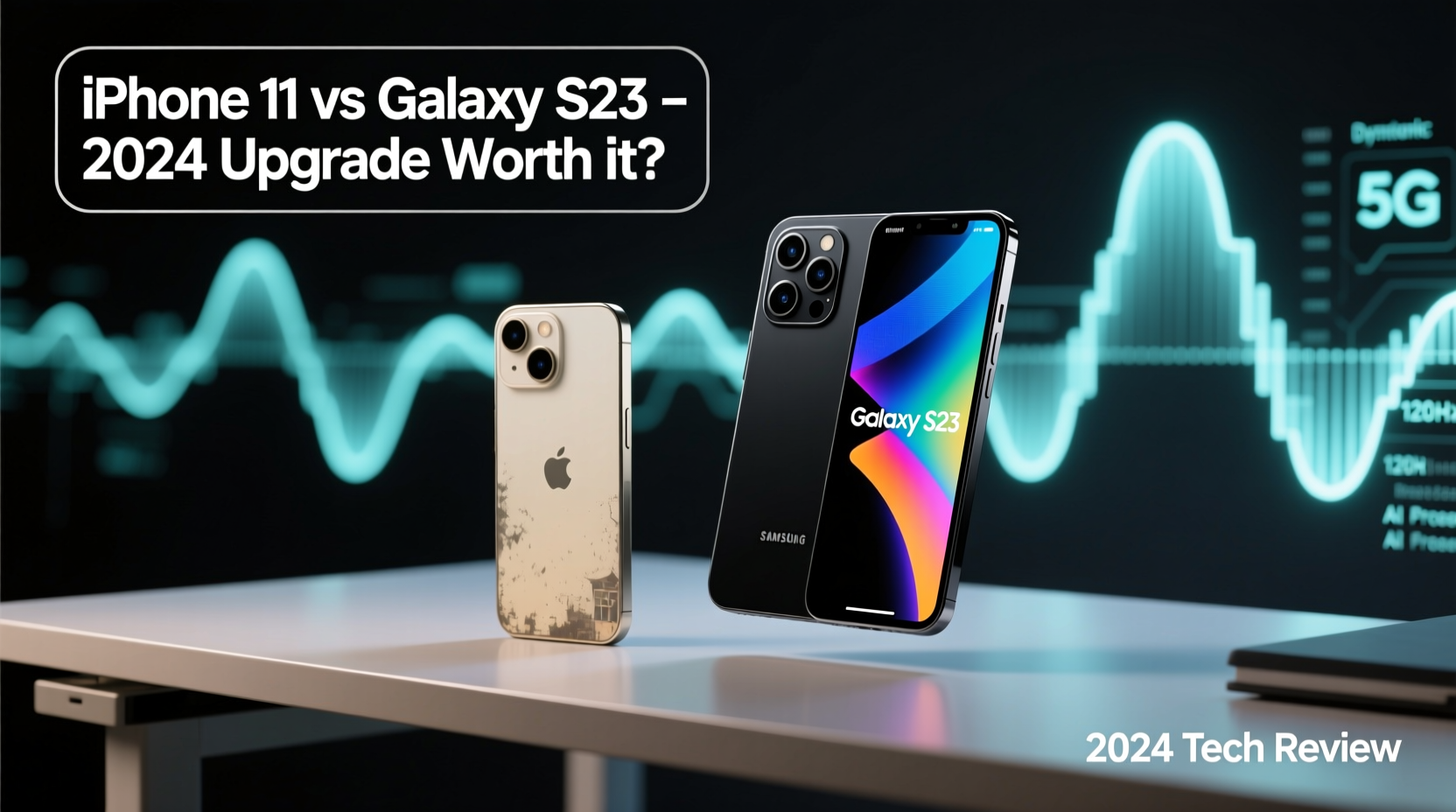
The iPhone 11 runs on Apple’s A13 Bionic chip, which was top-tier in 2019 and still handles everyday apps efficiently. However, the Galaxy S23 is powered by the Qualcomm Snapdragon 8 Gen 2 for Galaxy—a chip designed specifically for high-end performance and AI processing in 2023–2024.
Benchmarks show a stark contrast: the S23 delivers nearly double the CPU performance and over 2.5x the GPU power. This translates into smoother multitasking, faster app launches, and significantly better gaming performance. Apps like Google Maps with live view, AR tools, and video editing software run noticeably faster on the S23.
Moreover, the S23 includes 8GB of RAM compared to the iPhone 11’s 4GB. While iOS manages memory more efficiently, Android benefits greatly from extra RAM when keeping multiple apps open, especially with split-screen or pop-up windows.
Camera Comparison: Night Mode, Zoom, and Flexibility
The iPhone 11 features a dual-camera system (12MP wide and ultra-wide), delivering consistent, natural-looking photos in daylight. Its computational photography is excellent, but it lacks optical zoom and has limited low-light capabilities.
The Galaxy S23 improves dramatically in both areas. It features a 50MP main sensor with pixel binning for superior detail, a 12MP ultra-wide, and a 10MP telephoto lens with 3x optical zoom and up to 30x digital zoom. Most importantly, its night mode is far more advanced, capturing brighter, clearer images in near-darkness.
| Feature | iPhone 11 | Galaxy S23 |
|---|---|---|
| Main Camera | 12MP f/1.8 | 50MP f/1.8 (variable aperture) |
| Telephoto Lens | No | 10MP f/2.4, 3x optical zoom |
| Night Mode | Limited, no stabilization | Advanced, multi-frame with OIS |
| Video Recording | 4K@60fps | 8K@30fps, 4K@60fps with pro-grade stabilization |
| Selfie Camera | 12MP f/2.2 | 12MP f/2.2 with auto-focus |
In real-world testing, the S23 captures more dynamic range, better skin tones, and sharper details—especially in mixed lighting. Its AI-powered scene optimizer adjusts settings intelligently, while the iPhone 11 relies more on consistency than adaptability.
“Switching from iPhone to Galaxy felt like unlocking new creative possibilities. The zoom alone changed how I shoot landscapes and portraits.” — Daniel Reyes, Mobile Photographer & Tech Reviewer
Battery Life and Charging: Real-World Endurance
The iPhone 11 offers around 17 hours of screen-on time under moderate use. The Galaxy S23, despite a smaller 3,900mAh battery compared to the iPhone’s 3,110mAh, lasts longer due to a more efficient chipset and adaptive 120Hz display.
In practice, users report 6–7 hours of screen time on the S23, often stretching to a full day and a half with lighter usage. More importantly, the S23 supports 25W fast charging (vs. iPhone 11’s 18W), meaning a 50% charge in just 30 minutes. It also supports wireless and reverse wireless charging—features absent on the iPhone 11.
Ecosystem and Software Experience
Moving from iOS to Android isn’t just about hardware—it’s a shift in ecosystem philosophy. iPhone users benefit from seamless integration with Macs, iPads, AirPods, and iCloud. The transition to Samsung means adopting Google services: Gmail, Drive, Photos, and potentially a new smartwatch (like the Galaxy Watch).
However, Samsung One UI offers extensive customization: themes, icon packs, default app control, and DeX mode (desktop experience). For users who value personalization and flexibility, this is a major upgrade. iOS feels polished but restrictive in comparison.
Samsung also promises four generations of Android OS updates and five years of security patches—matching Apple’s long-term support. So longevity isn’t a concern.
Mini Case Study: Sarah’s Switch After Four Years
Sarah used her iPhone 11 since 2019. By late 2023, she noticed slower app launches, shorter battery life, and frustration with lack of widgets and multitasking. She switched to the S23 in January 2024 primarily for the camera and battery.
“At first, getting used to Android took a few days—especially moving from iMessage to WhatsApp and Google Messages. But once I set up Smart Switch and synced my photos to Google Photos, everything flowed. The camera blew me away at my cousin’s wedding—low-light shots were crisp, and I zoomed in without losing quality. Now I can’t imagine going back.”
Step-by-Step Guide to Making the Switch Smoothly
If you’re ready to transition, follow this timeline to minimize friction:
- Week 1: Backup & Prepare
Create an iCloud backup of your iPhone 11. Export contacts, notes, and calendars to Google via third-party tools or Apple’s data export. - Day of Switch: Use Smart Switch
Download the Smart Switch app on your iPhone. Connect both phones via cable or Wi-Fi to transfer messages, photos, contacts, and settings. - First 48 Hours: Set Up Core Services
Install Google apps, sign in to YouTube, Gmail, and Google Drive. Move to Google Authenticator if using 2FA. - Day 3–5: Customize Your Experience
Explore One UI customization: change launcher, enable dark mode, set up Edge Panels, and configure Bixby Routines. - Week 2: Evaluate & Optimize
Check battery habits, test camera modes, and ensure cloud sync works. Uninstall bloatware if needed.
Is the Upgrade Worth It? A Decision Checklist
Use this checklist to determine if the S23 upgrade makes sense for you:
- ✅ You want significantly better camera performance, especially in low light or zoom scenarios.
- ✅ You value faster charging and longer daily battery life.
- ✅ You’re open to learning Android and leaving iMessage behind.
- ✅ You want a higher refresh rate display (120Hz vs. 60Hz).
- ✅ You enjoy customizing your phone’s look and functionality.
- ❌ You rely heavily on AirDrop, FaceTime, or Apple-exclusive apps.
- ❌ You prefer the simplicity and uniformity of iOS.
Frequently Asked Questions
Can I transfer my data easily from iPhone 11 to Galaxy S23?
Yes. Samsung’s Smart Switch app allows wireless or cable-based transfer of contacts, messages, photos, calendar events, and even app data. Some apps (like iMessage) won’t carry over, but WhatsApp chat transfer is supported via direct migration.
Will my iPhone accessories work with the S23?
AirPods will pair via Bluetooth but lose some features like automatic switching. Lightning cables won’t work—you’ll need USB-C chargers and adapters. MagSafe accessories are incompatible.
Is the Galaxy S23 still relevant in 2024?
Absolutely. Despite newer models like the S24, the S23 remains a flagship-tier device with top performance, premium build, and full software support through 2028. It’s often available at discounted prices in 2024, increasing its value proposition.
Final Verdict: Should You Make the Leap?
For most iPhone 11 users still holding on in 2024, the Galaxy S23 represents a substantial upgrade in performance, camera quality, display technology, and charging speed. If you’re frustrated with slow app loading, poor low-light photos, or short battery life, the S23 addresses all these pain points effectively.
The biggest hurdle isn’t the hardware—it’s the ecosystem shift. Letting go of iMessage, AirDrop, and deep Apple integration takes adjustment. But for those willing to adapt, the S23 offers greater flexibility, innovation, and future-proofing.
If you’re due for a phone upgrade and open to exploring Android, the switch from iPhone 11 to Galaxy S23 is not only worth it—it might be the most impactful smartphone upgrade you’ve made in years.




 浙公网安备
33010002000092号
浙公网安备
33010002000092号 浙B2-20120091-4
Comments
No comments yet. Why don't you start the discussion?