
By 2025, the smartphone landscape has evolved dramatically. Android continues to innovate aggressively, especially with foldables and AI integration, while Apple has doubled down on ecosystem cohesion, privacy, and long-term software support. For years, Samsung users have enjoyed customization, hardware variety, and deep integration with Google services. But as more people consider making the leap to iPhone—fueled by social buzz, influencer content, and marketing campaigns—the question arises: Is switching from Samsung to iPhone in 2025 actually worth it, or is it just manufactured hype?
This isn’t a simple upgrade—it’s a shift in digital philosophy. The decision hinges on more than camera specs or battery life; it's about how you use your phone, what kind of control you want over your data, and whether seamless integration across devices matters to you. Let’s explore the realities behind the switch.
Ecosystem Lock-In: The Hidden Cost of Switching
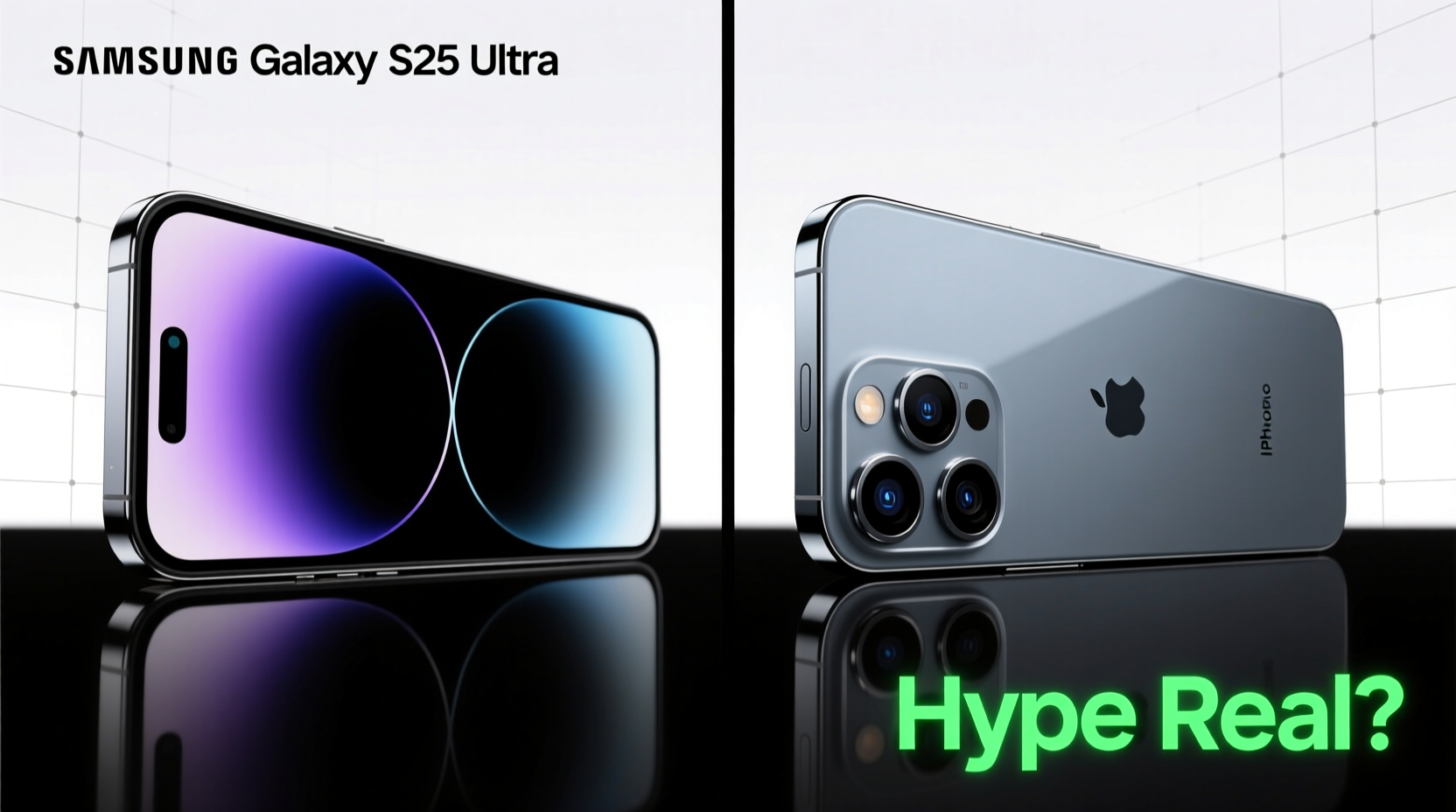
One of the most underestimated aspects of moving from Samsung to iPhone is leaving behind an established ecosystem. If you’ve invested in Galaxy Buds, a Galaxy Watch, SmartThings home automation, or even just rely heavily on Samsung DeX or Good Lock for interface tweaks, switching means abandoning or replacing those investments.
iOS offers tight integration with AirPods, Apple Watch, HomeKit, and MacBooks, but that same strength becomes a barrier if you’re not already embedded in Apple’s world. You can use AirPods with Android, but features like spatial audio head tracking and seamless switching are limited. Conversely, Galaxy Buds lose most smart features when paired with an iPhone.
Performance and Software Longevity Compared
Apple’s A-series chips consistently outperform even the latest Snapdragon 8 Gen 3 found in 2024–2025 flagship Samsung phones in single-core tasks and app launch speed. This isn’t just marketing—iOS apps are optimized for specific hardware, allowing smoother performance over time.
Samsung now promises seven years of OS updates for its Galaxy S24 series and newer models, matching Apple’s update cycle. However, real-world longevity differs. iPhones routinely remain usable and responsive beyond six years, while most Android phones—even high-end ones—start showing lag by year four due to background process inefficiencies and UI layer bloat (One UI).
| Factor | Samsung (2025 Flagship) | iPhone (iPhone 16 Series) |
|---|---|---|
| Expected OS Updates | 7 years | 6–7 years |
| Benchmark Consistency Over Time | Moderate decline after 3 years | Minimal decline through 5+ years |
| App Optimization Priority | Secondary to Google & developer focus | Primary platform for many developers |
| Background Process Efficiency | Average (One UI overhead) | High (tight sandboxing) |
“Even with equal update promises, iOS delivers longer functional lifespan because of tighter hardware-software control.” — David Lin, Mobile Systems Analyst at TechPulse Insights
Data Migration: Smoother Than Ever, But Not Perfect
Apple has significantly improved its “Move to iOS” app, and third-party tools like Move to iOS (by Apple) and Google’s Sync work better than ever. Transferring contacts, photos, messages, and even some app data is now possible wirelessly during initial setup.
However, complications arise with:
- Google Account Integration: While Gmail and Calendar sync well, deeply integrated Google services (Drive, Keep, Tasks) lack native equivalents on iOS.
- Message History: iMessage doesn’t support RCS natively, so group chats and media sent via SMS/RCS may appear fragmented.
- Biometrics & Passwords: Samsung Pass doesn’t transfer passwords to iCloud Keychain automatically—you’ll need manual export or browser syncing.
Step-by-Step: How to Migrate Without Losing Critical Data
- Back up everything on your Galaxy: Use Samsung Cloud or Google One to back up photos, messages, and settings.
- Export passwords: In Chrome or Samsung Internet, export saved passwords to a CSV file and import into iCloud Keychain.
- Use Move to iOS during iPhone setup: Start the process before activating your new iPhone; it transfers core data over Wi-Fi.
- Reinstall essential apps: Some Android apps don’t have iOS versions, or offer reduced functionality (e.g., Samsung Health → limited Apple Health compatibility).
- Verify two-factor recovery options: Update backup codes and authenticator apps to avoid lockout post-switch.
Privacy and Security: Where iPhone Holds an Edge
In 2025, both platforms tout strong privacy protections, but Apple’s approach remains more proactive. With App Tracking Transparency, on-device processing for Siri and Photos, and locked-down permissions, iOS gives users more default control.
Samsung offers robust Knox security and private share features, but Android’s open nature means more potential exposure—especially with third-party app stores or sideloading enabled. Google’s advertising-driven model also leads to deeper system-level data collection compared to Apple’s device-first revenue strategy.
If you value minimal data harvesting and transparent permission controls, iPhone still sets the standard. Features like Lockdown Mode, Advanced Data Protection (end-to-end encryption for iCloud), and regular security updates without carrier delays give Apple a tangible advantage for privacy-conscious users.
Real User Experience: A Mini Case Study
Meet Lena, a freelance photographer and digital nomad who used Galaxy flagships since 2018. She switched to iPhone 15 Pro in late 2024 after getting a MacBook Pro for editing. Her reasons: better continuity with Mac, consistent RAW photo processing, and frustration with inconsistent Android backup behavior.
Initially, she missed the customization of One UI and struggled with the lack of a native Lightroom shortcut widget. But within three months, she adapted. Handoff between devices, Instant Hotspot, and iCloud Photo Library syncing became indispensable. “I didn’t realize how much time I wasted managing cloud folders,” she said. “Now my photos just appear everywhere.”
Her only regret? Selling her Galaxy Watch too soon. The Apple Watch works well, but cost twice as much and drains faster than her old Galaxy Watch 6.
Checklist: Are You Ready to Switch?
- ✅ Do you own a Mac, iPad, or plan to buy one soon?
- ✅ Is seamless FaceTime, iMessage, and AirDrop usage important to you?
- ✅ Are you frustrated with inconsistent Android update timing?
- ✅ Do you prioritize long-term device performance over customization?
- ✅ Have you budgeted for accessory replacements (watch, earbuds, chargers)?
- ✅ Are you comfortable using iCloud instead of Google Drive/Samsung Cloud?
- ✅ Can you live without expandable storage or a 3.5mm headphone jack?
If you answered “yes” to five or more, the switch likely makes sense. If not, you might be chasing hype rather than solving real pain points.
Frequently Asked Questions
Can I keep using my Google apps on iPhone?
Yes. Google offers full iOS versions of Gmail, Maps, Drive, YouTube, and Photos. However, they run as standalone apps with less deep integration. For example, Google Photos won’t act as your default camera roll unless manually set, and background refresh limitations may delay backups.
Will my Samsung phone slow down after switching?
No—but you may feel compelled to sell it or downgrade usage. Some users report keeping their Galaxy as a secondary device for specific tasks (like DeX or dual SIM), which can extend its usefulness.
Is the iPhone camera really better than Samsung’s?
It depends on priorities. Samsung often leads in zoom range and AI scene optimization. But iPhone excels in color accuracy, dynamic range, and video recording (especially Dolby Vision). For professional creators and vloggers, iPhone’s consistency across lighting conditions is a major advantage.
Conclusion: Hype vs. Reality in 2025
The idea that switching from Samsung to iPhone is universally beneficial in 2025 is exaggerated. For some—especially those entering Apple’s ecosystem with a Mac or iPad, prioritizing privacy, or valuing long-term reliability—the move is logical and rewarding. For others, particularly power users who rely on customization, multitasking, or Google-centric workflows, the transition brings friction without clear upside.
The real test isn’t brand loyalty or social trends. It’s whether the iPhone solves problems your current phone can’t. If you're switching just because \"everyone’s doing it,\" reconsider. But if you're seeking tighter integration, predictable updates, and a device that stays fast for years, then yes—the hype has substance. Just make sure it’s aligned with your actual needs.




 浙公网安备
33010002000092号
浙公网安备
33010002000092号 浙B2-20120091-4
Comments
No comments yet. Why don't you start the discussion?