
Decorating with Christmas trees—whether indoors or across a yard—brings joy, but managing their lights can quickly become a logistical challenge. When multiple trees are involved, the question arises: should you use a centralized system that synchronizes all lights at once, or rely on individual outlet timers for each tree? The answer depends on your priorities—simplicity, reliability, energy efficiency, or customization. This article breaks down both approaches in real-world terms, helping you choose the right solution for your display.
The Core Challenge: Managing Multiple Light Displays
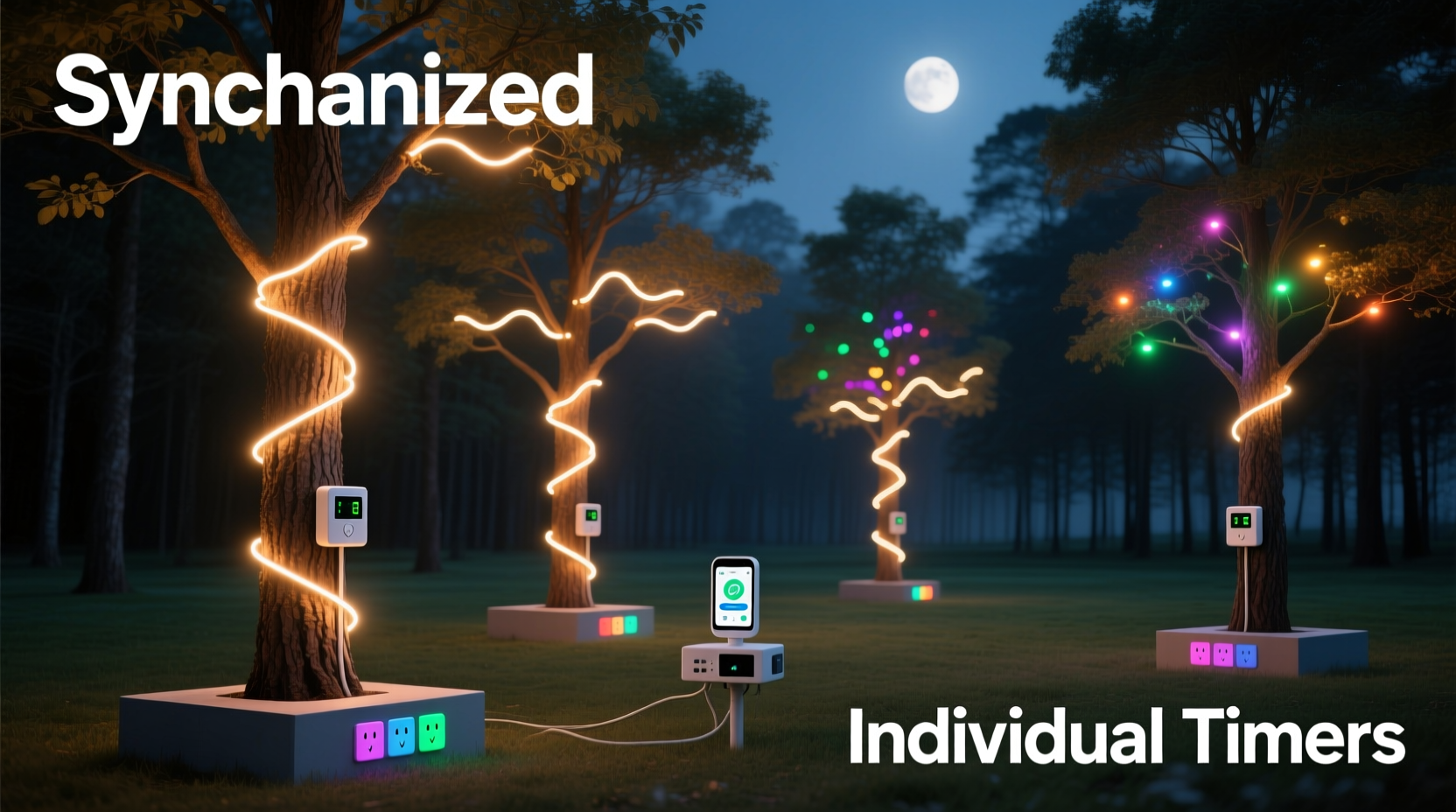
For homeowners, event planners, or community organizers handling several decorated trees, manually turning lights on and off is impractical. Timers solve this by automating operation, but choosing between synchronized systems and individual units affects everything from installation effort to long-term maintenance.
Synchronization implies coordination—one schedule controlling multiple endpoints. Individual control means autonomy: each timer operates independently. While both eliminate daily manual intervention, their implications differ significantly in scalability, troubleshooting, and aesthetic consistency.
How Synchronized Light Timers Work
A synchronized timer setup uses one master controller to manage power delivery across multiple trees. This can be achieved through wired relays, smart hubs, or Wi-Fi-enabled power strips connected to a single app-based scheduler. All devices follow the same on/off cycle, often aligned with sunset and sunrise times via built-in photocells or geolocation data.
These systems excel in environments where visual harmony matters—such as commercial displays, church lawns, or neighborhood contests. When every tree lights up simultaneously at dusk and shuts down together at midnight, the effect feels intentional and polished.
Advanced synchronized setups integrate with platforms like Google Home or Alexa, allowing voice commands and remote adjustments. Some even support seasonal programming—automatically adjusting for shorter winter days or special events like New Year’s Eve.
“Uniformity in timing creates a professional-grade display. For public installations, synchronization isn’t just convenient—it’s part of the experience.” — Marcus Reed, Landscape Lighting Designer
Advantages and Drawbacks of Centralized Control
Synchronized systems offer strong benefits in coordination and ease of management—but they come with trade-offs.
| Aspect | Advantage | Drawback |
|---|---|---|
| Setup Time | One-time configuration for all trees | Requires initial wiring or network setup |
| Consistency | All lights operate in unison | No flexibility if one tree needs different hours |
| Troubleshooting | Single interface for monitoring | Entire system fails if hub malfunctions |
| Scalability | Easily add more outlets via expandable hubs | Limited by signal range or circuit load |
| Cost | Lower per-unit cost at scale | Higher upfront investment in smart hardware |
While these systems shine in formal settings, they demand technical confidence. A misconfigured IP address or failed firmware update can leave an entire display dark—something frustrating during peak viewing nights.
Individual Outlet Timers: Simplicity Through Decentralization
In contrast, individual outlet timers assign one mechanical or digital timer per tree. These are typically screw-in adapters (for lamp-style sockets) or wall-plug modules placed between the extension cord and power source. Each unit runs its own schedule, often set with physical dials or simple digital buttons.
This approach prioritizes simplicity and fault tolerance. If one timer fails, only that tree goes dark. Others continue unaffected. There's no need for Wi-Fi, apps, or pairing devices—just set the clock and forget it.
Many models include randomize functions to simulate occupancy lighting, useful when trees are near living spaces. They also allow granular control: perhaps the front-yard spruce turns on earlier than the backyard fir, matching foot traffic patterns or personal preference.
Mini Case Study: The Johnson Family Holiday Display
The Johnsons maintain three trees—one indoor, two outdoors—for their annual neighborhood light tour. Initially, they tried a smart plug hub synced via an app. It worked well until a router reboot during a storm disrupted connectivity, leaving all lights off for two nights.
The following year, they switched to individual digital outlet timers. Each was programmed separately: the porch tree lit at 5:00 PM, the living room tree at 6:00 PM, and the garage-side tree at 5:30 PM. Though setup took longer initially, the system proved more reliable. Even when one timer battery died mid-season, only one tree was affected—and it was easily replaced without touching the others.
They concluded that decentralized control better suited their needs: less tech dependency, easier repairs, and predictable performance.
Step-by-Step: Choosing and Installing the Right System
Follow this timeline to evaluate and deploy the best solution for your multi-tree setup.
- Assess Your Layout (Day 1)
Map out how many trees you have, their locations, and access to power sources. Note whether outlets are indoors, weatherproofed, or require extension cords. - Determine Control Needs (Day 2)
Decide whether uniform timing is essential. Ask: Do I want all trees lit at the exact same time? Will guests expect symmetry? If yes, lean toward synchronization. - Budget Planning (Day 3)
Compare costs. A basic digital outlet timer averages $8–$15 each. A smart hub supporting four zones starts around $40, plus $20–$30 per compatible smart plug. Factor in potential Wi-Fi extenders if needed. - Install Hardware (Day 4–5)
For individual timers: plug in each device, set time and schedule. For synchronized systems: connect hub, pair devices via app, test communication. - Test & Monitor (Ongoing)
Run a full cycle during twilight to confirm correct operation. Check over the first week for glitches, especially after weather changes.
When to Choose Which Option: A Practical Guide
There’s no universal winner. The optimal choice hinges on context.
- Choose Synchronized Timers If:
- You're managing a public or commercial display
- Visual cohesion is critical (e.g., symmetrical landscaping)
- You already use a smart home ecosystem
- You’re comfortable troubleshooting networked devices
- Choose Individual Outlet Timers If:
- You value reliability over automation features
- Your trees are spread across distant circuits
- You lack stable Wi-Fi outdoors
- You prefer low-cost, replaceable components
Hybrid solutions also exist. You might synchronize two flanking trees with smart plugs while letting a third, less visible tree run on a standalone mechanical timer. Flexibility often trumps ideology in real-world applications.
Frequently Asked Questions
Can I mix synchronized and individual timers in the same display?
Yes. Many users combine systems for balance. For example, use a central timer for main focal trees and individual units for accent trees. Just ensure overlapping schedules don’t create jarring transitions.
Do smart timers increase electricity usage?
No. Smart timers consume negligible standby power (typically under 1 watt). Any minor increase is offset by precise scheduling that prevents lights from staying on too long.
Are mechanical timers still reliable?
Absolutely. Dial-based mechanical timers remain popular for their durability and immunity to software issues. However, they lack precision—they drift over weeks and don’t adjust for daylight saving time automatically.
Checklist: Preparing Your Multi-Tree Lighting System
Before flipping the switch, go through this final verification list:
- ✅ Confirm all extension cords are rated for outdoor use (if applicable)
- ✅ Test each timer individually before connecting lights
- ✅ Set accurate current time on all devices (critical for scheduling)
- ✅ Verify GFCI protection on outdoor circuits
- ✅ Program end time to conserve energy (e.g., 11 PM instead of all night)
- ✅ Keep spare fuses or backup timers on hand
- ✅ Document settings and labels for next season
Conclusion: Prioritize Simplicity Without Sacrificing Style
Whether you opt for synchronized control or individual outlet timers, the goal remains the same: effortless, beautiful lighting that enhances the season without demanding constant attention. Synchronized systems offer elegance and advanced features but require technical investment. Individual timers deliver unmatched simplicity and resilience—ideal for most residential applications.
The truth is, most people prioritize peace of mind over perfect automation. A few minutes spent setting independent timers can save hours of frustration later. And when the lights come on each evening—no matter the method—the result is the same: warmth, tradition, and celebration.




 浙公网安备
33010002000092号
浙公网安备
33010002000092号 浙B2-20120091-4
Comments
No comments yet. Why don't you start the discussion?