
Gift cards are a popular way to give and receive value—whether for holidays, rewards, or everyday purchases. But nothing is more frustrating than trying to check your balance only to be met with a system error. These errors can stem from technical glitches, outdated information, or user-side mistakes. The good news: most issues can be resolved quickly with the right approach. This guide walks you through practical steps to troubleshoot and overcome common gift card balance-checking errors across major retailers and platforms.
Why System Errors Occur When Checking Gift Card Balances
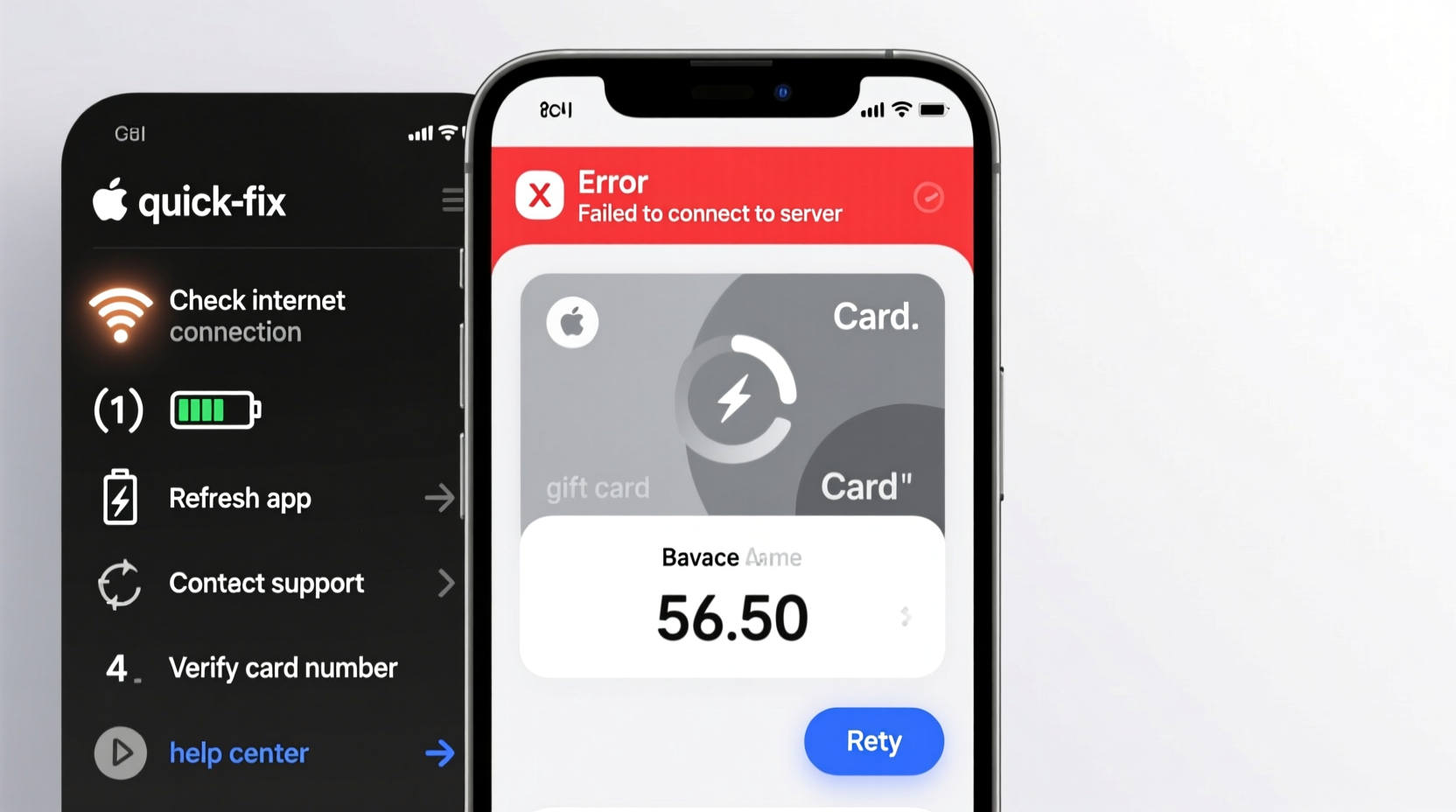
System errors during balance checks are often not due to problems with the card itself, but rather disruptions in communication between your device and the retailer’s server. Common causes include:
- Server downtime or maintenance: Retailers periodically update their systems, temporarily blocking access.
- Incorrect card details: A mistyped card number or PIN can trigger an error message.
- Outdated browser or app: Using an old version may prevent proper data loading.
- Network connectivity issues: Weak Wi-Fi or mobile signal can interrupt the verification process.
- Geolocation restrictions: Some gift cards are region-locked and may not work outside specific areas.
Understanding the root cause helps you apply targeted fixes instead of wasting time on ineffective attempts.
Step-by-Step Guide to Fixing Balance Check Errors
Follow this logical sequence to resolve most gift card system errors efficiently:
- Verify your internet connection. Switch to a stable network or try using mobile data if Wi-Fi is unreliable.
- Refresh the page or restart the app. Clear any temporary glitches by closing and reopening the balance-check portal.
- Check the retailer’s status page. Visit the company’s official website or social media to see if they’ve reported outages.
- Try a different device or browser. If the issue persists, attempt the check on another phone, tablet, or computer.
- Clear cache and cookies. In your browser settings, remove stored data that might interfere with site functionality.
- Manually enter card details. Avoid scanning or copying/pasting if possible—input numbers directly to reduce input errors.
- Contact customer support. If all else fails, reach out via phone or live chat for direct assistance.
This methodical approach eliminates variables one at a time, increasing the likelihood of a successful balance retrieval.
Common Retailer-Specific Issues and Fixes
Different companies use distinct platforms for gift card management. Below is a comparison of frequent errors and how to address them based on major brands.
| Retailer | Common Error | Recommended Fix |
|---|---|---|
| Amazon | \"We cannot process your request\" | Log out and back into your account; ensure you're using the correct country site. |
| Walmart | \"Card not found\" | Verify the 16-digit code; call 1-800-411-7942 for manual lookup. |
| Target | \"System unavailable\" | Wait 1–2 hours and retry; check @TargetCS on Twitter for outage updates. |
| Visa/Mastercard (prepaid) | \"Invalid card number\" | Confirm issuer-specific format; some require activation before balance checks. |
| iTunes/Apple | \"Redeem code expired\" | Visit redeem.apple.com directly; avoid third-party sites. |
Knowing these nuances saves time and prevents repeated failed attempts that could flag your activity as suspicious.
Expert Insight: What Customer Support Teams See Behind the Scenes
According to internal retail service reports, over 60% of gift card balance inquiries stem from user-input errors or temporary connectivity problems—not actual card issues.
“We see hundreds of tickets daily about ‘broken’ gift cards. In most cases, the card works perfectly—it’s the entry method or timing that fails.” — Jason Reed, Senior Support Analyst at RetailTech Solutions
Reed emphasizes that patience and precision matter. “Customers often panic after one failed try and assume the worst. Taking a breath, verifying details, and waiting a few minutes usually resolves it.”
Mini Case Study: Resolving a Stubborn Amazon Gift Card Error
Sarah received a $50 Amazon gift card for her birthday. When she visited the balance checker, she saw: “We’re sorry, there was a problem processing your request.” She tried three times with the same result.
Instead of giving up, Sarah followed a structured approach:
- She confirmed her Wi-Fi signal was strong.
- She cleared her browser cache and switched from Chrome to Safari.
- She manually re-entered the 14-character code, ensuring no extra spaces.
- Finally, she accessed amazon.com/gcb directly (not through search results).
The fourth attempt succeeded. Her balance appeared instantly. The issue wasn’t the card—it was a cached redirect bug in her original browser session.
Sarah’s experience highlights how simple technical oversights can mimic serious system failures.
Do’s and Don’ts When Facing a Balance Check Error
| Do’s | Don’ts |
|---|---|
| Double-check card number and PIN for accuracy | Spam the refresh button repeatedly |
| Use the official retailer website or app | Use third-party balance checkers |
| Wait 30–60 minutes before retrying | Assume the card is expired or void |
| Contact customer service with full card details ready | Share card codes on public forums |
| Keep the physical card until balance is zero | Throw away the card after first failed attempt |
Following these guidelines protects your card’s integrity and improves resolution speed.
FAQ: Common Questions About Gift Card System Errors
Why does my gift card say “invalid” when I know it’s real?
An “invalid” message usually means the number was entered incorrectly or the card hasn’t been activated. Prepaid cards like Vanilla or Visa often require activation online or by phone before use. Also, ensure you’re entering only the digits—no hyphens or spaces unless required.
Can a gift card stop working even if it has a balance?
Rarely. Most legitimate gift cards remain active until the balance is spent. However, some states allow dormancy fees after 12–24 months of inactivity, which can deplete the balance over time. Check the card’s terms for expiration policies and fees.
Is it safe to check my balance over the phone?
Yes—if you call the official customer service number listed on the card or retailer’s website. Avoid clicking links in unsolicited emails or texts claiming to offer balance checks, as these may be phishing scams.
Final Checklist: Quick Actions to Resolve System Errors
Before contacting support, run through this concise checklist:
- ✅ Confirm internet connection is stable
- ✅ Re-enter card number and PIN carefully
- ✅ Try a different browser or device
- ✅ Clear cache and cookies
- ✅ Wait 30 minutes and retry
- ✅ Visit the official balance-check URL directly
- ✅ Call customer service with card in hand
Completing these steps resolves the majority of balance-check failures without needing external help.
Conclusion: Take Control of Your Gift Card Experience
System errors when checking a gift card balance are common—but rarely permanent. With the right troubleshooting mindset, most issues can be resolved in under ten minutes. The key is staying calm, verifying inputs, and using trusted channels. Whether it’s a forgotten digit, a slow server, or a browser glitch, the solution is usually within reach. Don’t let a temporary error diminish the value of your gift. Apply these strategies the next time you hit a roadblock, and regain access to your balance with confidence.




 浙公网安备
33010002000092号
浙公网安备
33010002000092号 浙B2-20120091-4
Comments
No comments yet. Why don't you start the discussion?