
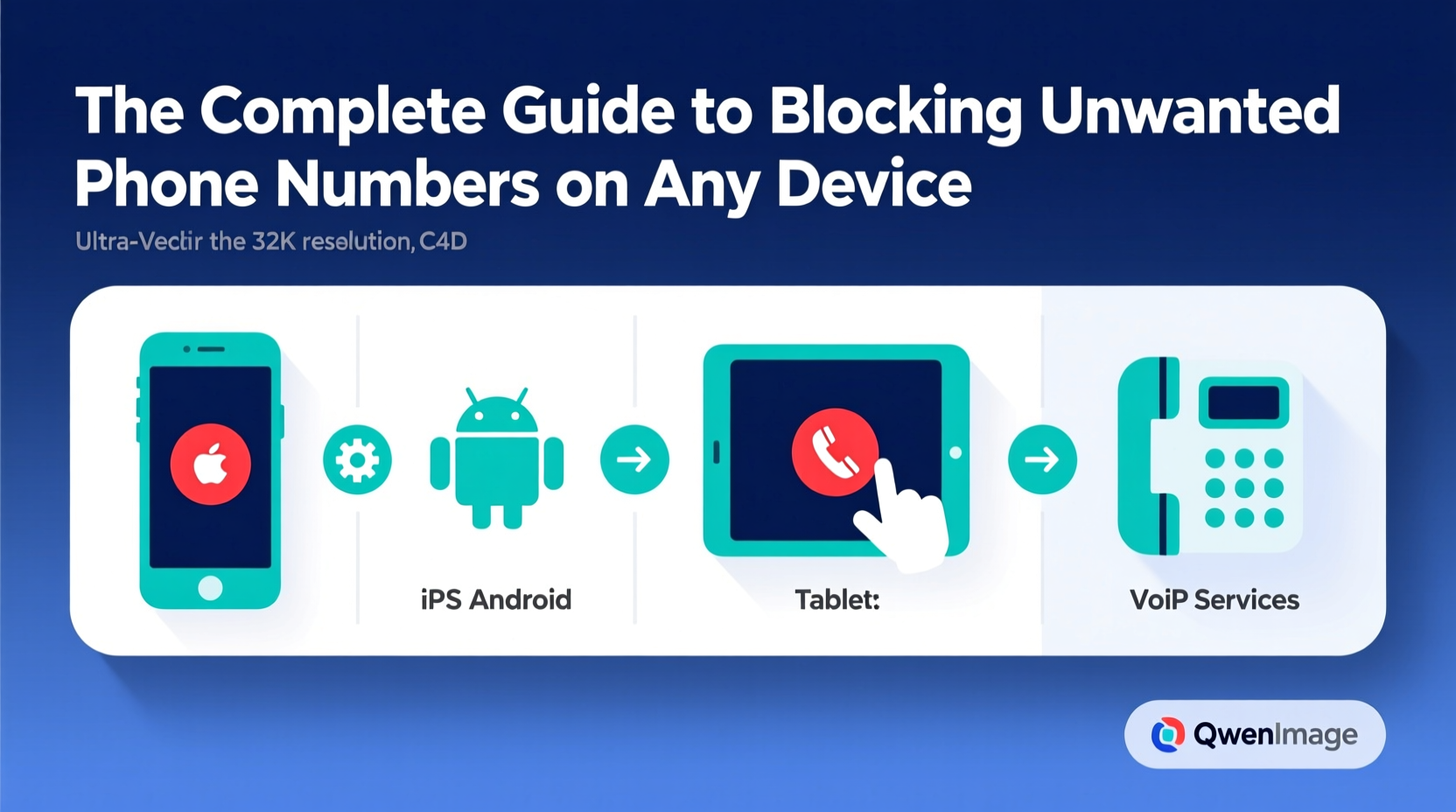
Unwanted phone calls—from telemarketers, scammers, or persistent unknown numbers—are more than just a nuisance. They disrupt your day, invade your privacy, and can even pose security risks. Fortunately, modern technology offers powerful tools to regain control. Whether you're using an iPhone, Android device, or managing a landline, this guide provides actionable methods to block unwanted callers effectively across platforms.
Why Blocking Unwanted Numbers Matters
The average person receives dozens of spam or robocalls each month. According to the Federal Trade Commission (FTC), billions of scam calls are made annually in the U.S. alone. These aren’t just background noise—they’re often designed to extract personal information, install malware, or trick users into financial scams.
Blocking unwanted numbers isn’t just about convenience; it’s a critical step in digital hygiene. By proactively filtering out suspicious callers, you reduce exposure to fraud, protect your time, and maintain peace of mind.
“Call-blocking is one of the most effective consumer tools against phone-based fraud. It should be part of every user’s communication safety routine.” — Dr. Lena Patel, Cybersecurity Researcher at the National Digital Trust Initiative
How to Block Numbers on iOS Devices
Apple has built robust call management features directly into the iPhone’s operating system. You don’t need third-party apps to stop most unwanted calls—though they can enhance protection.
Step-by-Step: Blocking a Number on iPhone
- Open the Phone app and go to your recent calls list.
- Tap the “(i)” icon next to the number you want to block.
- Scroll down and select Block this Caller.
- Confirm by tapping Block Contact.
Once blocked, the caller will no longer reach you via calls or FaceTime. Messages from that number will still appear in your inbox unless you also block messaging through the same menu.
Blocking Calls on Android Phones
Android devices offer multiple ways to block numbers, depending on your manufacturer and dialer app. Google’s native Phone app (used on Pixel and many other devices) includes strong built-in tools.
Using Google Phone App to Block Numbers
- Open the Phone app and tap your recent call log.
- Select the number you wish to block.
- Tap the three-dot menu and choose Add to auto reject list or Block number.
- Confirm the action.
Some Android models, like Samsung Galaxy phones, use their own dialer with slightly different menus. In Samsung’s interface, go to the call log, long-press the number, then select Block number or add it to the auto-reject list.
Enable Spam Protection on Android
Google’s spam filter automatically flags suspected spam calls. To ensure it’s active:
- Open the Phone app.
- Tap the three-dot menu > Settings.
- Go to Spam and Call Screen.
- Toggle on Enable spam filtering.
This feature uses real-time data from Google’s database to warn you before answering potentially harmful calls.
Third-Party Apps for Enhanced Call Blocking
While built-in tools are effective, third-party apps provide deeper protection—especially against spoofed numbers and international spam.
Top Call-Blocking Apps Compared
| App | Platform | Key Features | Free Option? |
|---|---|---|---|
| RoboKiller | iOS, Android | AI-powered spam detection, answer bots, blacklist sharing | No (7-day trial) |
| Hiya | iOS, Android | Real-time spam ID, caller reputation database | Yes (premium upgrade) |
| Truecaller | iOS, Android | Global spam database, SMS filtering, caller ID | Yes (with ads) |
| Call Control | Android | Community-based blocking, integrates with carrier services | Yes |
These apps work by cross-referencing incoming numbers against vast databases of reported spam. Many also allow users to report new spam numbers, contributing to collective protection.
“Crowdsourced blocking networks like Truecaller have reduced spam call success rates by over 40% in regions with high adoption.” — Mobile Security Report, 2023, International Telecommunications Union
Blocking on Landlines and VoIP Services
Traditional landline users aren’t left out. Most major providers offer call-blocking tools, either through hardware or service-level features.
Options by Provider
- AT&T: Offers Call Protect, which includes spam identification and blocking. Available for both mobile and home phone lines.
- Verizon: Provides Call Filter for landline and Fios customers. Basic version is free; premium includes advanced spam blocking.
- Comcast (Xfinity Voice): Includes a Do Not Disturb feature and customizable block lists via online portal.
Using a Call-Blocking Device
For households relying on landlines, standalone hardware like the CPR V5000 or ClearDome CD-950 can block thousands of known spam numbers. These devices connect between your phone jack and handset, updating nightly via internet connection to stay current with new threats.
Mini Case Study: Reducing Daily Spam Calls by 90%
Sarah, a retired teacher in Oregon, was receiving over 15 unsolicited calls daily—many claiming to be from Social Security or tech support. After registering with the Do Not Call list with no improvement, she took a layered approach:
- Enabled Silence Unknown Callers on her iPhone.
- Installed Hiya to identify and block persistent spam numbers.
- Reported scam attempts to the FTC and Hiya’s community database.
Within three weeks, her unwanted calls dropped to fewer than two per week. The combination of native settings and a trusted third-party app proved far more effective than any single tool.
Essential Checklist: Secure Your Phone Line
Follow this checklist to maximize protection against unwanted callers:
- ✅ Enable built-in spam filtering (iOS/Android).
- ✅ Block individual numbers after first suspicious contact.
- ✅ Install a reputable call-blocking app if needed.
- ✅ Register your number with the National Do Not Call Registry.
- ✅ Update your phone’s OS regularly to benefit from security patches.
- ✅ Never share your number publicly on social media or forums.
- ✅ Report illegal robocalls to the FTC at ftc.gov/complaint.
Frequently Asked Questions
Can blocked numbers still leave voicemails?
Yes, on most carriers and devices, blocked callers can leave voicemails—but they won’t ring your phone. On iPhones, these go to a separate “Blocked Messages” section. On Android, check your voicemail settings to see if blocked messages are isolated.
What if a blocked number keeps calling from different digits?
This is common with spoofing, where scammers rotate fake numbers. Rely on apps with AI detection (like RoboKiller) or carrier-level filtering (like AT&T Call Protect) that recognize patterns, not just individual numbers.
Is it legal to block someone?
Absolutely. You have full rights to manage who can contact you. However, avoid mass-blocking without cause, especially in professional environments, as it may lead to missed important communications.
Take Control of Your Communication
Unwanted calls don’t have to be an unavoidable part of modern life. With the right mix of device settings, third-party tools, and proactive habits, you can dramatically reduce interruptions and protect yourself from fraud. The key is consistency—apply these strategies across all your devices and revisit your block lists periodically.




 浙公网安备
33010002000092号
浙公网安备
33010002000092号 浙B2-20120091-4
Comments
No comments yet. Why don't you start the discussion?