
Deleting an Xbox profile is a straightforward process, but it requires careful attention to avoid losing game progress, saved data, or linked subscriptions. Whether you're switching accounts, troubleshooting issues, or managing multiple users on one console, knowing how to remove a profile without unintended consequences is essential. This guide walks through every step, highlights what to back up, and explains the differences between local and Microsoft account deletions.
Understanding Xbox Profiles: Local vs. Microsoft Account
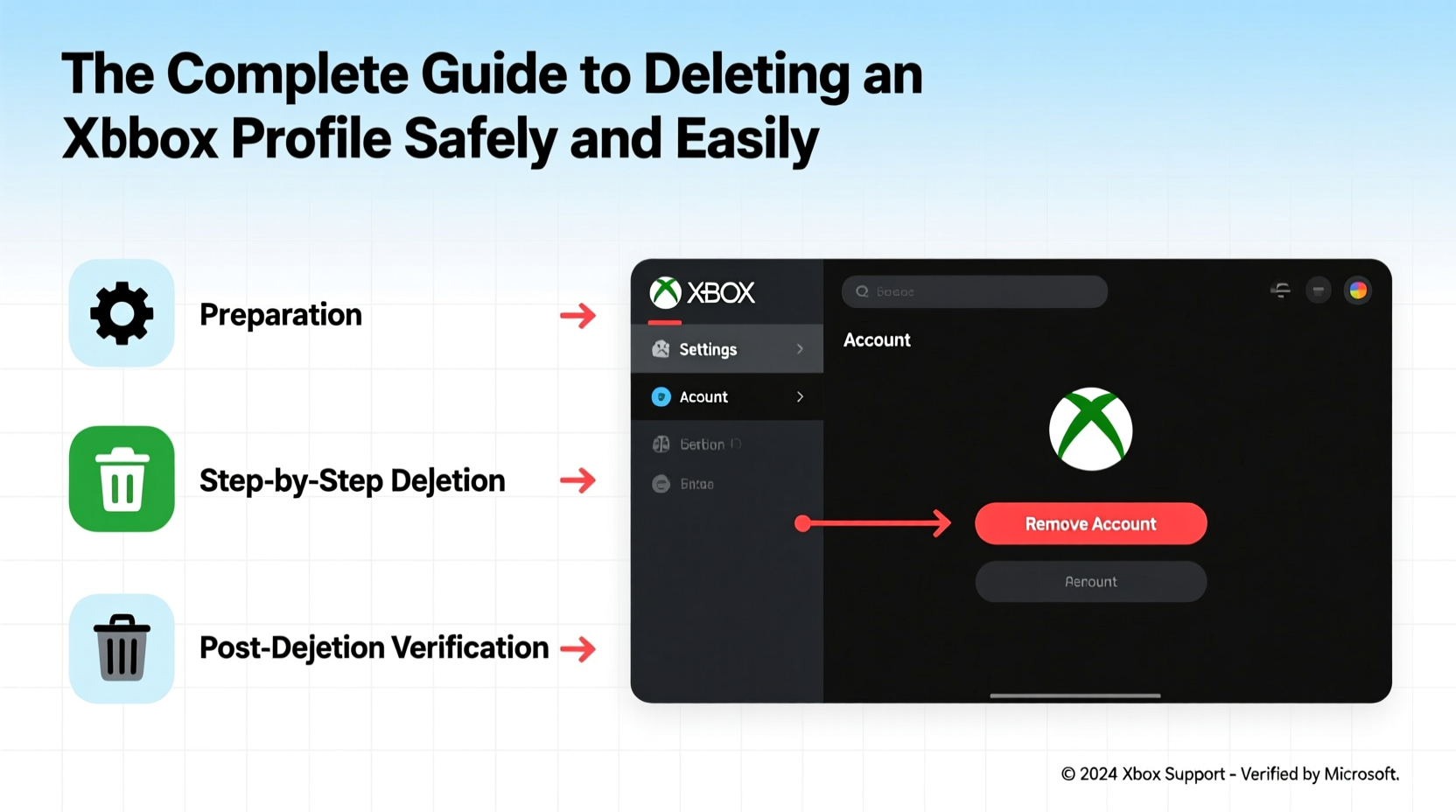
Xbox profiles come in two primary forms: local profiles and Microsoft (online) accounts. A local profile exists only on a specific console and doesn’t sync across devices. It’s ideal for guest users or children who don’t need cloud saves. In contrast, a Microsoft account ties your identity, achievements, friends list, and cloud-saved games across all Xbox consoles and even Windows devices.
When you delete a profile, the outcome depends on its type:
- Local Profile: All data stored locally on the console will be permanently erased unless backed up.
- Microsoft Account: The profile can be removed from a device, but the account itself remains active online unless explicitly deleted at account.microsoft.com.
“Always confirm whether a profile is tied to a Microsoft account before deletion. Accidentally removing the wrong one can disrupt access to purchases and subscriptions.” — Jordan Lee, Xbox Support Specialist
Step-by-Step Guide to Deleting an Xbox Profile
Follow this sequence to ensure a safe and complete removal of any Xbox profile from your console.
- Sign in to the Console: Use an administrator account to access settings.
- Navigate to Settings: Press the Xbox button on your controller, go to “Profile & system,” then select “Settings.”
- Select Users & Accounts: Under the “Account” section, choose “Family & other users.”
- Choose the Profile to Remove: Highlight the user you want to delete and select “Remove.”
- Confirm Deletion: You’ll be prompted with two options: “Keep data” or “Delete data.” Choose based on your needs.
- Finalize: Confirm your choice. The profile will be removed from the console.
Data Preservation Checklist Before Deletion
Before removing any profile, ensure no valuable data is lost. Use this checklist to safeguard your content:
- ✅ Back up game saves to the cloud (if using Xbox Live Gold or Game Pass Ultimate).
- ✅ Transfer downloaded games or DLCs to another profile if licenses allow.
- ✅ Export screenshots and recordings to a USB drive or OneDrive.
- ✅ Note down gamertags, friend codes, and subscription details.
- ✅ Unlink third-party services like Spotify or Twitch if needed.
- ✅ Sign out of email and social media apps connected to the profile.
Do’s and Don’ts When Deleting an Xbox Profile
| Do | Don't |
|---|---|
| Back up cloud-synced data before deletion. | Delete a profile while someone is actively playing. |
| Use the correct admin credentials to avoid permission errors. | Assume that unlinking removes the Microsoft account entirely. |
| Double-check which gamertag you’re removing. | Ignore pending downloads or updates tied to the profile. |
| Review storage usage to identify large files needing backup. | Forget to cancel recurring subscriptions linked to the account. |
Real Example: Cleaning Up After a Shared Console
Samantha shared her Xbox Series X with her two roommates and younger brother. Over time, five different profiles cluttered the home screen, causing confusion during gameplay and slowing boot times. She decided to clean house by removing inactive accounts.
She started by signing into each profile, checking for unsynced game progress, and manually uploading critical save files via USB. For her brother’s discontinued Minecraft world, she used Xbox Cloud Save to transfer it to her personal account for safekeeping. After confirming backups, she removed three inactive profiles—choosing “Delete data” only for guests—and kept her brother’s profile as “Keep data” in case he returned.
The result? A streamlined console experience, faster startup, and peace of mind knowing nothing important was lost.
Frequently Asked Questions
Can I recover a deleted Xbox profile?
If the profile was linked to a Microsoft account, you can re-add it by signing in again. However, local data not backed up cannot be recovered once deleted. Cloud-saved games will sync upon re-login if Xbox Live is active.
Does deleting a profile cancel my Xbox Game Pass?
No. Subscriptions are tied to the Microsoft account, not the console profile. To cancel, visit the Microsoft account billing page online. Simply removing the profile from a console does not affect subscription status.
What happens to my game purchases if I delete my profile?
Purchases are linked to your Microsoft account, not the local profile. As long as you sign back in with the same account, your library remains accessible. Avoid choosing “Delete data” if you have offline-only saves you haven’t synced.
Expert Tips for a Smooth Transition
Deleting a profile isn’t just about removal—it’s also an opportunity to organize your digital footprint. Consider these advanced strategies:
- Use Family Settings: For households with kids, manage profiles under a family group to enforce screen time limits and content restrictions instead of frequent deletions.
- Switch to Cloud-First: Enable automatic cloud saves in Settings > System > Storage to minimize reliance on local data.
- Regular Audits: Every few months, review active profiles and clear outdated ones to maintain optimal performance.
- Secure Your Master Account: Always keep one admin-level Microsoft account as the primary user to prevent lockout scenarios.
Conclusion: Take Control of Your Xbox Experience
Deleting an Xbox profile doesn’t have to be risky or stressful. With proper preparation, understanding of account types, and a systematic approach, you can maintain a clean, efficient console environment. Whether you're decluttering after shared use or preparing a device for resale, following these best practices ensures your gaming history stays protected while giving you full control over your digital space.




 浙公网安备
33010002000092号
浙公网安备
33010002000092号 浙B2-20120091-4
Comments
No comments yet. Why don't you start the discussion?