
Once the backbone of web animation and interactive content, SWF (Shockwave Flash) files powered games, educational modules, and rich media experiences for over two decades. But when Adobe officially discontinued Flash Player at the end of 2020, millions of legacy files were left stranded. No longer supported in modern browsers, SWF content can’t be played through conventional means. Fortunately, several reliable alternatives exist. This guide details practical tools, conversion techniques, and preservation strategies to access your SWF files safely and effectively—without relying on outdated or insecure software.
Why Flash Player Is Gone—and Why It Matters
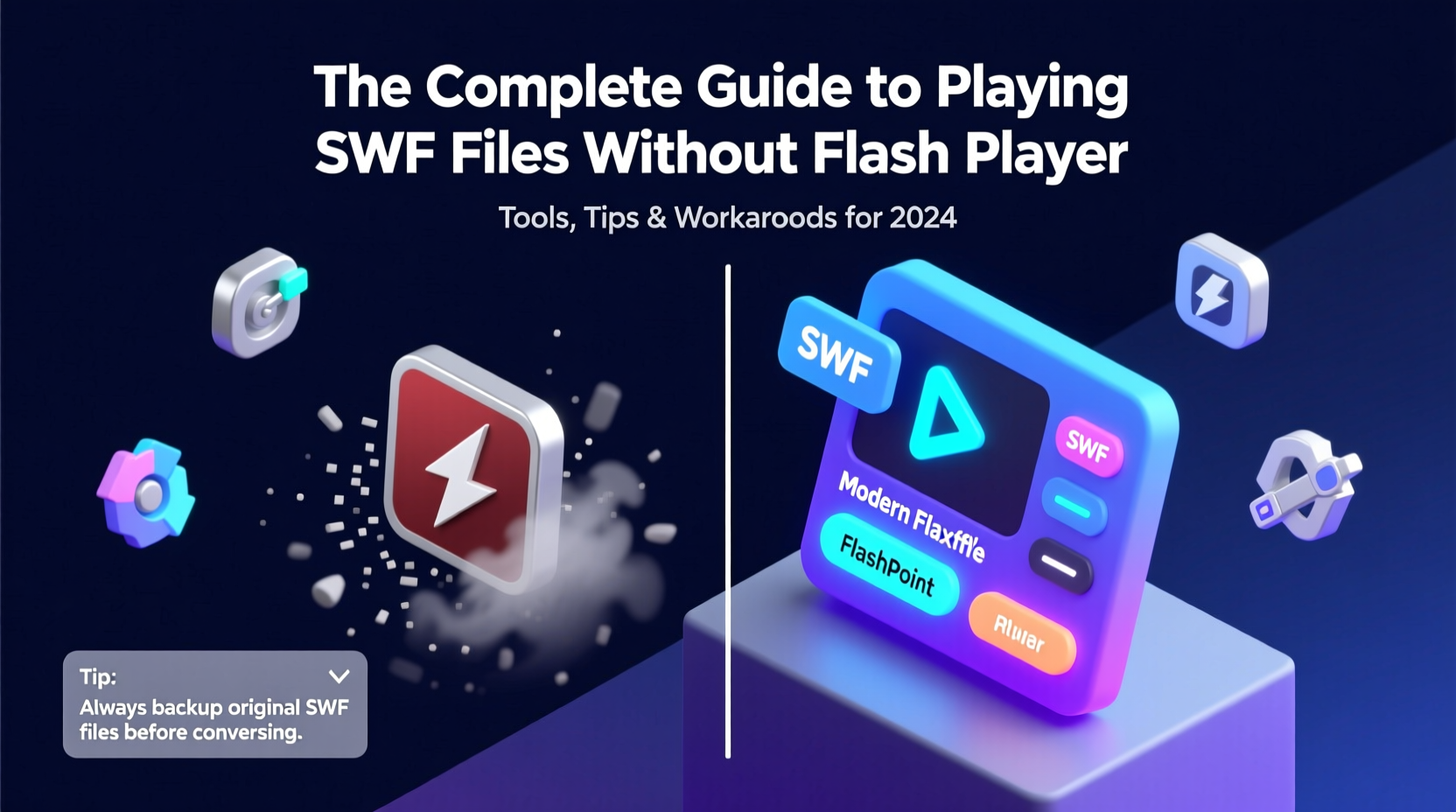
Adobe ended support for Flash Player due to persistent security vulnerabilities, performance inefficiencies, and the rise of open web standards like HTML5, WebGL, and WebAssembly. Major browsers followed suit by removing Flash support entirely. While this shift improved overall web safety and speed, it left a gap for users who still rely on archived SWF content—teachers with digital lesson plans, game collectors, animators preserving portfolios, or developers maintaining legacy applications.
Attempting to reinstall Flash Player today poses serious risks. Unofficial versions circulating online often contain malware. Even if you manage to run an old Flash plugin, it won’t work on updated operating systems and browsers. The solution isn't backward compatibility—it's forward adaptation.
“Preserving digital history requires more than nostalgia; it demands secure, sustainable access methods.” — Dr. Lena Torres, Digital Archivist at the Internet Memory Foundation
Top Tools to Play SWF Files Safely
The good news is that dedicated developers have created standalone players and emulators designed specifically to handle SWF files in a post-Flash world. These tools run outside the browser, reducing exposure to network-based threats.
1. Ruffle: Open-Source Emulator
Ruffle is one of the most promising solutions. Written in Rust, it’s a secure emulator that mimics Flash Player behavior without using the original code. Available as a desktop application and a web embed, Ruffle supports ActionScript 1.0, 2.0, and partial 3.0 functionality. It excels at running older games and animations.
2. Flashpoint: The Preservation Project
Flashpoint is a massive archival initiative that preserves tens of thousands of Flash games and animations. Instead of just providing a player, it bundles content with a local server and compatible launchers. Choose between \"Ultimate\" (full archive, ~150GB+) or \"Infinity\" (streamed content). Ideal for educators and retro gaming enthusiasts.
3. XMTV SWF Player (Windows)
A lightweight, no-frills option for Windows users. This standalone executable plays most basic SWF files smoothly. Supports full-screen mode and frame rate control. Best suited for simple presentations or animations, not complex interactivity.
4. Swiff Player (Mac & Windows)
Swiff Player offers a clean interface and fast loading. It includes built-in controls for looping, zooming, and exporting frames as images. While development has slowed, version 2.7 remains stable and widely used.
Converting SWF to Modern Formats
If you need broader accessibility—such as sharing SWF content on social media or embedding it into a website—conversion is the best path. Converting SWF to MP4, GIF, or HTML5 ensures compatibility across devices.
Recommended Conversion Tools
- Any Video Converter: Free tool supporting SWF-to-MP4, AVI, MOV. Preserves audio and maintains decent quality.
- CloudConvert: Online converter with API access. Handles batch processing and offers advanced settings.
- FFmpeg: Command-line powerhouse. Use
ffmpeg -i input.swf output.mp4for quick conversions. Requires some technical familiarity but extremely efficient. - Adobe Animate: If you own the source FLA file, re-export as HTML5 Canvas or video directly from the timeline.
| Tool | Best For | Output Format | Offline Use? |
|---|---|---|---|
| Ruffle | Interactive games, animations | Native playback | Yes |
| Flashpoint | Archived web games | Bundled with launcher | Yes |
| Any Video Converter | Simple video export | MP4, AVI, WMV | Yes |
| CloudConvert | Quick online conversion | MP4, GIF, WebM | No |
| FFmpeg | Automated, high-volume tasks | Multiple formats | Yes |
Step-by-Step: How to Play Any SWF File Today
Follow this sequence to ensure safe and successful playback of legacy SWF content.
- Assess the file type: Confirm it’s a genuine SWF file. Right-click and check properties or use a hex editor if unsure.
- Scan for malware: Legacy SWFs from unknown sources may carry exploits. Use antivirus software before opening.
- Try Ruffle first: Download the desktop version from ruffle.rs and open the file. Most animations will play instantly.
- Fallback to Flashpoint: If interactivity fails, install Flashpoint Infinity and search its library. Many titles are already integrated.
- Convert if needed: For non-interactive content, convert to MP4 using FFmpeg or CloudConvert.
- Embed securely: To share online, upload the converted video to YouTube or host it via HTML5
Real Example: Reviving a Classroom Animation
Sarah, a middle school science teacher, relied on a Flash-based cell division animation for her biology unit. After her school upgraded to Chromebooks, the lesson stopped working. She tried installing third-party Flash enablers but encountered security blocks. Instead, she downloaded Ruffle and loaded the SWF file locally. The animation played perfectly. She then used FFmpeg to convert it to MP4 and uploaded it to her Google Classroom. Students now access it seamlessly on any device. By avoiding unsafe plugins and leveraging modern tools, Sarah preserved a valuable teaching resource without compromising IT policies.
Common Pitfalls to Avoid
- Downloading “Flash Player” from unofficial sites: These often bundle spyware or ransomware.
- Using outdated browsers with Flash enabled: This creates critical security holes.
- Ignoring file size and complexity: Some SWFs require specific assets (e.g., external images or sounds) to function correctly.
- Assuming all SWFs are playable: Files dependent on server-side scripts or deprecated APIs may not work even with emulators.
FAQ
Can I still edit SWF files without Adobe Flash?
Yes, though options are limited. Adobe Animate supports importing and re-authoring SWF content. Alternatively, tools like JPEXS Free Flash Decompiler allow you to extract assets and modify ActionScript, then recompile using open-source build chains.
Is Ruffle completely free and safe?
Absolutely. Ruffle is open-source, MIT-licensed, and actively maintained by a trusted community. It runs in a sandboxed environment, preventing malicious code execution. No ads, no telemetry.
What if my SWF file won’t play in any emulator?
Some files use advanced features like Stage3D or encrypted scripts that aren’t fully supported yet. In such cases, consider screen recording the original Flash Player in a virtual machine (VM) with an isolated OS. Capture the playback and convert it to video for long-term use.
Final Checklist: Accessing SWF Content Safely
- ✅ Verify the SWF file is legitimate and virus-free.
- ✅ Install Ruffle or Flashpoint for local playback.
- ✅ Test interactivity and sound support.
- ✅ Convert to MP4 or GIF if broader compatibility is needed.
- ✅ Store converted versions in cloud or backup drives.
- ✅ Retire any attempts to reactivate Flash Player in browsers.
Conclusion
The end of Flash Player doesn’t mean the end of SWF content. With the right tools and mindset, you can preserve, convert, and continue using valuable animations, games, and applications. Whether you’re a teacher, developer, or digital historian, embracing secure alternatives like Ruffle and Flashpoint ensures both functionality and safety. Technology evolves, but utility shouldn’t be lost to obsolescence.




 浙公网安备
33010002000092号
浙公网安备
33010002000092号 浙B2-20120091-4
Comments
No comments yet. Why don't you start the discussion?